

Teameet
Hold meetings across language barriers without hiring interpreters — real-time translation converts spoken words into each participant's preferred language, so multilingual and international teams understand each other on the spot.
Listing not yet reviewed by our editors · How we check
Overview
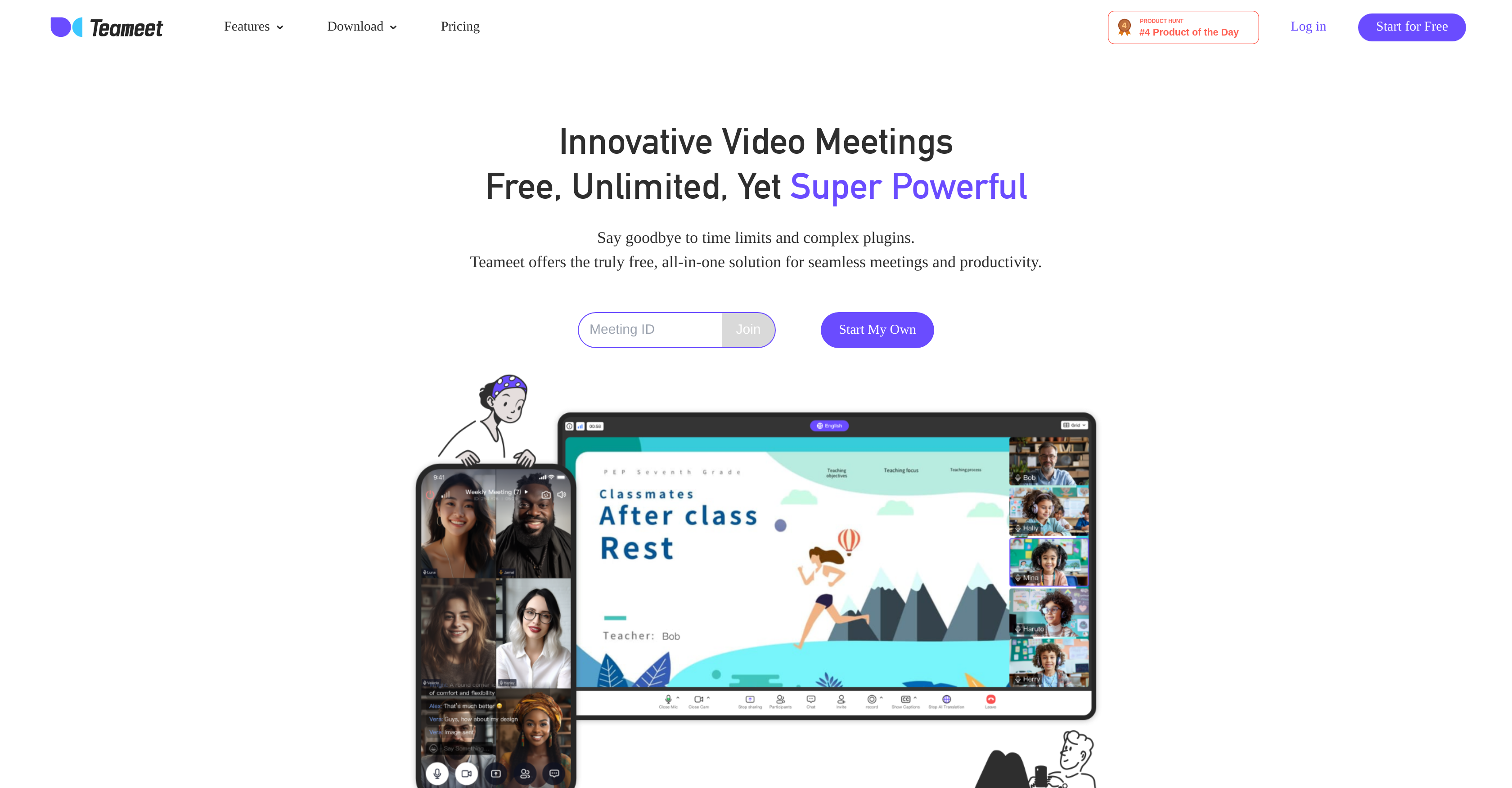
- Hold meetings across language barriers without hiring interpreters — real-time translation converts spoken words into each participant's preferred language, so multilingual and international teams understand each other on the spot.
- Keep every word audible and every face sharp, even on weaker connections — audio and video optimization adjusts call quality live to cut glitches, muffled sound, and blurry visuals.
- Walk colleagues through slides, documents, or dashboards without emailing files back and forth — screen sharing puts your visual materials in front of everyone during the video conference.
- Include hearing-impaired participants and anyone who prefers reading — live captioning displays spoken content as on-screen text throughout the call.
- Revisit decisions and pull exact quotes after the meeting ends — cloud recording stores your sessions online, and the transcription service turns them into searchable written meeting notes.
- Run team stand-ups and family catch-ups with no time limits or subscription costs — unlimited video calls and every feature, including translation and recording, come free with no premium tier.
- Join from wherever you are, whenever a meeting starts — mobile access lets you connect to online meetings away from your desk.
Pros & Cons
From the listing; not yet checked by our editors.
Pros
- Free online meetings
- Mobile accessibility
- Real-time translation
- Audio optimization
- Video optimization
- Screen sharing
- Live captioning
- Cloud recording
- Transcription service
- Copyrighted proprietary tool
- Unlimited video calls
- Suitable for diverse groups
- Convenient for both professional and personal use
- Enhanced accessibility for hearing impaired
- Real-time visual material sharing
- Simplifies collaboration
Cons
- No desktop app
- Free version limitations
- Lack interoperability with other tools
- Possible privacy concerns
- Limited real-time translation languages
- Dependence on internet connection
- Potential data loss in cloud
- Single company ownership
- Lack of customization options
- No offline access
Alternatives to Teameet
Tools that share the most tags with Teameet.
- ShadowDo
Eliminate manual note-taking with automatic transcripts and timestamped summaries generated from your conversations
Freemium · from $8/month
$8/month
Not yet checked
- Otter.ai
Never take meeting notes again with OtterPilot that auto-joins Zoom, Teams and Google Meet to capture everything automatically
Freemium · from $8.33/month
$8.33/month
Not yet checked
- MeetPulp
Eliminate manual note-taking with automated meeting transcriptions that capture every word accurately
Freemium · from $10.99/month
$10.99/month
Not yet checked
- Bubbles Notetaker
Never miss a meeting detail with automatic transcription and AI-generated summaries that highlight key decisions and action items
Freemium · from $12/month
$12/month
Not yet checked
- Avoma
Focus completely on conversations while AI generates detailed notes with speaker identification and topic detection
Freemium · from $19/month
$19/month
Not yet checked
- Agenda Hero
Transform any text description into perfectly formatted calendar events without manual entry using natural language processing
Free
Not listed
Not yet checked
Reviews
Rate this tool
Loading reviews...
Frequently asked questions
What is Teameet?
Teameet is an AI-powered online meeting tool developed by HiThink Financial Services Inc. This tool provides a platform for individuals and organizations to connect and communicate multiply. It features mobile accessibility, allowing users to join meetings at any time, from anywhere. It includes advanced features like real-time translation, video conferencing, audio and video optimization, screen sharing, live captioning, cloud recording, and transcription service.
What features does Teameet offer?
Teameet offers numerous features designed to enhance the communication and collaboration experiences. These include unlimited video calls, real-time translation, audio-video optimization, screen sharing, live captioning, cloud recording, and transcription service. These tools enable improved meeting efficiency and an enhanced user experience.
Is Teameet free?
Yes, Teameet is a free online tool. Its offerings focused on improved communication, collaboration, and accessibility come at no cost, making it an economically attractive option for users and organizations looking to optimize their remote collaboration mechanisms.
How does the real-time translation function of Teameet work?
Teameet's real-time translation function works by likely utilizing advanced natural language processing AI techniques. As words are spoken during a meeting, the AI interprets and translates the spoken content to the desired language instantly. This feature prominently aids communication in multilingual or international teams.
What kind of AI technology does Teameet use?
Teameet leverages AI technology to enhance its service offerings. While exact details are not available, it can be inferred that it uses AI for functions like real-time language translation, audio-video quality optimization, and speech-to-text conversion for live captions and transcription. The role of AI is central to most of Teameet's features.
Does Teameet have a mobile version?
While specific mention of a mobile version is not provided, Teameet’s description indicates mobile accessibility. This suggests that users can access Teameet's platform and attend meetings from mobile devices, facilitating participation from any location.
Can Teameet be used for personal as well as professional meetings?
Yes, Teameet is designed for both personal and professional meetings. It supports communication and collaboration for teams in a professional setting, and also offers features suitable for personal usage amongst families such as unlimited video calls.
What is HiThink Financial Services Inc.'s role in Teameet?
HiThink Financial Services Inc. is the proprietary owner of Teameet. They have developed and copyrighted Teameet, establishing credibility and reliability for potential users seeking dependable AI solutions.