Tenorshare AI Diagrimo
Overview
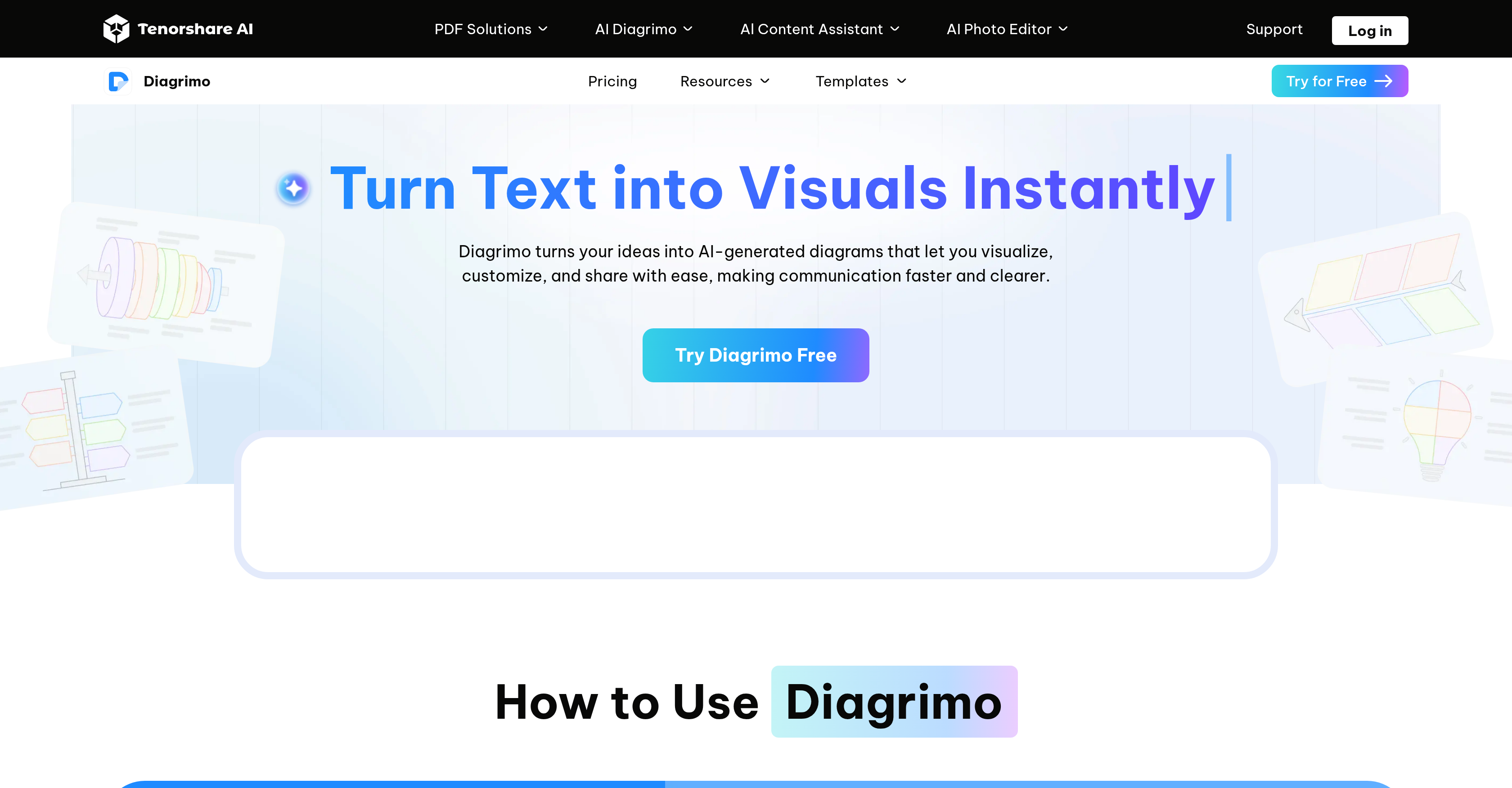
- Transform raw text into polished, structured diagrams instantly with AI that understands your intent and selects the right chart type like fishbone or flowchart.
- Collaborate with your team in real-time, editing colors, layouts, and templates together to finalize visuals faster.
- Polish your content and visuals simultaneously using built-in grammar correction, tone adjustment, and translation features for globally-ready materials.
- Share your work effortlessly by exporting diagrams in multiple formats or via a shareable link, ready for reports, teaching, or social media.
- Start visualizing ideas for free, with paid plans offering higher usage limits, early access to new AI features, and priority support.
Pros & Cons
Pros
- Instantly transforms text into visuals
- Understands semantic data
- Real-time collaborative functionalities
- Editable templates, colors and layouts
- Share visuals through link
- Export visuals in multiple formats
- Suitable for various use cases
- Grammar correction feature
- Tone adjustment feature
- Translation services incorporated
- Automatically identifies relevant diagram types
- Free to use
- Early access to features for paid users
- Priority support for paid users
- Continually updated and enhanced
- Plans for improved visualization
- Expanding template library
- Transforms ideas into structured diagrams
- Creates diagrams, charts and infographics
- Content creation and visualization solution
- Optimized for presentations, reports, social media
- Ideal for creating teaching materials
- Creates fishbone, flowchart and pyramid diagrams
Cons
- Limited free usage
- Paid early access
- No offline version
- Unspecified usage limits
- No mobile app
- Limited template library
- Unspecified export formats
- Reliant on text input
- Limited diagram types
Reviews
Rate this tool
Loading reviews...
❓ Frequently Asked Questions
Tenorshare AI Diagrimo works by transforming user-input text into visual diagrams instantly. It understands semantics and automatically creates diagrams, charts, or infographics based on the text. Users can customize these visuals by adjusting templates, editing colors and layouts. The AI detects and assigns an appropriate diagram type, like a flowchart, pyramid, or fishbone, based on the textual input.
Diagrimo can generate a variety of diagrams including fishbone diagrams, flowcharts, and pyramid diagrams. It identifies the relevant diagram type based on the user-input text.
Yes, Diagrimo integrates collaboration functionalities, enabling users to work with their team in real-time. They can adjust templates, edit colors or layouts, and share their insights instantly.
Visuals created using Diagrimo can be shared either through a link or by exporting them in various formats. This feature makes it convenient for users to share the visuals in presentations, reports, social media, research papers, or teaching materials.
Diagrimo allows users to export visuals in various formats, suitable for different use cases. However, the specific types of export formats are not mentioned explicitly on their website.
Yes, Diagrimo offers several special features. It incorporates grammar correction and tone adjustment features. It also offers an automatic translation feature which makes it an effective tool for content creation and visualization.
Yes, Diagrimo is equipped with the capability to correct grammar and adjust the tone of the content, making it a comprehensive tool for creating refined and customized diagrams.
Yes, Diagrimo can translate content into other languages. This feature broadens its reach, enabling users from different language backgrounds to effectively utilize the tool.
In Diagrimo, the process to identify relevant diagram types happens automatically. The AI assesses the user-input text and selects an appropriate diagram type such as a fishbone, flowchart, or pyramid.
Yes, Tenorshare AI Diagrimo is free to use. However, it does have certain limitations which are not specified on their website.
Paid users of Diagrimo get several additional benefits. They receive early access to new features, enjoy higher usage limits, and have the advantage of priority support.
Yes, there are updates planned for Diagrimo. It continues to be enhanced with plans for improved AI visualization and an expanded template library.
Yes, Diagrimo can be used for content creation along with visualization. It incorporates features like grammar correction, tone adjustment, and translation which are essential for content creation.
Diagrimo is a useful tool for creating materials for presentations and teaching. Users can instantly turn their text into visuals like diagrams and charts which can be customized, exported in various formats, and shared for use in presentations or teaching materials.
Yes, Diagrimo supports real-time editing. Users can adjust templates, change colors, modify layouts, and collaborate with their team in real-time.
While it's stated that Diagrimo is free to use with certain limitations, the specific limitations for the free version are not mentioned on their website.
Diagrimo can generate a wide range of visuals from a user-input text. These visuals can include different types of diagrams like fishbone, flowchart, pyramid, and also other visual content like charts or infographics.
Diagrimo is quite effective for social media content creation. The versatility of the visuals it generates, along with the ability to instantly create them from text, makes it a useful tool for creating engaging and visually appealing social media content.
Yes, Diagrimo can automatically generate a flowchart. Based on the input text, the AI in Diagrimo identifies a flowchart as the relevant diagram type and generates it.
Diagrimo provides priority support to the users, especially to the paid ones. Detailed information about the format and response time of the support is not mentioned on their website.
Pricing
Pricing model
Freemium
Paid options from
$6.99/month
Billing frequency
Monthly
Refund policy
No Refunds
Related Videos
AI Infographic Generator: How to Turn Text to Diagrams with Diagrimo!
Tenorshare AI•52 views•Nov 15, 2025