

Text Behind Image
Overview
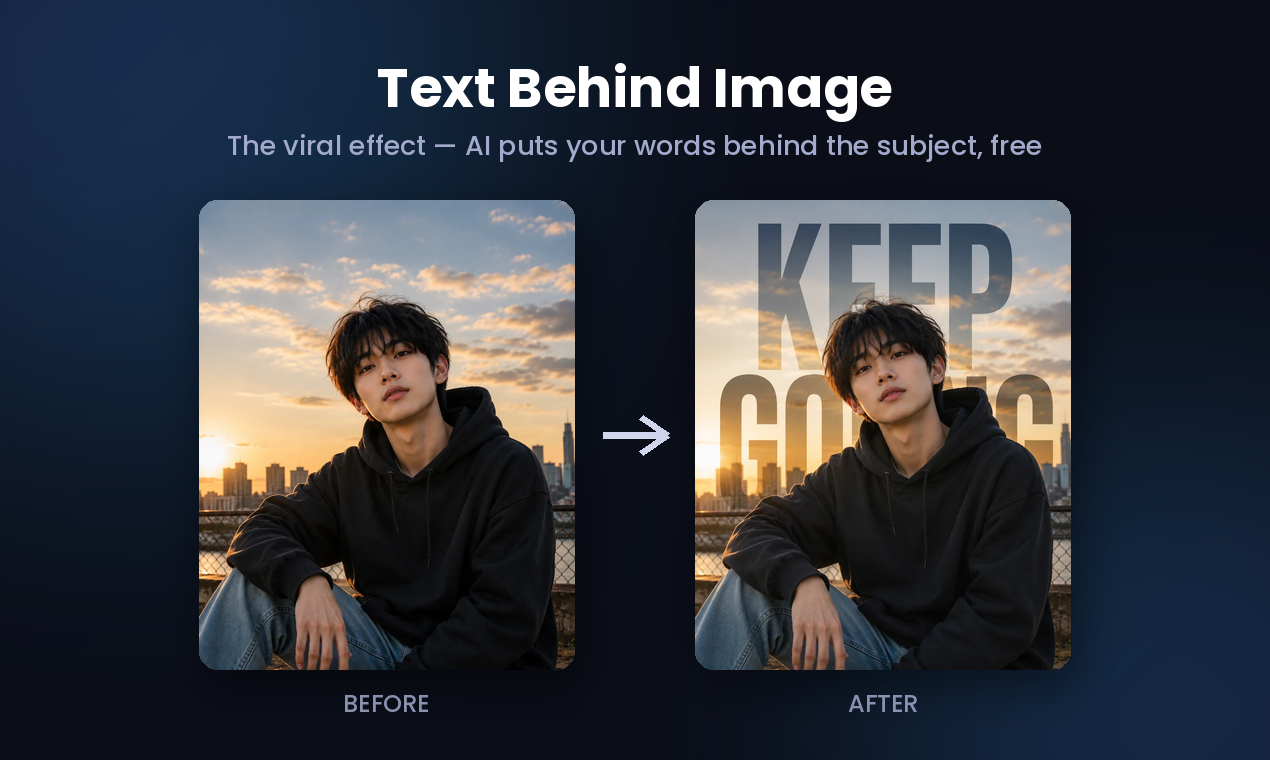
- Create the viral text-behind-subject effect on any photo, making your social media posts, TikTok covers, and thumbnails stand out instantly with AI that detects the subject and places your words behind it.
- Keep your photos completely private because the AI runs entirely in your browser—no server upload, no sign-up, and your image never leaves your device.
- Export a high-resolution PNG at your photo’s original size, ready for professional use on posters, thumbnails, and social media without any quality loss.
- Get a clean, watermark-free result for free, with the option to remove the small watermark and unlock more fonts through a Pro upgrade.
- Achieve flawless results on photos with a single clear subject and good background contrast, as the AI is optimized for people, pets, cars, and products.
Pros & Cons
Pros
- Browser-based tool
- Free to use
- Various formatting options
- Template-based design
- Customizable format options
- High-resolution PNG output
- No sign-ups required
- No app installs required
- Privacy ensured
- Supports multiple image sizes
- Supports multiple image formats
- Minimal cropping issues
- Optimal visibility achieved
- User-friendly interface
- Allows content sharing
- Back-Image feature
- Sticker Maker tool
- Background Remover tool
- Adjustable image features
- No uploads required
- On-device processing/rendering
- Photo Quotes feature
- Text to Image conversion
- Visual content creation ability
- Gradient text cards feature
- Caters to various platforms
- Text position customization
- Font customization options
- Color customization options
- Alignment customization options
- Photo positioning customization
- Background photo incorporation
- Existing template selection
- Bulk Quote Maker
- Text card format
- Photo quote format
- Watermark support
- Background removal option
- Size selection for output
- Automated quote generation
- Black & White photo option
- Square, portrait, landscape sizes
- Exact size for platform
- One studio, every platform
- FAQ for user guidance
- Text-behind effect
- Sticker cutout
- High-resolution export options
Cons
- No iOS/Android app
- Limited font options
- Lack of advanced editing
- No collaboration features
- Not integrated with social media
- No batch processing
- No vector output
- No offline version
- Requires good internet speed
- Can't save projects
Reviews
Rate this tool
Loading reviews...
Pricing
Pricing model
Freemium
Paid options from
$2.49/month
Billing frequency
Monthly