

Timetics.ai
Fill your calendar with one-on-one appointments without back-and-forth emails: single host, single attendee booking handles everything from the first reservation to later changes, with appointment tasks automated.
Listing not yet reviewed by our editors · How we check
Overview
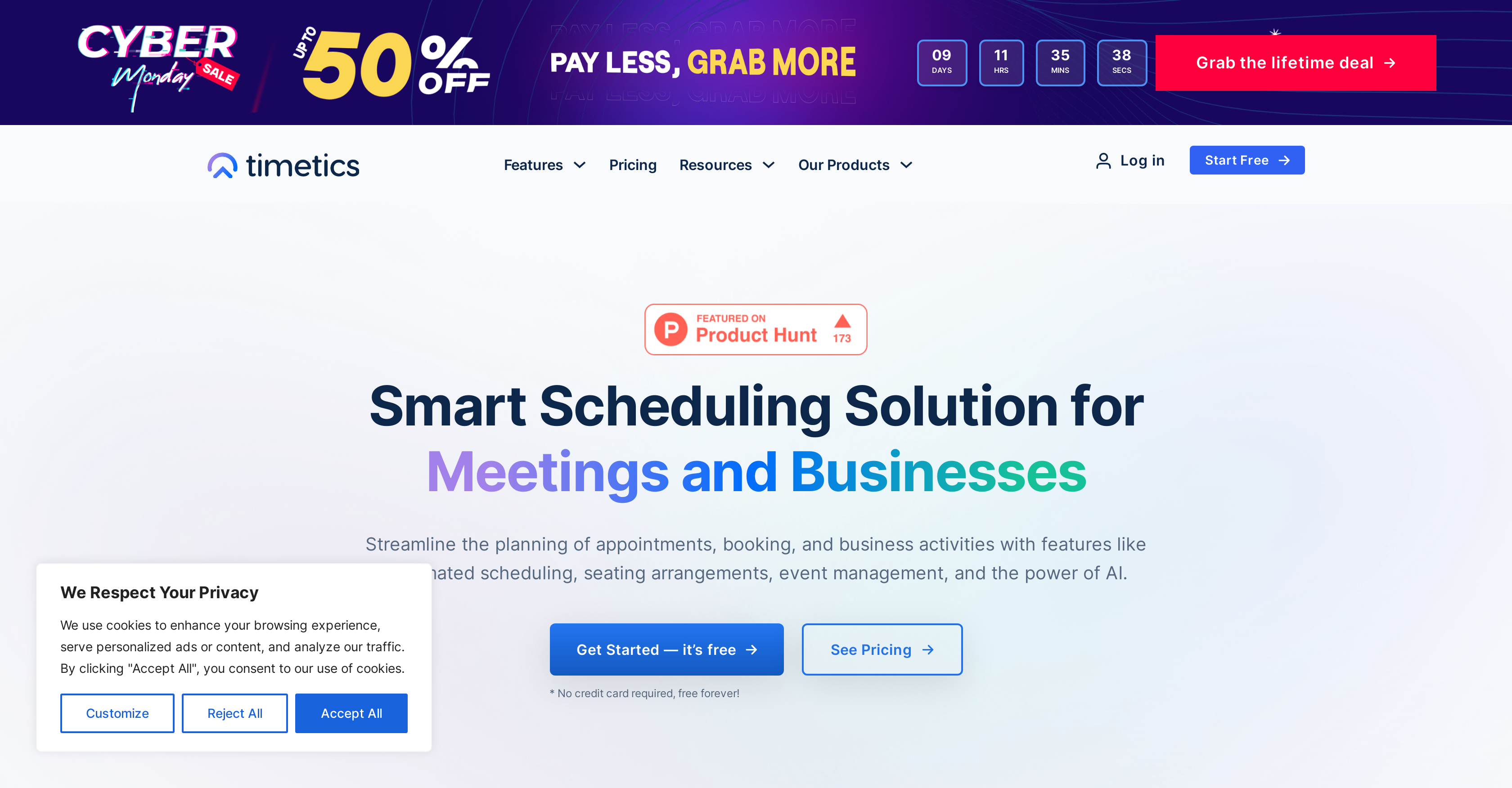
- Fill your calendar with one-on-one appointments without back-and-forth emails: single host, single attendee booking handles everything from the first reservation to later changes, with appointment tasks automated.
- Run group classes, workshops, and collaborative sessions from one booking page: single host, multiple participant scheduling lets many attendees reserve a spot in the same session.
- Lay out venues and assign seats in minutes: a canvas-based drag-and-drop visual seat plan builder supports multiple seating styles for any event layout.
- Sell tickets and manage full events, online or in person: built-in event planning covers offline sessions, online schedules, and customer ticketing in a single workflow.
- Get paid at the moment of booking: secure payment processing through Stripe and PayPal collects fees for appointments and event tickets inside the platform.
- Turn one-time clients into repeat bookings: OpenAI-driven personalized recommendations suggest relevant services based on each client's booking history.
- Keep every booking under your own brand: a custom domain option gives clients a memorable, branded scheduling address.
- Run one booking system across very different service businesses: flexible appointment scheduling fits salons, tutors and education centers, gyms and yoga trainers, legal and financial firms, pet grooming, cleaning, HR and recruiting, and automotive services, from SMEs to large organizations.
Pros & Cons
From the listing; not yet checked by our editors.
Pros
- Visual seat plan
- Single host-single attendee meetings
- Single host-multi participant meetings
- Drag and drop seating arrangements
- Secure payment processing
- Increases efficiency
- Increases productivity
- Automates tasks
- Can manage on-the-go
- Can manage appointments
- Seat arrangement automation
- Supports one-to-one meetings
- Supports one-to-many meetings
- Supports seat arrangements
- User-friendly drag-and-drop design
- Niche based solutions
- Intelligence based event experiences
- Custom domain option
- Niche-based seating arrangement
- Secure and streamlined billing
- Automates repetitive tasks
- Free for use
- Integration with various platforms
- Recommendations based on booking history
- Customization based on business needs
- Has Stripe and PayPal integration
- Extensive documentation available
- Affiliate program available
Cons
- No multi-host support
- Limited to Stripe, PayPal
- Limited customization options
- No disclosed integrations
- No agency accounts
- Limited to single domain
- No effective ticketing support
Alternatives to Timetics.ai
Tools that share the most tags with Timetics.ai.
- ShadowDo
Eliminate manual note-taking with automatic transcripts and timestamped summaries generated from your conversations
Freemium · from $8/month
$8/month
Not yet checked
- Otter.ai
Never take meeting notes again with OtterPilot that auto-joins Zoom, Teams and Google Meet to capture everything automatically
Freemium · from $8.33/month
$8.33/month
Not yet checked
- MeetPulp
Eliminate manual note-taking with automated meeting transcriptions that capture every word accurately
Freemium · from $10.99/month
$10.99/month
Not yet checked
- Bubbles Notetaker
Never miss a meeting detail with automatic transcription and AI-generated summaries that highlight key decisions and action items
Freemium · from $12/month
$12/month
Not yet checked
- Avoma
Focus completely on conversations while AI generates detailed notes with speaker identification and topic detection
Freemium · from $19/month
$19/month
Not yet checked
- Agenda Hero
Transform any text description into perfectly formatted calendar events without manual entry using natural language processing
Free
Not listed
Not yet checked
Reviews
Rate this tool
Loading reviews...
Frequently asked questions
What is Timetics.ai?
Timetics.ai is a comprehensive scheduling and booking platform intended to simplify the process of organizing meetings for businesses. The platform includes a visual seat plan and AI-powered scheduling tools to enhance the overall event management experience. It provides solutions for a variety of meeting formats, ranging from single host-single attendee meetings, to single host meetings with multiple participants. It also includes a drag and drop feature to facilitate seating arrangements, ensuring a comfortable event experience for everyone involved. Furthermore, the platform securely processes payments.
How does Timetics.ai use AI technology to enhance scheduling?
Timetics.ai utilizes AI technology in its platform to automate and accelerate various aspects of scheduling and booking. This includes AI-powered scheduling which allows for efficient appointment and meeting setups, contributing to time management and productivity improvement. The platform also makes use of OpenAI to provide personalized recommendations to clients based on their booking history.
Are my payments secure with Timetics.ai?
Yes, payments on Timetics.ai are safeguarded. The platform integrates with reliable payment gateways like Stripe and PayPal to facilitate smooth, flexible, and secure transactions. This ensures payment processing is conducted securely within the platform.
Can I manage not just meetings, but formal events with Timetics.ai?
Yes, Timetics.ai is not solely used for scheduling meetings, but can also effectively handle the organization of formal events. The platform facilitates the planning of offline sessions, online schedules, and even full event planning, complete with customer ticketing. This makes for a more streamlined and efficient event management process.
Is it possible to display a visual seating plan for events with Timetics.ai?
Yes, Timetics.ai has a feature that allows users to create a visual seating plan for their events. This includes a canvas-based drag-and-drop design that provides user-friendly options for managing seat arrangements in a variety of styles, enhancing the overall attendee experience.
What types of meetings can be organized using Timetics.ai?
With Timetics.ai, you can arrange a variety of meetings from single-host, single-attendee meetings, single-host with multiple participants meetings to even single host with seat arrangements. This adaptability allows you to cater to various meeting formats.
Can I manage a single host meeting with multiple participants using Timetics.ai?
Yes, Timetics.ai enables you to manage meetings with a single host and multiple participants. This capability provides flexibility, making it ideal for businesses that often facilitate group meetings or collaborative sessions.
How does the drag and drop feature improve the event experience on Timetics.ai?
The drag and drop feature in Timetics.ai significantly improves the event experience by making it easy for users to handle seating arrangements. The innovative, canvas-based tool is straightforward to use, allowing organizers to efficiently manage variable seating styles and preferences across diverse events.