

Transkriptor
Eliminate manual note-taking with automatic meeting transcription that joins, records, and transcribes your calls while you focus on the conversation
Listing not yet reviewed by our editors · How we check
Overview
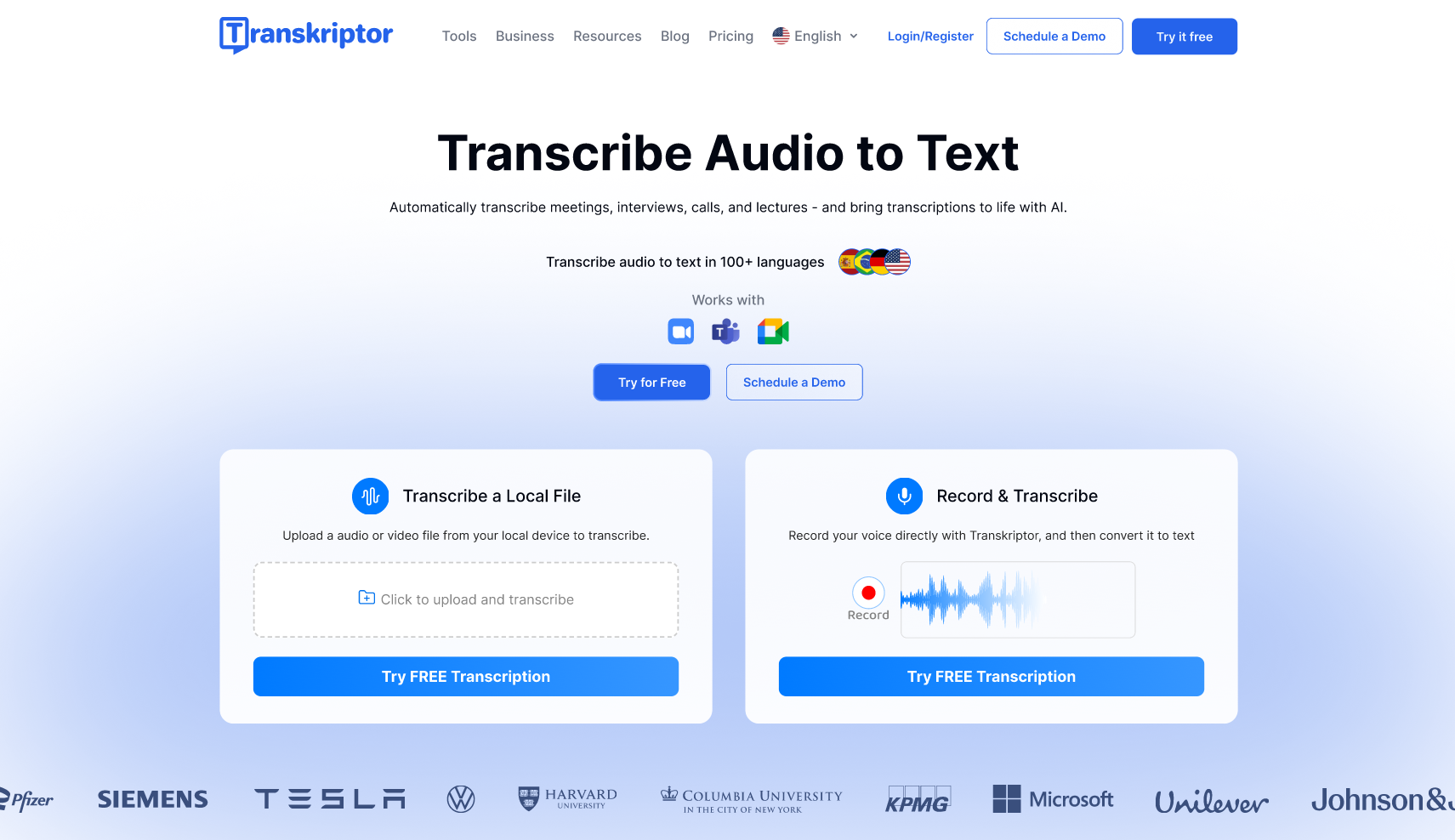
- Eliminate manual note-taking with automatic meeting transcription that joins, records, and transcribes your calls while you focus on the conversation
- Transform video content into editable text by simply pasting YouTube URLs or uploading files without downloading anything
- Extract key insights from conversations using AI-powered summaries, topic highlights, and sentiment analysis of emotional tones
- Create professional subtitles instantly with export options for SRT, VTT files to make videos accessible and engaging
- Collaborate with entire teams simultaneously on the same transcript with real-time editing and secure sharing capabilities
- Translate transcripts across 100+ languages while maintaining formatting and speaker identification for global content
Pros & Cons
From the listing; not yet checked by our editors.
Pros
- Multilingual support (40+ languages)
- Automatic meeting note generation
- Simple user interface
- Highly rated customer satisfaction
- Audio to text conversion
- Video to text conversion
- Transcription of online content
- Meeting transcript automation
- Minimizes manual note-taking
- Time-saving solution
- Supports multimedia content
- Instantaneous query response
- Automatic document translation
- Supports remote collaboration
- Supports simultaneous editing
- Supports all audio/video formats
- Accessible from any device
- Google Chrome extension
- Mobile app available
- Integrates with Zoom, Teams, Google Meet
- Secure storage of conversation data
- Variety of export options
- Transcription from web links
- Editing in slow motion
- Built-in sharing option
- Multi-speaker recognition
- Fast translation speed
- High transcription accuracy
- Affordable pricing
- Free trial available
- Direct audio recording option
- Automatic transcription email notification
- Rich text editing capabilities
- Client testimonials available
- Large customer base
Cons
- Unsupported file formats
- Limited export options
- Unclear pricing
- Requires reliable internet access
- Limited offline functionality
- Accuracy depends on audio quality
- Missing advanced customization
- Lacks real-time transcription
- No API for integrations
- Limited automation capabilities
Alternatives to Transkriptor
Tools that share the most tags with Transkriptor.
- Soundwise.ai
Get instant transcriptions without signing up or paying, enabled by a completely free and unlimited-use web tool
Freemium · from $10/month
$10/month
Not yet checked
- AssemblyAI
Achieve up to 23% more accurate call transcription with AI models trained on 12.5M hours of multilingual audio data
Freemium
Not listed
Not yet checked
- Apptek
Convert audio to precise text transcripts across dozens of languages and dialects using neural network speech recognition
Not listed
Not listed
Not yet checked
- Zeemo
Create accurate video captions instantly with AI-powered generation that achieves over 98% accuracy
Free trial
Not listed
Not yet checked
- Voicetype AI
Write emails and documents entirely hands-free using advanced voice dictation that captures your natural speaking style
Free trial · from $13.59/month
$13.59/month
Not yet checked
- Speechy
Instantly create organized to-do lists and action items by speaking instead of typing, eliminating manual note-taking during meetings and brainstorming sessions
Freemium · from $9/month
$9/month
Not yet checked
Related Videos
How to Use Transkriptor: A Quick Guide to Transcribe Audio & Video Effortlessly
Transkriptor Global · Jul 10, 2025
BEST AI Transcription Tool: Transkriptor
Transkriptor Global · Aug 28, 2024
How to Use Transkriptor | Convert Audio & Video to Text in Seconds
Transkriptor Global · Jul 23, 2025
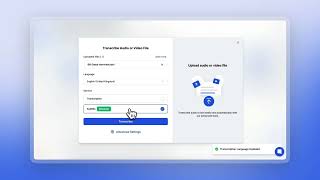
Transkriptor Tutorial | How to Create Subtitles Automatically
Transkriptor Global · Jul 23, 2025
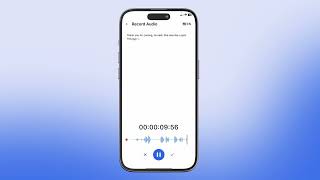
How to use Live Transcription Feature on Transkriptor
Transkriptor Global · Jul 23, 2025
Reviews
Rate this tool
Loading reviews...
Frequently asked questions
What is Transkriptor and how does it work?
Transkriptor is an Artificial Intelligence (AI) powered tool that automatically transcribes audio and video content into text. It leverages state-of-the-art AI to facilitate fast and efficient transcription of various forms of verbal communication. Its primary use is in transcribing meetings, interviews, lectures, and other types of verbal conversation.
What types of content can Transkriptor transcribe?
Transkriptor can transcribe a myriad of content types that include but are not limited to meetings, interviews, lectures, and any other scenarios involving verbal communication. Notably, its capability extends to both audio and video content.
How does Transkriptor support multilingual transcription?
Transkriptor provides robust support for multilingual transcription by being compatible with more than 40 languages worldwide. Hence, it can facilitate the transcription of content in a multitude of languages, making it suitable for a global user base.
How many languages does Transkriptor support?
Transkriptor boasts compatibility with more than 40 languages worldwide, making it a flexible and inclusive tool for diverse sets of users.
How easy is it to use the Transkriptor interface?
The Transkriptor interface has been designed with simplicity and ease of use in mind. The platform is integrated with a user interface that facilitates easy use, allowing users to smoothly navigate its functionalities.
What is the role of the AI-powered assistant in Transkriptor?
In Transkriptor, the AI-powered assistant plays the pivotal role of automating meeting note generation. It allows users to focus on their meetings while it handles recording and transcription. This way, manual note-taking during meetings is minimized, resulting in saved time and effort.
How does Transkriptor handle note-taking during meetings?
Transkriptor manages note-taking during meetings by leveraging its AI-powered assistant feature to automatically generate meeting notes. This enables users to focus on the meeting content, while the assistant takes care of recording and transcribing the conversation.
How do users typically rate the performance of Transkriptor?
Users rate Transkriptor's performance highly, as indicated by its high level of customer satisfaction from user reviews.