TranslateImage AI
Overview
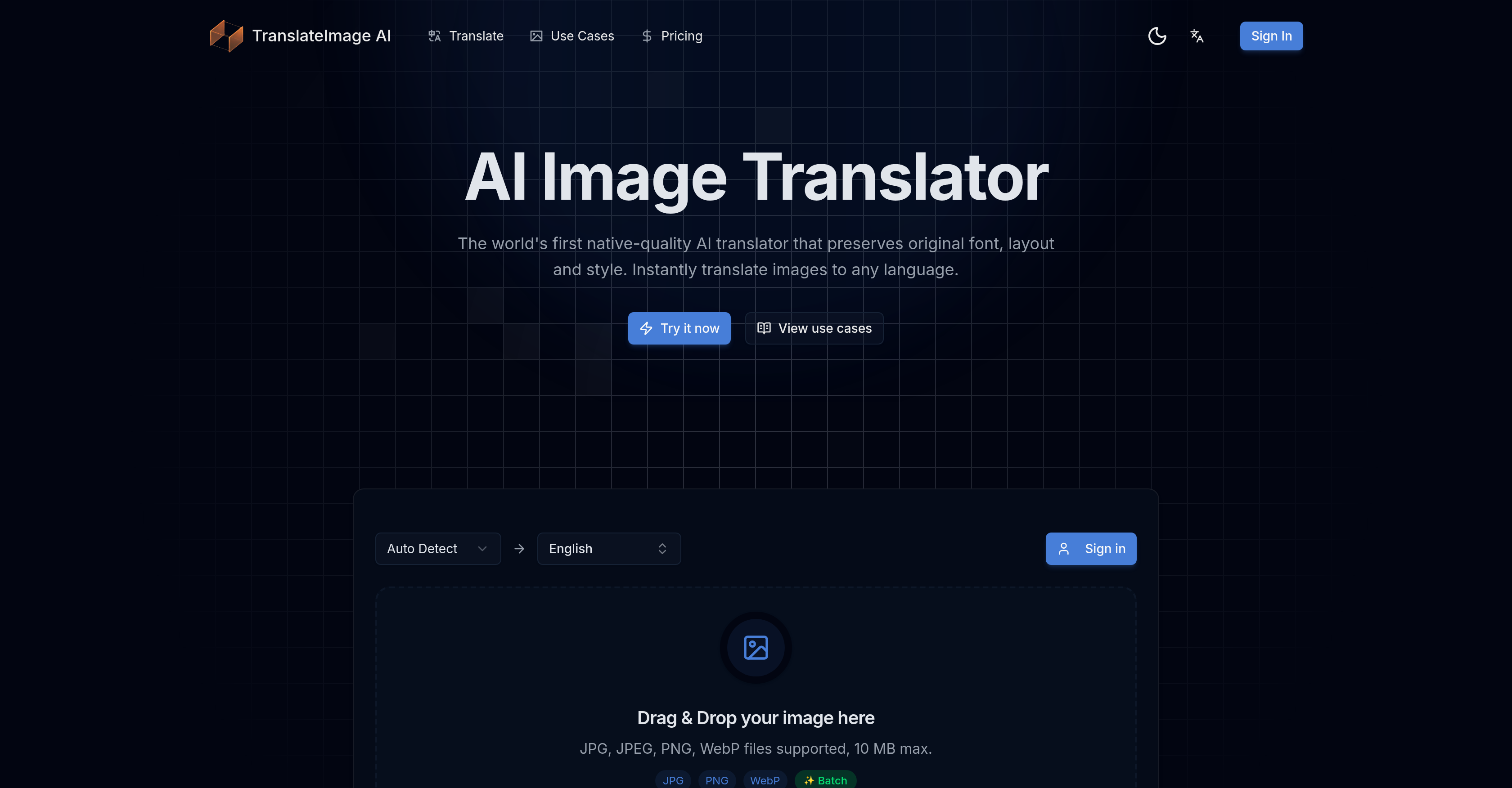
- Get translated images that look professionally designed, not edited, by using AI that perfectly preserves the original font, style, and layout.
- Translate product images, menus, or documents for global audiences while keeping your brand's visual identity intact with layout and typography preservation.
- Process up to 10 images at once to translate entire catalogs or document sets in seconds with the batch processing feature.
- Upload JPG, PNG, or WebP images in any major language or dialect and receive native-level translations that avoid awkward phrasing.
- Start translating instantly with zero learning curve using the simple drag-and-drop interface, requiring no design or technical skills.
Pros & Cons
Pros
- Translates various formats
- Preserves original font
- Preserves original layout
- Preserves original style
- Maintains text positioning
- Maintains text alignment
- Maintains text spacing
- Preserves typography
- Preserves visual design
- Supports many languages
- Supports regional dialects
- Delivers native-like translations
- Quick processing
- User-friendly interface
- Drag-and-drop system
- No design skills required
- Good for eCommerce
- Good for document translation
- Good for manga translation
- Good for board games translation
- Good for menu translations
- Supports batch processing
- JPG format support
- JPEG format support
- PNG format support
- WebP format support
Cons
- No mobile app
- Limited file size (10MB)
- No offline mode
- Limited to 10 images batch processing
- No document support (PDF, DOC etc.)
- No API described
- Translation quality not specified
- No version control
- Processing times not specified
- No image editing features
Reviews
Rate this tool
Loading reviews...
❓ Frequently Asked Questions
TranslateImage AI is an online tool that translates text within images.
TranslateImage AI supports various formats such as JPG, JPEG, PNG, and WebP.
Yes, TranslateImage AI preserves the original font, layout, and style of the text in the translated version.
TranslateImage AI supports multiple languages, including major world languages and regional dialects.
Yes, TranslateImage AI can translate regional dialects.
TranslateImage AI seeks to deliver output as if it was written by a native speaker, rather than presenting awkward phrases or literal translations.
Yes, TranslateImage AI features a user-friendly interface with a simple drag-and-drop system.
No, no design skills are required to operate TranslateImage AI.
TranslateImage AI can be used in eCommerce for translating text within product images.
Yes, TranslateImage AI can be used for translating documents and reports.
Yes, TranslateImage AI can be used for translating manga and board games.
Yes, TranslateImage AI can be adept at translating menu images.
TranslateImage AI offers quick processing times but the exact time is not specified.
The drag and drop feature in TranslateImage AI facilitates ease-of-use for uploading images.
Yes, TranslateImage AI maintains both the original typography and visual design in the translated image.
TranslateImage AI uses advanced AI to provide high quality translations that mimic the output of a native speaker.
Yes, TranslateImage AI aims to provide translations that read as if they were written by a native speaker.
Various sectors, notably eCommerce, document translation and report analysis, manga and board game translation, and menu translations, can benefit from TranslateImage AI.
To operate TranslateImage AI with ease, simply use the drag-and-drop system to upload the image, select your target language, and get the translated version.
TranslateImage AI supports various image formats including JPG, JPEG, PNG, and WebP.
Yes, TranslateImage AI does maintain the original font and layout in the translated images. One of its key features is font, layout and style preservation.
TranslateImage AI has the capability to translate virtually all major languages. The exact number isn't specified, but it covers a comprehensive range.
Yes, TranslateImage AI can understand and translate regional dialects. It's powered by advanced AI that comprehends and translates text in all major world languages and regional dialects.
TranslateImage AI ensures that the translated text reads naturally by using advanced artificial intelligence. The AI seeks to deliver outputs as if it was written by a native speaker, rather than presenting awkward phrases or literal translations.
TranslateImage AI offers fast processing times. It's capable of delivering translated images within seconds after image upload and language selection.
Yes, TranslateImage AI does allow multiple images to undergo translation simultaneously. It has a batch processing capability which supports the translation of up to 10 images at the same time.
The drag-and-drop method for TranslateImage AI works by simply dragging an image from a location on the user's device and dropping it into the tool. This user-friendly feature facilitates easy upload and submission of images for translation.
No, you do not need design skills to operate TranslateImage AI. The AI handles the entire translation process and requires no design skills from users.
Various sectors can benefit from TranslateImage AI. These include eCommerce, document translation and report analysis, manga and board game translation, and the translation of menus.
Yes, TranslateImage AI can effectively be used to translate menus. It maintains the original typography, colors, and visual design of the menu while translating to the chosen language.
TranslateImage AI can be used for translating manga and board games. It maintains the original style and layout in the translated versions, making it ideal for these applications.
Yes, TranslateImage AI is suitable for eCommerce translation. Translated e-commerce product images maintain their original font, layout, and style in the target language.
Absolutely, TranslateImage AI excels in document translation. It can translate textual content in documents while preserving the original font, layout, and style.
TranslateImage AI maintains the original typography, colors, and visual design in translated images by using advanced AI technology that understands the original style and replicates it in the translated version, while ensuring the new text reads naturally and fluently.
Yes, TranslateImage AI provides fast processing times. Users get their translated images within seconds after uploading the image and selecting the target language.
Yes, TranslateImage AI can translate your reports as well. It's designed to handle document translation and report analysis, maintaining the original font, layout, and style in the translated version.
Yes, TranslateImage AI maintains text positioning, spacing, and alignment intact. It's specifically designed to keep layout integrity during translation.
The batch processing capability of TranslateImage AI works by allowing users to select multiple images for translation. Up to 10 images can be processed simultaneously, enhancing efficiency and saving time.
Yes, TranslateImage can translate JPEG and PNG images. It supports various image formats including JPEG, PNG, in addition to JPG and WebP.
Pricing
Pricing model
Free Trial
Paid options from
$10/month
Billing frequency
Monthly