

Turbo Transcription AI
Get transcripts in seconds instead of hours with industry-leading speed that processes a 1-hour file in under 30 seconds
Listing not yet reviewed by our editors · How we check
Overview
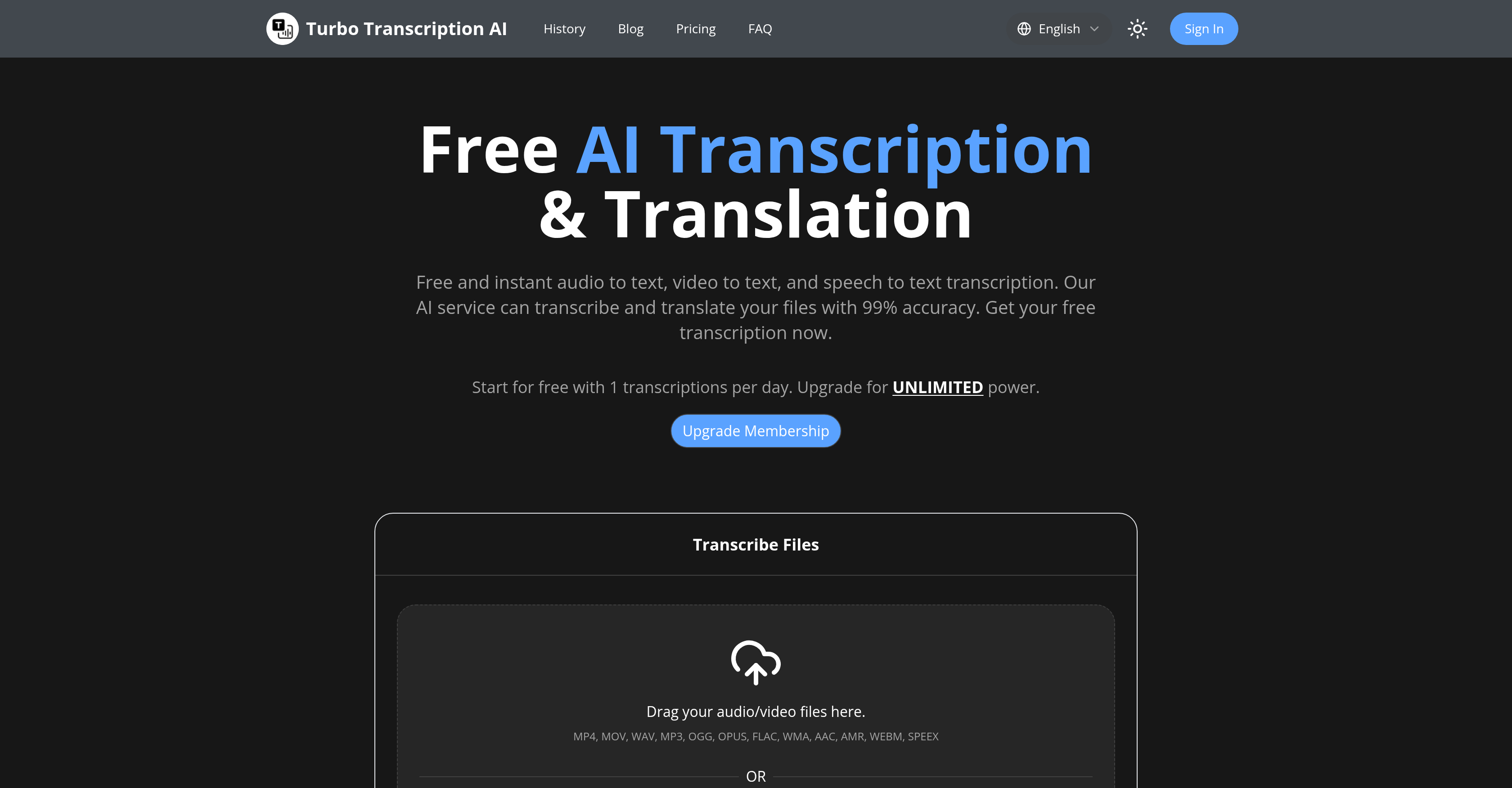
- Get transcripts in seconds instead of hours with industry-leading speed that processes a 1-hour file in under 30 seconds
- Achieve 99% accuracy even with technical terms and diverse accents through AI trained on native speaker data
- Generate ready-to-use subtitles automatically by exporting directly to SRT format for video content
- Translate transcripts across 98+ languages using the same platform that handles your transcription
- Work with files of any length or format including MP3, MP4, WAV without size restrictions
- Export transcripts in multiple formats including PDF, DOCX, and TXT for different workflow needs
- Maintain complete data security with enterprise-grade privacy protection for all your files
- Test the service risk-free with daily free transcripts before committing to a subscription
Pros & Cons
From the listing; not yet checked by our editors.
Pros
- Rapid transcription
- Highly accurate
- Handles technical terms
- Supports various file types
- No size or length restrictions
- Supports 98 languages
- Exports multiple formats
- Data security prioritized
- Free daily trial
- Subtitle generation capability
- Translation capability
- User-friendly interface
- Processes transcription quickly
- Trusted by large number
- Individual and commercial suitability
- Supports different accents
- Generous free offering
- Suitable for diverse domains
- FAQ for queries
- Supports professional use
- Perfect for content creators
- Immediate feedback provisions
- Contactable via email
- Positive user testimonials
- No credit card required
- Optimized for speed
- Users' total privacy
- Reliable service
- Multiple export options
- Fits various needs
- Ideal for global base
- Users are priority
- Unlimited transcription feature
- Subtitle generator feature
- Supports unlimited usage
- Fast processing service
- Designed for inclusivity
- Supports commercial use
- Supports multiple languages
- Versatile use
Cons
- Limited interface customizability
- No batch processing feature
- Lack of offline functionality
- Requires internet connection
- No mobile application
- No live transcription feature
- Lack of integrations with other platforms
- Does not support voice commands
- Cannot detect multiple speakers
- No transcription editing tools
Alternatives to Turbo Transcription AI
Tools that share the most tags with Turbo Transcription AI.
- Soundwise.ai
Get instant transcriptions without signing up or paying, enabled by a completely free and unlimited-use web tool
Freemium · from $10/month
$10/month
Not yet checked
- AssemblyAI
Achieve up to 23% more accurate call transcription with AI models trained on 12.5M hours of multilingual audio data
Freemium
Not listed
Not yet checked
- Apptek
Convert audio to precise text transcripts across dozens of languages and dialects using neural network speech recognition
Not listed
Not listed
Not yet checked
- Zeemo
Create accurate video captions instantly with AI-powered generation that achieves over 98% accuracy
Free trial
Not listed
Not yet checked
- Voicetype AI
Write emails and documents entirely hands-free using advanced voice dictation that captures your natural speaking style
Free trial · from $13.59/month
$13.59/month
Not yet checked
- Speechy
Instantly create organized to-do lists and action items by speaking instead of typing, eliminating manual note-taking during meetings and brainstorming sessions
Freemium · from $9/month
$9/month
Not yet checked
Reviews
Rate this tool
Loading reviews...
Frequently asked questions
What is Turbo Transcription AI?
Turbo Transcription AI is the world's fastest and most accurate AI transcription service. It converts audio and video files to text with 99% accuracy in seconds, supporting 98+ languages and unlimited usage.
How fast can Turbo Transcription AI convert my files to text?
Turbo Transcription AI processes files in seconds, not minutes or hours. A 1-hour audio file typically takes less than 30 seconds to transcribe, making it one of the fastest services available.
Do I have to pay to use Turbo Transcription AI?
You can start using Turbo Transcription AI for free and experience the power of the platform. However, for continuous and extensive usage, subscribing to one of its unlimited plans is recommended.
How accurate is Turbo Transcription AI?
Turbo Transcription AI achieves 99% accuracy. Its advanced AI models are trained on diverse datasets to handle various accents, technical terms, and speaking styles, setting it apart as one of the most accurate transcription services.
What languages does Turbo Transcription AI support?
Turbo Transcription AI supports 98+ languages including English, Spanish, French, German, Chinese, Japanese, Korean, Arabic, and many more. The service's AI models are trained on native speaker data for optimal accuracy.
Does Turbo Transcription AI support transcription of technical terms?
Yes, Turbo Transcription AI can handle transcription of complex and technical terms. It's well suited for handling such transcriptions due to the implementation of advanced AI models trained on diverse datasets.
What file formats does Turbo Transcription AI accept?
Turbo Transcription AI supports all major audio and video formats including MP3, MP4, WAV, AVI, MOV, MPEG, and more.
Are there any file size or length limits on Turbo Transcription AI?
There are no file size or length limits on Turbo Transcription AI. You can upload files of any length, offering immense flexibility for users.