

TurboScribe
Turn a full hour of audio or video into text in as little as 45 seconds, with Cheetah, Dolphin, and Whale transcription modes that let you pick speed or precision for each file.
Listing not yet reviewed by our editors · How we check
Overview
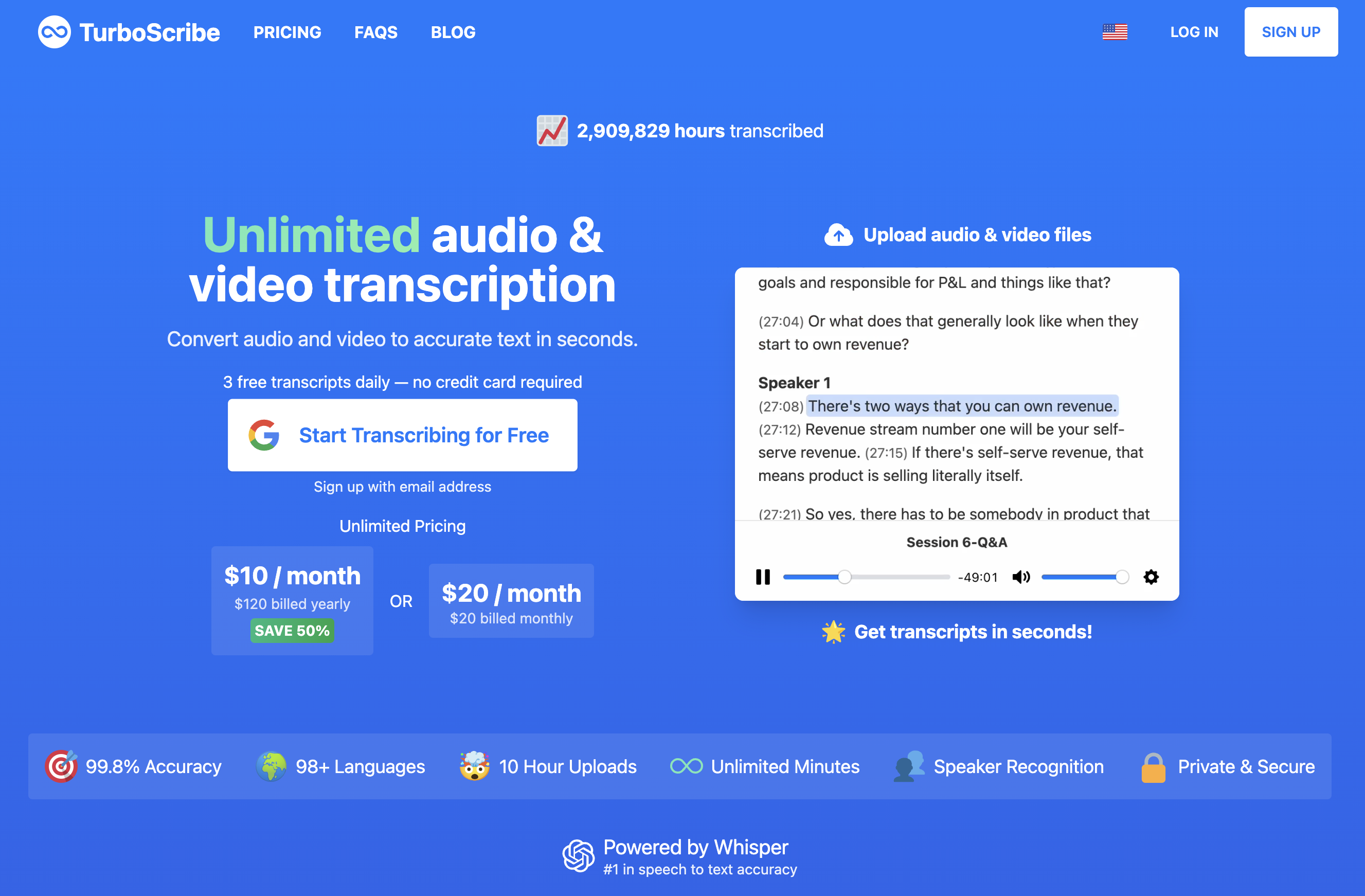
- Turn a full hour of audio or video into text in as little as 45 seconds, with Cheetah, Dolphin, and Whale transcription modes that let you pick speed or precision for each file.
- Get publish-ready transcripts with no cleanup marathon, because Whale mode runs Whisper-powered speech to text at its highest accuracy setting.
- Transcribe your entire backlog of recordings for one flat rate, because TurboScribe Unlimited removes per-minute fees for $10/month billed yearly, with a free daily tier and a 30-day refund guarantee.
- Process full-day workshops, lectures, and long-form recordings in one pass, with single uploads of up to 10 hours and 5 GB.
- Reach global audiences without hiring translators, with transcription in 98+ languages, foreign-language audio translated directly to English, and transcript translation into 134+ languages.
- Know exactly who said what in podcasts, interviews, and meetings, because automatic speaker recognition labels each voice in the transcript.
- Add captions to your videos without manual timing, with subtitle export in SRT and VTT formats.
- Move transcripts straight into documents, reports, or data pipelines, with exports in DOCX, PDF, TXT, JSON, and CSV.
- Upload recordings exactly as you saved them, with support for MP3, M4A, WAV, FLAC, MP4, MOV, MKV, WEBM, and more, plus direct YouTube link transcription.
- Keep confidential interviews and meetings private, because uploaded files and transcripts are encrypted, visible only to you, and deletable at any time.
- Pull answers and summaries from long recordings without rereading them, by using TurboScribe GPT to transcribe and chat with your audio and video files.
Pros & Cons
From the listing; not yet checked by our editors.
Pros
- Supports 98 languages
- Supports various file formats
- Multiple transcription modes
- Fastest mode transcribes quickly
- Speaker recognition feature
- Built-in translation feature
- Offers a free tier
- Unlimited transcriptions on paid plan
- Exports transcripts in multiple formats
- Satisfaction guarantee provided
- Supports files up to 10 hours
- Supports files up to 5GB
- Handle accents accurately
- Perform well in poor audio quality
- Can mitigate background noise
- 99% accuracy guaranteed
- Offers blurred distinction service
- Refund if unsatisfied
- Supports massive uploads
- Exports in subtitle formats
- Super affordable unlimited transcription
- No caps or quotas
- Can handle different accents
- Data is encrypted
- Allows transcript deletion
- Lower priority for free users
- High priority for payed users
- Includes speaker recognition
- Handle a number of formats
- Can export transcripts
- Guarantees speaker recognition
Cons
- Limits on free tier
- Accuracy may vary with accents
- Accuracy may dip in noisy environments
- No shared account option
- No mobile app
- No offline functionality
Alternatives to TurboScribe
Tools that share the most tags with TurboScribe.
- Soundwise.ai
Get instant transcriptions without signing up or paying, enabled by a completely free and unlimited-use web tool
Freemium · from $10/month
$10/month
Not yet checked
- AssemblyAI
Achieve up to 23% more accurate call transcription with AI models trained on 12.5M hours of multilingual audio data
Freemium
Not listed
Not yet checked
- Apptek
Convert audio to precise text transcripts across dozens of languages and dialects using neural network speech recognition
Not listed
Not listed
Not yet checked
- Zeemo
Create accurate video captions instantly with AI-powered generation that achieves over 98% accuracy
Free trial
Not listed
Not yet checked
- Voicetype AI
Write emails and documents entirely hands-free using advanced voice dictation that captures your natural speaking style
Free trial · from $13.59/month
$13.59/month
Not yet checked
- Speechy
Instantly create organized to-do lists and action items by speaking instead of typing, eliminating manual note-taking during meetings and brainstorming sessions
Freemium · from $9/month
$9/month
Not yet checked
Reviews
Rate this tool
Loading reviews...
Frequently asked questions
What is TurboScribe?
TurboScribe is an AI-powered transcription tool offering unlimited audio and video transcription services. It can transcribe audio and video in over 98 languages and supports various file formats. It provides the option to export transcripts in multiple formats and includes features like speaker recognition and built-in translation.
What file formats does TurboScribe support?
TurboScribe supports a wide range of file formats, including MP3, M4A, MP4, MOV, AAC, WAV, OGG, OPUS, MPEG, WMA, WMV, AVI, FLAC, AIFF, ALAC, 3GP, MKV, WEBM, VOB, RMVB, MTS, TS, QuickTime, and DivX.
What languages does TurboScribe support for transcription?
TurboScribe supports over 98 languages for transcription, including common languages like English, Spanish, French, German, Italian, Portuguese, Dutch, Chinese, Japanese, Russian, Arabic, Hindi, and many more.
Can I get a refund if I'm unsatisfied with TurboScribe?
Yes, TurboScribe offers a full refund if you're unsatisfied within the first 30 days and have transcribed less than 25 hours of audio or video.
What are the different transcription modes offered by TurboScribe?
TurboScribe offers three transcription modes to balance speed and accuracy: Cheetah, Dolphin, and Whale. Cheetah mode provides the fastest transcription. Dolphin mode offers an optimal balance between speed and accuracy. Whale mode provides the highest accuracy.
How fast are the transcriptions in Cheetah, Dolphin and Whale modes?
Cheetah mode can transcribe one hour of audio/video in 45 seconds. Dolphin mode can transcribe one hour of audio/video in 3 minutes. Whale mode can transcribe one hour of audio/video in 10 minutes.
What is the speaker recognition feature in TurboScribe?
The speaker recognition feature in TurboScribe identifies different speakers in the audio file, making it suitable for podcasts, interviews, and meetings where multiple speakers are involved.
Can I export my transcripts from TurboScribe?
Yes, TurboScribe allows users to export their transcripts in various formats including PDF, DOCX, VTT, SRT, JSON, CSV, or TXT.