

Unblur Image
Save shaky and out-of-focus shots: AI blur analysis reduces motion blur, lens blur, and soft focus by enhancing edges, texture, and visible detail instead of applying a basic sharpening filter.
Listing not yet reviewed by our editors · How we check
Overview
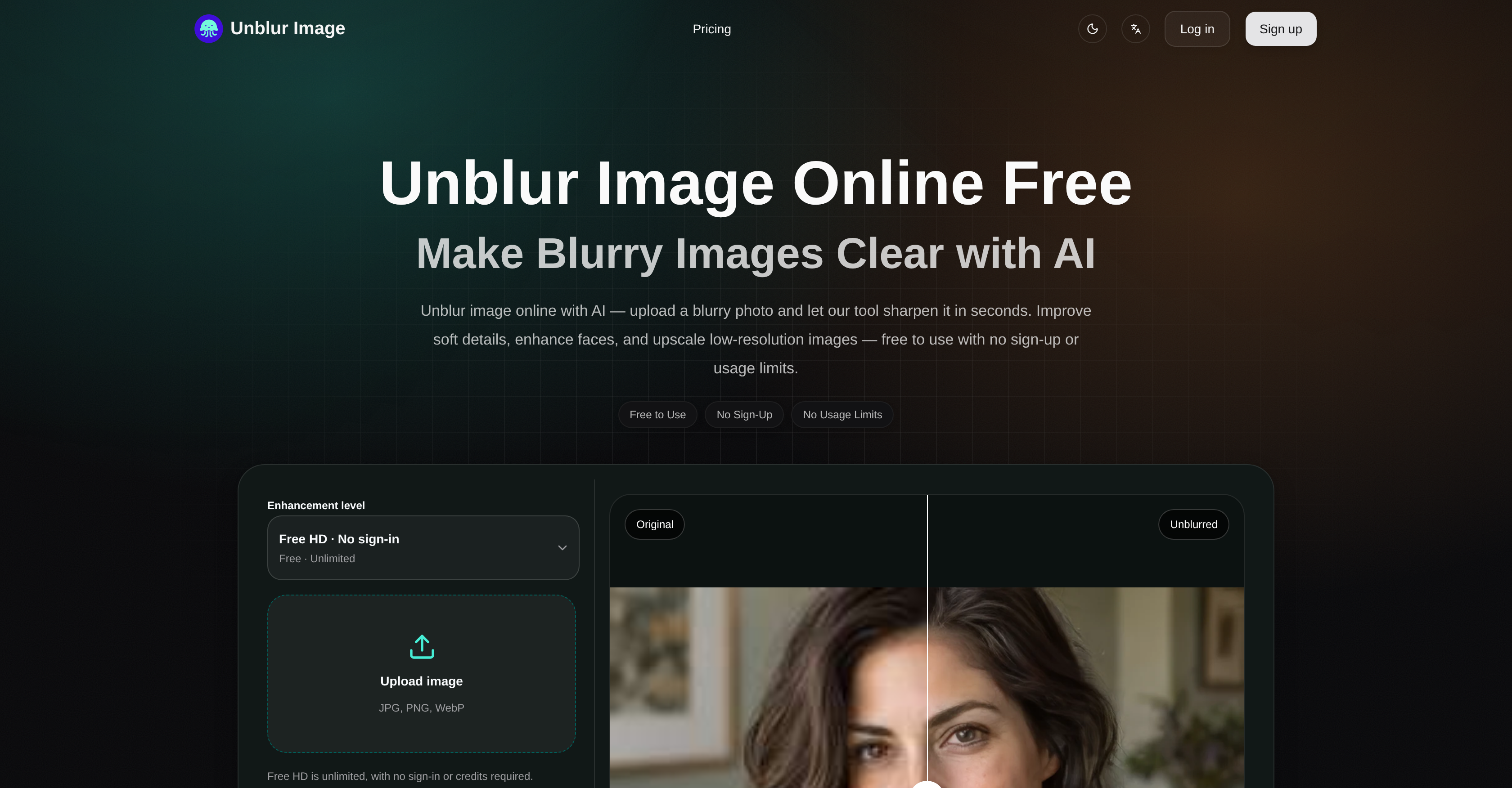
- Save shaky and out-of-focus shots: AI blur analysis reduces motion blur, lens blur, and soft focus by enhancing edges, texture, and visible detail instead of applying a basic sharpening filter.
- Get sharper portraits and profile pictures: optional face enhancement brings out clearer eyes, hair, and portrait edges in blurry photos.
- Make text readable again: unblur screenshots, scanned documents, and whiteboard photos so notes, labels, and fine print are easier to read.
- Use small photos at larger sizes: 2× and 4× image upscaling enlarges output dimensions while enhancing visible detail for product listings, presentations, and design assets.
- Clean up grainy and compressed images: noise reduction targets grain, JPEG compression artifacts, and scan noise while preserving the main subject.
- Know exactly what you are getting before you download: a before-and-after preview slider lets you compare the enhanced image against the original.
- Fix a blurry photo wherever you took it: drag and drop PNG, JPEG, JPG, or WebP files in any modern browser on your phone, tablet, or desktop, with no app installation or editing software.
- Enhance as many images as you need at zero cost: free photo unblurring with no sign-up, credit card, trial period, credits, or fixed usage limits.
- Publish results right away: downloads carry no watermark, and enhanced images are cleared for personal or commercial use with no attribution when you own the rights to the original.
Pros & Cons
From the listing; not yet checked by our editors.
Pros
- Motion blur reduction
- Lens blur reduction
- Soft-focus improvement
- Optional portrait enhancement
- Facial detail sharpening
- Text and document clarification
- Screenshot text enhancement
- Whiteboard photo enhancement
- Noise reduction
- Compression artifact reduction
- Scan noise reduction
- Subject-preserving cleanup
- Simultaneous sharpening and upscaling
- Twofold enlargement
- Fourfold enlargement
- Before-and-after slider preview
- Preview before downloading
- Watermark-free downloads
- PNG upload support
- JPEG upload support
- JPG upload support
- WebP upload support
- Drag-and-drop uploads
- Browser-based workflow
- Desktop, tablet, phone support
- No app installation
- No plugin required
- No workspace required
- No account required
- No sign-in required
- No credit card required
- No trial period
- No credits required
- No fixed usage limits
- Free HD enhancement
- Direct result downloads
- Optional face enhancement
- Selectable upscale settings
Cons
- Cannot restore information absent originally
- Two upscale settings: 2, 4
- Noise reduction may be limited
- Targets motion, lens, soft-focus blur
- Timing varies with image size/load
- Formats limited to PNG/JPEG/JPG/WebP
Alternatives to Unblur Image
Tools that share the most tags with Unblur Image.
- Icons8 AI Image Upscaler
Transform low-resolution photos into crisp, high-resolution images up to 7680x7680px using AI upscaling that preserves fine details
Freemium · from $9/month
$9/month
Not yet checked
- VanceAI Image Upscaler
Transform low-resolution photos into sharp, print-ready images with AI upscaling that preserves details instead of creating blocky pixels
Paid · from $4.95/unit
$4.95/unit
Not yet checked
- AI Image Upscaler
Transform low-resolution images into crisp, high-quality visuals up to 16000x16000 pixels using advanced Super-Resolution AI technology
Freemium · from $19/month
$19/month
Not yet checked
- Lets Enhance: Image Quality AI
Transform blurry, pixelated photos into sharp, high-definition images using AI upscaling that fixes common quality issues
Freemium · from $9/month
$9/month
Not yet checked
- Topaz Labs | Photo AI 4
Rescue blurry photos by naturally reversing camera shake and motion blur with AI sharpening that targets root causes
Paid · from $199
$199
Not yet checked
- Leawo PhotoIns
Instantly improve entire photo collections in one click with automated batch processing that handles color correction and exposure fixes
Freemium · from $79.95/year
$79.95/year
Not yet checked
Reviews
Rate this tool
Loading reviews...
Frequently asked questions
How do I unblur a photo with Unblur Image?
Drag and drop a photo into Unblur Image or choose a file. After it processes the image, select 2× or 4× upscaling and optionally enable face enhancement for a portrait. Compare the preview with the original, then download the result.
Which image formats does Unblur Image accept?
Unblur Image accepts PNG, JPEG, JPG, and WebP files.
Can I use Unblur Image on my phone or tablet?
Yes. Unblur Image works in modern browsers on phones, tablets, and desktop computers.
Does Unblur Image require an account or app installation?
No. Unblur Image requires no account or sign-up, and it runs in a browser without an app installation.
Is Unblur Image really free, with no usage limits?
Yes. Unblur Image is free to use, with no fixed usage limits, credits, trial period, or credit card requirement.
Does Unblur Image add a watermark to downloads?
No. Unblur Image says downloaded enhanced images do not have a watermark.
Can Unblur Image reduce motion blur and soft focus?
Yes. Unblur Image is designed to reduce motion blur, lens blur, and soft focus.
Can Unblur Image make blurry faces look clearer?
Yes. Its optional face enhancement can improve visible facial details such as eyes, hair, and portrait edges.