

Leawo PhotoIns
Overview
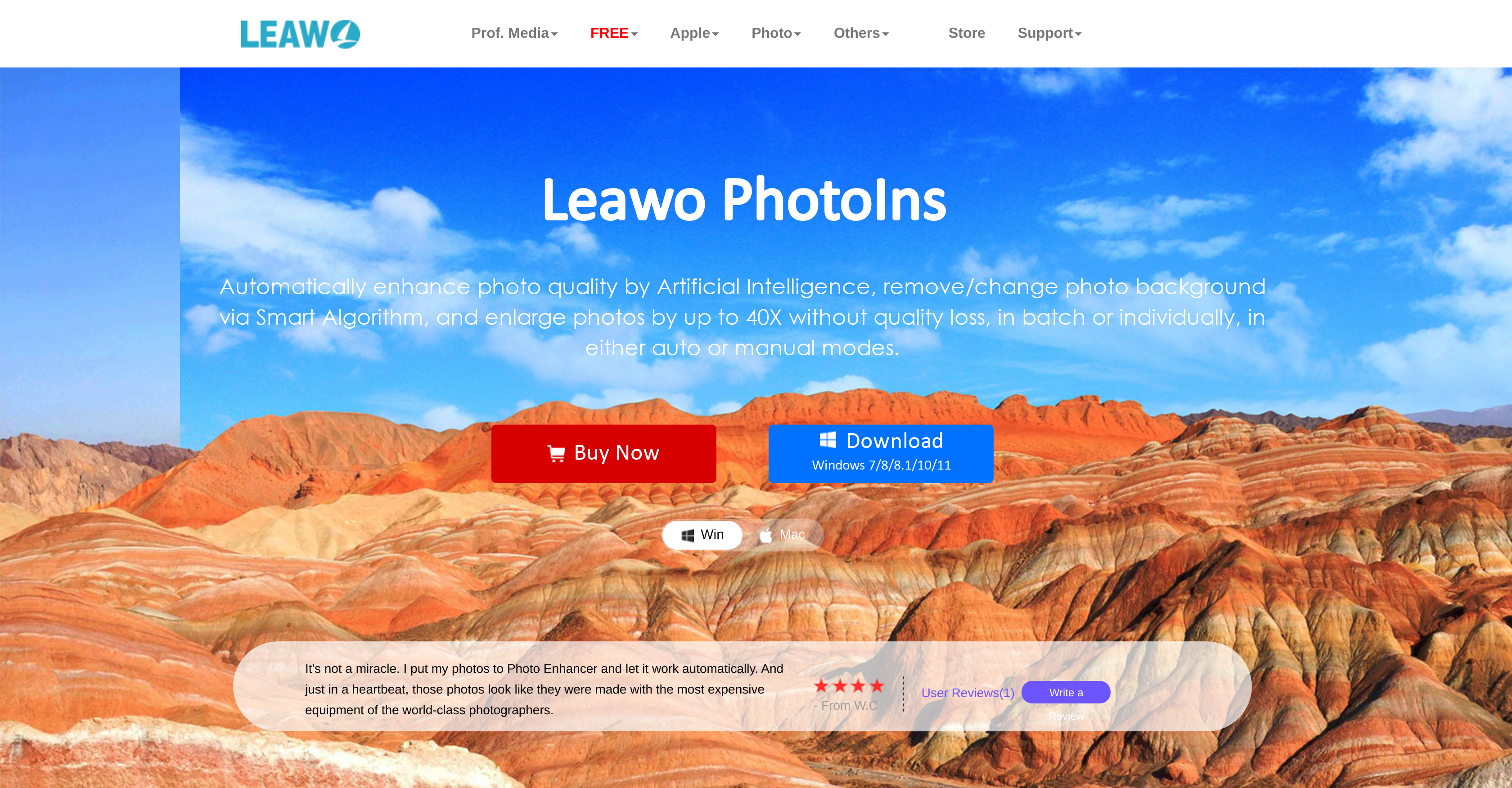
- Instantly improve entire photo collections in one click with automated batch processing that handles color correction and exposure fixes
- Remove or replace photo backgrounds effortlessly using AI-powered detection that requires just a few clicks
- Enlarge images up to 40 times their original size while maintaining crisp quality through intelligent scaling technology
- Switch between automatic AI enhancements and manual adjustments for complete creative control over your final results
- Process any photo type with flexible individual or bulk editing modes that adapt to your specific workflow needs
Pros & Cons
Pros
- Batch photo enhancement
- Intelligent analysis of photos
- Exposure and color adjustment
- Smart Photo BG Remover feature
- Easily remove or change backgrounds
- Photo enlargement up to 40X
- Batch and individual processing modes
- Automated editing option
- Manual editing option
- No perceivable quality loss
- Versatile editing tool
- Quick fix editing functions
- Tailored results through manual adjustments
- User-friendly interface
- Supports professional photo-editing software
- Accurate object edge cutting
- Noise reduction
- Clarity enhancement
- Photo effects adjustable
- Bulk processing of photos
- Time-saving batch processing
- Improves picture resolution
- Reduces visual artifacts
- Fixes pixelated images
- Reduces grainy images
- High compatibility
Cons
- No mobile version
- Limited editing tools
- No multi-platform support
- No free version
- No RAW support
- No plugin compatibility
- Limited photo enlargement
- No cloud integration
- No collaborative features
- No customizable interface
Reviews
Rate this tool
Loading reviews...
❓ Frequently Asked Questions
Leawo PhotoIns is a user-friendly photo editor powered by artificial intelligence. Its key features include automatic quality enhancement for a batch of photos, AI-based analysis and improvement of various photo aspects, and a smart photo BG remover that makes it easy for users to remove or change the photo background. It also offers photo enlargement up to 40X without perceivable loss in quality, and supports batch and individual modes for flexible photo processing.
Leawo PhotoIns has a range of capabilities such as enhancing photo quality, analyzing and improving exposure and color balance, and removing or changing photo backgrounds. It also has a photo enlargement function that can increase photos up to 40X without quality loss. It supports batch and individual photo processing modes and allows users to choose between automatic or manual photo enhancement.
Leawo PhotoIns's AI Photo Enhancer works by intelligently analyzing different aspects of a photograph such as exposure and color balance. Based on this analysis, it makes improvements to the image automatically, delivering high-quality, enhanced photographs without requiring manual adjustments from the user.
Yes, Leawo PhotoIns is capable of improving the color balance of photos. This is done through its intelligent AI analysis that identifies color issues in photos and optimizes the color balance automatically.
The Smart Photo BG Remover feature of Leawo PhotoIns is an AI-driven function that allows users to easily remove or change the background of their photos. With just a few clicks, you can get a clean, background-free image or insert a new background as per your requirement.
Leawo PhotoIns can automatically enhance the quality of a batch of photos by using its AI technology to intelligently analyze and make improvements to various aspects of the photos. All the user needs to do is select a batch of photos, and the AI takes care of the rest, improving the photos' color balance, exposure, and overall quality.
Yes, Leawo PhotoIns offers the feature to enlarge photos up to 40X while maintaining the quality of the image. This feature analyzes the image and intelligently scales it up, ensuring that there's no perceivable loss in image quality.
In the batch processing mode, Leawo PhotoIns is capable of processing multiple photos at the same time. You can choose to enhance photo quality, change photo backgrounds, or enlarge photos in batch, saving you time and effort in processing each photo individually.
Yes, Leawo PhotoIns offers users the flexibility to manually adjust photos. While the AI provides automated enhancements and editing for quick fixes, users can opt for manual adjustments for tailored results that meet their specific photo editing needs.
Yes, Leawo PhotoIns offers a range of photo editing features. It allows for automatic enhancement of photo quality and intelligent removal or changing of photo backgrounds. Additionally, it includes adjustable photo enlargement, color correction, and exposure adjustment among other editing tools.
Leawo PhotoIns's color correction function works based on its intelligent AI technology. The software analyzes the colors in the photo and applies necessary adjustments to improve the overall color balance and make the image visually appealing.
Leawo PhotoIns allows you to adjust the exposure of your photos through its AI technology. The software intelligently analyzes the exposure of the image and applies adjustments to enhance the photo's overall quality.
Yes, Leawo PhotoIns is designed with a user-friendly interface making it easy for beginners to use. Its automated functions mean less manual input is needed, and users can choose to use these for quick fixes or for automatic quality enhancement, background removal, and photo enlargement.
Leawo PhotoIns supports a wide variety of photos. It can process photos in bulk or individually, making it adaptable to your specific needs. Regardless of the source of the photo, Leawo PhotoIns can analyze and enhance its various aspects.
Yes, with the Smart Photo BG Remover feature, you can easily remove backgrounds from your photos using Leawo PhotoIns. This feature simplifies the usually complex process of background removal by using advanced AI technology, making it as effortless as a few clicks.
Leawo PhotoIns can run on Windows 7/8/8.1/10/11 and on MacOS. There are specific download links available for both Windows and Mac OS on the software's webpage for easy accessibility.
Yes, you can use Leawo PhotoIns on Mac. There is a separate download link available on the software's website which is compatible with MacOS.
The maximum photo enlargement available in Leawo PhotoIns is up to 40X. This allows for significant scaling up of images without perceivable loss in image quality.
Yes, there are tutorials and guides available for Leawo PhotoIns on the software's website. These guides offer step-wise explanations to help users understand how to use the various features effectively and get the maximum benefits from the software.
Pricing
Pricing model
Freemium
Paid options from
$79.95/year
Billing frequency
Yearly
Related Videos
Photo Enhancer User Guide - How to Use Photo Enhancer
Leawo Software•4.0K views•Feb 5, 2021


