
Icons8 AI Image Upscaler
Overview
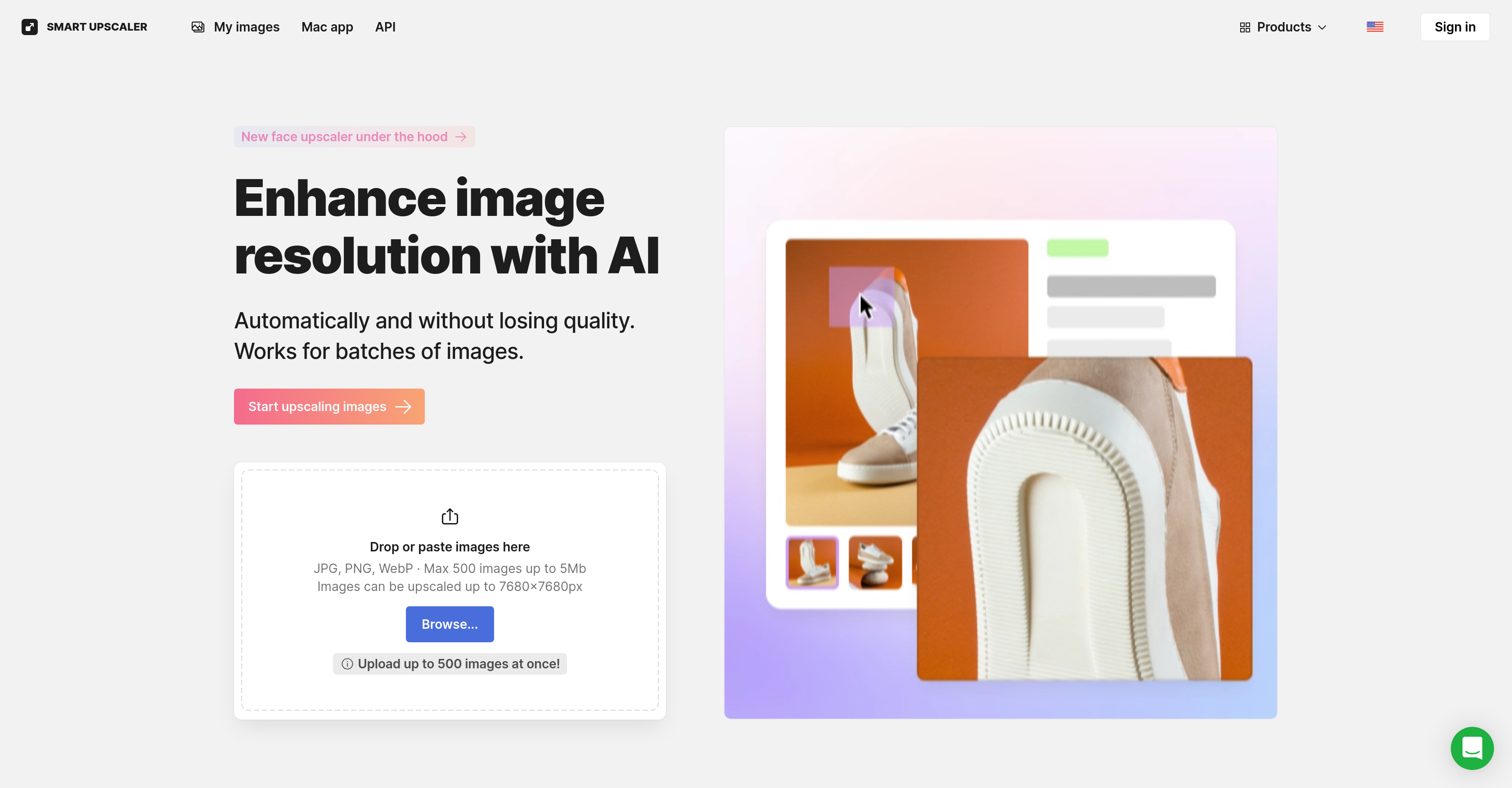
- Transform low-resolution photos into crisp, high-resolution images up to 7680x7680px using AI upscaling that preserves fine details
- Process up to 500 images simultaneously with batch processing that handles voluminous graphic design tasks efficiently
- Remove backgrounds automatically to isolate subjects for professional product photos and marketing materials
- Reduce image noise while enhancing resolution for cleaner, sharper results in social media posts and digital artwork
- Integrate AI upscaling directly into your applications through the scaling API for automated workflow enhancement
- Access instant image enhancement from your desktop with the dedicated Mac application for faster processing
Pros & Cons
Pros
- High resolution upscaling
- Batch processing capability
- Offers Scaling API
- Mac platform application
- Background removal feature
- Sharpening capability
- Noise reduction capability
- Deep learning technology
- Online image enhancement
- Preserves image detail
- Enhances online content
- Automated editing process
- Potential for integration
- Optimized for large tasks
- Supports up to 8x resolution
- Access to editing process API
- Upscale images to 7680x7680px
- Supports up to 500 images
- Watermark removal options
- Supports JPEG or PNG format
- Capable of dramatic upscaling
- Super-resolution enhancement
- Data-driven performance improvement
- Secure image storage
- Re-download option
- Doesn't utilize images for machine learning
- Accommodates images up to 3000x3000
Cons
- Limited to 7680x7680px
- Requires powerful GPU
- Best for JPEG or PNG
- Possibility of watermarks
- Images stored remotely
- Not optimal for images over 3000x3000px
- Subscription needed for frequent use
- No direct Windows application
Reviews
Rate this tool
Loading reviews...
❓ Frequently Asked Questions
Icons8 AI Image Upscaler is an online tool that uses artificial intelligence to enhance the quality and resolution of images. It aims to enlarge or 'upscale' images without loss of detail or quality, and can upscale images to high resolution. It offers a range of features including background removal, sharpening, noise reduction and batch processing.
Icons8 AI Image Upscaler works by utilizing deep learning and analyzing millions of images. It uses AI techniques to upscale images, reducing noise and enhancing details simultaneously for an effective and seamless upscaling process.
Icons8 AI Image Upscaler can upscale images up to 8x resolution, with images able to be upscaled up to 7680x7680px.
Yes, Icons8 AI Image Upscaler can handle batch processing, which means it can handle individual images or large batches efficiently, making it suitable for voluminous tasks.
You can integrate Icons8 AI Image Upscaler into your own application by accessing the tool's scaling API. This provides the ability to directly access the tool's functions and integrate them into other applications or platforms.
Yes, Icons8 AI Image Upscaler offers a Mac application known as GoProd. It provides enhanced convenience and more speed, allowing users to upscale images and remove backgrounds directly from their Mac.
Yes, Icons8 AI Image Upscaler includes advanced editing features such as sharpening, noise reduction, and automatic upscaling, along with the ability to remove the background from images. These functions are integrated into a fully automated editing process.
Yes, Icons8 AI Image Upscaler offers noise reduction features which play a key role in preserving the quality of the image while enhancing its resolution.
Icons8 AI Image Upscaler incorporates deep learning through the analysis of millions of images. This constant analytical process maintains the tool's functionality and allows it to learn from the data and improve its performance over time.
Icons8 AI Image Upscaler is designed to enhance all kinds of online content. This can include product photos on e-commerce sites, social media posts, digital artwork, and any other graphics where the quality and resolution of images are of significant importance.
The AI Image Upscaler maintains detail during the upscaling process through its advanced AI techniques. The tool uses unique learning techniques to understand common image patterns and applies this knowledge to enhance the detail in a way that mimics natural image structures. Therefore, even when images are enlarged, they remain clear and crisp.
Yes, Icons8 AI Image Upscaler supports the sharpening of images as part of its advanced editing capabilities. It contributes to the improved clarity and quality of the upscaled images.
Yes, Icons8 AI Image Upscaler offers a background removal feature. It's an incredibly useful tool for graphic design tasks or any situation where you might need to isolate a subject from its original background.
Icons8 AI Image Upscaler improves the performance of its tool through constant analysis of millions of images and deep learning. This continuous process allows the tool to consistently learn and adapt, thereby improving its image upscaling abilities over time.
The outcome of using the smart upscaler is a high-resolution image with enhanced quality and preserved detail. The upscaled image will remain sharp and clear even when its size has been considerably increased.
Apart from image upscaling, Icons8 AI Image Upscaler also offers features like background removal, noise reduction, and sharpening. These can improve the usability of upscaled graphics further, creating a more polished and professional end result.
Icons8 AI Image Upscaler supports JPEG or PNG format images for upscaling. The maximum initial resolution for best results tends to be smaller than 3000x3000 pixels.
You can access the scaling API by going to the API page on the Icons8 website and following the necessary steps to obtain an API key. This key will give you programmatic access to the tool's functions.
Icons8 AI Image Upscaler can handle up to 500 images at once in a batch.
Pricing
Pricing model
Freemium
Paid options from
$9/month
Billing frequency
Monthly
Related Videos
Smart Upscaler 2.0: Enhance your images, try bulk upload and get API
Icons8•1.6K views•Nov 12, 2020