

Video2Prompt.net
Find out exactly why a viral short video holds attention: each analysis returns a speaker-attributed transcript, captured on-screen text, the opening hook, main points, call to action, script logic, and a script quality score that explains its rating.
Listing not yet reviewed by our editors · How we check
Overview
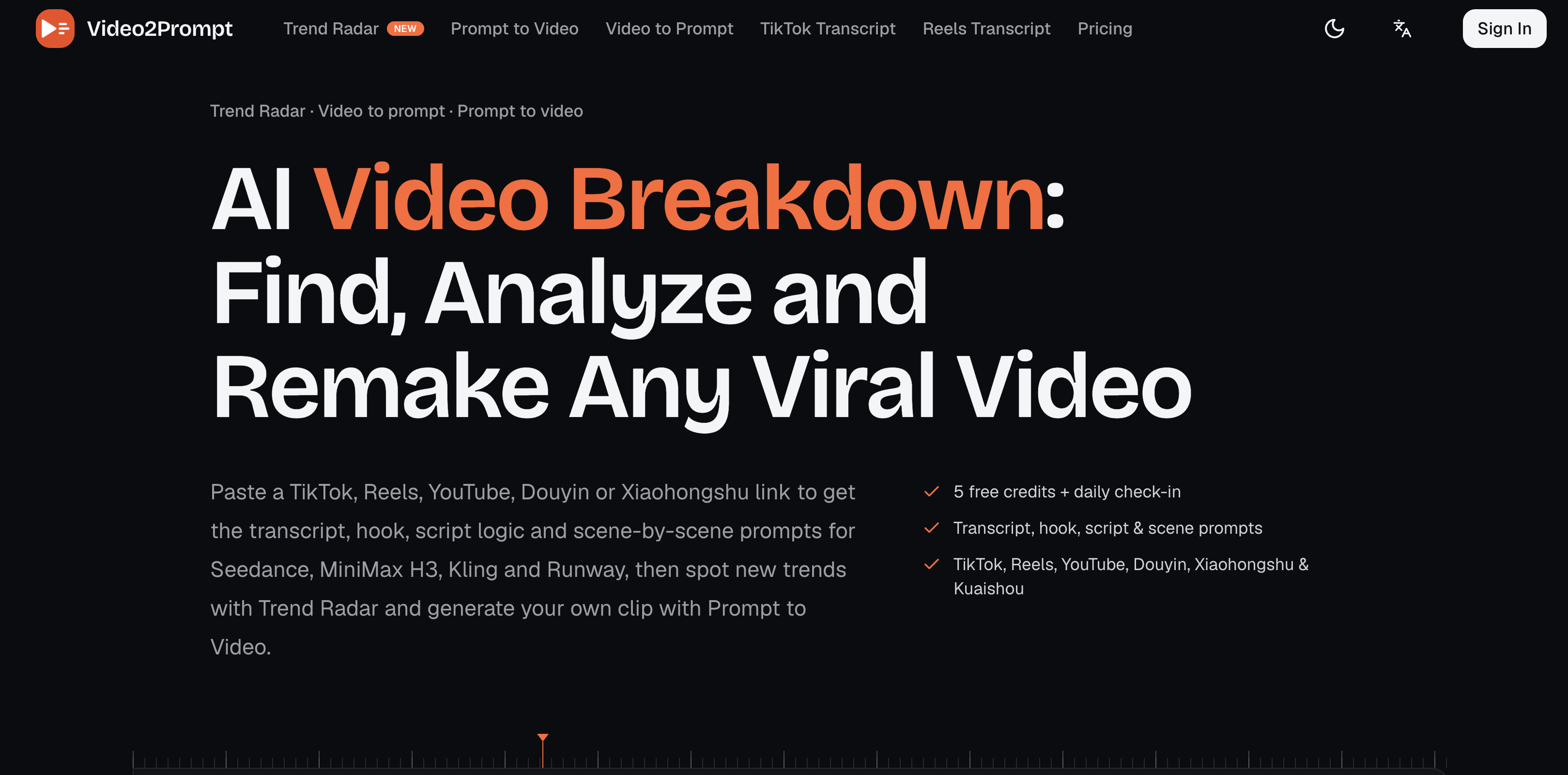
- Find out exactly why a viral short video holds attention: each analysis returns a speaker-attributed transcript, captured on-screen text, the opening hook, main points, call to action, script logic, and a script quality score that explains its rating.
- Recreate a video's look shot for shot: the visual breakdown lists mood, lighting, and color palette, then splits the footage into scenes with subject, action, shot size, and camera movement.
- Skip manual prompt engineering for your preferred AI video generator: every scene gets a generation-ready prompt formatted for Seedance 2.x, MiniMax H3, Sora, Kling, or Runway, plus one prompt that summarizes the full video.
- Catch rising content trends before they peak: Trend Radar re-ranks videos for your keywords across TikTok, YouTube, Douyin, and Xiaohongshu every 12 hours, flags first-time entries and breakout videos from smaller accounts, and summarizes where each trend is heading, with one-click handoff to analysis.
- Study Chinese short-video markets without workarounds: paste links from Douyin, Xiaohongshu, or Kuaishou, or drop in the app's share text, alongside TikTok, Instagram Reels, YouTube, and Shorts URLs.
- Localize prompts for any audience: choose an output language for transcripts and prompts, or keep the source language intact.
- Break down unpublished drafts and private footage: upload MP4, MOV, or WebM files up to 5 minutes and 30 MB instead of relying on public links.
- Turn a breakdown into a fresh clip in the same place: Prompt to Video renders 4–30 second clips up to 2K with Seedance 2.5 and MiniMax H3, using scene prompts, reference images, and native synchronized audio.
- Keep researching while videos process: most analyses finish in under a minute and run in the background, and every result stays saved in your history.
- Drop prompts straight into your production pipeline: copy a single scene prompt, copy all prompts at once, or export the full scene-by-scene set as a CSV.
- Control content research costs: an analysis costs a flat 4 credits, clip generation is billed per output second, failed generations are refunded automatically, and new accounts start with 5 free credits plus daily check-in bonuses.
Pros & Cons
From the listing; not yet checked by our editors.
Pros
- Speaker attribution in transcripts
- Captures on-screen captions
- Detects opening hook automatically
- Script quality score with reasons
- Identifies visual mood lighting
- Scene prompts include camera movement
- Supports TikTok, Douyin, Xiaohongshu
- Parses Chinese share text
- Export prompts as CSV
- Background analysis persists
- History saves all results
- Refreshes trend data every 12h
- Highlights first-time trend entries
- Flags small-account successes
- Direct send to analysis workflow
- Add reference images to generation
- Native synchronized audio output
- Configurable resolution up to 2K
- Auto credit refunds on failures
- Daily checkin credit bonus
- Free 5credit starter
- Multimodel prompt formatting
- Choose output or retain source
- Fullvideo summary prompt
- Copy individual or all prompts
- Oneminute video breakdown
- No download needed for links
- Supports MP4, MOV, WebM
- Handles up to 5minute videos
- Creditbased pricing per output second
- Integrated discovery to generation loop
- Trend Radar tracks four platforms
- Keyword tracking across TikTok, YouTube
- Exportable trend rankings
- Generate 430s clips
- Seedance 2.5, MiniMax H3 support
- Fast model selection before analysis
- Multilanguage output support
- Automatic speaker labeling
- Scenebyscene shot size tagging
- Color palette identification per scene
- Script logic extraction
- Calltoaction detection
- Hook extraction for virality
- Credit system valid two years
- Batch prompt copy feature
Cons
- 5minute video length cap
- 30MB upload size limit
- Only 12hour trend updates
- No batch video analysis
- No API for automation
- Exports only CSV format
- Resolution maxes at 2K
- Native audio only, no custom
- Credit system costly at scale
Alternatives to Video2Prompt.net
Tools that share the most tags with Video2Prompt.net.
- Reverse Prompt | Video to Prompt
Turn any reference video or image into ready-to-use prompts for Midjourney, Stable Diffusion, and ChatGPT by uploading MP4, MOV, JPG, or PNG files.
Paid · from $12.90/month
$12.90/month
Not yet checked
- Reel to Prompt
Recreate trending video styles in Midjourney, Sora, or Runway by pasting a Reel URL and receiving a ready-to-use, generator-aware prompt in seconds
Free
Not listed
Not yet checked
- Vid2Prompt
Generate AI-ready video prompts instantly by analyzing any YouTube, TikTok, or Reels link, eliminating manual note-taking.
Free trial · from $3.99/month
$3.99/month
Not yet checked
- VideoInPrompt
Generate precise, structured prompts for ChatGPT, Midjourney, and Stable Diffusion directly from any video file or URL using frame-by-frame vision AI that extracts subjects, actions, lighting, and camera angles.
Paid · from $9.58/month
$9.58/month
Not yet checked
- Video2Prompt.io
Turn any video into ready-to-use AI prompts for Midjourney, Stable Diffusion, DALL-E, and Sora without writing a single line manually, using automated video-to-prompt conversion that analyzes visual elements, lighting, composition, cinematic style, and narrative structure.
Free trial · from $9.99/month
$9.99/month
Not yet checked
Reviews
Rate this tool
Loading reviews...
Frequently asked questions
How do I analyze a TikTok video with Video2Prompt?
Paste a public TikTok link (or upload the video file), select the desired prompt style (e.g., Seedance, MiniMax H3, Sora, Kling, or Runway), optionally choose an output language, then click the analyze button; Video2Prompt processes the video and returns a transcript, hook, script logic, visual style, scene‑by‑scene prompts, and a full‑video prompt.
Can I upload my own MP4 file to Video2Prompt?
Yes, you can upload your own MP4 file (as well as MOV or WebM) directly to Video2Prompt.
What's the maximum video length and file size Video2Prompt accepts?
Video2Prompt accepts videos up to 5 minutes in length and files up to 30 MB.
Which AI video models does Video2Prompt generate prompts for?
The service generates prompts tuned for Seedance 2.x, MiniMax H3, Sora, Kling, and Runway.
How accurate is the transcript and speaker attribution in Video2Prompt?
IDK
Does Video2Prompt detect on-screen text in videos?
Yes, the analysis captures on‑screen text and includes it scene‑by‑scene in the results.
What does the script quality score from Video2Prompt mean?
The script quality score rates how well the video’s structure (hook, main points, call‑to‑action) is likely to engage viewers and includes an explanation of the factors influencing the score.
How does the Trend Radar feature work in Video2Prompt?
Trend Radar monitors user‑defined keywords on TikTok, YouTube, Douyin, and Xiaohongshu every 12 hours, ranks the most promising new videos, flags first‑time entries and strong performers from smaller accounts, and provides AI‑generated summaries of overall trend direction. Any listed video can be sent directly to the analysis workflow.