

Vidvoi AI Voiceover Generator
Overview
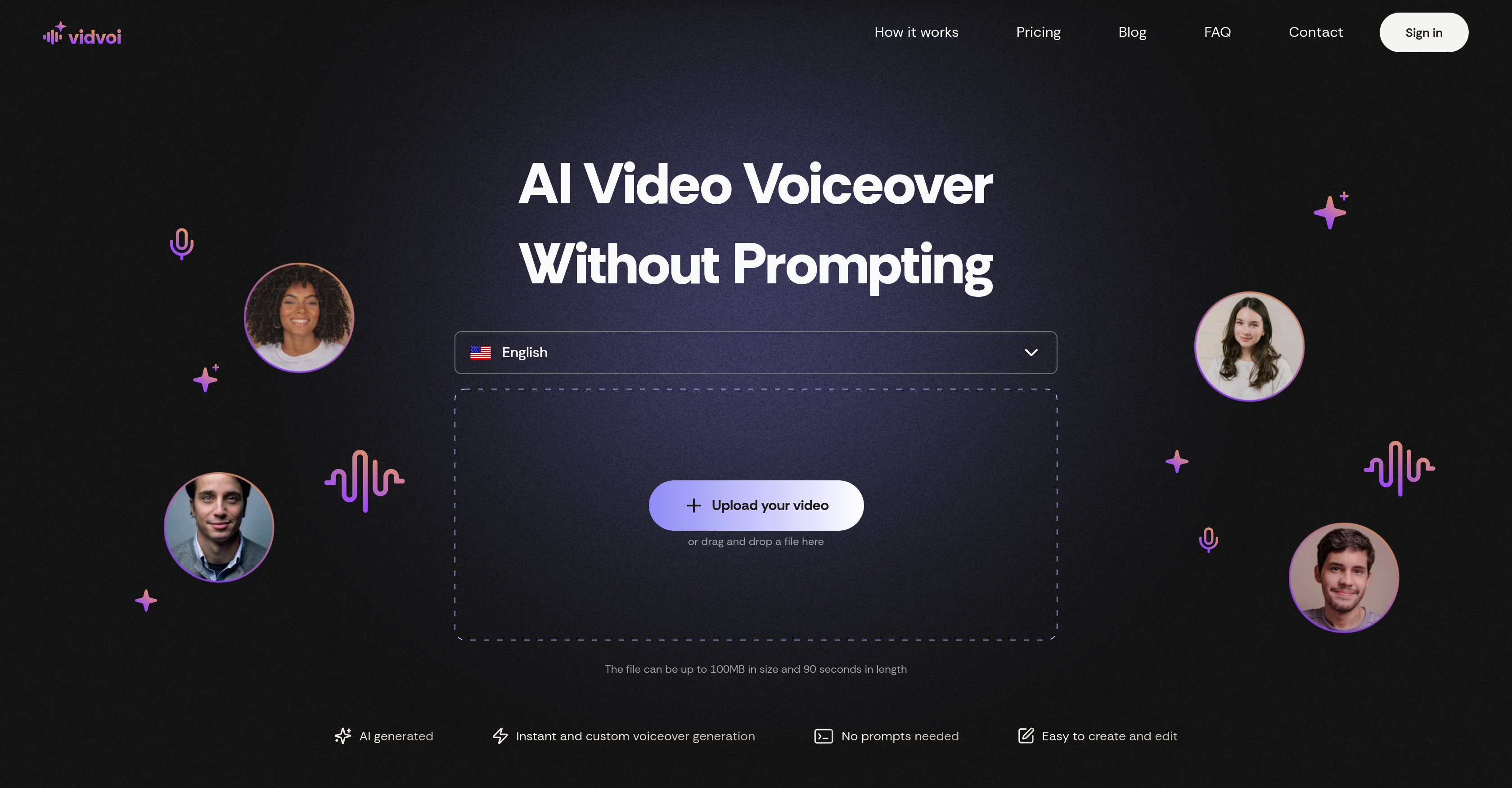
- Eliminate manual script writing with AI that automatically generates voiceover scripts perfectly aligned to your video content
- Create professional voiceovers for marketing videos, product demos, and educational content without recording equipment or voice actors
- Maintain full creative control by editing the auto-generated script to perfectly match your video's message and tone
- Select from six unique voice styles across nine languages to find the perfect narrator for your specific content type
- Produce multilingual content effortlessly with support for English, German, French, Chinese, Arabic, Turkish, Spanish, Russian, and Indian languages
- Create commercial-ready videos with watermark-free exports and commercial usage rights available in the Pro plan
- Work with any common video format and files up to 100MB/90 seconds, making it ideal for social media shorts and quick demos
Pros & Cons
Pros
- Instant voiceover generation
- Automated script alignment
- Supports multiple video types
- User-friendly interface
- No technical skills required
- Supports multiple languages
- Variety of voice styles
- Accepts all common video formats
- Free and pro plans
- Editable scripts
- Automated voiceover for faceless videos
- Ideal for product demonstrations
- Useful for educational content
- Great for marketing videos
- Upload size limit of 100MB
- Video length limit of 90 seconds
- Unique voices in each language
- Accommodates multilingual content creation
- Supports commercial use
- Faster processing in pro plans
- Watermark removal in pro plans
- 50 videos per month in pro
- Six unique voice styles in free
- Multimedia software tool
- Speech synthesis technology
- Automated Voiceover production
- Intuitive platform
Cons
- Limited to 90-second videos
- Limited voice style options
- No API integration
- No offline support
- Limited to 100MB file size
- Requires internet connection
- No technical support included
- Watermarked videos in free plan
- Limited languages support
- Slow processing in free plan
Reviews
Rate this tool
Loading reviews...
❓ Frequently Asked Questions
Vidvoi AI Voiceover Generator is a specialist tool powered by artificial intelligence and designed to generate voiceovers for videos. It dispenses with the need for manual prompting and script writing by offering instant voiceover creation that aligns with your video content automatically. The platform caters to a wide variety of video types including faceless videos, product demonstrations, educational content and marketing videos. In addition, Vidvoi supports multiple languages and presents a variety of voice styles for each, facilitating the easy generation of multilingual content.
Vidvoi AI Voiceover Generator works in three steps: you simply upload your video file, Vidvoi then auto-generates a voiceover script that aligns perfectly with your content which can be edited if necessary, and you choose from a range of distinct voice styles. Following these actions, your video will be fitted with an AI-generated voiceover and you'll be able to download it for use.
Vidvoi supports a wide array of video types. This includes, but is not limited to, faceless videos, product demonstrations, educational content, slideshow presentations, screen recordings, social media content, YouTube shorts, and marketing videos.
Once Vidvoi has created the voiceover script, you have complete control to edit it to your liking. This flexibility allows you to tailor the script to better align with your video content or personal preference.
Vidvoi offers six unique voice styles. This variety allows for an extensive range of narration techniques and tones, empowering you to choose the voice style that best fits your content.
No, Vidvoi does not require any technical skills for operation. Its user-friendly interface requires just an upload of your video file. From there, it auto-generates the voiceover script and allows you to select your preferred voice style.
Vidvoi supports nine different languages including English, German, French, Chinese, Arabic, Turkish, Spanish, Russian, and Indian. This multi-language functionality enables seamless creation of multilingual content.
Vidvoi accepts all common video file formats, making it highly accessible and adaptable for all types of video content.
Vidvoi can accommodate video files up to 100MB in size. This generous limit allows you to upload most common video files without running into size restrictions.
Vidvoi can handle video files that are up to 90 seconds in length. This length caters to a broad range of video content types and uses, from short form social media content to product demos and educational material.
Vidvoi offers two plans - a free plan and a pro plan. The free plan provides you with the ability to create one video per month, use six unique voice styles, and upload video files up to 100MB in size and 90 seconds in length. The pro plan offers additional features suited for heavy users.
The Pro Plan of Vidvoi includes all features of the free plan, with the addition of a faster processing rate, the ability to create 50 videos per month, rights for commercial use, and the removal of watermarks.
With the free plan, you can create one video per month on Vidvoi.
Yes, Vidvoi can be used for commercial purposes. However, this feature is only available in the Pro Plan.
Yes, the watermark is removed in the Vidvoi Pro plan.
Yes, Vidvoi can greatly assist in creating multilingual content. It offers support for nine different languages and offers multiple voice styles in each language.
Yes, Vidvoi can absolutely be used for creating marketing videos. It provides an instantly generated voiceover that aligns with the content of your video, making it a practical tool for the creation of marketing content.
Yes, Vidvoi supports faceless video content. This makes it a valuable tool for creating voiceovers for channels or creators preferring not to incorporate faces into their videos.
Vidvoi aligns the voiceover with the video content through artificial intelligence technology. After the user uploads a video file, Vidvoi auto-generates a voiceover script that is harmonized with the video content. This script can then be edited by the user if desired before being transformed into a voiceover.
Vidvoi enhances the video production process by eliminating the necessity for manual prompting and script writing. By automatically generating precisely aligned voiceovers, Vidvoi considerably speeds up production time. Additionally, by providing a variety of voice styles and language options, the toolkit gives creators a range of choices to best suit their content, all within a user-friendly interface.
Pricing
Pricing model
Freemium
Paid options from
$39.99/month
Billing frequency
Monthly
Related Videos
Voiceovers in Just 1 Click
Ronald van Loon•117 views•May 30, 2025