VisImagine - AI VIdeo Creation Platform
Overview
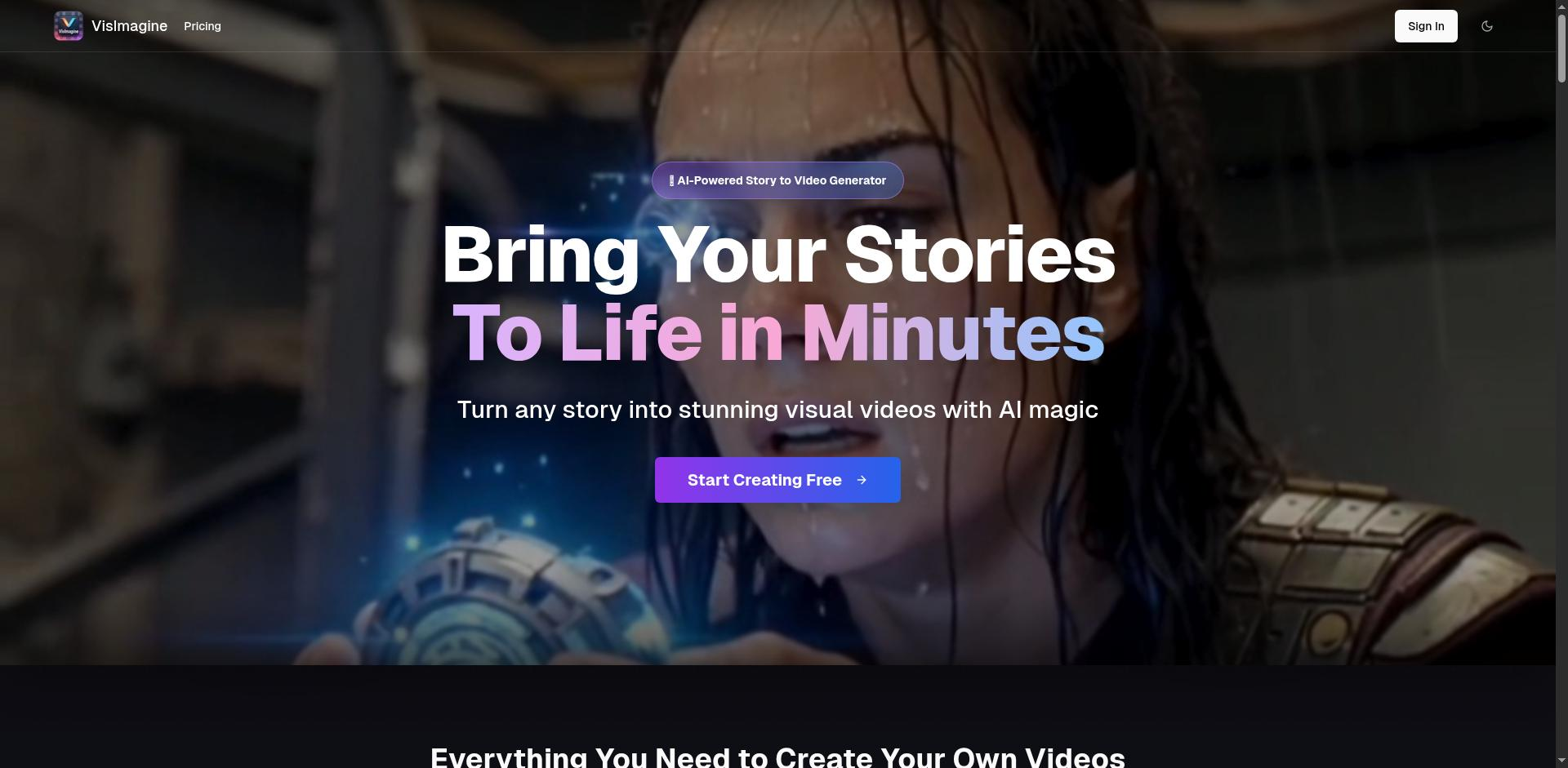
- Transform text descriptions into complete videos instantly with one-click AI generation
- Maintain consistent character appearance across multiple shots using intelligent tracking
- Add professional narration without recording equipment through natural-sounding AI voiceovers
- Generate detailed shot sequences automatically with AI-powered script breakdowns
- Create high-resolution videos with smooth, natural motion using advanced diffusion modeling
- Edit images precisely by adding, removing, or modifying objects with simple text instructions
- Apply artistic styles to your videos while preserving content integrity through style transfer
- Work with any computer setup since it runs efficiently on consumer-grade hardware
- Save videos for further refinement in other editing software with export functionality
- Share creations directly to social platforms with optimized formats for TikTok and Reels
Pros & Cons
Pros
- Image-to-Video Generation
- Text-to-Video Generation
- Accurate object manipulation
- Superior style transfer
- Detailed resolution output
- Precise visual elements control
- Simple text prompt editing
- Seedance 1.0 Pro model
- Flux Kontext Pro model
- Cost-effective
- Low GPU requirements
- Consumer-grade hardware compatibility
- High-quality video generation
- Spatiotemporal fluidity
- Multishot narrative coherence
- Images into dynamic videos
- Ideal for creative applications
- Diffusion modeling features
- Direct video sharing
- Professional quality results
- Transforms text into video
- Natural language editing
- Prompt adherence in multi-subjects
- Supports complex prompts
- High structural stability
- Upload and describe functionality
- Preserves content integrity
- Supports detailed descriptions
- Minimal artifacts in output
- Accurate transformation of visuals
- Visualize written descriptions
- Frame by frame generation
- Sustains natural movements
- Achievable on consumer hardware
- Motion plausibility
- Visual quality balancing
- Visual coherence maintenance
- Visual storytelling capabilities
- Service affordability
- Suitable for various applications
- Pros save for editing
- Designed for intuitive use
- High subject representation consistency
Cons
- Limited to text prompts
- No multi-image compatibility
- MBArtifacts in generated videos
- Dependent on quality of prompts
- Requires substantial image input
- No batch processing
- Relies heavily on specific models
- No automatic editing features
- Uncustomizable editing settings
- Lacks detailed tutorial/resources
Reviews
Rate this tool
Loading reviews...
❓ Frequently Asked Questions
VisImagine is an advanced artificial intelligence tool that transforms static images or text prompts into dynamic videos. It operates under two key functionalities – Image-to-Video Generation and Text-to-Video Generation. Notable for its AI models, Seedance 1.0 Pro and Flux Kontext Pro, it offers precise control over visual elements and accurate object manipulation within images, among other features.
Image-to-Video Generation in VisImagine allows users to convert static pictures into dynamic video content. Users upload a single image as the starting point for their video. VisImagine then applies advanced AI modeling, specifically through the Seedance 1.0 Pro model, to create natural, flowing movements from the static image. This functionality is perfect for bringing to life portraits, landscapes, and artistic images.
Text-to-Video Generation in VisImagine creates dynamic videos directly from user-written text prompts. Users input a description of what they want to visualize in their video. VisImagine's Seedance 1.0 Pro model then generates a high-quality video that accurately matches the described vision.
The applications of VisImagine range from creative to professional uses. Its functionalities are ideal for various creative applications like dance, sports, and artistic expression. Artists, photographers, and creators can use VisImagine to bring their ideas to life in a dynamic video format. The AI's cost-effectiveness and minimized GPU requirements also make it accessible to individuals with consumer-grade hardware, further extending its applications.
Yes, precise object manipulation within images is a key function of VisImagine. This is primarily handled by the Flux Kontext Pro model. It allows users to accurately add, remove, or modify specific objects within images while maintaining visual coherence.
Style transfer in VisImagine revolves around transforming the visual style of images while preserving content integrity and structural details. This capability underlines the Flux Kontext Pro model's advanced image editing capabilities, which allow the transformation of images with simple text instructions.
VisImagine maintains detailed high-resolution output. This means that the videos generated by VisImagine retain exceptional detail and minimal artifacts, making them of professional quality.
Yes, VisImagine can be accessed with consumer-grade hardware. Despite facilitating advanced video generation, it requires minimal GPU power, making it accessible even to individuals without professional-grade hardware.
Seedance 1.0 Pro is one of the AI models used by VisImagine. It includes notable strides in diffusion modelling and emphasizes prompt adherence, spatiotemporal fluidity, and multi-shot narrative coherence. Due to these functionalities, Seedance 1.0 Pro tackles challenges prevalent in traditional video generation models.
Diffusion modeling in the context of Seedance 1.0 Pro underpins a key functionality of VisImagine. This model has made significant progress in the field, propelling improvements in video generation. Seedance 1.0 Pro is able to simultaneously balance prompt following, motion plausibility, and visual quality.
Flux Kontext Pro is an AI model used by VisImagine for image editing. It offers advanced capabilities with precise control over visual elements, transforming images with simple text instructions. It's particularly notable for its precise object manipulation and style transfer excellence.
Yes, VisImagine is touted as being significantly more affordable than competing models while delivering comparable or superior visual results. This makes it a cost-effective solution for video generation and image editing needs.
Yes, in VisImagine you can generate high-quality videos frame by frame. This allows for precise control over each moment of the video, further enabling detailed and targeted editing possibilities.
Yes, the videos generated by VisImagine are directly shareable. This function provides convenience to users who wish to quickly share their creations on various platforms.
Yes, VisImagine allows users to save their generated high-quality videos for further editing. This functionality supports creators who want to adjust and perfect their videos over time or with other editing tools.
Spatiotemporal fluidity in VisImagine refers to the AI's capacity to generate high-quality videos with exceptional structural stability and natural motion. Essentially, it's about maintaining smooth and believable movement over time within the generated video.
Yes, VisImagine can accurately follow complex prompts in video generation. Through the Seedance 1.0 Pro model, VisImagine adheres precisely to instructions, even in multi-subject contexts with consistent results.
VisImagine maintains narrative coherence in multi-shot scenarios through its native multi-shot narrative coherence functionality, which is part of the Seedance 1.0 Pro model. This functionality ensures a consistent subject representation across multiple shots for coherent storytelling.
The type of videos that can be generated from text in VisImagine are based on the user's written description. From the prompt given, VisImagine can create high-quality video visualizations that match the described vision. For example, a user could describe 'A beautiful woman dancing gracefully on a stage,' and VisImagine would generate a video to match.
To get started with VisImagine, users need to upload a single image or enter a text prompt describing the motion they want in their video. Then, they let VisImagine create the video frame by frame. Once the video is generated, users can save their high-quality video for sharing or further editing. They can get started with VisImagine for free.
Pricing
Pricing model
Free Trial
Paid options from
$20/month
Billing frequency
Monthly