

Overview
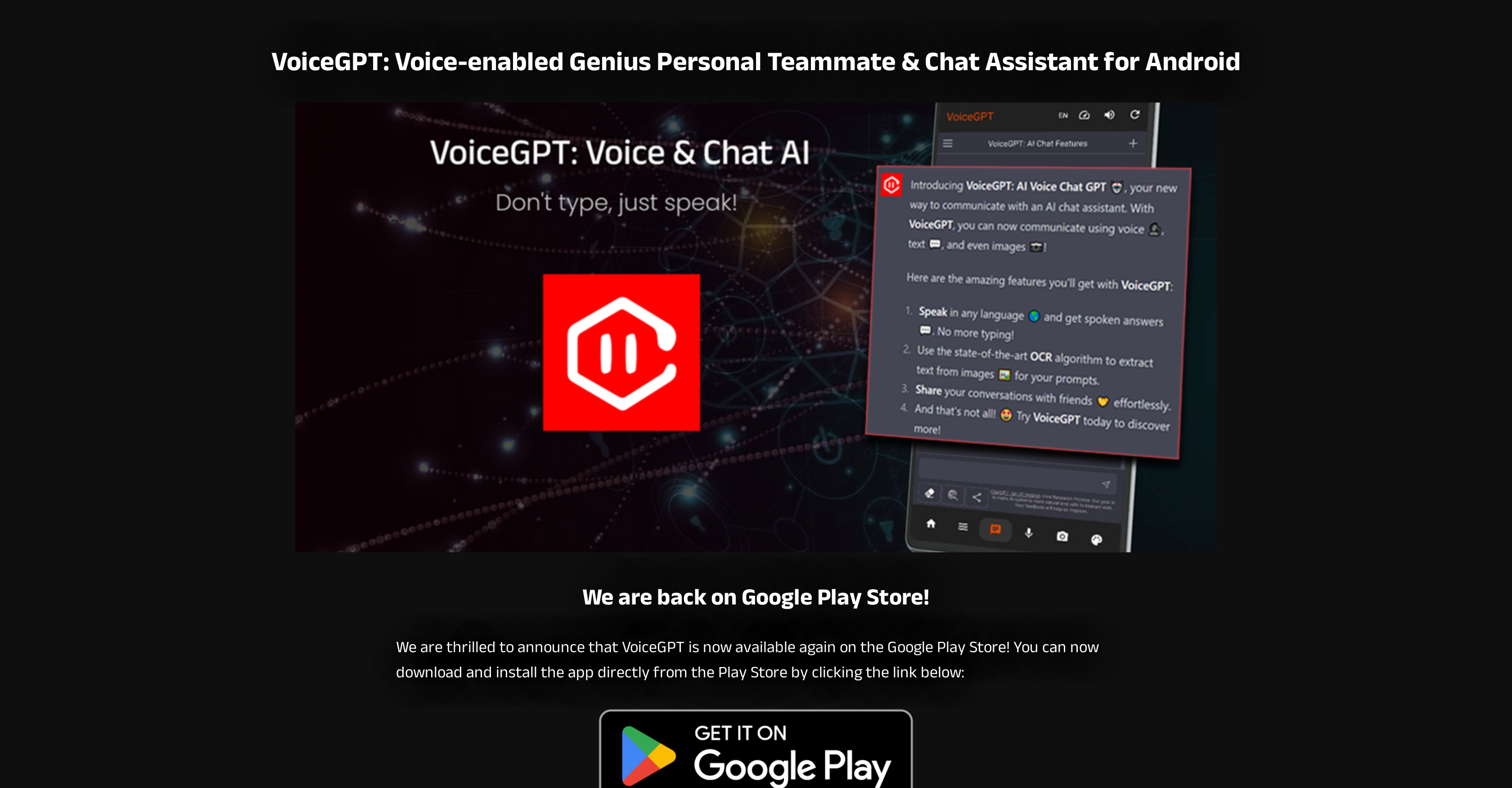
- Get instant AI assistance completely hands-free using the 'Hey Chat' hotword activation feature
- Extract and process text from any image or document using built-in OCR technology
- Maintain seamless conversation continuity with automatic web chat history synchronization
- Write, edit, and execute code directly within the app using the integrated programming editor
- Create custom images on demand through DALL-E 2 integration without switching apps
- Switch effortlessly between VoiceGPT and other applications using the floating instabubble
- Access unlimited AI conversations at no cost with free unlimited messaging
- Communicate naturally in your preferred language with voice support for 67+ languages
- Continue conversations uninterrupted with auto-refresh when ChatGPT servers are busy
- Customize your visual experience with adjustable light and dark theme options
Pros & Cons
Pros
- Voice-interactive platform
- Assists users with visual impairments
- Assists users with dyslexia
- Optical character recognition support
- Unlimited free messages
- Option to set as default assistant
- Hands-free activation via a hotword
- Effortless app switching mechanism
- Predefined prompts for specific interactions
- Supports multiple programming languages
- Inbuilt code editor
- Access to conversation history
- ChatGPT Plus account integration
- DALLE-2 integration for in-app image creation
- Tablet-friendly design & landscape mode
- Adjustable themes
- Detailed changelog
- Minimal Advertisements
- Voice input/output in multiple languages
- Auto-refresh when ChatGPT servers are busy
- Prompts for updates on Google Play
- Unlimited messages feature
- 67+ language support
- Ability to be set as default assistant
- Features like hotword activation
- Functionality like instabubble
- OCR support
- Predefined prompts
- Integration of RunGPT
- Access to conversation history
- Supports ChatGPT Plus
- DALLE-2 integration
- Tablet and landscape mode support
- Customizable themes
- Detailed changelog
- Auto-refresh feature
- Notification for new updates
- Minimal advertisements
- Premium subscription feature
- Replaceable Google Assistant
- Customizable hotword activation
- Contact through email
- Clipboard auto-copy
- Text extraction from images
Cons
- Android-only application
- Limited voice language options
- Presence of advertisements
- Premium subscription for ad-free
- Dependency on ChatGPT servers
- Absence of standalone mode
- Tablet-optimized rather than mobile
- OCR imperfect for handwriting
- Manual refresh during server-busy
Reviews
Rate this tool
Loading reviews...
❓ Frequently Asked Questions
VoiceGPT is a voice-interactive assistant and chatbot app catering to users that are keen on engaging with AI models like ChatGPT. It helps to amplify the accessibility of AI models by serving as an Android browser with a voice extension. It can provide help to users with visual impairments, dyslexia, and other conditions. Its utility further extends to OCR support for uploading and processing of text from images. It's equipped with several useful features like unlimited free messages, voice input/output in many languages, hotword activation for hands-free usage, and much more.
VoiceGPT stands out from other voice assistants with its diverse range of feature offerings. It provides an Android browser with AI voice extension, making AI interaction more manageable and user-friendly. It has multi-language support and hands-free activation through a hotword. It also offers OCR support enabling the uploading and processing of text from images. It's not just an assistant and chatbot, but it also facilitates effortless app switching through its instabubble feature, has an inbuilt code editor, and gives access to conversation history, among other things.
VoiceGPT provides voice-interactive engagement and accessibility to AI engines, helping users with visual impairments or dyslexia by ensuring AI interaction is user-friendly and manageable. They can communicate with AI models seamlessly through voice input and spoken output. Apart from these, OCR support in VoiceGPT allows the uploading and processing of text from images which can be immensely beneficial to visually impaired users.
Yes, VoiceGPT does support OCR (Optical Character Recognition). This feature enables users to upload images and process the text contained in them. It greatly aids in accessibility and user-friendliness of the application.
VoiceGPT supports over 67 languages. It provides speech input on microphone click and spoken output in the selected languages. It also offers a number of accents and voices.
VoiceGPT can be set as the default assistant that can be launched to listen on home/power long press. If enabled, it can also be called to activate from custom events using e.g. Tasker app.
The hotword activation feature of VoiceGPT allows users to activate the assistant hands-free using a wake-up word/phrase, specifically, 'Hey, Chat'. This feature enhances the convenience of using VoiceGPT by enabling its activation without any physical interaction.
Yes, VoiceGPT can integrate with multiple programming languages and comes with an inbuilt code editor. When ChatGPT writes code, users can run it directly to see the resulting output. The option to change programming language is available if ChatGPT suggests it incorrectly and a mini editor is provided to modify/adjust code before execution.
Yes, VoiceGPT allows users to access the same chat history as on the web. It ensures seamless conversation continuity.
Yes, VoiceGPT supports DALLE-2 integration. This feature empowers users to create images directly within the VoiceGPT app, thereby boosting their creative experience.
VoiceGPT is designed to work effectively on tablets and offers support for landscape mode. This ensures a superior user experience, as it adapts to different device orientations and screen sizes.
Yes, VoiceGPT features an auto-refresh dialog. This feature proves useful when ChatGPT servers are busy. The auto-refresh dialog ensures users can resume conversation as quickly as possible.
When the ChatGPT servers are busy, the auto-refresh dialog appears in VoiceGPT. This ensures that users can resume their conversation as soon as the servers are available again.
The instabubble feature in VoiceGPT provides a floating bubble to switch between the VoiceGPT app and other apps. It also supports listening for prompts when the bubble is clicked.
VoiceGPT provides adjustable themes that allows users a better and personalized usage experience. Users have the freedom to switch between light and dark modes based on their preference.
Yes, the voice input/output feature of VoiceGPT supports multiple languages. It extends support to more than 67 languages with various accents and voices, enhancing its global usability.
Yes, VoiceGPT provides OCR (Optical Character Recognition) support. This allows users to upload and process text from images. Users can load or take a picture, parse the text in it, and then have ChatGPT process the extracted text.
Yes, VoiceGPT has the provision to send and receive an unlimited number of messages for free. This feature makes the app accessible to a wider range of users.
Yes, VoiceGPT offers an option to set it as the default assistant. This can be launched using a long press on the device's home or power button. Once enabled, it can also be called to activate from custom events.
VoiceGPT can be activated hands-free using the hotword activation feature. Users can simply use the wake-up word/phrase, 'Hey, Chat', to activate VoiceGPT, making it even more convenient to use.
Pricing
Pricing model
Freemium
Paid options from
$9.99
Billing frequency
One-time
Related Videos
VoiceGPT: Ai Voice Assistant App Quick Overview
How To Tuts•305 views•Jan 30, 2025


