

Whisper Notes
Keep confidential meetings, interviews and voice notes private: on-device transcription processes every recording locally, nothing is uploaded, and no account or signup is required.
Listing not yet reviewed by our editors · How we check
Overview
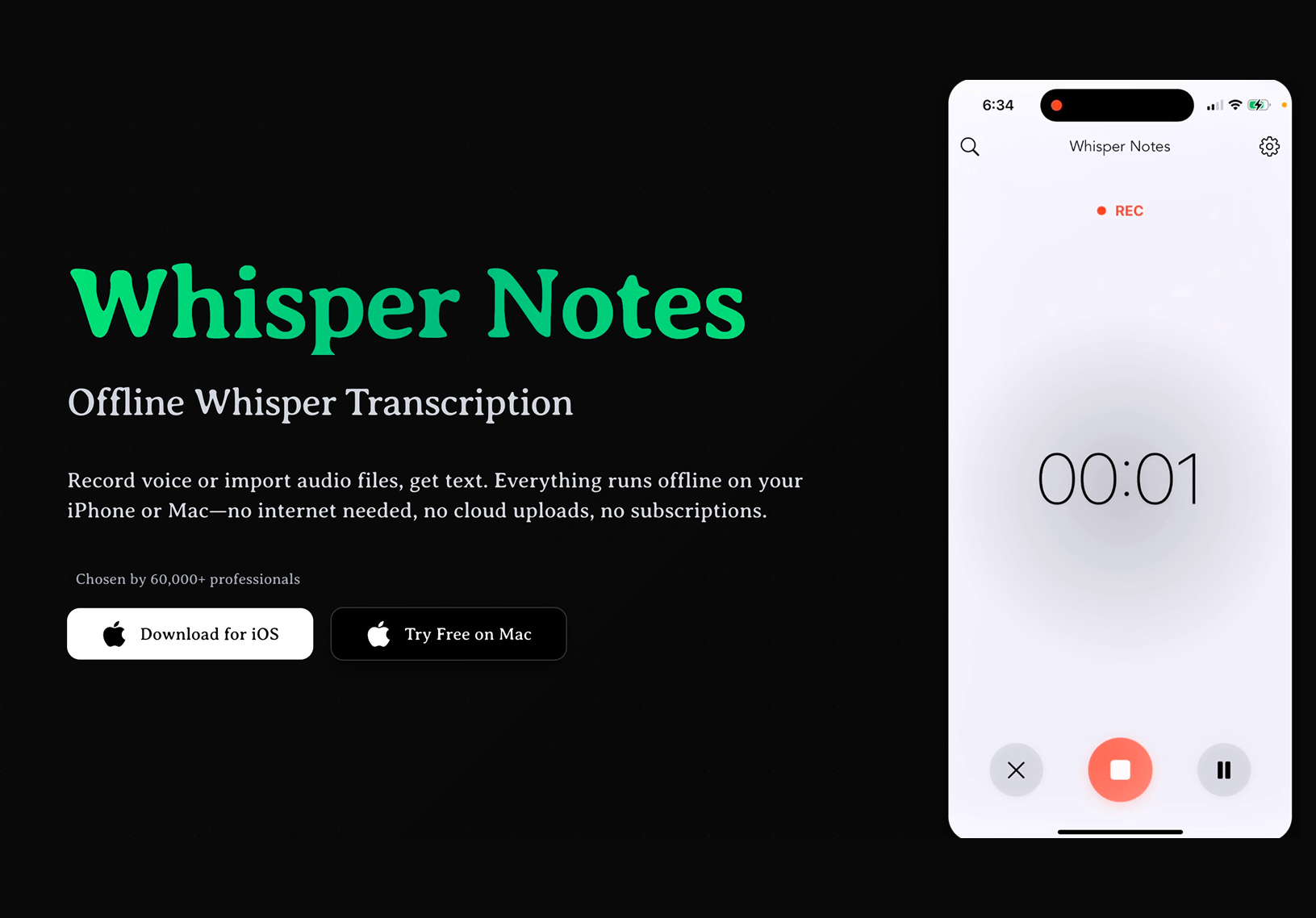
- Keep confidential meetings, interviews and voice notes private: on-device transcription processes every recording locally, nothing is uploaded, and no account or signup is required.
- Transcribe on flights, in lecture halls or anywhere without signal: offline speech-to-text runs entirely on your iPhone, iPad or Mac with no internet connection.
- Transcribe unlimited hours for one fixed price: a single $7.99 App Store purchase covers iPhone, iPad and Mac, with no subscriptions, ads, per-minute fees or cloud transcription credits.
- Get fast drafts or higher accuracy depending on the job: Parakeet turns 5 minutes of audio into text in about 18 seconds on iPhone 15, and you can switch to Whisper, SenseVoice, or Qwen3-ASR and Apple Speech on Mac.
- Transcribe multilingual recordings without manual setup: automatic language detection covers 101 languages with Whisper, including English, Spanish, Japanese, Chinese, Hindi, Arabic and Vietnamese.
- Know exactly who said what in group conversations: speaker labels identify up to 10 speakers in meeting and interview transcripts.
- Capture both sides of video calls and online meetings: meeting recording on Mac records system audio along with your microphone.
- Convert recordings you already have into searchable text: import audio and video files from WhatsApp, Photos, Voice Memos, Files and other apps for offline transcription of podcasts, lectures and voice messages.
- Publish subtitles and structured notes without extra tools: export timestamped transcripts as SRT and VTT subtitle files, TXT or Markdown.
- Transcribe full-day workshops and long lecture series in one file: each file supports up to 24 hours of audio, with no fixed recording limit.
Pros & Cons
From the listing; not yet checked by our editors.
Pros
- Runs fully on device, works without internet
- Pay once, no subscription or per-minute fees
- 101 languages with Whisper, 25 with Parakeet
- Speaker labels for up to 10 speakers
- Meeting recording with system audio on Mac
- Exports TXT, SRT, VTT and Markdown
- One purchase covers iPhone, iPad and the Mac App Store version
- No account needed
Cons
- Larger models are big downloads and need a recent device
- iPhone needs iOS 18 or later; Mac needs Apple silicon
- Apple devices only, no Android, Windows or web
- No cloud sync or team sharing
Alternatives to Whisper Notes
Tools that share the most tags with Whisper Notes.
- Soundwise.ai
Get instant transcriptions without signing up or paying, enabled by a completely free and unlimited-use web tool
Freemium · from $10/month
$10/month
Not yet checked
- AssemblyAI
Achieve up to 23% more accurate call transcription with AI models trained on 12.5M hours of multilingual audio data
Freemium
Not listed
Not yet checked
- Apptek
Convert audio to precise text transcripts across dozens of languages and dialects using neural network speech recognition
Not listed
Not listed
Not yet checked
- Zeemo
Create accurate video captions instantly with AI-powered generation that achieves over 98% accuracy
Free trial
Not listed
Not yet checked
- Voicetype AI
Write emails and documents entirely hands-free using advanced voice dictation that captures your natural speaking style
Free trial · from $13.59/month
$13.59/month
Not yet checked
- Speechy
Instantly create organized to-do lists and action items by speaking instead of typing, eliminating manual note-taking during meetings and brainstorming sessions
Freemium · from $9/month
$9/month
Not yet checked
Reviews
Rate this tool
Loading reviews...
Frequently asked questions
Does Whisper Notes work completely offline?
Whisper Notes 🛠️ 2 tools 🙏 11 karma wrote:Yes. Whisper Notes transcribes audio directly on your iPhone or iPad. No internet connection is required, and your recordings are never uploaded to the cloud.
How does Whisper Notes protect my privacy?
Whisper Notes 🛠️ 2 tools 🙏 11 karma wrote:Everything is processed locally on your device. We have zero access to your recordings or transcripts, and Whisper Notes does not collect your transcription data. Your audio only leaves your device if you choose to export or share it.
Can I import audio or video files?
Whisper Notes 🛠️ 2 tools 🙏 11 karma wrote:Yes. You can import audio and video from apps like WhatsApp, Photos, Voice Memos, Files, and more. Whisper Notes can transcribe recordings, meetings, lectures, interviews, podcasts, videos, and voice messages offline.
Does it support real-time transcription while recording?
Whisper Notes 🛠️ 2 tools 🙏 11 karma wrote:Not during recording. After you finish recording, Whisper Notes transcribes the audio and shows the text as it is being generated. This keeps recording simple and allows the app to use powerful on-device transcription models.
How fast is transcription?
Whisper Notes 🛠️ 2 tools 🙏 11 karma wrote:Speed depends on your device and the model you choose. On iPhone 15, 5 minutes of audio takes about 18 seconds with Parakeet and about 1 minute with Whisper. Older devices may be slower.
Is there a recording or transcription time limit?
Whisper Notes 🛠️ 2 tools 🙏 11 karma wrote:There is no fixed recording limit. You can record for hours, but longer files take more time to transcribe because all processing happens locally on your device.
What languages are supported?
Whisper Notes 🛠️ 2 tools 🙏 11 karma wrote:Whisper Notes supports 100+ languages with automatic language detection, including English, Spanish, French, German, Portuguese, Japanese, Korean, Chinese, Hindi, Arabic, Russian, Italian, Dutch, Polish, Swedish, Turkish, Vietnamese, Thai, and many more.
Can I export transcripts with timestamps?
Whisper Notes 🛠️ 2 tools 🙏 11 karma wrote:Yes. You can export transcripts as TXT, SRT, or VTT. Timestamped exports are useful for subtitles, reviewing recordings, editing videos, or turning long audio into structured notes.