

Overview
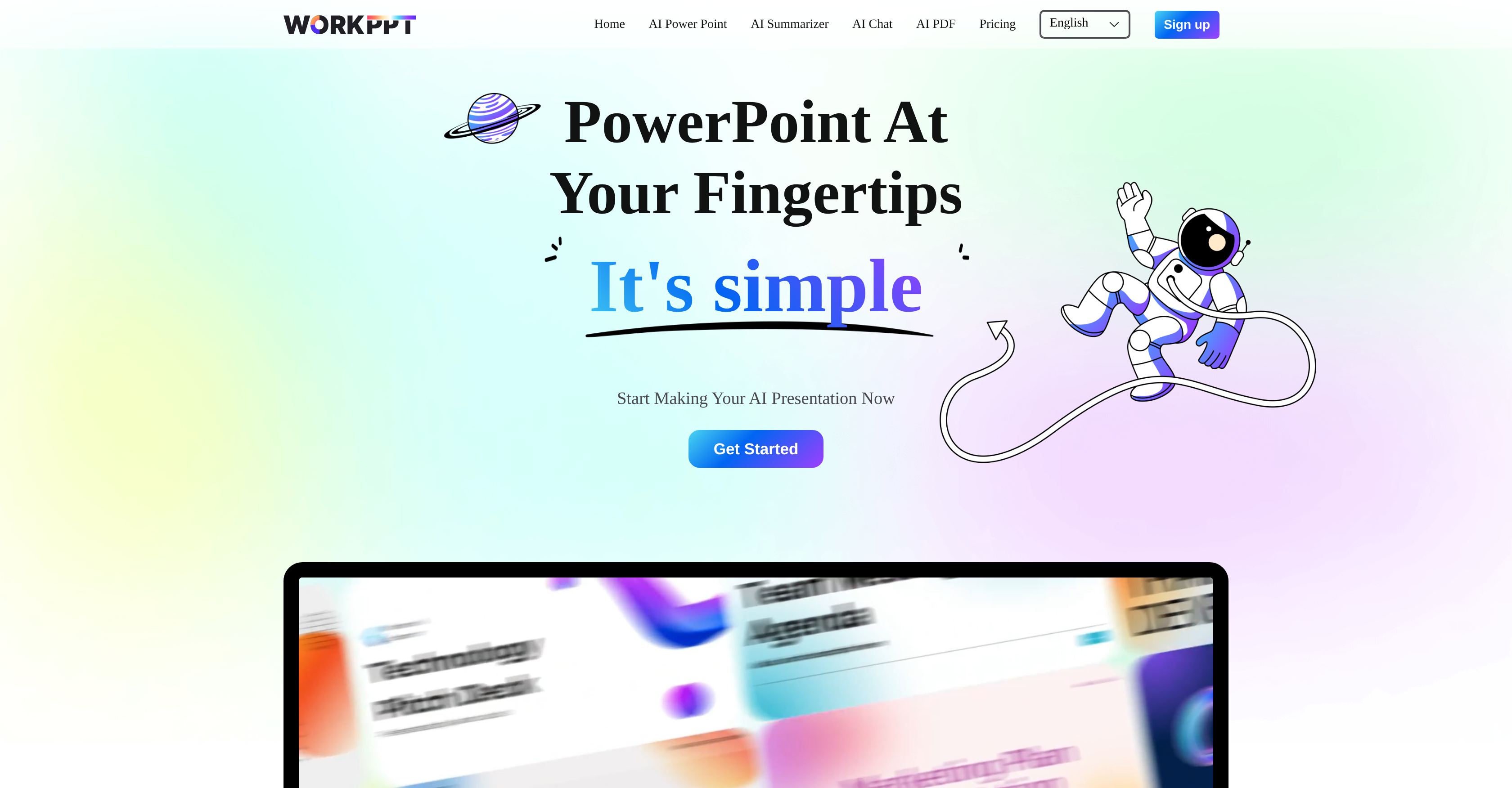
- Generate complete PowerPoint presentations in under a minute from any document or URL using AI slide creation
- Instantly summarize lengthy documents and PDFs into concise points with one-click upload functionality
- Design professional slides without design skills through an intuitive interface that automates layout and formatting
- Access and edit your presentations anywhere with seamless cross-device compatibility
- Share presentations directly online and analyze audience engagement through built-in publishing tools
- Create content in multiple languages including English, Spanish, Japanese, and Arabic with global language support
Pros & Cons
Pros
- Creates presentations quickly
- Supports online links
- Supports PDF documents
- Document upload capability
- Content sharing feature
- Publish and Analyze function
- Multi device compatibility
- Useful for individuals and businesses
- Flexible usage plans
- Unlimited presentations creation
- Cloud-based
- Intuitive UI
- Generates slides in seconds
- Online link support
- Multiple language options
- Supports local documents
- One click summary generation
- One click document upload
- Testimonials from various industries
- Automatic renewal plans
- One-time fee lifetime plan
Cons
- May oversimplify complex concepts
- Potential loss of personal touch
- Dependence on user's input quality
- Possible inconsistency in summarization
- Doesn't support all file formats
- No offline access
- Lacks advanced design customization
- Limited advanced analytical capabilities
- Subscription can be expensive
- Only supports cloud-based usage
Reviews
Rate this tool
Loading reviews...
❓ Frequently Asked Questions
workppt is an advanced tool that uses artificial intelligence to simplify the creation and refinement of PowerPoint presentations and other digital content. It generates concise, engaging slides quickly, reduces the time and effort typically associated with designing presentations, summarizes documents, and supports different file types including online links and PDFs.
workppt uses AI to automate the process of slide creation. It generates concise, engaging slides in seconds which lifts the burden and time traditionally associated with crafting presentations. It also incorporates an AI summarizing function that quickly extracts essential points from documents to aid in content creation.
The AI summarizing function of workppt is a feature that enables quick summarization of documents. It allows users to upload a document, and the AI system will generate a concise summary of that document quickly and easily.
workppt supports online links, local documents, and PDF files. Users can upload these file types and workppt will generate concise summaries or utilize the content to create engaging slides.
Uploading documents in workppt is a straightforward one-click process. The platform supports various file types, including online links and PDFs that can be uploaded with ease and used to generate summaries or slides.
workppt ensures an intuitive design through its user-friendly interface, designed to reduce friction in content generation. It promises a smooth workflow for constructing complete slides, enabling users to focus on the content itself rather than on the mechanics of slide building.
Yes, workppt has been configured to work across different devices, allowing users to engage with their presentations at any time and place.
workppt caters to both individual and business use. As demonstrated in the testimonials from users across different sectors, the platform's robust functionality and ease of use make it suitable for a broad range of applications, from individual presentations to collaborative business projects.
workppt offers an array of flexible usage plans, including monthly, quarterly, and yearly subscriptions. There's also a one-time payment option for a lifetime plan. This caters to a wide spectrum of user requirements.
workppt's AI generates engaging slides by utilizing a combination of precise summarization capabilities and aesthetics. It extracts the main points and presents them in a simple, engaging way to ensure they capture the attention of the audience.
Yes, workppt supports online links. Users can input an URL, and the AI tool will generate a precise summary of the content from that link.
workppt's 'publish and analyze' function allows users to easily share their presentations online. While the exact mechanics of the 'analyze' facet are not immediately disclosed, it could involve an analysis of the audience interaction or reception of the shared content.
Yes, workppt can handle PDF documents. Users are able to upload PDF files onto the platform for summarization or slide creation.
Creating slides in workppt involves uploading a document or online link, after which workppt's AI quickly generates concise, engaging slides based on the input content. The exact specifics of this process, including how the AI selects and organizes the information into slides, has not been detailed.
Workppt's website shows language options including English, Français, العربية, Español, Português, 日本語, 한국어, and Deutsch, indicating that it likely offers multi-language support.
Workppt can generate work presentations in less than a minute, dramatically reducing the time it takes to put together compelling slides.
Yes, you can share your presentation online directly from workppt. This is accomplished through its 'publish and analyze' function, which seems to be designed to facilitate easy content sharing.
The data security measures implemented by workppt are not explicitly detailed on their website.
The specific usage limitations in workppt's plans are not explicitly outlined on their website. However, it mentions unlimited access to workppt tools in its pricing plans, likely indicating very few, if any, restrictions.
workppt aids in digital content creation by automating the process of creating PowerPoint slides, summarizing documents, and supporting various file types like online links and PDFs. This enables users to quickly generate content while reducing the time and effort traditionally involved in designing presentations and summarizing documents.
Pricing
Pricing model
Free Trial
Paid options from
$8.33/month
Billing frequency
Monthly
Refund policy
No Refunds
Related Videos
Best AI Presentation Maker 2025? | WorkPPT AI Slides Tool Review
AI Expert•7.8K views•Sep 22, 2025


