

Food Image Enhancer
Overview
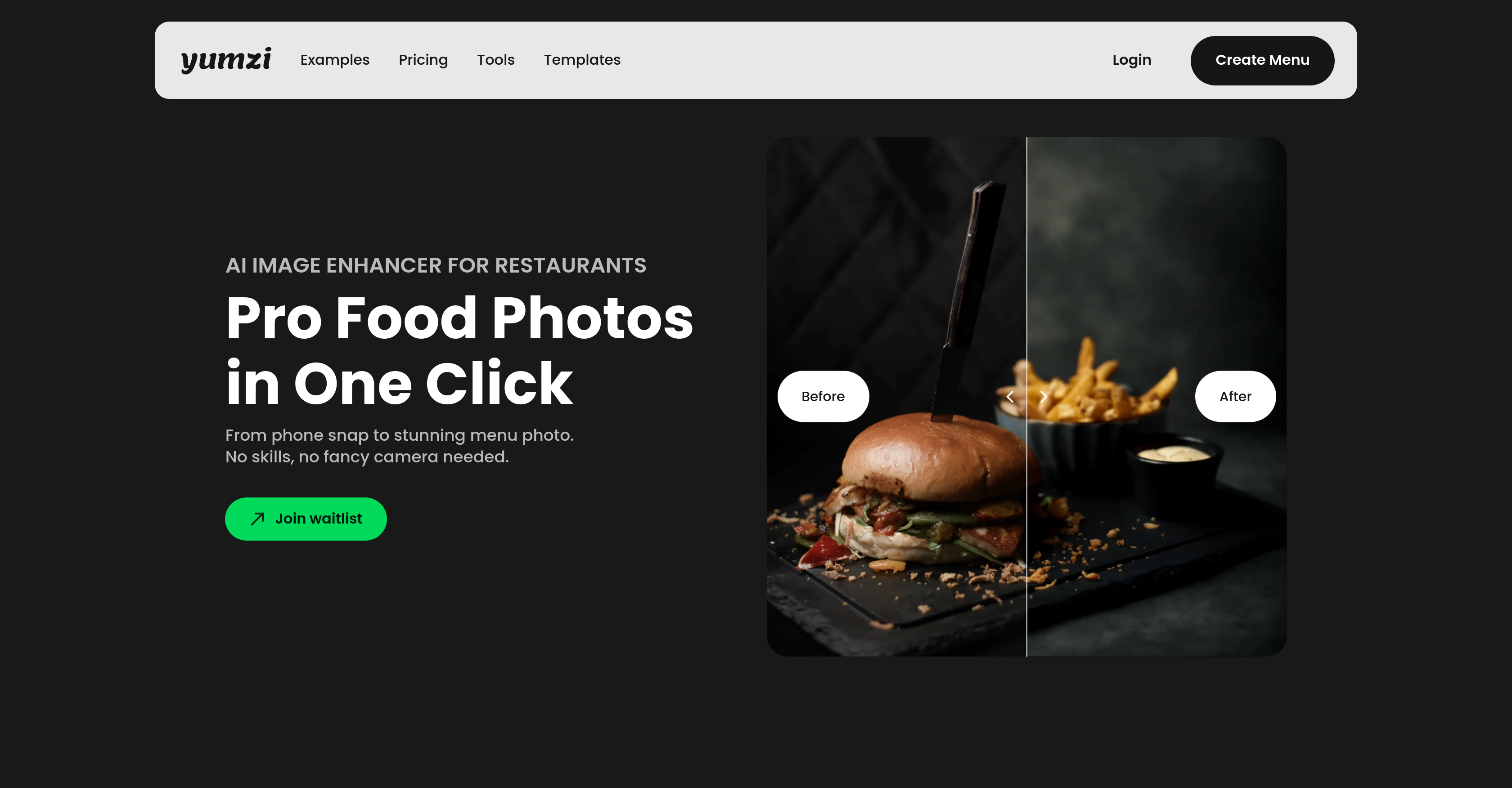
- Transform smartphone snaps into professional menu photos instantly with AI-powered enhancement optimized for food
- Maintain consistent visual style across your entire menu with automated bulk processing that handles multiple images simultaneously
- Eliminate distracting backgrounds and clutter with one-click background replacement that keeps focus on your dishes
- Fix dark, flat photos automatically with intelligent relighting that corrects poor lighting conditions
- Make food colors pop and details stand out with specialized color and detail enhancement for crave-worthy images
- Export high-quality JPG/PNG files ready for delivery apps, social media, and digital menus without compression issues
- Achieve perfectly composed shots every time with perspective correction that balances and aligns your food photography
Pros & Cons
Pros
- Works with smartphone photos
- No photography skills required
- Optimised for hospitality industry
- Background replacement feature
- Perspective correction feature
- Relighting capabilities
- Color and detail enhancement
- One-click bulk processing
- Maintains consistent style
- High-quality image export
- Supports JPG and PNG
- Suitable for food deliveries
- Good for social media
- Works for digital menus
- Enhances Google Business profiles
- Fast image enhancement
- No need for professional photographers
- Optimised for delivery apps
- Optimised for review platforms
- Results in under 30 seconds
- Multiple enhancement styles
- Natural, appetizing results
- Compatible with existing systems
- Works in any lighting
Cons
- Limited to Food Photography
- Cannot fine-tune adjustments
- No RAW image support
- Dependent on initial image quality
- No Voice-command support
- No metadata editing
- No offline functionality
- No manual controls
- Not suited for non-restaurant businesses
- No Multi-platform support
Reviews
Rate this tool
Loading reviews...
❓ Frequently Asked Questions
Yumzi Image Enhancer is an AI-powered tool designed to amplify the quality of food photos. It can turn smartphone snaps into professional-level food photographs, making it beneficial for restaurant businesses looking to enhance their menu photos promptly and cost-effectively. It doesn't require any specific photography skills or specialist equipment but works efficiently with images captured on typical smartphone cameras.
Yes, Yumzi can be used on any smartphone. It is designed to enhance photos taken with any phone camera, eliminating the need for expensive cameras or specialized equipment.
Yumzi offers an array of edits specifically tailored for food photography. These include background replacement for removing or changing the backdrop of the images, perspective correction to ensure balanced and appealing composition, relighting functionality to improve and enhance the lighting conditions, and color and detail enhancement to make food colors more vibrant and the smaller details more distinct.
Yumzi processes food photos at lightning-fast speeds. Most photos are enhanced in under 30 seconds.
Yes, Yumzi supports bulk processing allowing you to edit multiple photos at once. This feature is particularly useful for enhancing entire menu photos quickly.
Yumzi indeed offers a feature that maintains a consistent style across all food photos. It's capable of ensuring uniform aesthetics for all restaurant menu photos.
Yumzi allows high-quality exports in JPG or PNG formats. These formats make the images suitable for a variety of platforms.
Yes, Yumzi can indeed replace or remove the background of your photos. This helps to declutter images and allow the food to be the main focus.
Yes, Yumzi has a 'relighting' feature that corrects and enhances the lighting conditions of your food photos, helping to fix dark, flat photos instantly.
Yumzi incorporates 'color enhancement' functionality to make the colors in your food photos more vibrant, resulting in more visually appealing and crave-inducing images.
Absolutely, Yumzi is highly suitable for enhancing restaurant menu photos. It's designed to transform smartphone snaps into professional-quality food images rapidly and at a low cost, making it particularly useful for restaurants.
Yes, photos edited by Yumzi can be used on a wide variety of platforms including food delivery apps and social media platforms. The images exported from Yumzi can be utilized on popular delivery apps, social media, digital menus, and more.
Yes, Yumzi supports perspective correction, ensuring the photos have a balanced and appealing composition.
Yumzi enhances the details in food pics through a detail enhancement feature. This feature focuses on bringing out the small, intricate details in the food making them more distinct.
Yes, Yumzi helps declutter your food photos with the help of its 'background replacement' feature that allows removing or changing the backdrop of images.
Yes, Yumzi is specifically optimized for the hospitality industry. All the photo editing capabilities it offers have been fine-tuned to match the exact requirements of restaurant businesses and their unique needs.
Yes, Yumzi can be utilized to improve the quality of photos on your Google business profile. By creating high-quality, professional images, Yumzi will help you stand out in local searches and make people click on your profile.
Yes, Yumzi promotes the export of high-quality images. The edited food photos can be exported in high-quality JPG or PNG formats, making them perfect for professional use.
Yes, Yumzi can help to transform your food photos into professional images. It is designed to elevate smartphone snaps and turn them into magazine-worthy food photographs.
Yes, photos enhanced by Yumzi can be utilized on review platforms. High-quality, appealing images will help boost your presence on review platforms such as Yelp and TripAdvisor by giving reviewers attractive visuals to rave about.
Pricing
Pricing model
Free Trial
Paid options from
$10/month
Billing frequency
Monthly
Refund policy
No Refunds