Overview
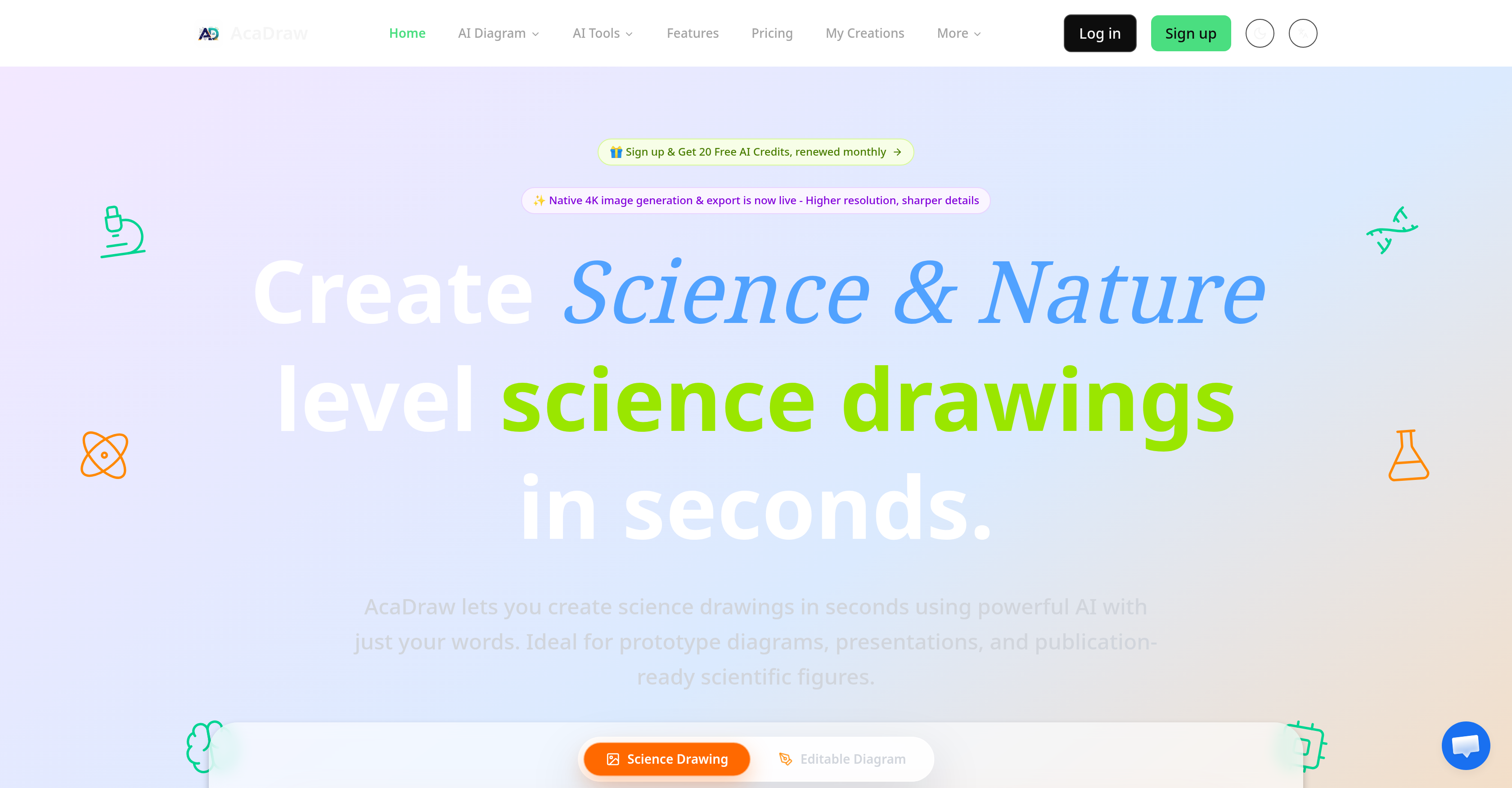
- Create publication-ready scientific figures in seconds by describing your desired diagram, illustration, or nature art as a text prompt, with no manual drawing required.
- Produce high-fidelity scientific illustrations with the scientific rendering engine that applies precise strokes, layers, and noise models for journal-quality output.
- Generate native 4K high-resolution images suitable for print publications, presentations, and academic posters without pixelation or quality loss.
- Refine any generated scientific diagram interactively by describing tweaks and seeing updated results in seconds until the visual matches your exact specification.
- Convert AI-generated illustrations into fully editable SVG format using AI-powered image analysis that identifies shapes, text, and paths for accurate vector conversion.
- Edit and customize diagrams in professional vector software including Adobe Illustrator and Affinity Designer for complete creative control over final output.
- Build editable diagrams directly in draw.io or Excalidraw for seamless integration into existing technical documentation and workflow tools.
- Export finished scientific visuals in multiple formats including PNG, JPG, SVG, and PDF to match any publication or presentation requirement.
- Start creating AI science drawings at no cost with the free tier offering 1K resolution generation, PNG export, and 20 monthly AI credits.
- Access premium features including watermark-free exports and commercial use license for professional research and teaching materials.
Pros & Cons
Pros
- Scientific illustrations from text
- High-resolution image generation
- Scientific rendering engine
- Interactive refinement of images
- Editable SVG format conversion
- Affinity Designer compatibility
- Adobe Illustrator compatibility
- Draw.io compatible
- Excalidraw compatible
- Shape, text, path identification
- Different plans available
- High-fidelity strokes, layers
- Noise models for precision
- Science and nature art
- Ideal for researchers, educators
- Prototype diagram creation
- Publication-ready scientific figures
- Nature presets
- Templates available
- Live preview feature
- One-click refinements
- Smart conversation flow
- Flexible export options
- Professional Software Compatible
- Draw.io Integration
- Generate professional flowcharts
- Extract diagrams from images
- Expressive palettes
- Multiple styles available
- Vector art creation
- Technical drawings
- Scientific diagrams
- Pricing plans available
- Free tier option
- Science drawing accuracy
- Precise technical details
- Natural language prompts
- Interactive chat
- Easy to use
Cons
- Limited language support
- Requires monthly subscription for advanced features
- Limited image format options
- Per-image cost can add up
- Not suitable for complex designs
- Specific to scientific illustrations
- Limited editing capabilities
- Dependent on textual accuracy
- No real-time collaboration feature
- Can't import existing diagrams
Reviews
Rate this tool
Loading reviews...
❓ Frequently Asked Questions
AcaDraw is an AI-powered tool that simplifies the creation of scientific and nature-level drawings. It generates scientific illustrations, diagrams, and nature art from text prompts.
AcaDraw transforms a user's description of a scientific drawing into a complete image. Its AI applies high-fidelity strokes, layers, and noise models for quality rendition. It also facilitates interactive refinement of generated images.
AcaDraw generates scientific illustrations, diagrams, and nature art. It can produce images adaptable for various fields including medicine, biology, engineering, material science, computer science, chemistry, geosciences, physics, mathematics, and more.
AcaDraw is primarily aimed at researchers and educators who need to create scientific and nature-level drawings for academic or teaching purposes.
Yes, AcaDraw does support high-resolution image generation. It can even generate images up to a native 4K resolution.
AcaDraw's scientific rendering engine is responsible for producing high-fidelity strokes, layers, and noise models, essential for creating publication-ready results.
AcaDraw allows users to refine generated images interactively, letting them describe what they want, see results in seconds, and make tweaks until they are satisfied.
Yes, AcaDraw is equipped to convert AI-generated images into SVG format. This feature enhances the user's power to edit the resulting diagrams or illustrations.
AcaDraw is compatible with professional vector software like Affinity Designer and Adobe Illustrator.
Yes, AcaDraw is compatible with draw.io and Excalidraw for generating editable diagrams.
AcaDraw's AI-powered image analysis function works by identifying shapes, text, and paths in the generated images for accurate SVG conversion.
AcaDraw offers a range of plans to suit different needs, including a free tier for basic features, and premium tiers named Plus and Max which offer enhanced features.
Yes, AcaDraw's AI-powered image analysis can indeed identify shapes, text, and paths in images, enabling precise SVG conversion.
AcaDraw works with text prompts that describe the science drawing a user wants to create. There is no specified format for these prompts, just clear and descriptive language about the intended image.
Yes, AcaDraw does offer a free tier that provides access to basic features, including AI science drawing generation in 1K resolution, export in PNG format, and monthly renewal of 20 free AI credits.
Premium tiers of AcaDraw offer additional features such as significantly higher AI credits per month, generation and export of images up to native 4K resolution, compatibility with other formats like SVG, JPG, and PDF, priority email support, watermark-free exports, and commercial use license.
Yes, AcaDraw empowers users to create prototype diagrams and effective visuals for presentations with ease and speed.
Yes, AcaDraw can generate publication-ready scientific figures, enhancing the efficiency and aesthetic of scholarly publications.
AcaDraw is designed to be compatible with both Affinity Designer and Adobe Illustrator, making it versatile for professionals needing to manipulate SVG format.
Yes, AcaDraw supports both entries and exports of images. It takes text prompts as input to generate images and the produced visuals can be exported in various formats, including PNG, JPG, SVG, and PDF.
Pricing
Pricing model
Freemium
Paid options from
$9.90/month
Billing frequency
Monthly