

AI Animate Image
Overview
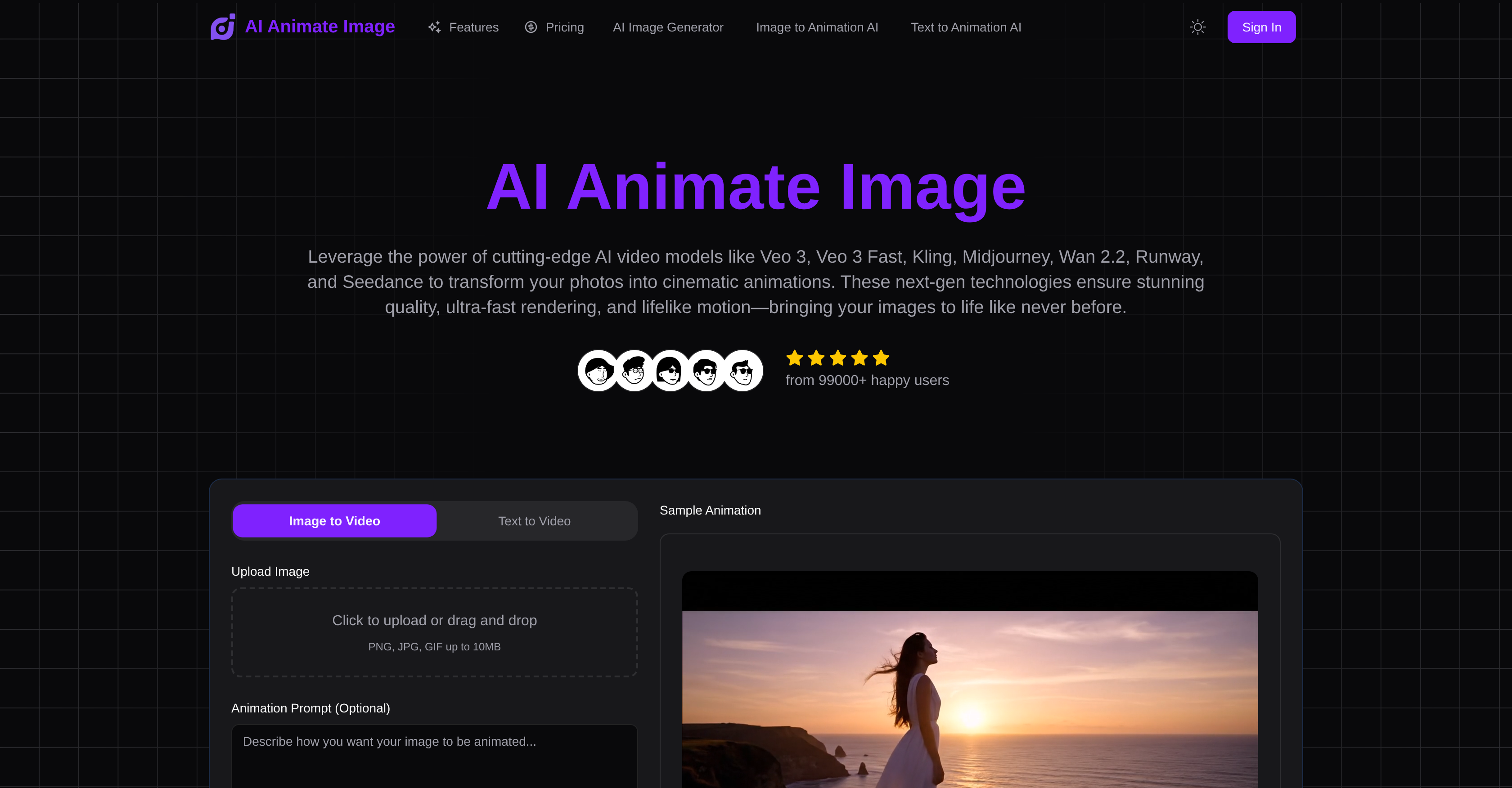
- Transform static photos into cinematic animations in under 30 seconds using advanced AI video models including Veo 3 and Kling
- Maintain original image quality throughout the animation process while supporting JPEG, PNG, and WebP formats up to 10MB
- Preview animations instantly before final rendering with real-time processing that shows exactly how your image will move
- Create professional animations without technical expertise using sophisticated AI that automatically identifies faces, objects, and backgrounds
- Access from any device with a modern browser without downloading software or learning complex animation tools
- Generate commercially licensed animations for marketing materials, social media content, and business presentations
Pros & Cons
Pros
- Produces cinema-like animations
- Identifies key features in image
- Applies natural motion patterns
- No technical expertise required
- Compatible with JPEG, PNG, WebP
- Maintains original image quality
- Instant previews
- Real-time processing
- Browser-based access
- No software downloads
- Perfect for social media content
- Supports high-resolution files
- Enterprise-grade security measures
- Full commercial licensing available
- Processes images with deeper analysis
- Unmatched realism in animations
- Handles diverse image types
- Automatic image deletion post-process
- Universal image animation compatibility
- Cinema-grade animation quality
- Preserves image quality during animation
- Supports all major image formats
- Instant real-time previews
- Scalable application for all creators
- Ideal for marketing campaigns
- Suitable for diverse creative projects
- Comprehensive animated image generator
- Supports large image files
- Fast average processing speed
- High trust from users
- Great for product showcases
- Contributes to visual marketing
- Transforms static images to dynamic
- Preferred choice for static to dynamic
- 30 free credits on sign up
- Supports GIF format up to 10MB
- Quick turnaround time for animations
- Effortless image to animation process
- Supports TIFF and BMP formats
- Creates compelling animated images
- Easy to animate photos
- Adaptable to any visual content
- Professional results for diverse projects
- Takes only 3 simple steps
- Transforms visual content strategy
- Visual marketing transformation tool
- Advanced rendering technology used
Cons
- Limited format support
- Only browser-based
- Requires internet connection
- No API functionality
- Slow processing speed
- No software download version
- No multi-language support
Reviews
Rate this tool
Loading reviews...
❓ Frequently Asked Questions
AI Animate Image is a web-based platform utilizing AI-powered technology to animate static images. It transforms photos into dynamic, cinematic visuals without requiring any technical expertise.
AI Animate Image works by leveraging AI algorithms that identify key elements in an image, then apply natural motion patterns to create animations. It provides real-time processing and instant previews, allowing users to see the proposed animation before the final rendering and download.
Key features of AI Animate Image include AI-powered image animation, compatibility with JPEG, PNG, and WebP formats, real-time processing with instant previews, and access to the platform from any browser without requiring downloads. Also, it maintains original image quality during the animation process and facilitates the creation of visually engaging content.
AI Animate Image leverages advanced AI video models, including Veo 3, Veo 3 Fast, Kling, Midjourney, and more, to produce high-quality animations.
AI Animate Image can animate diverse types of images including portraits, artwork, product photos, and other visual content.
AI Animate Image is compatible with JPEG, PNG, and WebP image file formats.
AI Animate Image can be used by a wide range of users, including content creators, marketers, and hobbyists. It doesn't require any technical expertise, making it accessible for all skill levels.
Yes, AI Animate Image provides instant previews and real-time processing, which lets users see the proposed animation before final rendering and download.
Yes, as AI Animate Image is a browser-based platform, it can be accessed and used on any device that supports a modern web browser.
No, there's no need to download any additional software to use AI Animate Image. It's entirely web-based.
Yes, AI Animate Image maintains the original quality of your images during the animation process, ensuring high-quality outputs.
AI Animate Image creates animations that are highly realistic. It applies natural motion patterns and uses advanced AI models to imbue lifelike animations.
Animations created by AI Animate Image are suitable for a variety of applications including social media content, website visuals, presentations, and marketing materials.
AI Animate Image boasts a fast processing time, with an average of 30 seconds to turn a photo into animation.
AI Animate Image caters to a variety of content genres, making it ideal for digital marketing materials, social media content, personal creative projects, and more.
Yes, AI Animate Image supports real-time processing of animations giving prompt previews of animated content.
Yes, AI Animate Image provides a full commercial license for its animations, making it suitable for business and commercial projects.
Yes, AI Animate Image applies natural motion patterns during the animation process to create lifelike, realistic motions.
AI Animate Image supports all major image file formats, but file sizes should not exceed 10MB. The platform is designed to handle diverse image types effectively.
AI Animate Image uses advanced AI algorithms to intelligently analyze your photo. These algorithms identify key features in an image like faces, objects, and backgrounds as part of the process to turn the photo into a sophisticated animation.
Pricing
Pricing model
Free Trial
Paid options from
$4.90
Billing frequency
One-time


