
AIEasyPicv1.1
Overview
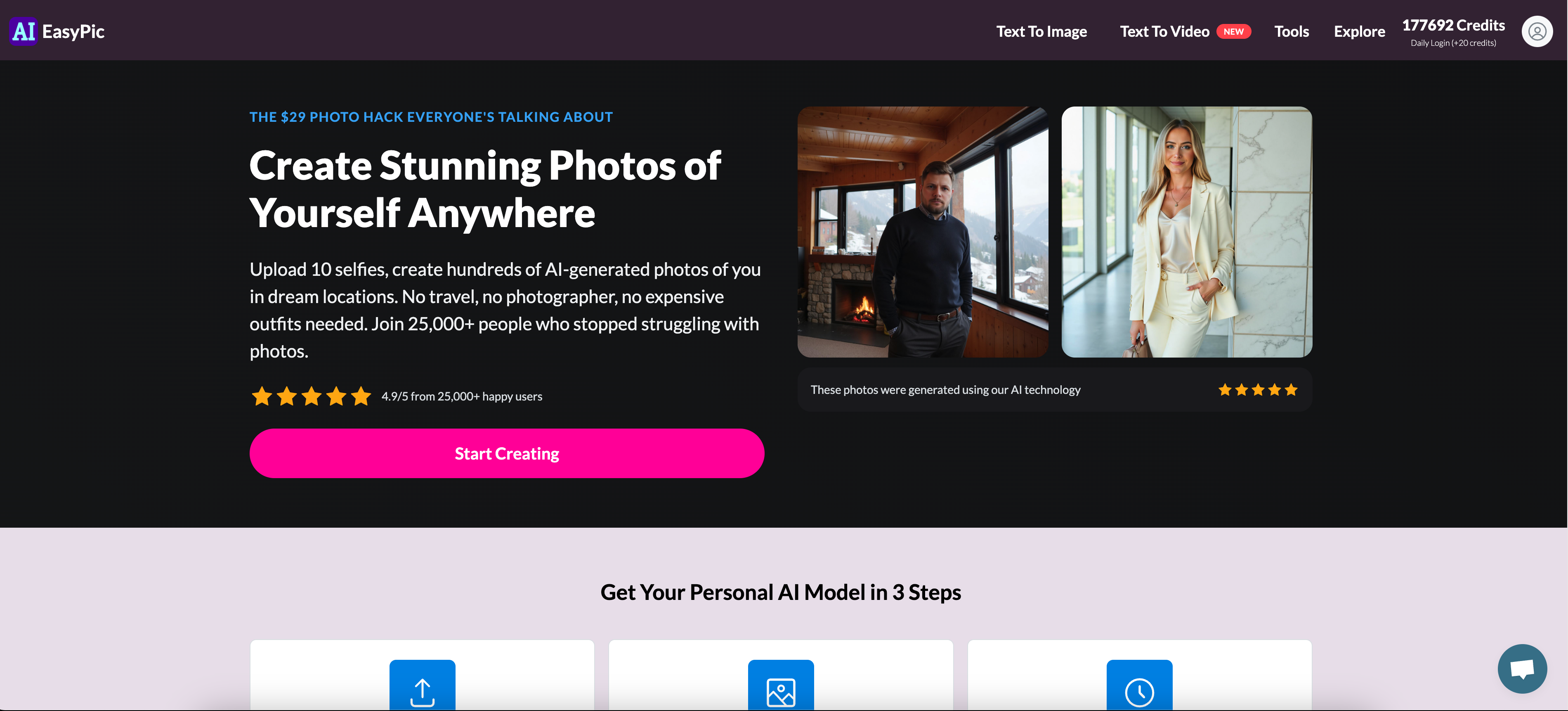
- Transform text into professional-quality images instantly using AI image generation from text prompts
- Edit existing photos with simple text commands instead of complex editing software using text-based image editing
- Create custom AI models trained specifically on your own pictures for personalized results with model training on personal photos
- Generate professional headshots and portfolio images without expensive photoshoots through AI headshot generation
- Design unique dating profile pictures that stand out using dating profile picture creation
- Access your complete creation history to revisit and reuse previous work in the RECENT CREATIONS section
- Choose from multiple output sizes including HD quality for different platform requirements with various image size support
Pros & Cons
Pros
- Custom image generation interface
- Supports various image sizes
- Offers image customization options
- Direct image upload feature
- Provides user credits upon sign-in
- Display of recent creations
- Interactive UI for prompt selection
- Multiple output variations
- Option for gender selection
- Integrated Login system
- Comprehensive FAQ section
- Multiple image generation prompts
- Clear cost indication
- Accessible through various devices
- Supports Black and White images
- Supports professional headshot generations
- Generates selfie with landmarks
- Generates Instagram model images
- Generates dating profile pictures
- Drag and drop feature
Cons
- Requires sign-in
- No specified output quantity
- Costs not specified
- Limited customization options
- Requires credits for usage
- Limited image size options
- Generic prompts
- No batch processing
- No API provided
- No offline functionality
Reviews
Rate this tool
Loading reviews...
❓ Frequently Asked Questions
AIEasyPic is a tool that serves as an interface to recent AI image features. It provides an easy and user-friendly way to interact with AI technology for image processing.
Yes, you can generate custom images with AIEasyPic. The option to customize the output of your generated images is provided.
AIEasyPic supports images of various sizes, including small, medium, and large (HD) sizes.
You can choose the output of the generated images on AIEasyPic by selecting from a list of prompts provided after uploading your image.
AIEasyPic is capable of generating a range of images including Instagram models, black and white images, professional headshots, selfies with landmarks like the Eiffel Tower, and dating profile pictures.
Yes, you can see your previously generated images on AIEasyPic in the 'RECENT CREATIONS' section.
You are prompted to sign in to use AIEasyPic. This implies that having an account is necessary to use the tool.
Yes, generating images using AIEasyPic comes at the cost of credits.
Mesmer Lord
🛠️ 3 tools
wrote:You obtain credits on AIEasyPic by signing in or paying for the monthly subscription.
Prompts in AIEasyPic function as customization options for your generated images. By selecting one, you can direct the output of the image generation process.
The maximum size of images you can upload on AIEasyPic is 3MB.
Yes, you can create professional headshots with AIEasyPic.
Yes, AIEasyPic can be used to create unique dating profile pictures.
Pricing
Pricing model
Freemium
Paid options from
$12/month
Billing frequency
Monthly