

AIRunner
Overview
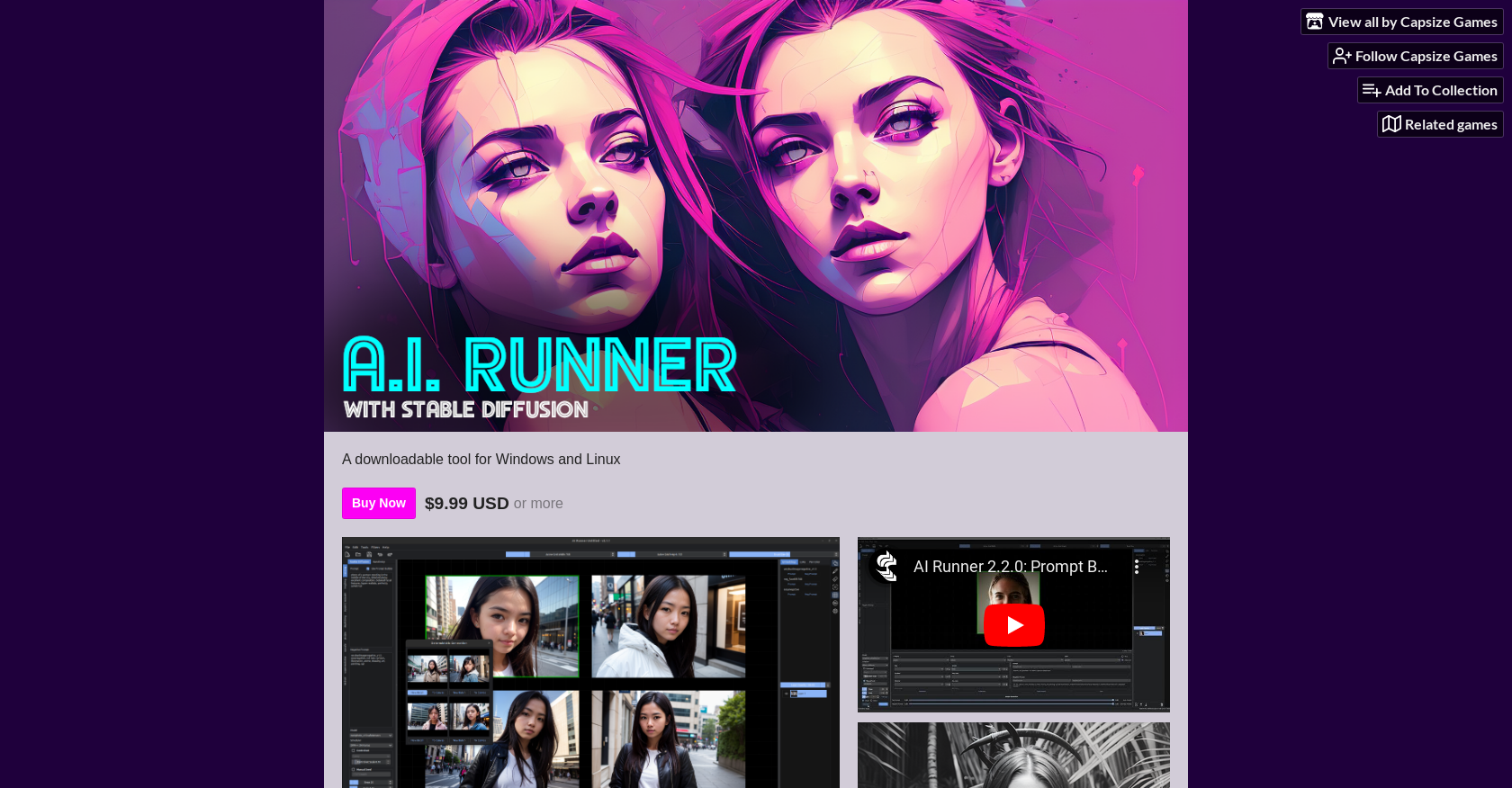
- Generate AI art completely offline without web dependencies using local Stable Diffusion and Kandinsky models
- Transform rough sketches into polished artwork using built-in drawing tools and image filters
- Create massive, unrestricted artwork with infinite scrolling canvas and outpainting features
- Produce consistent art batches faster with GPU acceleration and optimized memory settings
- Fine-tune every detail using compel prompt weighting and automatic style adjustments
- Maintain full creative control with customizable NSFW filters and metadata management
Pros & Cons
Pros
- Generates art with Stable Diffusion
- Uses Kandinsky models
- User-friendly interface
- Flexible prompts and weighting
- Supports various model types
- Supports diffusers, safe tensors, ckpt
- Customizable metadata import/export
- Controls for grid size, line width, color
- Drawing tools available
- Infinite scrolling canvas
- Outpainting for large-scale artwork
- Batch generation & interpolation
- Image filters for creative effects
- NSFW filter toggle
- Easy setup and installation
- Fast image generation with GPU
- Supports CPU image generation
- Active development with regular updates
- Optimized for memory preferences
- Compatible with Torch 2
- No additional installation requirements
- Supports multiple model pipelines/tools
- Multiple GPU memory options available
- Customizable prompt builder & saver
- Support for Model Merging
- Designed for Windows and Linux
- Cuda capable GPU required
- Requires 5.8GB disk space for installation
- Regular updates
- Input supports keyboard, mouse
- Fast load time, responsive interface
- Memory enhancement settings available
- Supports English language
- Supports Direct Download
- Input via Keyboard and Mouse
- Low price for purchase
- Capable of image interpolation
- Supports LoRA and Textual Inversion
- Automatic image export
- Has optimal memory settings
Cons
- Requires Cuda capable GPU
- Requires 8GB+ system RAM
- Requires 6GB+ VRAM
- Requires 5.8GB+ disk space
- Limited CPU support
- Requires additional space for custom models
Reviews
Rate this tool
Loading reviews...
❓ Frequently Asked Questions
AI Runner with Stable Diffusion is a tool created by Capsize Games for art generation. It uses Stable Diffusion and Kandinsky models for AI art generation directly on users' hardware. This tool is not web server dependent and is downloadable for Windows and Linux systems.
VIA Stable Diffusion, AI Runner allows users to generate images. This functioning is enriched with the use of other models and formats such as diffusers, safe tensors, and ckpt. In essence, it converts the prompt given by users into artwork with Stable Diffusion.
You can download AI Runner by purchasing it from Capsize Games' website for $9.99 USD or more. Upon purchase, you will get access to the tool's files such as AI-RUNNER-WINDOWS.ZIP, AI-RUNNER-WINDOWS-RC.ZIP, and AI-RUNNER-UBUNTU.ZIP.
AI Runner offers a versatile range of features for image generation including user-friendly prompts and weighting options using compel and automatic style prompt weighting. It supports different model types and formats, provides options to control grid size, line width, and color, and includes image batch generation and interpolation. You can use drawing tools to transform sketches into art and employ image filters for creative effects.
Yes, AI Runner does allow customization of metadata import/export options. This becomes particularly useful to maintain consistency in metadata for produced artwork.
Yes, AI Runner does offer drawing tools to transform sketches into art. One can utilize these tools to transform simple sketches into intricate works of art.
In the context of AI Runner, the infinite scrolling canvas allows users to generate large-scale artwork without restriction on size or walling. It provides the user with unlimited space to work on and experiment with their art.
Outpainting in AI Runner is a feature, enabling users to create large scale artwork. It essentially extends the canvas to accommodate the generation of larger images.
NSFW filter toggle in AI Runner is a feature that allows users to control nudity and explicit content in AI generated art. It provides flexibility in terms of content creation while following ethical guidelines.
In terms of usability and performance, AI Runner is designed to facilitate an easy setup and installation process. It also uses GPU acceleration for quick image generation and has a responsive interface. With memory preferences, it optimizes GPU RAM usage.
Yes, AI Runner supports fast image generation using GPU acceleration. However, it also offers support for CPU image generation, although it's not the recommended option due to efficiency concerns.
AI Runner requires a system with CUDA-capable GPU (2080s or higher recommended), at least 8GB of system RAM (16GB recommended), and 6GB VRAM (8GB+ recommended for running all features). Approximately 5.8GB disk space is needed for installation, and additional space is needed for custom models.
Though you can run AI Runner without a CUDA capable GPU, it's not recommended. CPU support is limited and may not deliver an optimally effective performance.
3GB of VRAM might technically work with correct memory settings, but this is not tested and thus not advised. AI Runner has been optimized for systems with 6GB VRAM (8GB+ recommended for running all features).
For systems with low VRAM, AI Runner recommends closing all other applications for reliable use. However, systems with less than the recommended 6GB of VRAM might struggle with performance.
AI Runner is built with open-source software, but it's not defined as an open-source application itself. The program doesn't offer a licensing or guarantee.
Updates for AI Runner are regularly developed and can be found on Capsize Games' website. The developer also maintains a Devlog with recent updates and changes.
Yes, AI Runner does offer memory enhancement settings. These are included under the 'architecture' list with Torch 2 and can be adjusted according to user preferences for optimized GPU RAM usage.
Safe Tensors in AI Runner refer to a type of model format that the tool supports. They are crucial for the execution of critical AI computations and operations in generating art.
Compel prompt weighting in AI Runner contributes to the image generation process. It allows users to manage the bias in the model and direct the output towards a desired outcome, adding to the flexibility and user control in creating the AI art.
Pricing
Pricing model
Free
Paid options from
Free
Related Videos
AI Runner 3.0.0 Dev preview: Bot personality
Joe Curlee•29 views•Feb 24, 2024


