
Overview
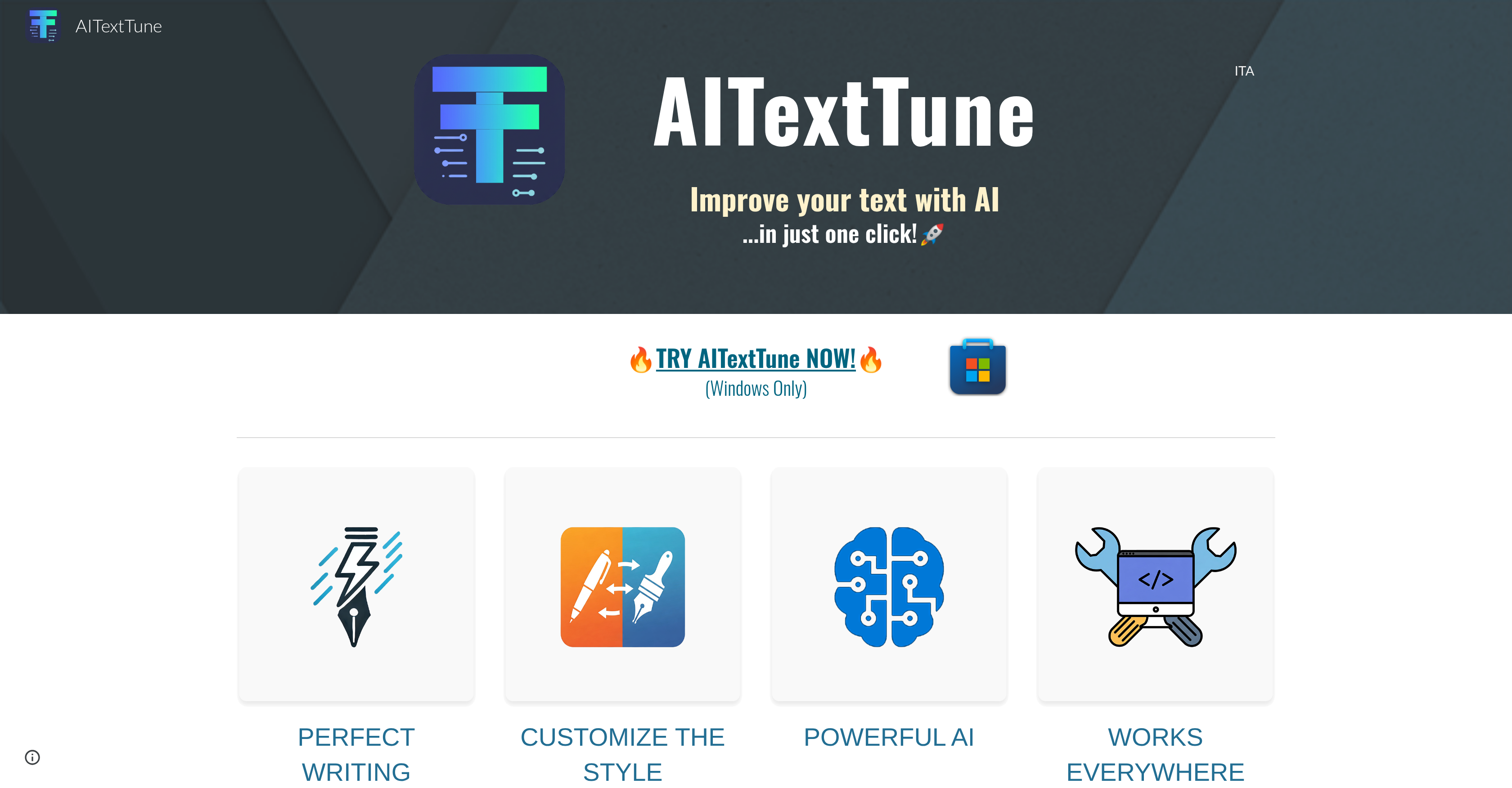
- Instantly enhance text clarity and flow in any application with real-time AI text processing
- Translate content across multiple languages without switching between different software tools
- Summarize long-form documents quickly to extract key information and main points
- Customize writing style for different contexts from formal business to creative personal writing
- Fix grammatical and spelling errors automatically while improving overall text quality
- Access powerful text editing features instantly with simple CTRL+C+C keyboard shortcut
- Work seamlessly across all digital platforms and software without compatibility issues
- Integrate with Google's Gemini AI for advanced text improvements using your API key
Pros & Cons
Pros
- Improves writing instantly in just one click
- Improve the clarity and flow of your texts
- Fix grammar and spelling
- Adapt the text to different writing styles
- Customizable writing styles
- Summarizes the text
- Translates various languages
- Supports 25+ different languages
- Customize prompts with the "CHAT" feature
- It integrates with any tool or software you're writing on
- Operates in real-time
- User-friendly interaction
- Suitable for various writing applications
- Aid for writers and translators
- Rapid text processing
- Integrated with Google Gemini
- Free trial - One-time minimum payment, lifetime access, no subscriptions
Cons
- Windows only
- Desktop-only
- Requires active Gemini API key
- Limited Google Gemini Integration
- No offline mode
Reviews
Rate this tool
Loading reviews...
❓ Frequently Asked Questions
AITextTune's key features include text enhancement, text editing, language translation, AI writing, content enhancement, language processing, summarization, style customization, real-time processing, cross-platform functionality, user-friendly interaction, and integration with Google's Gemini AI for text improvements.
AITextTune improves the clarity and flow of the text by leveraging AI algorithms. It also offers text enhancement features that help polish the written content, improve its quality, and ensure it communicates effectively and clearly.
Yes, AITextTune can summarize long-form text. It's one of its many feature-rich options aimed at improving the usability and quality of written content.
Yes, AITextTune can translate text into a vast selection of languages. This makes it a versatile tool for language translation in addition to text enhancement.
With AITextTune, you can customize the style of your text to match different needs, ranging from formal to creative writing styles. This is made possible via its style customization feature.
AITextTune processes the text in real-time using its AI algorithm and available features. Once the text is selected and the tool is activated, operations such as style adjustment, summarization, and translation are performed instantaneously.
To activate AITextTune, you need to select the text and hit the 'CTRL+C+C' command. Once activated, you can choose your desired function such as adjusting the style, summarizing, or translating the text.
Yes, AITextTune can be used across different digital platforms. It's designed to be a versatile tool, enhancing text in any software or application.
AITextTune integrates with Google's Gemini AI for text improvements. This feature, however, is only available with an active Gemini API key and is subject to regional restrictions for Google's services.
Yes, to fully utilize AITextTune's feature of Google Gemini integration, you need to have an active Gemini API key.
No, AITextTune availability can be influenced by Google's regional restrictions and the availability of an active Gemini API key.
Writers, translators, and anyone seeking to improve their written content can greatly benefit from using AITextTune. Its feature-rich options provide a valuable aid for diverse writing needs.
AITextTune aids with content enhancement and language processing through its AI algorithms, which improve the quality, clarity, and flow of text. It also offers language translation to and from multiple languages, making it useful for international content and communications.
Yes, one unique feature of AITextTune is the ability to adjust the style of your text to suit different needs, offering a gamut from formal to creative writing styles.
Yes, AITextTune offers a one-click text enhancement. This feature allows users to significantly improve the quality and clarity of their text quickly and easily.
AITextTune assists in text editing by using AI-powered features that help improve the clarity, flow, and overall quality of written works. It also allows for style customization and offers summarization and language translation.
AITextTune doesn't explicitly mention a feature to correct errors in text. However, it helps improve the clarity and flow of text, indirectly aiding in spotting and removing errors.
The list of countries where the Gemini API is available can typically be found on Google's official documentation.
AITextTune is designed to enhance all types of writing, allowing adaptability from formal to creative writing styles. This makes it an excellent tool for a wide range of applications.
Yes, according to the information provided, AITextTune is currently available only for Windows.
Pricing
Pricing model
Free Trial
Paid options from
$1.70