
Overview
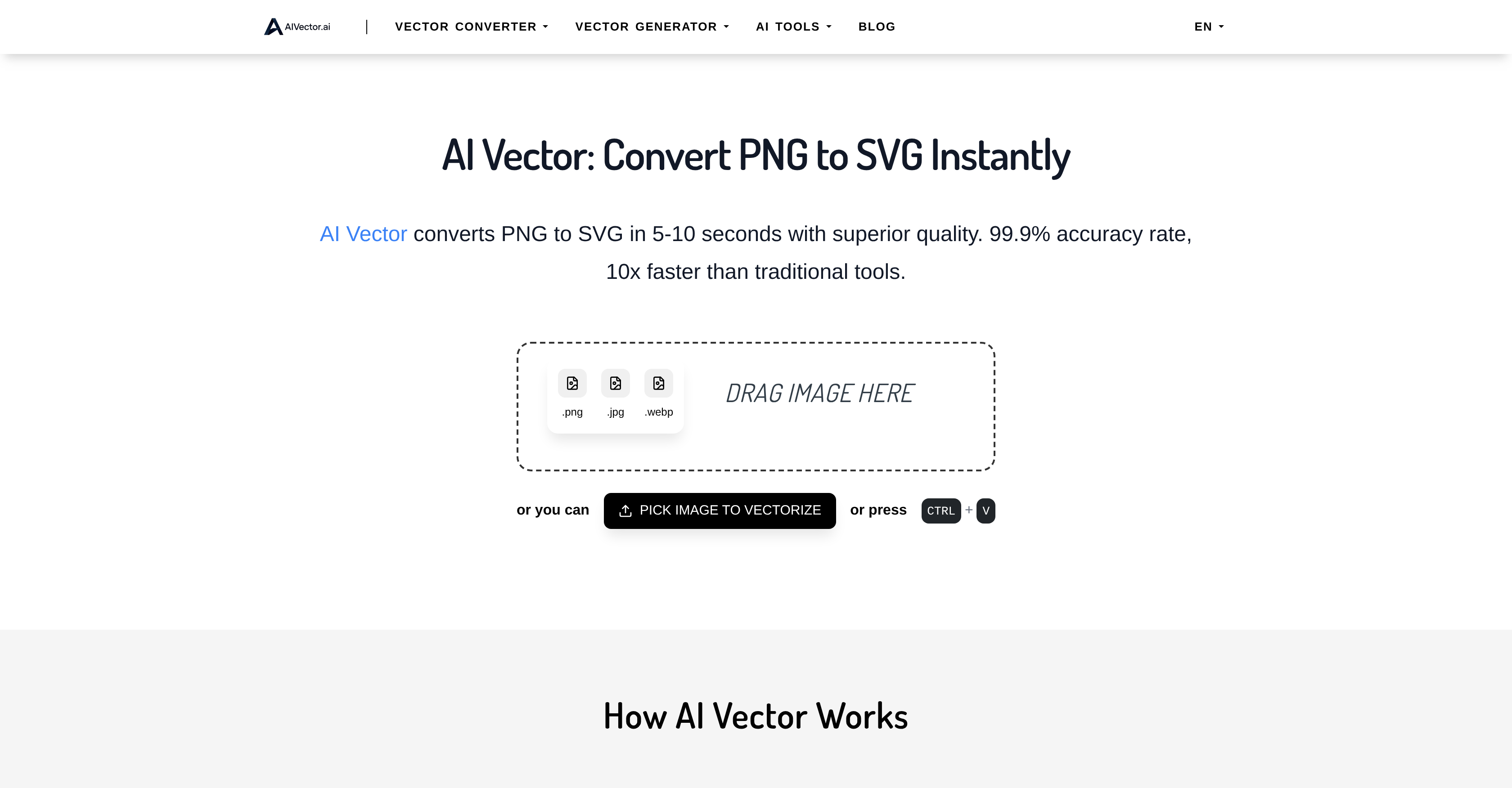
- Transform pixelated images into infinitely scalable vector graphics with AI-powered conversion that preserves clean lines and smooth curves
- Generate complete logos, icons, and design-ready graphics directly from text descriptions without any design software or skills
- Convert HTML to editable SVG files for web development projects while maintaining perfect scalability across all screen sizes
- Process files locally on your device with privacy-first technology that keeps your images secure and never stores them on servers
- Access professional vectorization results immediately without creating accounts, downloading software, or facing usage limits
- Edit photos and graphics using natural language prompts instead of complex editing tools or technical design knowledge
Pros & Cons
Pros
- Lightning fast conversion
- High quality vector output
- No signup required
- Unlimited conversions
- Free to use
- Commercial use allowed
- Supports PNG JPG WEBP HTML
- Handles logos icons and illustrations well
- Generates vectors from text prompts
- Privacy-focused processing
- Works for branding marketing and web graphics
- Clean lines and smooth curves
- Includes AI image editing with prompts
- Multiple specialized converters
Cons
- File size limited to 5MB
- Best results with clear shapes and high contrast images
- Complex photos may be simplified
- No built-in vector editing after export
- Requires internet connection
Reviews
Rate this tool
Loading reviews...
❓ Frequently Asked Questions
Vector graphics are made of mathematical paths, so they can be scaled to any size without losing quality, unlike pixel-based images such as PNG or JPG.
The AI analyzes your file pixel by pixel, detects shapes, edges, and colors, and recreates them as scalable SVG paths that retain detail and clarity.
Yes. All SVG files created with AIVector are free for personal and commercial use.
No. Just upload your file or enter a text prompt and the AI generates professional results automatically.
You can download files in SVG and PNG formats, suitable for web, print, and digital projects.
Pricing
Pricing model
Free
Paid options from
Free










