
AlephAI.app
Overview
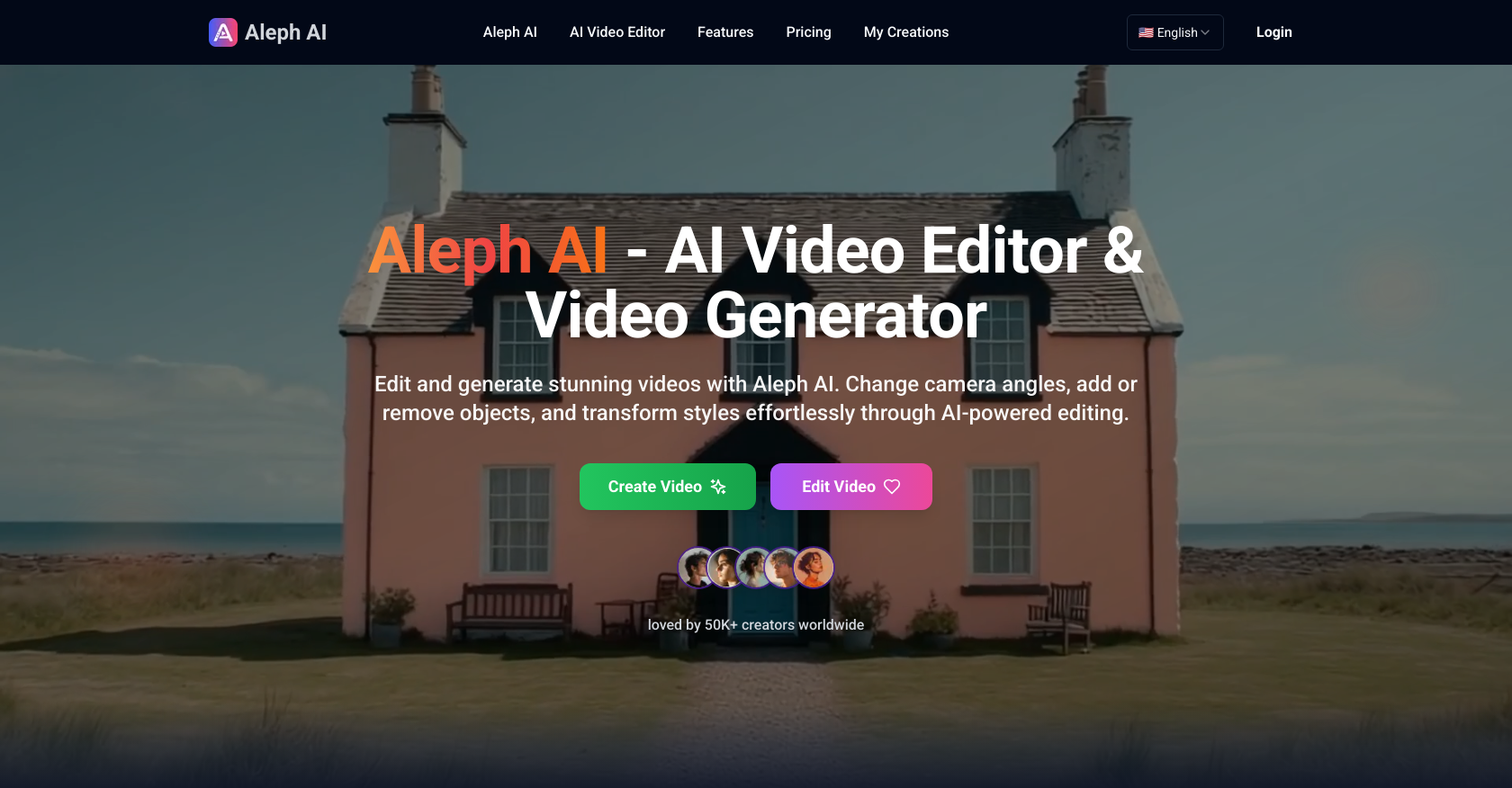
- Create professional videos without technical skills using simple text prompts instead of complex editing software
- Transform video styles completely while preserving motion and structure through advanced AI style transfer
- Remove unwanted objects seamlessly with intelligent object manipulation that maintains natural lighting and scene flow
- Generate new camera angles from existing footage using dynamic camera control for cinematic perspectives
- Alter entire environments in real-time without reshooting footage through instant background and setting changes
- Fine-tune lighting, shadows and colors with precision visual control using simple AI commands
- Handle multiple editing tasks simultaneously to complete complex video projects faster
- Export high-quality videos in all popular formats cleared for commercial use
Pros & Cons
Pros
- Simplifies video editing
- Text prompt controls
- Dynamic camera control
- Intelligent object manipulation
- Real-time environment changes
- Precision visual control
- Smooth transitions
- Visual consistency
- Understands space and lighting
- Works with popular formats
- High-quality video output
- Cleared for commercial use
- Simultaneous multi-task editing
- Advanced style transfer
- Supports video generation
- Eliminates technical knowledge need
- User-friendly design
- Instant processing
- Transforms video styles
- Automated video generation
- Lighting and shadow adjustment
- Alters video environments
- Adds or removes objects
- Change camera angles
- Maintains natural flow
- Creates visually coherent edits
- Easy object addition and removal
- Handles multiple editing tasks
- Effortless style transformation
- Realistic output generation
- Supports JPG, PNG, WEBP
- Generates new camera angles
- Effortless environment edits
- Change backgrounds instantly
- Fine-tune video elements
- Commercial-use permissions
- Processes videos quickly
- No extra fees
- Supports MP4, AVI, MOV, WMV
- Files deleted after processing
- Safe and secure processing
- Multiple edits on same footage
- Audience of 50K creators
- Transforms through natural language
- No complex software needed
- Enterprise-grade encryption
- Fast and efficient optimization
Cons
- Only supports short videos
- Requires text prompts
- No manual editing
- Limited video formats
- Specific language required
- No language processing
- No audio editing
- No watermark removal
- No offline usage
- Single user support
Reviews
Rate this tool
Loading reviews...
❓ Frequently Asked Questions
Aleph AI is a state-of-the-art, AI-powered video editor and generator that allows for extensive modifications and transformations to video content. It enables users to add or remove objects, change camera angles, significantly transform video styles, and alter environments based on natural language inputs or simple text prompts.
Aleph AI operates by interpreting the instructions provided through simple text prompts. The AI analyzes the video, applies transformations, including object modifications, camera angle changes, and style alterations while maintaining scene quality. It leverages its understanding of space, lighting, and scene composition to execute the user's requirements realistically and smoothly.
Yes, Aleph AI can remove objects from a video. This process leverages Aleph AI's intelligent object manipulation feature, which uses advanced AI technology to remove specified objects. The AI understands the space and lighting of the scene to ensure that the removal looks natural and does not disrupt the visual flow of the video.
Aleph AI changes camera angles through its feature of dynamic camera control. It uses AI technology to generate new camera angles and perspectives directly from the existing video footage. The AI video editing engine creates smooth transitions and maintains visual consistency while changing angles, contributing to professional-looking videos.
Aleph AI enables altering of video styles through its advanced style transfer feature. Users can apply new artistic styles, change lighting, and adjust the entire look of a video. Aleph AI preserves motion and structure while giving content a fresh, customized appearance, all based on user-provided text prompts.
Yes, Aleph AI can modify the environment of your video in real-time. You can change backgrounds, modify settings, or even build entirely new environments instantly with Aleph AI's intelligent algorithms. It is perfect for video creators who want to reimagine a scene without having to reshoot footage.
Absolutely, Aleph AI is capable of handling multiple editing tasks concurrently. It streamlines complex video editing making it faster and easier by adding or removing objects, changing environments, and transforming visual elements seamlessly in one cycle.
Dynamic camera control in Aleph AI pertains to its ability to generate new camera angles and perspectives directly from existing footage. This feature helps in creating smooth transitions and maintaining visual consistency in videos, providing them with a professional look.
Intelligent object manipulation is a feature in Aleph AI that enables easy addition, removal, or transformation of objects within the video. The AI technology employed by Aleph AI understands space and lighting, ensuring that newly added elements appear natural and realistic without manual adjustment.
Advanced style transfer in Aleph AI refers to the ability to apply new artistic styles, change the lighting, and adjust the entire look of your video while preserving motion and structure. The AI gives your content a fresh, customized appearance aligning with the instructions provided in the text prompts.
Yes, Aleph AI provides real-time environment changes. You can change backgrounds, modify settings, or construct entirely new environments instantly. This feature is useful for creators who want to reengineer a scene without the need for re-shooting footage.
Precision visual control refers to Aleph AI's feature that enables users to fine-tune subtle details like lighting, shadows, colors, and textures within the video. It provides professional-grade visual control through simple AI prompts, making high-level editing accessible to everyone.
Aleph AI understands space and lighting through its AI algorithms that analyze videos for spatial composition and lighting situation. This enables it to ensure that any added elements look natural and realistic. It's key for maintaining the scene's natural flow and realism when editing objects, lighting, and more.
Aleph AI delivers the video outputs in popular formats while maintaining high quality across all formats. The AI is optimized for popular video formats and assures compatibility and high visual quality in each delivery.
Yes, all videos created with Aleph AI are cleared for commercial use. This makes it an ideal tool for creators, advertisers, educators, and businesses that require professional-grade video output.
Aleph AI assures visual consistency by using AI algorithms that understand the scene composition. Whether it’s adding or removing objects, changing camera angles, or altering video styles, Aleph AI makes sure that the modifications smoothly blend with pre-existing elements, preserving the flow and theme of the original video.
Aleph AI creates smooth transitions using its advanced AI technology, which carefully processes each change or adjustment to fit in seamlessly with the existing video. It ensures that the flow of the video is not disrupted regardless of the transformations applied.
Yes, Aleph AI can be used for free. It offers a state-of-the-art AI-powered video editing and generation platform that provides extensive video modification capabilities at no cost.
Yes, Aleph AI supports multitasking. It excels in handling multiple editing tasks concurrently and streamlines complex video editing processes, thus making it faster and easier to achieve professional grade video editing outputs.
Yes, Aleph AI is optimized for popular video formats. Regardless of the format of your footage, Aleph AI is equipped to handle it and deliver high-quality video outputs. It supports formats including MP4, AVI, MOV, and WMV.
Pricing
Pricing model
Free Trial
Paid options from
$7.92/month
Billing frequency
Monthly