Overview
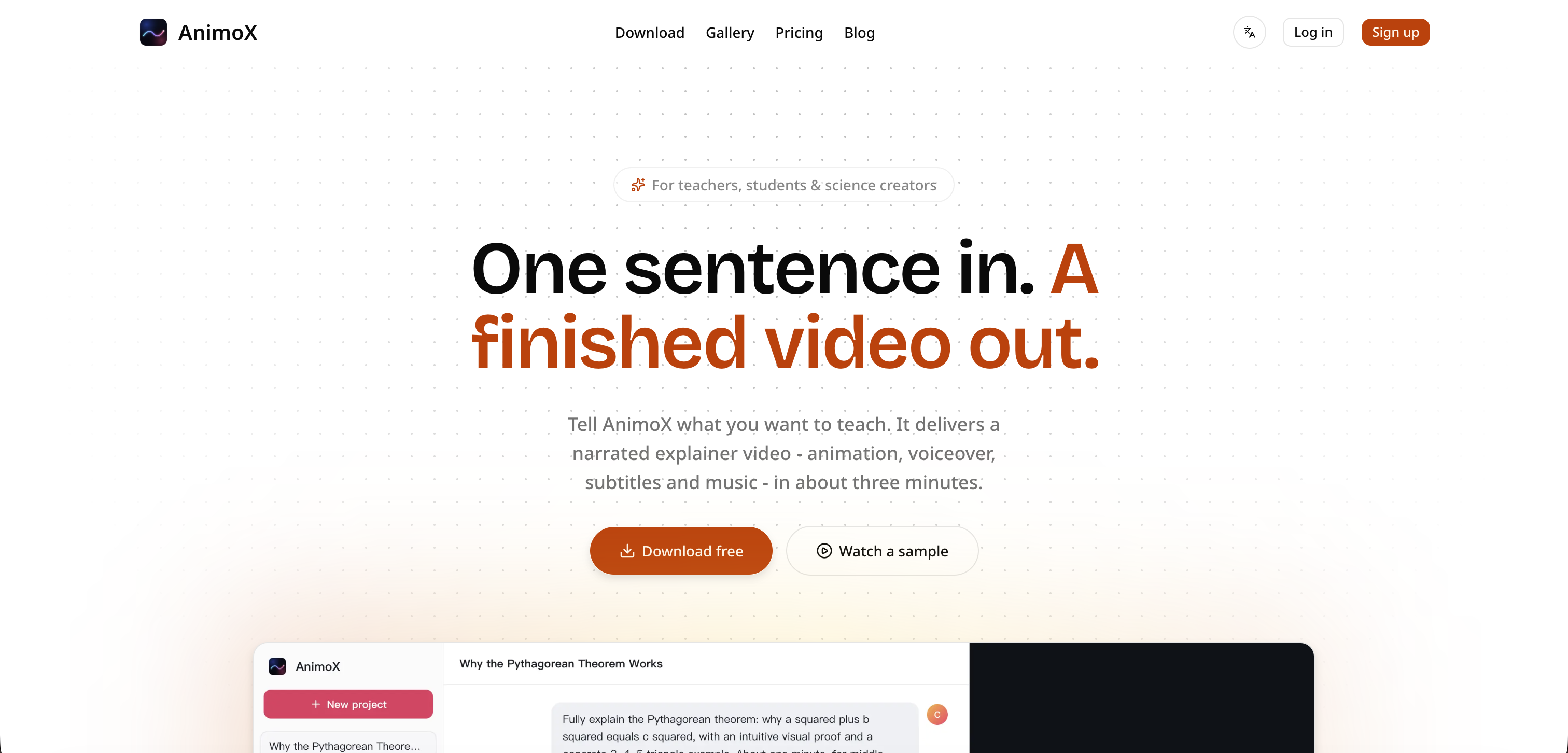
- Publish a complete animated explainer video in under 3 minutes by typing a single sentence about your topic.
- Tailor every video to your audience by adjusting the style, length, look, and voice without any editing expertise.
- Deliver lessons or explanations in any language automatically, with narration and subtitles matching your written input.
- Watch your video come together scene by scene in real time, so you never wait for a progress bar.
- Own every video you create for commercial use—publish, teach, or sell your content freely.
- Start creating without upfront cost by downloading the desktop app for free and paying only when you produce a video.
Pros & Cons
Pros
- Swift video production
- User-friendly interface
- Automated video creation
- Inputs: single sentence
- Outputs: finished video
- Includes animation, voiceover
- Includes subtitles and music
- Outputs tailored videos
- Customizable style, length, look, voice
- Real-time scene development
- Subscription model
- Free download, pay for content
- Multilingual narration and subtitles
- Can modify specific parts
- Suitable for teachers, students
- Also for science creators
- Downloadable app
- Simple script-to-video process
- Gallery of sample videos
- Quick turnaround times
- Pay only for creation
- Commercial usage allowed
- Curated for educational use
- No learning curve needed
- Pick a style function
- Fully-finished single file output
- Narration language options
- User-friendly pricing tiers
Cons
- Subscription model
- Made for specific users
- Limited style variation
- Limited to explainer videos
- One sentence input limit
- No free content creation
- Paid support available
- Not open-source
- No API access
- Requires download
Reviews
Rate this tool
Loading reviews...
❓ Frequently Asked Questions
AnimoX is a digital tool designed specifically for producing narrated explainer videos. It is particularly suited for teachers, students, and science creators, as it automates the educational video creation process with a focus on ease of use and swift production.
Users input a sentence about the topic they wish to explain into AnimoX. The tool takes this input and produces a fully-finished video incorporating animation, voiceover, subtitles, and music, with customization options to tailor the video to individual requirements. Users can watch the video evolve in real-time as each scene develops.
Key features of AnimoX include the ability to turn user-provided sentences into educational videos with animations, voiceovers, subtitles, and music, modification features to tailor the style, length, look, and voice of the video, real-time video evolution tracking, and multilingual functionality.
AnimoX is designed to be highly user-friendly. Users simply input a sentence about their topic, and AnimoX automates the subsequent video creation process. The tool provides options to customize individual aspects of the video, such as style and length, according to user requirements.
Users can customize the style, length, look, and voice of the videos created with AnimoX. There are also features to alter specific parts of the end result, such as making the title more engaging. All customization is achieved through straightforward and user-friendly input commands.
No, users don't have to wait for the video to be completed on AnimoX. The tool allows users to watch the video evolve in real-time as each scene develops.
AnimoX is monetized through a subscription model. It provides various pricing tiers depending on usage. The app itself is free to download and users are only charged when creating content.
Users can download the AnimoX app for free and are only charged when they create content.
Yes, AnimoX offers multilingual functionality by delivering narration and subtitles in the language the user inputs.
AnimoX can generate a completed educational video in about three minutes, according to the information from their website.
Yes, AnimoX supports voiceover incorporation. It generates narration to accompany the visual content of the video.
Yes, AnimoX allows the style and length of the video to be modified according to user requirements. This customization is integrated as a feature of the tool's user-friendly interface.
Yes, AnimoX provides real-time video creation. Users can watch the video evolve in real time as each scene develops, instead of waiting for a progress bar to fill.
The pricing model of AnimoX is a subscription model with various tiers depending on the usage. It includes Starter, Pro, and Team plans, each offering a specific amount of credits per month and varying levels of support.
AnimoX is intended for teachers, students, and science creators, or anyone who is in need of creating educational videos in a swift and user-friendly manner.
Users do not need any special skills to use AnimoX. If you can type a sentence, you can make a video with AnimoX.
Yes, videos created with AnimoX can be used for commercial purposes. They are yours to publish, teach with, or sell.
The platforms that support the AnimoX app are macOS 13 or later (Apple Silicon or Intel) and 64-bit Windows 10/11 PC.
AnimoX subscription plans differ in cost, the amount of credits provided per month, and the level of support offered. The Starter plan is for light animation work and early testing, the Pro plan is for regular creators and small teams, and the Team plan is for heavier usage and shared production work.
Yes, AnimoX supports script-to-video functionality. Users just need to give one sentence about the topic they wish to explain and AnimoX takes care of the rest, automating the process of creating the video.
Pricing
Pricing model
Free Trial
Paid options from
$10/month
Billing frequency
Monthly