ArticleRewriter
Overview
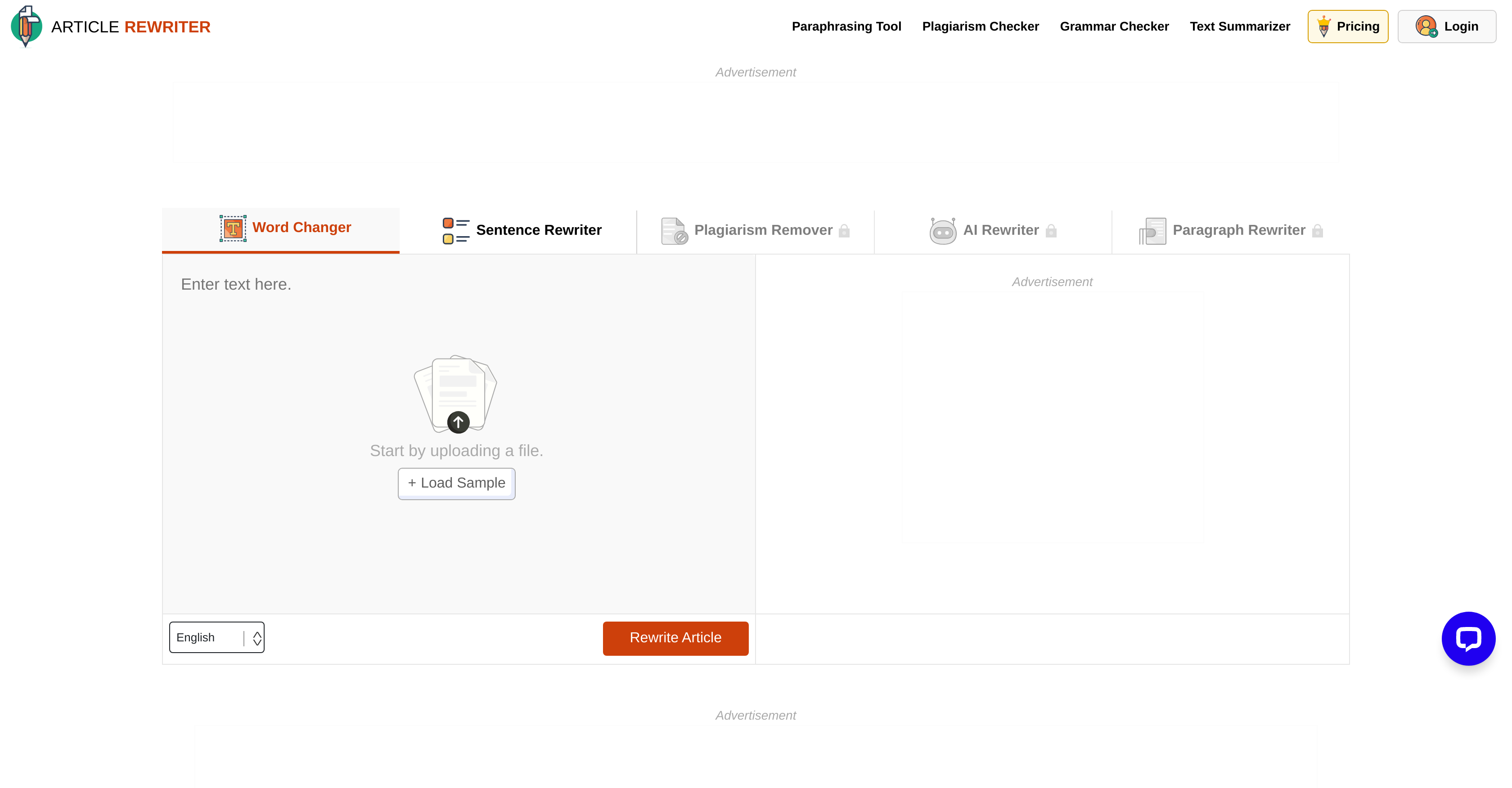
- Create completely unique content that passes plagiarism checks using the dedicated Plagiarism Remover mode
- Improve sentence flow and readability through structural sentence reconstruction that maintains original meaning
- Fix grammatical errors and spelling mistakes automatically with integrated grammar checking features
- Choose the perfect rewriting approach for your needs with five specialized modes for different text alteration purposes
- Maintain precise context and meaning even with substantial changes using AI algorithms that understand your text
- Work with entire paragraphs at once for coherent rewrites using AI-powered paragraph-level restructuring
- Quickly transform uploaded documents or pasted text without technical skills through a seamless user interface
- Adapt marketing content for different audiences while preserving core messaging through targeted text transformation
Pros & Cons
Pros
- Five different rewriting modes
- Grammar check feature
- Improves readability
- Supports multiple methods of input
- Offers quick output
- Wide range of content suitability
- Plagiarism removal feature
- Advanced synonym substitution
- Sentence reconstruction flexibility
- Multilingual support
- Hosts online on webpage
- Allows social logins
- Free and paid plans
- Modes for targeted rewriting
- Converts passive voice to active
- Supports large word count
- Specific mode for word level changes
- Specific mode for paragraph level changes
- Multiple file formats for upload
- Prevents copyright infringement
- Simple and easy to use interface
- Fast processing speed
- Requires no registration for use
- Automatic grammar correction
- Time saving tool
- Works with any internet browser
- Retains sentence's original context
- Available as different OS apps
- Data privacy and security
- Educational value for students
- Helpful for bloggers and SEO experts
- Efficient text transformation
- Flexible content customization features
- Efficient plagiarism remover
- Posting content directly
Cons
- Word Limit Constraints
- Limited Content Customization Options
- Mode Options can be Overwhelming
- Premium Requirement for Some Modes
- May Require User Registration
- No API for Integration
- Lack of Detailed Documentation
- Potential Misinterpretations in Text Context
- Unexpected Semantic Alterations
- Limited Multilingual Support
Reviews
Rate this tool
Loading reviews...
❓ Frequently Asked Questions
The Article Rewriter Tool includes 'Word Changer', 'Sentence Rewriter', 'Plagiarism Remover', 'AI Rewriter', and 'Paragraph Rewriter' modes.
The 'Word Changer' mode targets individual words in the input text and replaces them with suitable synonyms, maintaining the overall sense of the content.
The 'Sentence Rewriter' mode reforms the structure of the sentences, converting them without altering their meaning.
The 'Plagiarism Remover' mode reworks the content to make it unique and original, thus removing any instances of plagiarism.
The 'AI Rewriter' mode leverages AI algorithms to comprehend the text's context, resulting in substantial changes that preserve the original meaning.
The 'Paragraph Rewriter' mode makes changes at the paragraph level, introducing smart alterations while ensuring the original intent remains intact.
Article Rewriter Tool has integrated features that check for grammatical errors and enhance readability, thereby ensuring the output is free from grammatical inaccuracies and spelling mistakes.
Yes, the Article Rewriter Tool allows users to upload a file directly for text transformation.
Article Rewriter Tool finds usage among a range of individuals including students, writers, bloggers, and SEO experts.
Article Rewriter Tool uses advanced algorithms to understand the context of a text, enabling it to make alterations while preserving the original meaning.
Article Rewriter Tool removes instances of plagiarism by reworking the text and ensuring it becomes unique and original.
The tool improves readability by introducing smart substitutions and sentence transformations, thereby enhancing the overall appeal and understanding of the text.
The AI algorithms in Article Rewriter Tool understand the context of the text, enabling it to generate substantial changes without altering the original sense of the content.
The 'Paragraph Rewriter' mode alters the content at a paragraph level, utilizing AI to introduce alterations that retain the intent of the original text.
Yes, the Article Rewriter Tool corrects spelling mistakes in the output content.
Yes, the Article Rewriter Tool is suitable for academic texts, reforming the content to ensure originality while maintaining the original sense.
Yes, the Article Rewriter Tool can be utilized for preparing marketing content, being able to adapt the text to suit specific audience requirements while retaining the essential message.
The 'Sentence Rewriter' mode restructures the sentences, including changes such as converting from passive to active voice and replacing phrases with concise words, hence reconstructing sentences without changing their original meaning.
There are five different modes in Article Rewriter Tool to cater to various text alteration needs such as changing words, rewriting sentences, removing plagiarism, AI rewriting, and paragraph rewriting. Each mode serves a unique purpose ensuring the utility for different rewriting requirements.
No, you do not need any special skills to operate the Article Rewriter Tool. The interface is designed to be user-friendly and seamless to use.
Pricing
Pricing model
Paid
Paid options from
$7
Refund policy
Refunds are only available for monthly plans if requested within 15 days and with most queries unused. Weekly, non-renewable, discounted plans, and add-ons are non-refundable.
Related Videos
Want high-quality content FAST? Our FREE AI Article Rewriter rewrites articles & boosts SEO in sec.!
Article Rewriter Tool•58 views•Jul 9, 2024