

Overview
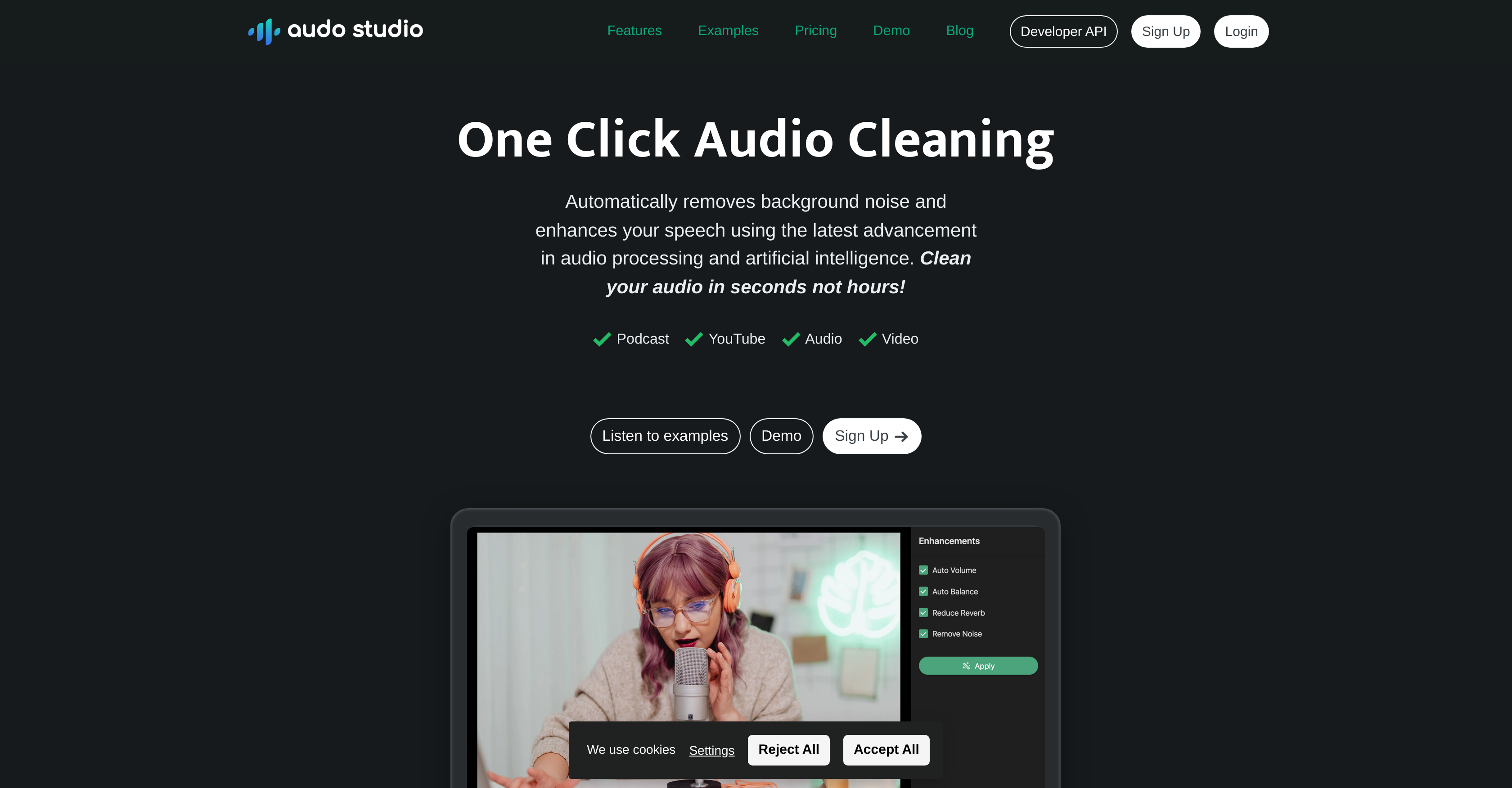
- Achieve studio-quality audio from any recording environment with AI-powered background noise removal
- Maintain consistent volume levels throughout your content with automatic volume adjustment
- Eliminate room echo and reverb without expensive acoustic treatment using dereverberation technology
- Process audio up to 10 times faster than traditional editing software like Audacity or Adobe Audition
- Access professional audio enhancement instantly from any browser without software installation
- Reduce editing time dramatically with one-click processing that requires no manual adjustments
Pros & Cons
Pros
- One-click audio cleaning
- Noise reduction capabilities
- Reduces room echoes
- Automatic volume level adjustment
- Fast audio cleaning
- Greater audio processing speed
- Web-based tool
- Cross platform compatibility
- Simple design and usage
- Flexible recording environment
- Accessible on Mac, Windows, Linux
- Live demo available
- Creator plan includes discounts
- Developer API available
- Affordable pricing
- Faster than Adobe or Audacity
- Echo reduction coming soon
- Up to 600 minutes audio processing
- Effective for YouTubers and Podcasters
- Can process up to 20 minutes free
- Good customer reviews
- Processes 10 hours of audio monthly
- Transparent pricing
- 25,000+ users
- 300,000+ audio hours cleaned
- One-time payment option available
Cons
- Limited to browser based
- 20 minutes limit on starter plan
- Echo reduction not available yet
- Pricing increases with usage
- No offline functionality
- No multi-track editing
- No audio effects beyond noise/echo reduction
- No audio enhancement analytics
- No audio recording capabilities
- No integration with video editing software
Reviews
Rate this tool
Loading reviews...
❓ Frequently Asked Questions
Audo Studio is a one-click audio cleaning and enhancement tool designed for content creators like YouTubers and Podcasters. It employs advanced artificial intelligence and audio processing techniques to clean up noise and enhance speech swiftly and easily. The tool is faster than traditional editing tools and supports cross-platform accessibility as it's browser-based.
Audo Studio incorporates the latest advancements in artificial intelligence and audio processing to accomplish tasks such as noise reduction and echo diminution. The AI is designed to automatically adjust audio levels, remove background noise, and reduce echoes with a single click, eliminating manual effort.
Audo Studio differentiates itself from traditional audio editing tools like Adobe Audition and Audacity through its speed and simplicity. It can clean and enhance audio up to 10 times faster than these conventional tools. Also, while other tools might require significant manual work, Audo Studio offers a one-click solution, which simplifies the process.
The Starter plan of Audo Studio allows you to process up to 20 minutes of audio per month.
The Creator plan of Audo Studio includes all available features and allows for 600 minutes of audio enhancement per month. Additionally, it is currently available at a discounted rate.
Yes, you can demo Audo Studio before signing up for a plan. There is a live demo available on their website where you can try out noise removal and hear the difference.
Audo Studio's automatic volume adjustment works by utilizing built-in artificial intelligence, which optimizes your audio's volume levels. This feature ensures a pleasant sound and helps maintain consistency throughout the audio.
Audo Studio is compatible with all major operating systems including Mac, Windows, and Linux. It is a browser-based tool, so it can be accessed and used on any device with a web browser.
Audo Studio handles background noise reduction by exploiting artificial intelligence to automatically identify and remove disruptive background noise from the audio. This feature allows for recording in a variety of environments without worrying about external sound interference.
Yes, Audo Studio is designed specifically for content creators such as YouTubers and Podcasters. It helps improve the sound quality of your content by cleaning and enhancing the audio quickly and easily.
Audo Studio has advanced audio processing capabilities that allow it to not only cleanse and enhance audio swiftly, but also perform features like automatic volume adjustment, background noise removal, and echo reduction.
Yes, echo reduction is one of the features provided by Audo Studio. This feature, also known as dereverberation, aims to reduce reverbs in your recordings, which eliminates the need for expensive acoustic foam panels in your recording studio.
You can sign up for Audo Studio by visiting their website, specifically at 'https://app.audostudio.com/signup'.
Yes, Audo Studio offers a Developer API, further details of which are accessible from their website.
Audo Studio offers several audio enhancement tools including noise removal, automatic volume adjustment, and echo reduction (known as dereverberation) which is coming soon.
Yes, there are current discounts available for Audo Studio plans. Specifically, the Creator plan is available at a discounted rate for a limited period.
Audo Studio operates up to 10 times faster than conventional audio editing software like Adobe Audition or Audacity.
Yes, Audo Studio is a browser-based tool and can be used in any web browser on any operating system.
The maximum amount of audio that the Creator Plan can enhance per month is 600 minutes.
Pricing
Pricing model
Freemium
Paid options from
$12/month
Billing frequency
Monthly
Related Videos
Your Mic Sounds Bad? Use This FREE AI Tool (1 Click Fix!)
Ayush Tiwari •1.3K views•Aug 1, 2025


