

Overview
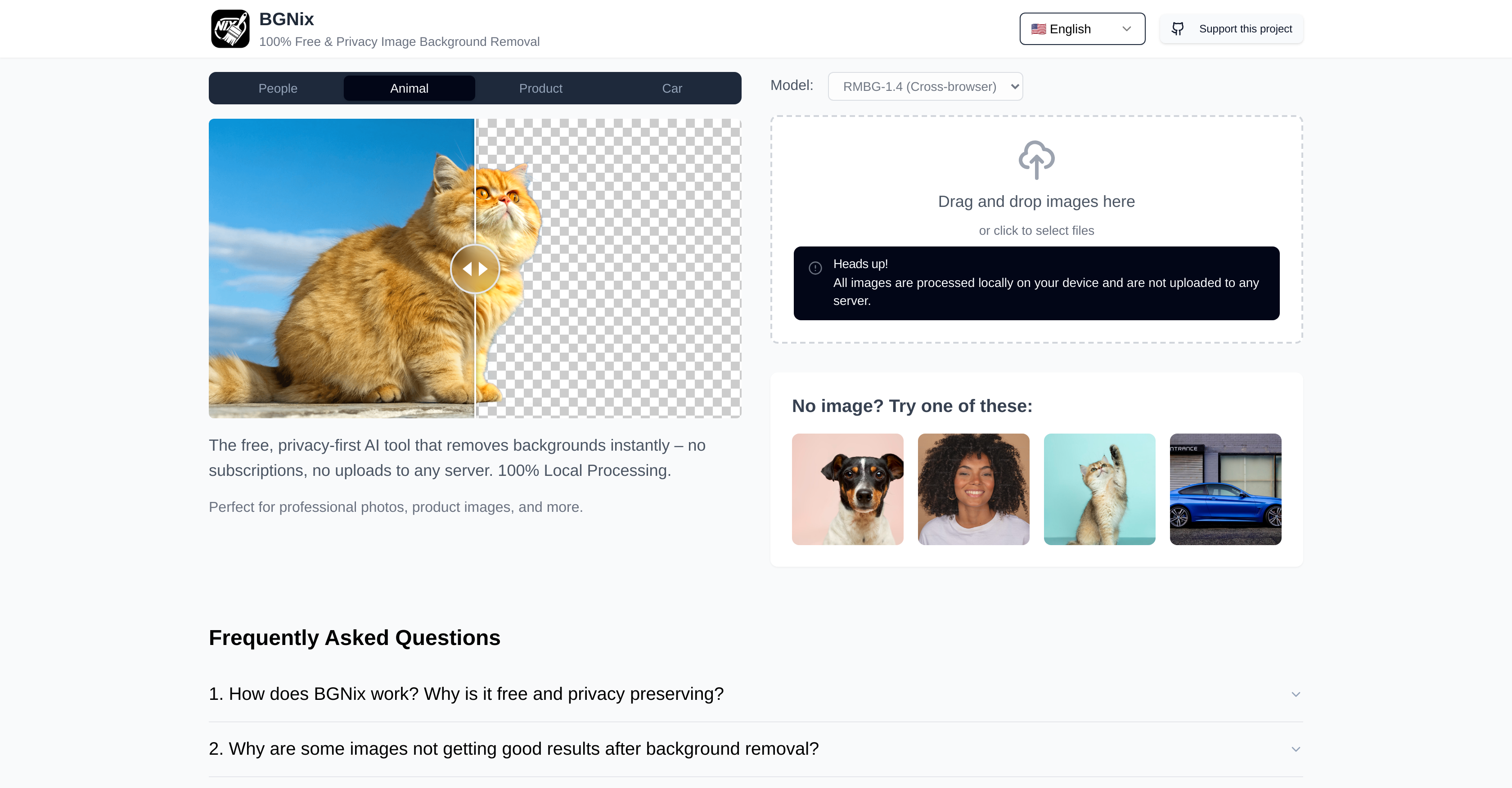
- Protect your sensitive images with complete privacy through 100% local processing that keeps all data on your device
- Edit images anywhere without internet dependency using offline functionality that works instantly
- Save money with free background removal that requires no subscriptions or hidden costs
- Accelerate graphic design workflows with instant AI background removal for faster project completion
- Enhance product photography by instantly removing distracting backgrounds to focus on your subject
Pros & Cons
Pros
- Privacy-centric
- Free of cost
- Instant background removal
- No subscriptions required
- No server uploads
- Operates offline
- 100% local processing
- High-speed operations
- Protects data privacy
- Useful for graphic design
- Helpful for product photography
- No data transfer required
Cons
- High device processing demand
- Potential for software crashes
- No cloud backup
- Limited to background removal
- Lacks advanced editing features
- May drain battery quickly
- Not suitable for low-spec devices
- Requires massive storage space
- No collaborative features
Reviews
Rate this tool
Loading reviews...
❓ Frequently Asked Questions
BGNix is a privacy-centric, free Artificial Intelligence-based tool that is specifically designed to remove backgrounds from images instantly.
BGNix is privacy-centric because it does not require any sort of subscriptions and prevents uploads to servers, thus mitigating the risks of personal data exposure. It offers 100% local processing, meaning all computational tasks are accomplished on the user's device without the need to transfer data elsewhere.
BGNix is free as it does not require any sort of subscriptions. There's no catch, it is designed with user privacy in mind and performs tasks locally on the user's device, eliminating the need for internet connectivity.
The main purpose of BGNix is to instantly remove backgrounds from images while ensuring user privacy.
'Background removal' in BGNix refers to the process of eliminating the background of an image, leaving only the subject or the required forefront of the image intact.
BGNix prioritizes user privacy by not requiring subscriptions which typically involve user data collection. It prevents uploads to servers and performs all computations locally on the user's device.
BGNix doesn't need any subscriptions as it is developed with a focus on privacy and ease of access. Its functionality depends entirely on local processing on the user's device, not on cloud services or servers, thus eliminating the need for a subscription model.
BGNix provides offline functionality by executing 100% local processing. This means all computational tasks related to background removal are accomplished on the user's device, without the need for internet connection.
'100% local processing' in BGNix implies that all computational tasks related to background removal are performed on the user's device. The data is not transferred elsewhere for processing, preserving privacy and enabling offline functionality.
BGNix mitigates risks of personal data exposure by not transferring any data to servers for processing, thereby preventing any potential breaches. All computational tasks are carried out locally on the user's device, maintaining high privacy standards.
No, BGNix doesn't require an internet connection for its operation. All processing tasks are carried out locally on the user's device.
The primary uses of BGNix are removing backgrounds from images instantly, which can be employed for various purposes such as the preparatory stages of graphic design, product photography editing, and more.
Yes, BGNix can be used in the preparatory stages of graphic design. Using BGNix, designers can instantly remove image backgrounds, aiding in design composition and process efficiency.
BGNix is helpful in product photography editing as it allows for instant background removal. This capability can help in focusing on the product by removing unnecessary or distracting background elements.
No, the local processing feature in BGNix does not negatively affect the speed of operations. In fact, it ensures high-speed operations as data processing happens locally on user's own device without reliance on internet speed or server load.
BGNix maintains data privacy by processing all data locally on the user's device. No data is transferred elsewhere for processing, and there is no need to upload any data on any servers.
Yes, BGNix is useful for general image editing, especially when tasks involve removing unnecessary or distracting backgrounds from images.
No, BGNix does not transfer data for processing. All computational tasks are performed directly on the user's device.
Yes, BGNix can work on your device without internet. It locally processes all computational tasks on your device itself.
BGNix is referred to as a 'privacy-first' AI tool because it prioritizes user data privacy by performing all computations locally on user's device, eliminating the need for data transfers or uploads to servers, which are common methods involving potential privacy risks.
Pricing
Pricing model
Free
Paid options from
Free


