

Burncaps
Turn one long recording into a batch of ready-to-post short clips: AI highlight detection ranks the strongest moments from podcasts, talks, webinars and interviews up to 3 hours long and cuts them into captioned vertical 9:16 clips with suggested in and out points.
Listing not yet reviewed by our editors · How we check
Overview
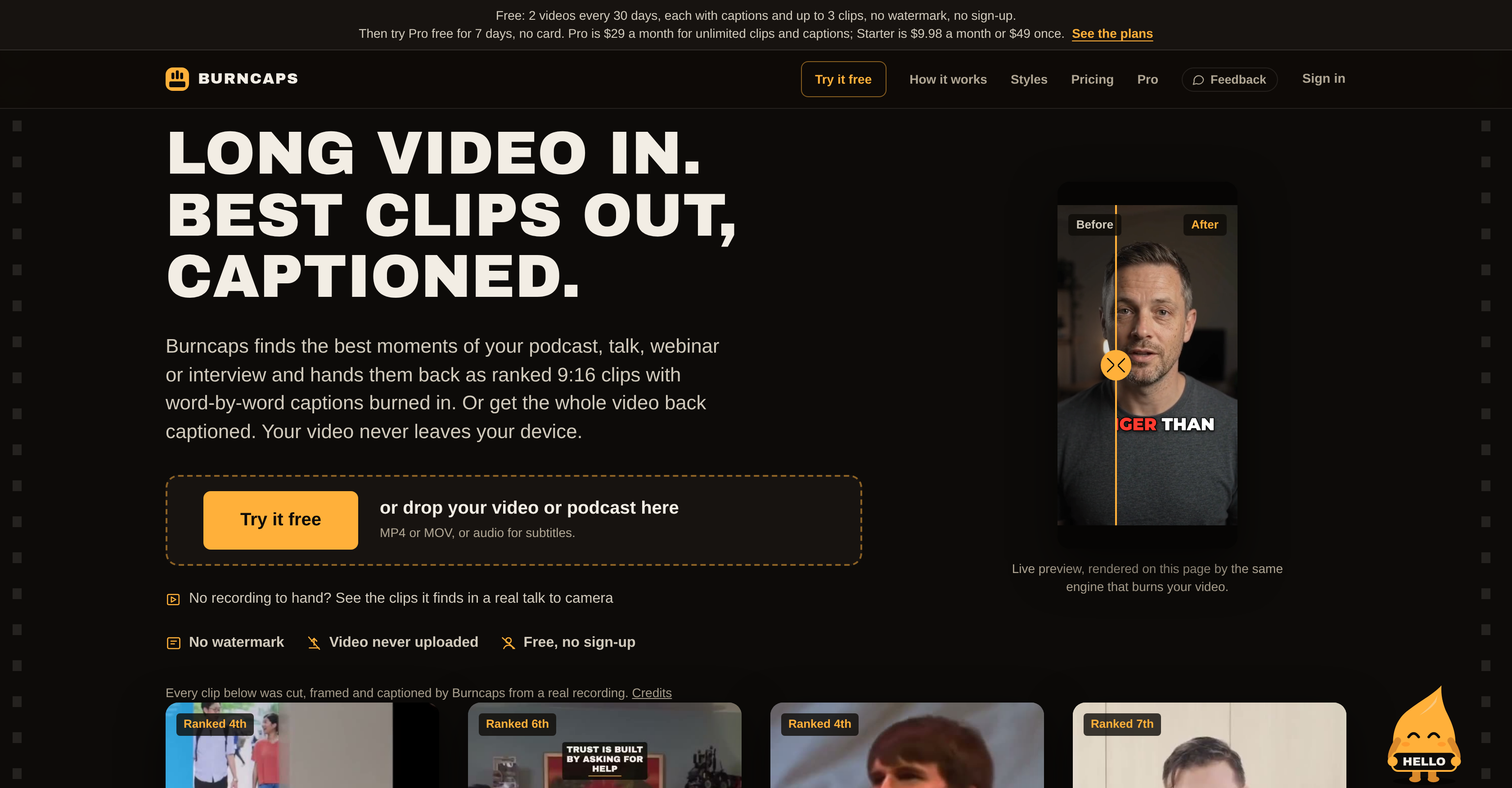
- Turn one long recording into a batch of ready-to-post short clips: AI highlight detection ranks the strongest moments from podcasts, talks, webinars and interviews up to 3 hours long and cuts them into captioned vertical 9:16 clips with suggested in and out points.
- Keep the speaker centered in every vertical video: "Follow me" reframing tracks a moving subject, with fixed positioning, fit-the-full-image and zoom controls for shots that need a different crop.
- Caption a full video without losing a second of footage: the whole-video option adds word-by-word captions to MP4 or MOV files up to 10 minutes and 1.2 GB.
- Publish captions that match your brand on every post: bold, minimal, karaoke, boxed and script styles with control over font, text and highlight colours, position, size, outline, shadow, word animation, words per line and emphasized words, plus saved custom styles, logos and reusable brand presets on paid plans.
- Get names and terms spelled right across the entire transcript: correct a word once and apply the fix everywhere it appears, or supply names and special terms before captioning.
- Reach viewers in other languages: subtitles in 59 languages with auto-detect for the spoken language and translated captions in a different target language.
- Keep client and private footage off third-party servers: video is never uploaded, projects stay in the browser, transcription runs on-device or sends audio only to a speech service that does not retain it, and "Keep everything on this device" mode sends no transcript text to the AI.
- Reuse your transcripts on any video platform: export SRT, VTT, ASS and plain-text subtitle files, free for recordings up to ten minutes.
- Skip processing time on podcast episodes: identify an episode from its podcast feed and receive clip suggestions before the file is transcribed.
- Finalize each clip to the exact frame you want: review and listen to suggestions, adjust trims, preview changes, undo and redo, and export only the clips you select.
- Return to unfinished edits at any time: each project keeps its script, clips and edits on your device.
- Start creating captioned videos and clips at zero cost: no sign-up, 2 free videos every 30 days with captions and up to 3 exported clips each, and no watermark on exports; Pro unlocks unlimited clips and captioned videos for $29 per month with a 7-day no-card trial, while Starter covers captioned videos from $9.98 per month or $49 once.
Pros & Cons
From the listing; not yet checked by our editors.
Pros
- Ranked highlight clips
- Suggested clip in/out points
- Automatic 9:16 clip framing
- Whole-video captions without cuts
- Word-by-word burned-in captions
- Audio input for subtitles
- Captions in 59 languages
- Translated caption exports
- Captioning in multiple aspect ratios
- Vertical, portrait, and square formats
- Follow-subject framing
- Fixed, fit, and zoom framing
- Split-screen two-person layouts
- Blurred-fill background layouts
- Per-word caption animation
- Choose one to six words
- Manual keyword emphasis
- Automatic strongest-word emphasis
- Face-aware opening title omission
- Adjustable clip start and end
- Listen to clips before export
- Live in-page preview
- Undo and redo editing
- Export subtitles as SRT, VTT, ASS
- Free subtitles under ten minutes
- Subtitle timings follow clip cuts
- Export all clips together
- Export another caption language
- Copy titles and hashtags
- Projects saved on-device
- Resume unfinished projects
- Custom styles saved locally
- Reusable brand presets
- Locally stored logos and presets
- Team-shared Agency presets
- Videos never uploaded
- On-device transcription option
- Speech service receives audio only
- Speech service does not retain audio
- Keep transcript text on-device
- Browser-remembered spelling corrections
- Podcast-feed episode matching
- Find feed clips without file listening
- Free allowance without sign-up
- Free exports without watermark
- Seven-day Pro trial, no card
- Unlimited Pro clips and captions
- MP4 and MOV video input
- Save exports to your phone
Cons
- Projects stay on-device
- Saved styles stay browser-local
- Free allowance: two videos/30 days
- Three clips per free video
- Free subtitle files: ten-minute limit
- Audio input is subtitle-only
- Video formats listed: MP4/MOV
- Generated clips use 9:16 framing
- Local clip selection is simpler
- Max-accuracy mode downloads 1.4GB
Alternatives to Burncaps
Tools that share the most tags with Burncaps.
- WUI.AI
Instantly repurpose long videos and podcasts into scroll-stopping short clips optimized for TikTok, Instagram, and YouTube Shorts using AI Clips that automatically identify the most engaging moments
Freemium · from $10/month
$10/month
Not yet checked
- Video Tap
Publish SEO-optimized blog posts with images and headings automatically generated from your video content, expanding your Google visibility without writing
Free trial · from $25/month
$25/month
Not yet checked
- StreamLadder
Skip hours of rewatching your own streams: paste a Twitch, YouTube, or Kick VOD link and ClipGPT scans the full recording for funny reactions, chat interactions, and intense gameplay highlights, then cuts them into clips.
Free trial · from $15/month
$15/month
Not yet checked
- Common Sense Machines (CSM)
Transform text, images, or sketches into game-engine ready 3D worlds instantly using AI-powered conversion
Freemium · from $20/month
$20/month
Not yet checked
- Kaiber
Transform text descriptions into captivating video sequences instantly using advanced AI algorithms that interpret your input for contextually accurate results
Free trial · from $5/month
$5/month
Not yet checked
- Freepik AI Video Generator
Transform text scripts into complete videos with custom shot types and transitions for coherent storytelling
Freemium · from $5/month
$5/month
Not yet checked
Reviews
Rate this tool
Loading reviews...
Frequently asked questions
How do I add word-by-word captions to a video with Burncaps?
Choose a video in Burncaps, select captions for the whole video, then review the word-by-word transcript and customize the captions before exporting. You can also choose on-device transcription or a speech service.
Can Burncaps create ranked vertical clips from a podcast or webinar?
Yes. Burncaps finds and ranks moments from podcasts, talks, webinars, and interviews, then cuts them into captioned 9:16 clips. You can review the suggestions, adjust trims, and export selected clips.
Can I caption an entire video without cutting any of it?
Yes. Choose “Captions on the whole video” to add word-by-word captions while keeping every second of the video.
Which languages does Burncaps support for captions and translation?
Burncaps supports captions in 59 languages and offers translated captions. You can choose the spoken language or leave it on auto-detect, then select another language for the captions.
Can I edit Burncaps’ transcript and fix a name everywhere at once?
Yes. You can correct words in the script, and a corrected word can be applied everywhere it occurs. You can also provide names or other words to spell correctly.
What caption styles, fonts, colours, and animations can I customize in Burncaps?
Burncaps offers styles including bold, minimal, karaoke, boxed, and script. You can customize the font, text and highlight colours, position, size, outline, shadow, word animation, and words displayed at a time, as well as emphasize selected words.
Can Burncaps follow a moving speaker when reframing a video for 9:16?
Yes. Choose “Follow me” to have the frame move with the speaker. Burncaps also offers fixed positioning, fitting the full image, and zoom controls.
Can I export subtitle files like SRT or VTT from Burncaps?
Yes. Burncaps can export SRT, VTT, ASS, and text subtitle files. Subtitle files are free for recordings up to ten minutes.