

Captioner.io
Overview
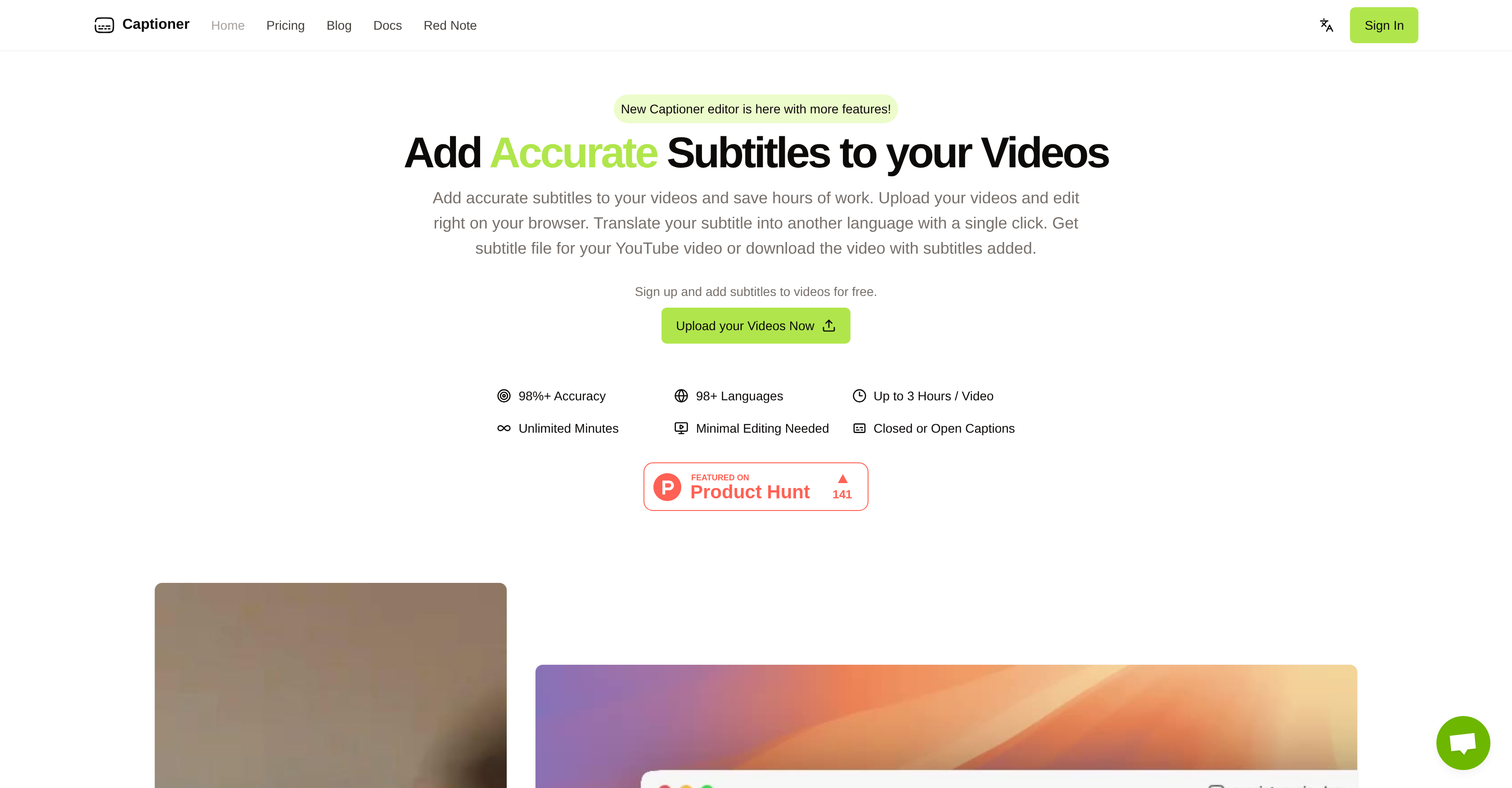
- Get highly accurate transcripts that require minimal editing with speech-to-text optimized for 98+ languages
- Sync existing transcripts automatically to your video footage with tighter alignment than standard auto-sync tools
- Export directly to your editing workflow with SRT, VTT, or SBV files, or burn styled captions into 4K video
- Handle long-form content without limitations by processing videos up to 3 hours with unlimited total minutes
- Translate your English content seamlessly with built-in English to Mandarin Chinese conversion in the Express plan
Pros & Cons
Pros
- High accuracy (98% )
- Supports 98 languages
- Word-level timestamps
- Precise subtitle alignment
- Import and auto-sync transcripts
- SRT, VTT, SBV export
- Burn-in subtitle video export
- Browser-based, no install
- Up to 3 hours per video
- Unlimited total minutes
- Creator-friendly editing UI
- Affordable plans
Cons
- Translation options are limited
- MP4/MOV uploads only
- 2GB file size cap
- Not the fastest transcriber
- Watermark on free renders
- Advanced edits require Unlimited plan
Reviews
Rate this tool
Loading reviews...
❓ Frequently Asked Questions
How accurate is Captioner, and why does that matter for video?
Express is for quick turnaround: fast subtitling, lightweight edits, and translation from English to Mandarin Chinese. Unlimited adds the Pro editor for deeper timing/text control, longer videos (up to 3 hours), priority rendering, and full export flexibility.
Export standard SRT, VTT, and SBV for use in YouTube and NLEs. You can also render a video with open captions (burned in) directly from the editor, including style choices and up to 4K output.
Videos can be up to 3 hours per file, with a current size cap of 2GB. MP4 is recommended for best results; MOV is supported as well. For larger sources, compress or proxy first, then export captions for final renders elsewhere.
Transcription covers 98+ languages, with strongest accuracy in widely used languages. Translation in Express currently supports English → Mandarin Chinese, with additional language pairs planned.
Pricing
Pricing model
Free Trial
Paid options from
$5/month
Billing frequency
Monthly


