
Car Background AI - Easy-to-use AI Car Photo Editor
Overview
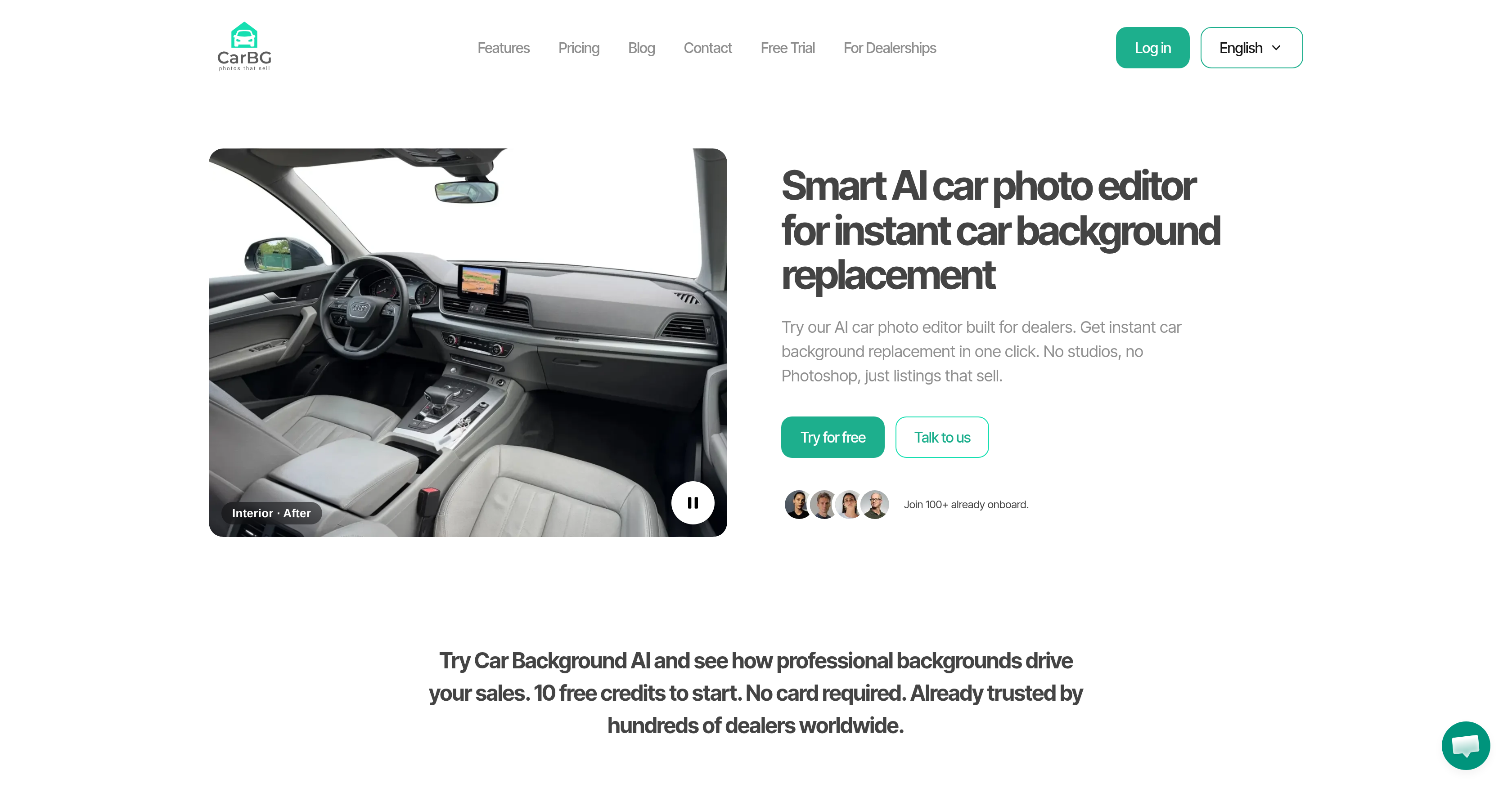
- Turn lot photos into professional listings with one click, using automotive-trained AI that precisely handles chrome, glass, and shadows
- Apply your dealership logo and colors across every photo automatically, building consistent brand recognition in every listing
- Edit hundreds of car photos at once with bulk processing, cutting hours of manual work down to minutes
- Capture, edit, and enhance car photos directly from your phone, then upload listings immediately from the lot
- Protect seller privacy by automatically blurring or removing license plate numbers in every image
- Fix exposure and balance brightness across your entire photo set with AI enhancement, delivering dealer-ready images without manual editing
- Choose from a library of studio, showroom, and outdoor backdrops to match your inventory style without staging any physical scenes
- Boost listing visibility in search results by exporting web-optimized images with the right compression, aspect ratio, and file format
- Replace cluttered interior backgrounds instantly, giving every cabin shot a clean, professional look
Pros & Cons
Pros
- Instant car background replacement
- Automated clutter removal
- Branding consistency across photos
- Bulk car photo processing
- Automatic license plate blurring
- Mobile-friendly design
- Optimizes images for SEO
- Offers image compression options
- Various aspect ratios, file formats
- Turns lot photos professional
- Fixes exposure, balances brightness
- Provides clean, dealer-ready photos
- Includes background template library
- Variety of scenes available
- Automotive industry focused
- License plate privacy protection
- Web image optimization
- Showroom-style scene generation
- Detailed vehicle recognition
- No card required for trial
- Specifically built for dealers
- Integral part of dealership branding
- Optimizes visibility of listings
- Professional-looking listings generation
- Editable hundreds of images
- Captures, edits, enhances from mobile
- Automates image detail cleanup
- Simplifies car sales workflow
- Boosts trust in listings
- Ease of upload and editing
- Provider of dealership-quality photos
- Editable on any device
- Applies dealership branding automatically
- Automatically removes car backgrounds
- Offers commercial rights on photos
- Marketplace-ready photo quality
- Free trial available
- Template library for consistency
- No technical skills needed
- Process entire inventory with bulk editing
- Auto-enhances photo details
- Portable, virtual car photo booth
- Optimized for web use
- Drives higher engagement on listings
- Creates professional automotive photos
- Streamlines dealer management systems
Cons
- Limited to car-focused edits
- Restricted background template choice
- No multi-platform compatibility
- Absence of manual editing features
- Limited image enhancement capabilities
- Limited privacy protection features
- No advanced SEO optimization
- Lacks advanced file formats
Reviews
Rate this tool
Loading reviews...
❓ Frequently Asked Questions
Car Background AI
🛠️ 1 tool
wrote:The main function of the Car Background AI, an easy-to-use AI car photo editor is to instantly replace the background of car photos. It specifically recognizes the vehicle in a photo and automatically removes the cluttered background, replacing it with a clean, branded, or showroom-style scene, potentially transforming ordinary lot photos into professional-looking listings.
Car Background AI
🛠️ 1 tool
wrote:Car Background AI works by leveraging artificial intelligence technologies to recognize the vehicle in a photo. Once the vehicle is detected, the tool automatically eliminates the background and replaces it with a pre-selected or custom background of choice.
Car Background AI
🛠️ 1 tool
wrote:Yes, Car Background AI has AI image enhancement capabilities designed to fix exposure, balance brightness, and clean up details, thereby delivering dealer-ready photos.
Car Background AI
🛠️ 1 tool
wrote:Yes, Car Background AI offers a background template library. This enables users to conveniently select from various scenes for their car photo backgrounds.
Car Background AI
🛠️ 1 tool
wrote:The background template library of Car Background AI features a variety of scenes such as studios, showrooms, and outdoor backdrops.
Car Background AI
🛠️ 1 tool
wrote:The bulk car photo processing feature of Car Background AI enables users to upload and edit hundreds of images at the same time. This feature greatly improves efficiency by allowing mass edits and consistent branding across all photos.
Car Background AI
🛠️ 1 tool
wrote:Yes, Car Background AI has the capability to apply consistent dealer branding across all car photos. This feature allows for the same style, logo, and colors to be uniformly applied to all images.
Car Background AI
🛠️ 1 tool
wrote:To protect privacy, Car Background AI is built with a feature that can automatically blur or remove license plate numbers, maintaining the confidentiality of the car owners.
Car Background AI
🛠️ 1 tool
wrote:Yes, Car Background AI is designed to be mobile-friendly. Users can capture, edit, and enhance car photos directly from their mobile devices.
Car Background AI
🛠️ 1 tool
wrote:Car Background AI helps optimize images for web use through its offerings like various image compression options, aspect ratios adjustments, and file format options. These adjustments can aid in SEO optimization, thereby enhancing the visibility of the car listings on the web.
Car Background AI
🛠️ 1 tool
wrote:Car Background AI offers various image compression options to help optimize images for web use. However, their website doesn't provide specific details regarding the types of compression methods used.
Car Background AI
🛠️ 1 tool
wrote:Car Background AI allows users to export web-ready images with different aspect ratios and file formats. However, the specific formats or ratios offered are not listed on their website.
Car Background AI
🛠️ 1 tool
wrote:Yes, the AI car photo editor of Car Background AI provides options to maintain branding consistency. It allows users to apply their own logos, colors, and styles automatically across every photo, leading to a consistent dealership appearance.
Car Background AI
🛠️ 1 tool
wrote:Yes, the AI car photo editor of Car Background AI has a feature that can automatically blur or remove license plate numbers, providing an added layer of privacy protection.
Car Background AI
🛠️ 1 tool
wrote:To use the showroom imagery in Car Background AI, you would select from the background template library, which includes showroom scenes. You can apply this template to your car images during the editing process.
Car Background AI
🛠️ 1 tool
wrote:Yes, with a single click,Car Background AI can turn lot photos into professional-looking listings. It can do this by automatically removing the original backgrounds, cleaning up image details, and replacing with branded or showroom-style scenes.
Car Background AI
🛠️ 1 tool
wrote:Car Background AI can help improve the SEO of car listings by providing image optimization features. These include image compression, adjustments of aspect ratios, and file format options which are all critical elements to making images web-friendly, improving page load speeds, and enhancing visibility in search engine results.
Car Background AI
🛠️ 1 tool
wrote:Yes, Car Background AI supports multiple languages. The exact number of supported languages is not specified on their website.
Car Background AI
🛠️ 1 tool
wrote:Yes, Car Background AI offers a free trial. Specific details about the duration and features included in the free trial are not specified on their website.
Pricing
Pricing model
Free Trial
Paid options from
$0.40/unit
Billing frequency
Pay-as-you-go
Refund policy
No Refunds