Overview
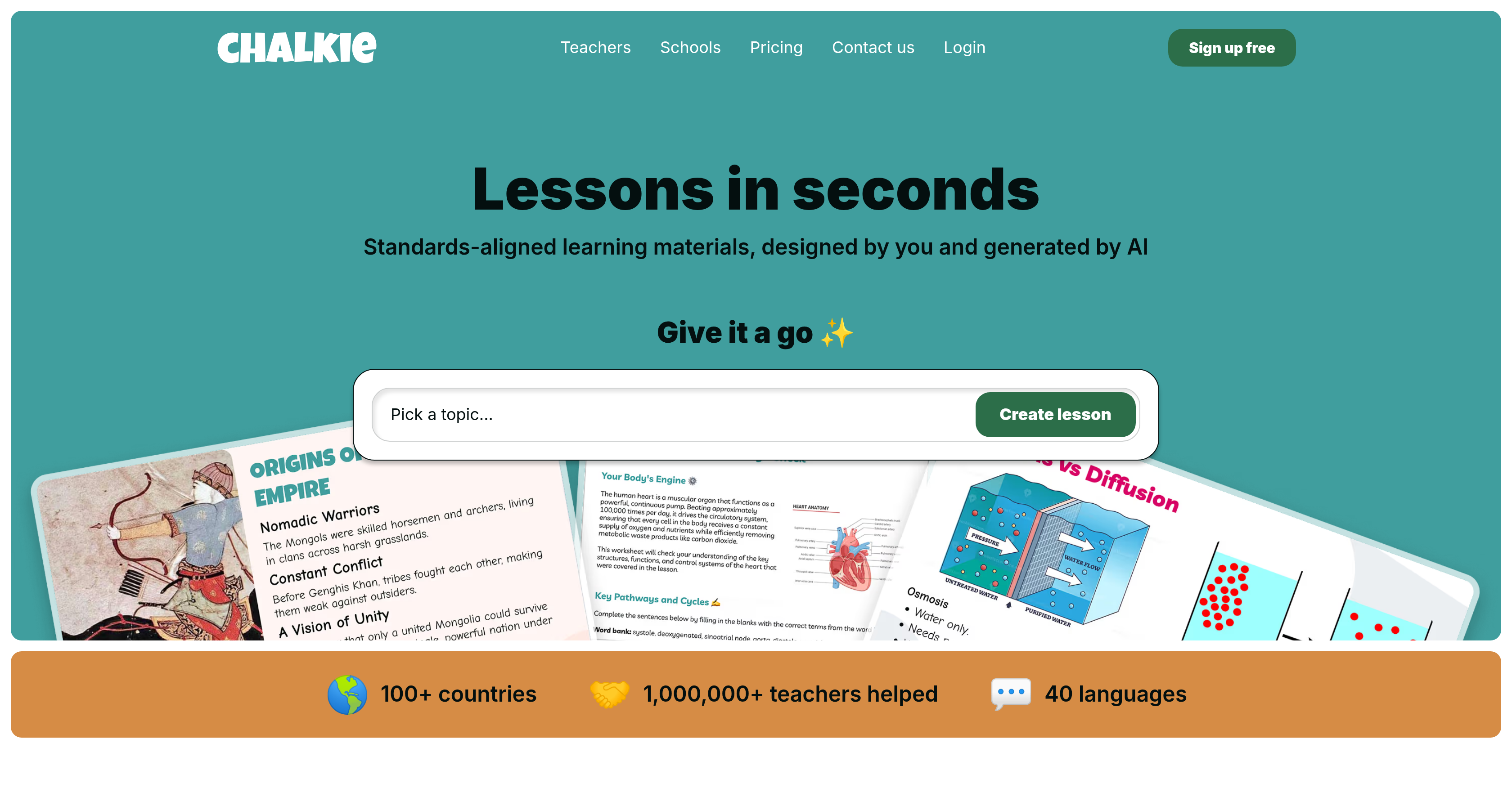
- Create classroom-ready lessons, worksheets, and activities in seconds instead of hours using AI-powered generation from scratch, a pre-existing plan, or a website URL.
- Save hours of prep time by generating an entire ordered series of lessons on complex topics complete with recaps and quizzes.
- Meet curriculum standards effortlessly by aligning every lesson to Common Core or specific state standards for relevance and rigor.
- Engage every student with differentiated content for diverse learners, adjustable with one click to accommodate different learning styles and abilities.
- Customize lesson themes in seconds by swapping colors, fonts, and styles to match your class and grade level from an ever-growing selection.
- Produce polished presentations with a powerful slide editor that lets you add slides, differentiate content, or make lessons more fun instantly.
- Deliver materials in any classroom setup by exporting lessons to PowerPoint, Google Slides, or PDF for seamless compatibility with existing tech.
- Create engaging activity sheets that complement your lessons and can be shared, exported, or printed as needed.
- Work in your preferred language with support for 40 languages, making lesson creation accessible globally.
- Reclaim your focus on teaching and inspiring students by eliminating hours of manual lesson preparation.
Pros & Cons
Pros
- Generates classroom-ready lessons
- Creates worksheets and activities
- Fast and efficient
- Lessons can be edited
- Able to share lessons
- Platform with varied functionalities
- Set lessons in ordered series
- Offers recaps and quizzes
- Produces activity sheets
- Print, share, or export flexibility
- Common Core alignment
- Specific state standards alignment
- Adaptable to various frameworks
- Powerful slide editor
- Content differentiation for learners
- Start lesson from scratch
- Utilize pre-existing lesson plans
- Use website URL for lesson
- Lesson styling flexibility
- Exportable to PowerPoint, Google Slides, PDF
- Time-saving for teachers
- Standards-aligned learning materials
- Creates engaging slides
- Creates series of lessons
- Activity sheets generator
- Customised lessons
- Assists in efficient lesson preparation
- Generates unique lessons
- Editable lessons
- Teaching objectives alignment
- Generates lessons from clean slate
- Buttons to add slides, differentiate
- Custom themes availability
- Experienced user testimonials
- Preferred technology exporting
- Test Chalkie for free
- Multilingual support
- Used in 100+ countries
- Able to generate differentiated worksheets
Cons
- No mobile application
- No offline functionality
- Limited export formats
- No multi-language support
- No encryption for data protection
- No user collaboration features
- No integrated classroom broadcast
- No mention of training/support
- No API for integration
- Limited customization for slides
Reviews
Rate this tool
Loading reviews...
❓ Frequently Asked Questions
The core purpose of Chalkie AI is to assist teachers in generating classroom-ready lessons, worksheets, and activities in an efficient manner. The primary objective is to save teachers time in lesson preparation, enabling them to refocus their efforts on teaching and inspiring students in the classroom.
Chalkie AI utilises artificial intelligence to produce lesson plans, worksheets, and activity sheets in seconds. It can generate individual lessons or an ordered series of lessons on complex topics with recaps and quizzes. Teachers have the flexibility to start from scratch, use a pre-existing lesson plan, or even use a website URL as the basis for their lesson.
With Chalkie AI, lessons can be created, edited, and shared in seconds. The specific time can vary depending on the complexity and length of the lesson, but the AI efficiencies mean that overall time is significantly reduced compared to traditional lesson planning.
Yes, Chalkie AI provides high flexibility for customization. Users can edit and style their lessons according to their preferences and the needs of their students. There is also a powerful slide editor for creating customised, engaging, and accurate slides.
Yes, Chalkie AI offers the function to create an entire ordered series of lessons on complex topics, complete with recaps and quizzes.
Chalkie AI helps in generating engaging activity sheets for lessons. These can be shared, exported, or printed as per the user's need. It's designed to provide complementary materials to the lessons created within the platform.
Yes, lessons created by Chalkie AI can be aligned to teaching standards like Common Core or specific state standards, making them highly adaptable and suitable for a variety of educational frameworks.
The slide editor of Chalkie AI is an integral feature of the tool and is extremely useful in creating customised, engaging, and accurate slides. Users can make their own changes or use AI editing. With a single click, they can add another slide, differentiate content for diverse learners, or even 'make it more fun'.
Yes, with Chalkie AI, users can differentiate content for diverse learners. It allows changes to be made to accommodate different learning styles and abilities.
Lessons created using Chalkie AI can be exported in a range of formats, catering to different technology preferences of users. It supports exporting to PowerPoint, Google Slides, or PDF.
Yes, with Chalkie AI, lessons can be created based on a pre-existing plan or a website URL. Users can simply paste their plan or the URL in the toolkit to start generating a lesson.
Chalkie AI offers extensive flexibility in terms of lesson editing and stylizing. It allows edits, style updates, and customizations according to user preferences and the specific needs of the students.
Yes, lessons created in Chalkie AI can be edited or presented in other tools of the users' choice, including PowerPoint, Google Slides, or PDF, allowing for broad compatibility with existing technology preferences.
So far, according to the data provided by Chalkie AI, it has assisted over a million teachers around the globe.
Chalkie AI supports a wide range of languages, specifically it can cater to 40 languages according to the information on their website.
To ensure relevance and rigour, Chalkie AI allows lessons to be aligned to national or specific state standards and curriculum frameworks. This ensures that content created is always relevant, rigorous, and complies with required learning objectives.
Chalkie AI offers highly customizable lesson themes. Users can swap colors, fonts, and styles in seconds to suit their class and level. The platform provides an ever-growing selection of customizable themes.
Yes, users have the freedom to create their lessons from scratch using Chalkie AI, providing a platform for originality and addressing unique teaching needs.
Yes, Chalkie AI is designed to cater to the lesson planning needs of any level of education. Users can create lessons tailored to their class based on any topic and at any level they need.
According to the testimonials on Chalkie AI's website, the user feedback is overwhelmingly positive, with many praising its time-saving benefits, customizability and ease of use.
Pricing
Pricing model
Freemium
Paid options from
$8.99/month
Billing frequency
Monthly
Related Videos
Chalkie AI introduction to lessons and activity sheets
Chalkie AI•207.8K views•Nov 22, 2025