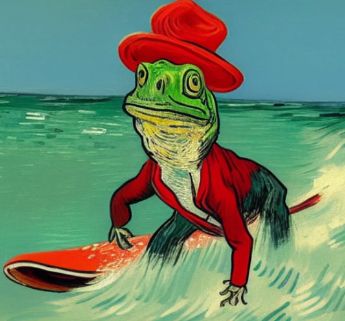
Charl-E
Overview
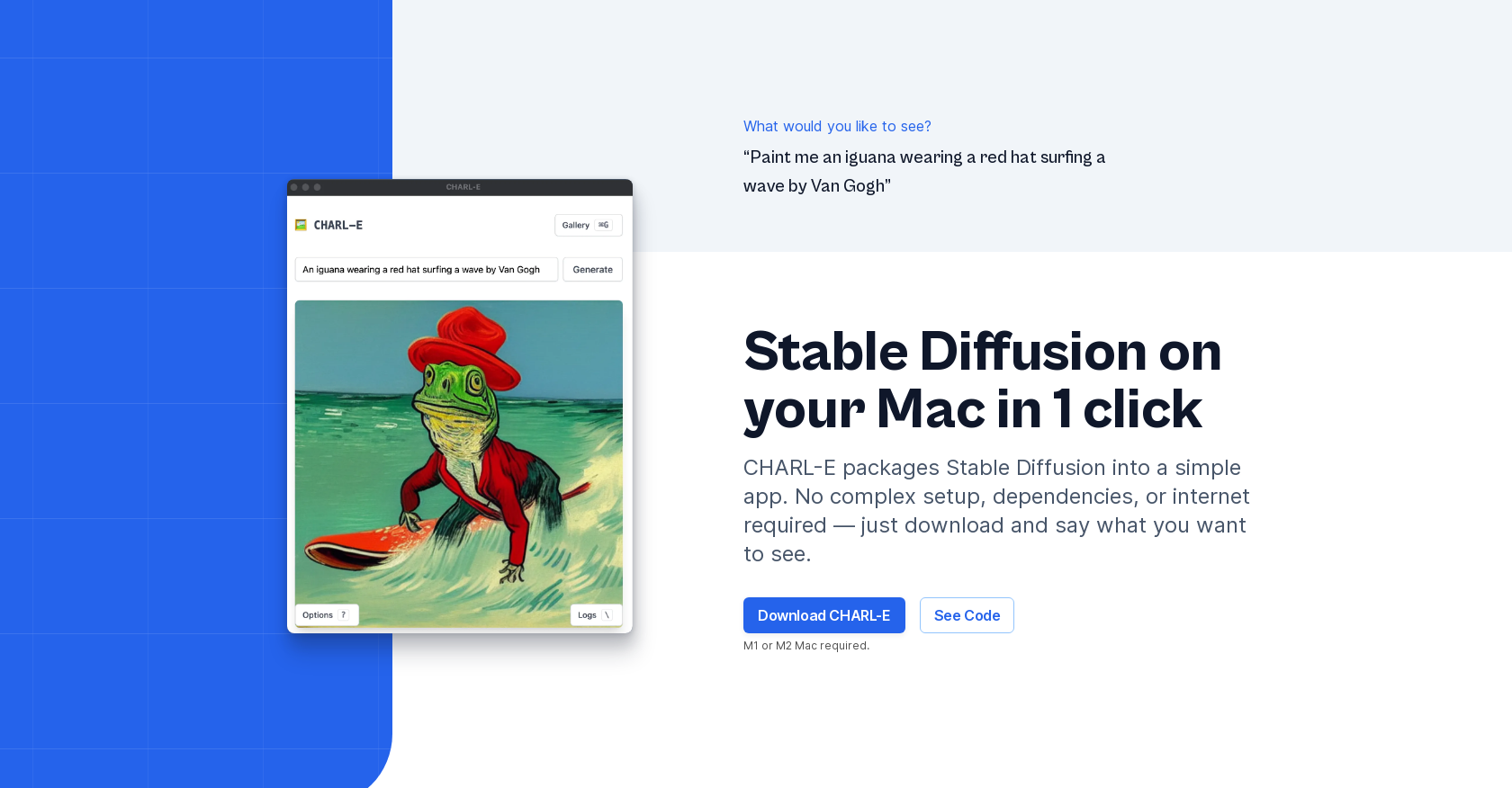
- Generate unique AI art instantly from text prompts using the Stable Diffusion model without technical setup
- Browse and manage all your creations in one organized gallery view with full-size image previews
- Customize every generation with adjustable parameters including samplers, image count, seeds, and weights
- Work completely offline with full privacy protection since no data is ever sent to external servers
- Download and start creating immediately with one-click installation that requires no command line or Python scripts
- Use your own custom weights or automatically download them for specialized artistic styles
Pros & Cons
Pros
- User-friendly interface
- Stable Diffusion model use
- Automatic weights download
- Gallery mode for viewing
- Offline functionality
- Single click operation
- Mac compatibility
- Free download
- No complex setup
- Full privacy
- Data not sent externally
- Parameter configurability
- Optional manual weights provision
- Image auto download
- Active tool maintenance
- Performance future improvements
- Newsletter subscriptions for updates
- No dependency requirement
- Prompt-based image generation
- Runs fully offline after install
- One-click download and run
- No command line use
- Everything open source
- Smaller download version available
Cons
- Only works on Mac
- No command line access
- Requires manual weight input
- Limited configuration parameters
- Requires update for speed improvement
- No Intel Mac compatibility currently
- No active internet functionality
- Limited image saving locations
Reviews
Rate this tool
Loading reviews...
❓ Frequently Asked Questions
CHARL-E is a user-friendly AI tool that leverages the Stable Diffusion model to create unique and visually appealing art on a Mac. Prompt based, it removes the need for complex setup or dependencies, promising an easy start.
CHARL-E functions by accepting input prompts from the user to generate images. Using the Stable Diffusion model, CHARL-E creates unique content based on the provided prompts, ensuring an intuitively artistic output.
To create art with CHARL-E, simply input a prompt of the desired output. The tool will take the prompt and generate a distinct piece of art in response, with the option to download the result.
The key features of CHARL-E include automatic weight downloads, the capacity for user-provided weights, configuration of parameters, gallery mode for viewing past creations, and a simple, one-click download-and-run setup.
CHARL-E can be configured via its range of adjustable parameters, including samplers, image number, seeds, weights, and the location where images will be saved.
The Stable Diffusion model operates within CHARL-E by accepting a text-oriented prompt and converting it into a unique, visually compelling image.
Yes, one key feature of CHARL-E is its ability to automatically download weights.
CHARL-E allows you to specify the saving location for the generated images through its adjustable parameters.
Yes, CHARL-E offers offline functionality. After the initial installation, no internet is required.
While CHARL-E is explicitly designed for M1 and M2 Mac models, efforts are under way to make it compatible with older Macs.
Information about specific system requirements for CHARL-E is unknown.
CHARL-E can be downloaded directly from the official website with a single click.
Yes, CHARL-E offers various configuration options such as adjusting the sampler (ddim or plms), image number, seeds, weights, and defining the save location.
CHARL-E is indeed user-friendly for beginners. It showcases a simple user interface and excludes the need for Python scripts or the command line. The tool makes art production as simple as entering a prompt and pressing enter.
CHARL-E has been developed by Charlie Holtz, a NYC-based professional working in quantitative finance.
No, CHARL-E prioritizes privacy. Nothing is sent to external servers and all operations are performed locally.
Yes, while CHARL-E offers automatic weight downloads, it also provides the flexibility for users to supply their own weights.
Yes, CHARL-E presents a gallery mode wherein users can view all their previous creations at one place and click any image to see its full-size version.
Updates about CHARL-E's features and subsequent versions can be received by subscribing to the newsletter available on the official website.
Yes, CHARL-E is available at no cost. Users can download and start creating art with CHARL-E for free.
Pricing
Pricing model
Free
Paid options from
Free