Overview
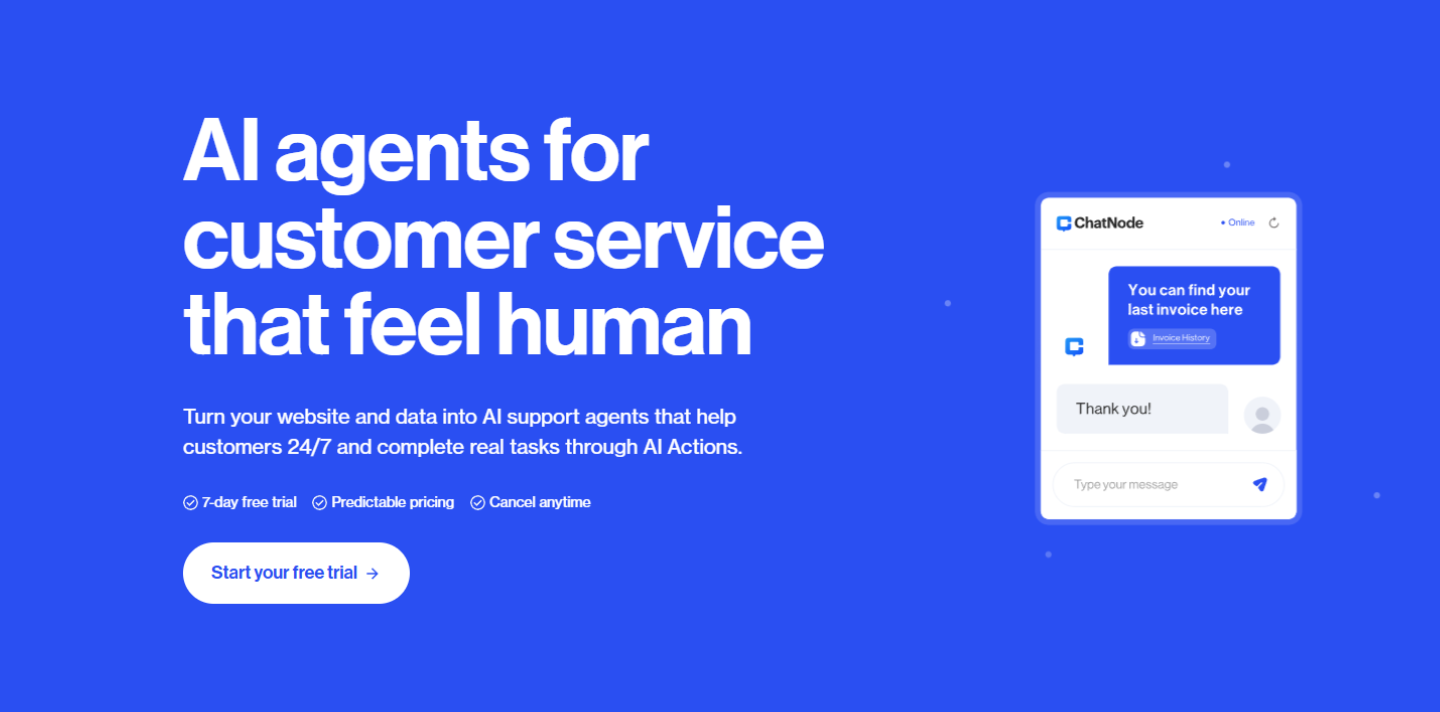
- Launch a fully-trained AI support agent in 30 seconds by uploading documents, websites, or pasting text directly
- Provide instant 24/7 customer support with accurate, context-aware responses tailored to your business domain
- Access internal company knowledge instantly by training chatbots on multiple data sources for faster research and decision-making
- Deploy customized chatbots to your website as chat bubbles or embedded iframes with branded colors, icons, and welcome messages
- Support global customers with 95 languages for both training and conversational interactions
- Scale your support operations efficiently with multiple chatbot instances across different pricing tiers
Pros & Cons
Pros
- Trains on any data
- Upload own data
- URLs for training
- Quick training process
- Internal and public deployment
- Supports 95 languages
- 24/7 user support
- Variety of pricing plans
- Data upload from multiple sources
- Unlimited website embedding
- Potential increased productivity
- Centralizes knowledge
- Improves customer support
- Customizable knowledge base
- Free plan option
- Different monthly message limits
- Good for operation streamlining
- Efficient information retrieval
- Real time customer support
- Public or private usage
- Interactive chatbot experience
- Interface customization options
- High token limits
- Chatbot personality traits editing
Cons
- Limited free plan
- File size restrictions
- Additional files only on paid plans
- Restricted to 95 languages
- Limited tokens per bot
- Training time may vary
- Paid plans needed for multiple chatbots
- Tokens limit based on subscription
Reviews
Rate this tool
Loading reviews...
❓ Frequently Asked Questions
ChatNode is an AI chatbot builder that lets users train ChatGPT on their own data to create intelligent assistants for their website, or as an internal research tool.
ChatNode
🛠️ 1 tool
wrote:ChatNode works by letting users train various AI models on any data of their choice, be it websites, PDFs, docs, or raw text. This is done either by providing URLs for data extraction, or directly uploading files or pasting text into the training platform.
Yes, ChatNode users can train the AI on any type of data. They can provide URLs for data extraction, or they can directly copy, paste, or upload text, documents or PDF files into the training platform.
ChatNode
🛠️ 1 tool
wrote:ChatNode boasts a quick training process. After providing a URL or uploading text and documents, ChatNode can extract and train the data in approximately 30 seconds.
ChatNode enhances customer support by offering 24/7 availability, providing immediate responses to customer inquiries, and reducing the workload on support staff. It can be trained on diverse sources and updated regularly to offer context-aware, accurate responses tailored to the company's domain and branding.
Yes, ChatNode can be used privately for internal research. It integrates seamlessly into company workflows and can provide instant access to important data, enhancing problem-solving, innovation, communication, and decision-making within the team.
ChatNode
🛠️ 1 tool
wrote:ChatNode offers a free plan as well as three paid plans: Lite ($35/month), Standard ($89/month), and Scale ($89/month). The free plan includes 35 messages per month, but by completing the basics you are able to earn even more free credits!
ChatNode
🛠️ 1 tool
wrote:Yes, all users can add data from multiple sources to a single chatbot. Multiple files or URLs can be uploaded, providing diverse range of knowledge to each chatbot.
ChatNode
🛠️ 1 tool
wrote:ChatNode supports approximately 95 languages. This means users can train their bot in multiple languages and ask it context-aware questions in any of these languages.
ChatNode
🛠️ 1 tool
wrote:ChatNode provides 24/7 customer support. Users can reach out at [email protected].
ChatNode
🛠️ 1 tool
wrote:ChatNode offers effortless integration into company workflows, providing teams with efficient access to crucial data from multiple repositories. Its 24/7 responsive nature and immediate data retrieval capabilities enhance company operations, knowledge sharing, and productivity.
Yes, ChatNode users can deploy chatbots in public. The chatbot can be added to a website as a chat bubble or an embedded iframe, allowing public visitors to interact with it.
ChatNode
🛠️ 1 tool
wrote:The number of chatbots available varies with the pricing plan. The free plan includes one chatbot, the Lite plan allows for two, the Standard plan allows for five, and the Scale plan allows for ten chatbots.
ChatNode
🛠️ 1 tool
wrote:ChatNode's free plan offers 35 message credits and 1 chatbot. It lets users test almost all features, we really want you to try the product instead of limiting you. If you complete the 5 basic tasks you will also earn 25 additional credits.
ChatNode
🛠️ 1 tool
wrote:Users can upload files (.pdf, .txt, pptx, .doc, .docx, .csv, .json, .rtf), paste text, or add a URL to a website to be scrapped in order to train ChatNode.
Users have the option to make any chatbot they create public by changing the settings. Once made public, the chatbot can be shared with anyone.
Yes, users can customize the appearance of their ChatNode chatbot. They can change the color, chatbot icon, chatbot name, and chatbot suggestions. They can also customize the chatbot's welcome message.
Pricing
Pricing model
Free Trial
Paid options from
$35/month
Billing frequency
Monthly