

Overview
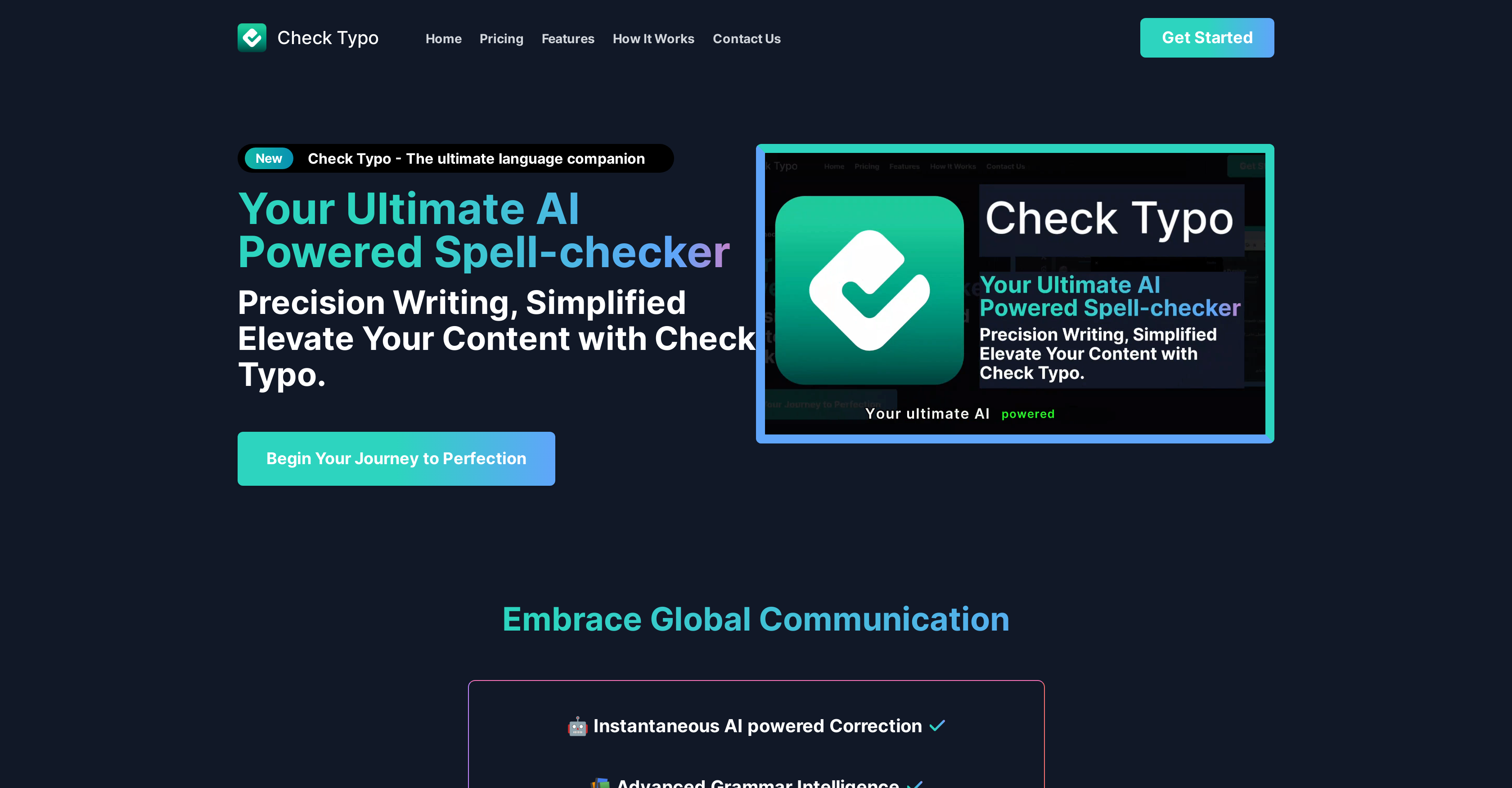
- Eliminate embarrassing spelling mistakes instantly with real-time typo correction that works across any website
- Improve grammar and sentence structure beyond basic spell check using advanced grammar intelligence
- Maintain your unique writing voice while getting corrections through adaptive style recognition that learns your patterns
- Write confidently in multiple languages with global linguistic compatibility that supports various dialects
- Save time on editing and proofreading with one-click checking that integrates seamlessly into your browser workflow
Pros & Cons
Pros
- Instant typo correction
- Chrome extension
- Advanced grammar intelligence
- Global linguistic compatibility
- Intuitive design
- Adaptive style recognition
- Personalized assistance
- One-click operation
- Unlimited checks
- Monthly subscription available
- Discounted lifetime offer
- Easy integration
- User-friendly sign up
- Elevates text quality
- Enhances online communication
- Promotes productivity and precision
- Easy Error-detection
- Improves Writing Skills
Cons
- Only available on Chrome
- Requires account creation
- Subscription-based
- Requires manual trigger ('check')
- Adaptive style recognition limitations
- May not suit every style
- Lacks offline functionality
- No mobile application
- Offers no free version
- Linguistic compatibility undefined
Reviews
Rate this tool
Loading reviews...
❓ Frequently Asked Questions
Check Typo is an AI-based Chrome extension which aims to improve writing by providing instantaneous typo correction. It offers advanced grammar intelligence and global linguistic compatibility, catering to users needing language support across different dialects. It also features an adaptive style recognition, which allows personalized assistance based on individual's writing style.
Check Typo works by integrating into the user's Chrome browser. Upon creating an account and clicking on the word 'Check', the tool starts providing guidance towards error-free text compositions. It has advanced grammar intelligence and adaptive style recognition to cater to personalized writing styles.
To install Check Typo on your Chrome browser, you need to follow the following steps: Click on the 'Add to Chrome' button, a pop-up will appear asking if you want to add this extension to Chrome, you need to click 'Yes' to confirm and install the extension.
Yes, Check Typo provides global linguistic compatibility, catering to users requiring language support across different languages.
Adaptive style recognition feature in Check Typo allows the tool to provide personalized assistance, meeting the specific needs based on an individual user's writing style.
Yes, Check Typo can suit your writing style due to its adaptive style recognition feature. It can provide personalized assistance based on your particular writing style.
After installing Check Typo, users must create an account and then simply click the word 'Check' for the tool to start guiding them towards error-free text compositions.
Check Typo offers typo correction, it corrects spelling errors in real-time and enhances the quality of user's online communication by eliminating typographical mistakes.
Check Typo offers both typo correction and advanced grammar check. It aims to improve users' writing quality by enhancing grammar usage and correcting typographical errors instantly.
The price of Check Typo's monthly subscription is $14.99 with a special 25% off lifetime offer.
In the annual subscription of Check Typo, users receive unlimited checks along with an additional benefit of two months free. The price after a discount of 25% is $149.99 per year.
No, Check Typo will not disrupt your online communication process. On the contrary, it aims to enhance productivity and precision in users' online communication by elevating text quality.
To create a Check Typo account, you need to type in your email address and password, and then click on Sign Up or Login if you already have an account.
You only need to provide your email address and set up a password to use Check Typo.
Check Typo helps improve your productivity by instantly correcting typos and improving grammar in your online communications, thereby saving you time spent on reviewing and editing texts.
Yes, Check Typo offers a 25% off lifetime offer for its monthly and annual subscriptions.
Pricing
Pricing model
Free Trial
Paid options from
$14.99/month
Billing frequency
Monthly














