

Overview
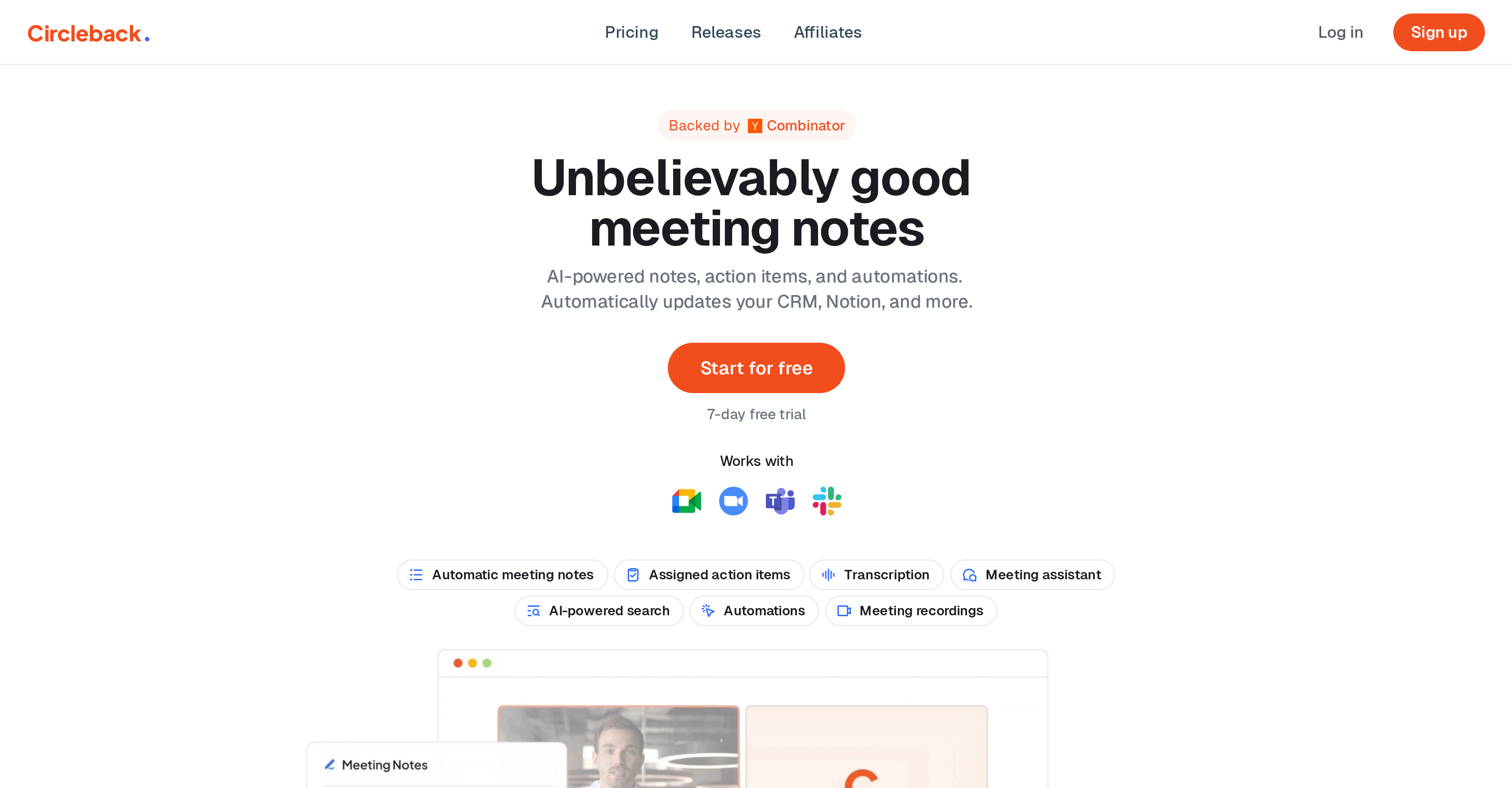
- Never take manual notes again with AI that captures every detail from Zoom, Google Meet, and Microsoft Teams
- Automatically generate ready-to-use action items and summaries that your team can immediately act on
- Instantly find any past conversation or decision with powerful AI-powered search across all your meetings
- Create automated workflows that detect insights and update Slack, Notion, HubSpot, and Salesforce without manual work
- Get accurate transcripts in 100+ languages with clear speaker identification for global team meetings
- Keep sensitive discussions secure with encrypted meeting data that only authorized attendees can access
Pros & Cons
Pros
- Automated meeting notes
- Summarizes meetings
- Email automation
- Records calls
- Works with Zoom
- Works with Teams
- Works with Meet
- Works with WebEx
- Rapid summarization process
- Accessible summarized information
- Answer-search capability
- Encrypted transport data
- Secure database
- Free version availability
- Teams pricing plans soon
- Transcribes calls
- Follow-up email creation
- Data privacy priority
- Provides transcription
- Fast working
- User owns data
- Easy to join calls
- Task-focused user conduct
Cons
- Limited platform compatibility
- No offline functionality
- No mobile application
- No API access
- Unable to customise summaries
- Dependent on stable internet connection
- Limited transcription languages
- No voice command support
- Inability to handle multiple languages in one meeting
- Potential inaccuracy in summaries
Reviews
Rate this tool
Loading reviews...
Pricing
Pricing model
Paid
Paid options from
$20.83/month
Billing frequency
Monthly
Related Videos
Circleback AI notetaker deep dive: advanced search, tagging, & HubSpot automation
Arrows•652 views•Apr 17, 2025


