ClipboardAI
Overview
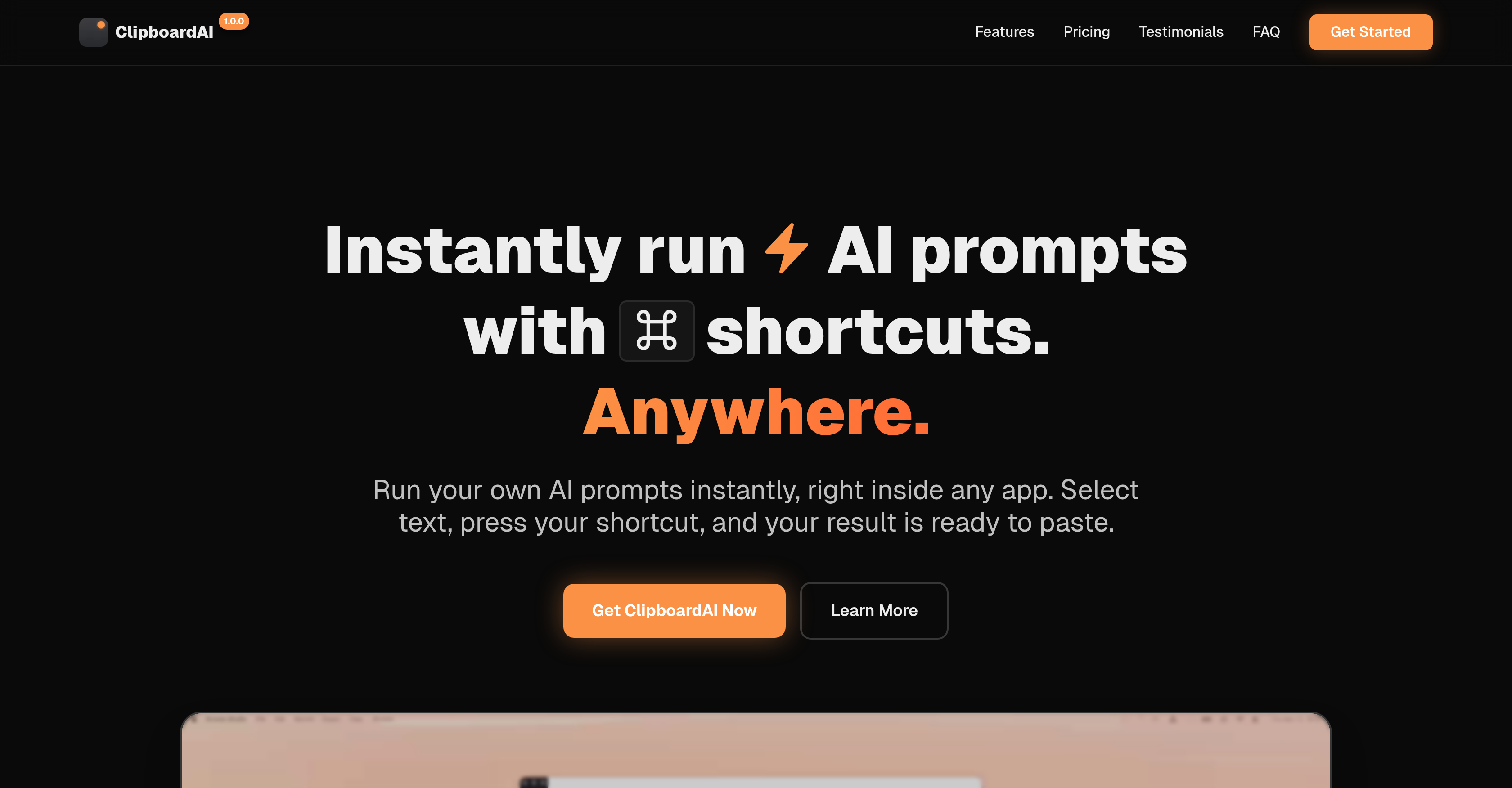
- Eliminate app-switching and manual copy-pasting by transforming text instantly in Slack, Gmail, Notion, and other apps with custom keyboard shortcuts.
- Maintain complete privacy as your requests go directly from your device to OpenAI, with no content stored on external servers.
- Pay once for lifetime access to unlimited custom prompts for grammar correction, translation, summarization, and tone refinement without any subscription fees.
- Build muscle memory for routine tasks by mapping your most-used prompts like 'fix grammar' or 'translate to Spanish' to dedicated keyboard shortcuts.
- Preview AI-generated changes with a diff view before pasting to ensure edits match your intent without disrupting your workflow.
- Get instant, paste-ready results for customer support replies, code refactoring, marketing copy variations, and meeting summaries directly in your working environment.
Pros & Cons
Pros
- Works with any app
- Custom keyboard shortcuts
- No memorizing prompts
- Eliminates copy-pasting
- Eliminates context-switching
- Unlimited custom prompts
- No account required
- Bring your own API Key
- Compatible with macOS and Windows
- One-time payment, lifetime access, no subscription
- Contact to developer
Cons
- Requires an internet connection
- Desktop-only, no mobile app yet
- Prompts don't sync between devices
- Focused on text workflows (images/files not supported yet)
- Bring your own API Key (some setup required)
Reviews
Rate this tool
Loading reviews...
❓ Frequently Asked Questions
ClipboardAI is an AI tool designed to instantly transform text anywhere on a user's device with a simple keyboard shortcut. It aims to streamline work processes by eliminating the need for app-switching or copy-pasting. It can perform a variety of tasks like fixing grammar, translating languages, summarizing meetings, writing code, and refining tone. The tool is platform independent, able to function on Slack, Gmail, Notion, Google Docs, VS Code, and Figma without the need for integrations. ClipboardAI prioritizes user privacy and provides instant results copied to the user's clipboard. The tool does not require a subscription, thus providing lifetime access.
ClipboardAI drastically improves workflow by eliminating the need for app-switching or copy-pasting. The user can select any text, press the custom shortcut, and watch ClipboardAI transform it instantly in the environment they're working in. They can also create unlimited AI shortcuts for their daily tasks such as fixing grammar, translating languages, summarizing meetings, writing code, refining the tone of their text, and more. If users can select text, ClipboardAI can work there without needing any integrations. The results appear instantly and are automatically copied to the clipboard for immediate use.
Yes, ClipboardAI has the capability to correct grammatical errors. It is among the wide range of tasks the tool is designed to perform efficiently and effectively, offering instantaneous results.
Absolutely, ClipboardAI is capable of translating text. This is one of its multiple functions designed to boost productivity and enhance the user's workflow. The translation process is as simple and straightforward as using a keyboard shortcut, promising instantaneous results.
Yes, ClipboardAI has the ability to summarize meetings. A user can set up an AI shortcut to perform this task, producing an instant and concise summary of the content in question.
ClipboardAI assists in refining the tone of writing by adjusting the text based on custom prompts set by the user. These prompts can cater to different desired tones, such as professional, casual, or friendly. The AI tool then transforms the input text, aligning it with the selected tone. The adjustment is instantaneous and ready to be pasted anywhere, improving the overall coherence and impact of the writing.
Yes, ClipboardAI can be used effectively in Google Docs. Its cross-platform compatibility feature ensures that it works smoothly in a large array of applications, with Google Docs being one of them. The tool does not require any special integrations to function properly within these platforms.
Yes, ClipboardAI is fully functional in Slack. It's compatible across various platforms, including Slack, and doesn't need any app-specific integrations to work. The tool can handle tasks like text transformation, language translation, and others, providing real-time adjustments right where the user is working.
ClipboardAI adheres to a strict privacy policy to maintain user trust and confidentiality. Any data requests are sent directly to OpenAI, and it is ensured that user clipboard content is never stored. As such, user privacy is prioritized while the tool performs its duties. Furthermore, ClipboardAI does not require an account, granting it limited access to user information and adding another layer to its privacy focus.
Yes, the content that is transformed with ClipboardAI is automatically saved to the clipboard. This feature is implemented to streamline the user's workflow. Following transformation, the user can immediately paste the improved text anywhere they need to, without any additional steps.
ClipboardAI offers features tailored for various professional roles including writers, editors, developers, customer support personnel, marketers, and general users. It provides assistance in tasks like grammar correction and text translation for writers and editors, code production for developers, the generation of empathetic replies for customer support staff, copy and tone adaptation for marketers, language translation, and textual analysis for general users.
Yes, ClipboardAI allows its users to define custom AI shortcuts for their daily tasks. This feature allows for quicker access to routine operations, enhancing productivity and efficiency in the user's workflow.
Setting a keyboard shortcut in ClipboardAI is a user-friendly process. Users can define AI shortcuts for different tasks and map each prompt to a keyboard shortcut of their choice. This way, a user has the freedom to choose their preferred combination for each task, offering a personalized and efficient usage experience.
ClipboardAI is offered with a one-time payment for lifetime access. The cost includes unlimited AI shortcuts, custom prompts, compatibility with all apps, and future updates. There are no subscriptions or hidden fees. At the time of launch, the one-time payment amount was $29, discounted from its original price of $49.
Yes, ClipboardAI can assist in writing code. It can be used to explain code snippets, generate documentation, refactor and optimize code, and even to convert between different coding languages. With a variety of customizable prompts and shortcuts, it offers a highly beneficial tool for developers, enhancing their work efficiency and productivity.
Yes, ClipboardAI is compatible with Figma. It operates well across varying platforms without additional integration needs, including but not limited to Figma. This means users can utilise the features of ClipboardAI while working within Figma to boost productivity and improve the content creation process.
Yes, ClipboardAI does have specific features tailored for marketers. The tool can be used to rewrite copy with different angles, generate variations of social media posts, rectify typos in live campaign documents, and adapt the tone of the content for different audiences. These features enable marketers to create high-quality, impactful content in a more efficient and streamlined manner.
No, ClipboardAI does not require a subscription. Users can access the full range of features and benefits provided by ClipboardAI by simply making a one-time payment. Upon payment, users are granted lifetime access to the tool.
Absolutely, ClipboardAI offers valuable assistance for customer support personnel. With the tool, support staff can create professionally polished responses, translate customer messages, summarize lengthy threads, and generate empathetic replies. All these capabilities contribute to enhancing the quality and efficiency of customer support operations.
Yes, ClipboardAI can be used effectively in Gmail. Its cross-platform capabilities make it fully functional in a range of applications, including Gmail, thus enhancing productivity and convenience by providing immediate text transformation within the platform.
To use ClipboardAI, you first create your prompt that could be a directive like, 'fix grammar' or 'translate to Spanish'. Then, you map your prompt to a keyboard shortcut of your choice. When the need arises, just select your text in whichever application you're using, press your shortcut, and ClipboardAI will run the prompt instantly. Your result is also automatically copied to your clipboard and is ready to paste anywhere.
Yes, ClipboardAI works seamlessly across different applications including Slack, Gmail, and Notion. By selecting any text and using a pre-configured shortcut, ClipboardAI brings the power of AI to your chosen application.
Absolutely, ClipboardAI works across various platforms like Slack, Gmail, Notion, Google Docs, VS Code, Figma and more. As long as text is selectable, ClipboardAI works on the platform, eliminating the need for specific integrations.
ClipboardAI ensures data security by designing the architecture to send data requests directly from your device to OpenAI. No clipboard content is stored in ClipboardAI, it makes sure your content remains private and secure.
Yes, ClipboardAI is fully customizable. It allows you to map your most used prompts to specific keyboard shortcuts based on your preference and requirements. This functionality helps to build muscle memory for instant AI assistance.
With ClipboardAI, you can accomplish a broad range of tasks. It helps you fix grammar and spelling errors, translate languages, summarize content, write or refactor codes, and refine your written tone. You can also use it for specific business functions like customer support and marketing.
ClipboardAI is integrated into your workflow through shortcuts designed to be used in any applications you're already familiar with. By selecting the text and pressing your custom shortcut, ClipboardAI transforms the selected text instantly within context of your work. The results are automatically copied to clipboard for easy pasting, eliminating the need for app-switching or copy-pasting.
No, ClipboardAI does not have a subscription fee. It operates on a one-time payment for lifetime access model, which means you only pay once and enjoy its features forever with no hidden fees.
ClipboardAI handles language translation through AI prompts. You can set a custom prompt and shortcut for translation tasks. When you select the text and press the assigned shortcut, the tool instantly translates the text to the desired language.
ClipboardAI assists with code writing by providing AI-based prompts. It offers functionalities for explaining code snippets, generating documentation, refactoring and optimizing the code, and converting between languages.
Yes, you can use ClipboardAI for refining your written tone. You can create custom AI shortcuts to adjust the tone of your text as per your preferences, whether you want it to be professional, casual, friendly or something else.
Yes, when using ClipboardAI, your requests are sent directly from your device to OpenAI. This direct communication keeps your content private and secure.
No, ClipboardAI does not store your clipboard content. Your data stays private as all the requests are sent directly to OpenAI from your device.
A broad range of practitioners can benefit from using ClipboardAI. The tool has potential applications in various fields such as writing, editing, coding, customer support, and marketing., as well as for general productivity.
Yes, ClipboardAI is user-friendly. Its primary feature of instant use through keyboard shortcuts in any application and its automation in delivering ready-to-paste results make it a convenient tool.
Yes, ClipboardAI can be effectively used for both customer support tasks and marketing activities. In customer support, it can be used to polish responses, translate customer messages, summarize threads, and generate empathetic replies. In marketing, it can create different angulations for copywriting, produce social media variants, fix typos, and adapt tone for different audiences.
ClipboardAI helps correct grammar and spelling errors through custom AI prompts. You create a prompt for 'fix grammar and spelling', map it to a keyboard shortcut, select the text you need corrected and press the shortcut. ClipboardAI then takes care of the grammar and spelling corrections.
Yes, you can use ClipboardAI to summarize long emails or meetings. After creating a summarizing prompt and assigning it a shortcut, you can select the text from the long email or meeting notes, press the keyboard shortcut, and ClipboardAI will generate a concise summary automatically.
If you have issues or ideas related to ClipboardAI, you can contact the developer directly by sending a private message on Platform X or by email. The developer assures that he will provide an actual response.
Pricing
Pricing model
Free Trial
Paid options from
$29
Billing frequency
One-time
Refund policy
14 Day Money Back Guarantee