Colorize Black and White Photos
Overview
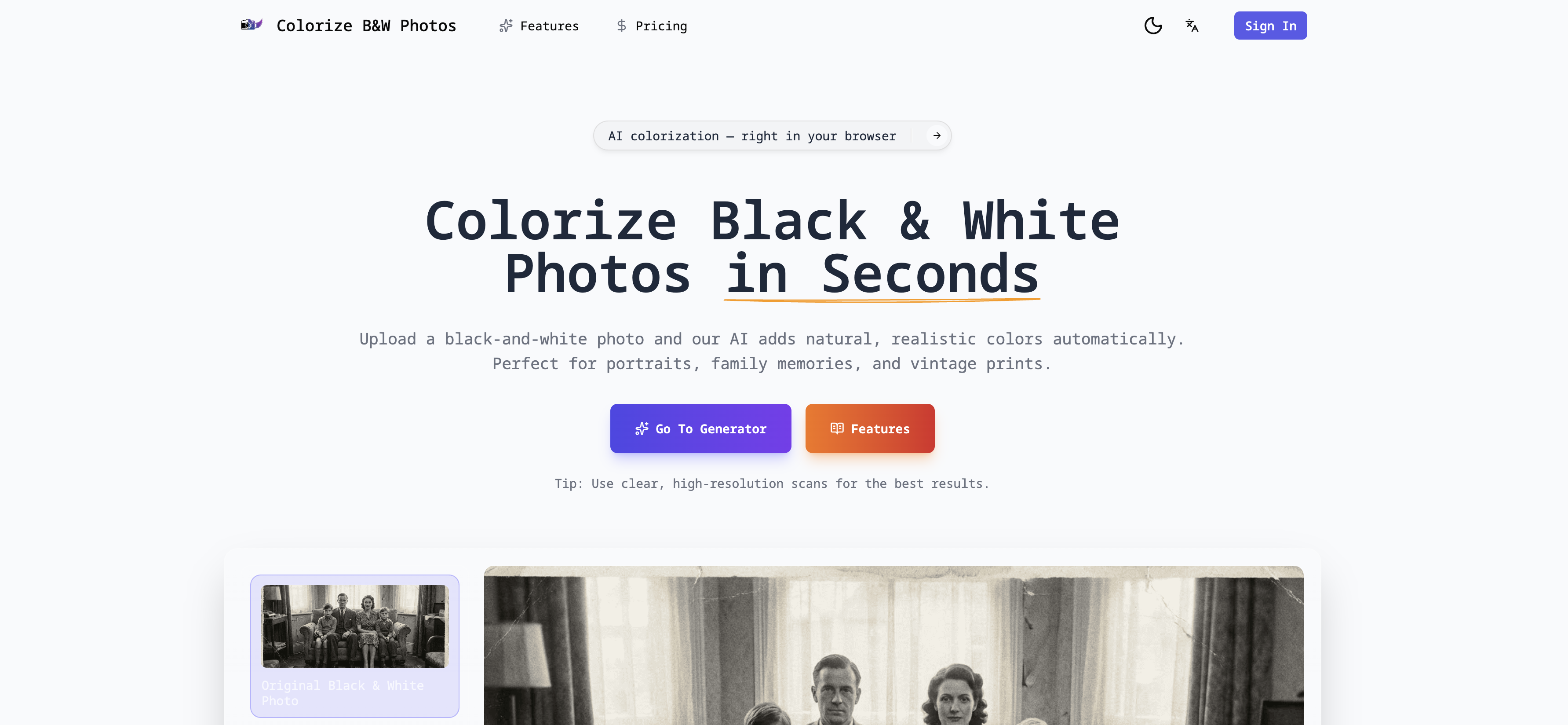
- Breathe life into family memories with realistic color restored to old photos, using AI that analyzes facial features, clothing, and lighting for authentic results.
- Preserve your original photos perfectly while creating a separate colorized copy, ensuring your historical images remain untouched for archiving.
- Download high-resolution colorized images ready for printing and sharing, thanks to non-destructive processing that maintains fine details.
- See the transformation instantly with a side-by-side before and after preview, allowing for immediate comparison of the original and restored photo.
- Colorize vintage portraits and archives from any device without installations, using a fully automated online tool that requires no editing skills.
Pros & Cons
Pros
- Online functionality
- Fast processing
- Automatic colorization
- High-resolution downloads
- Before and after previews
- Keeps original intact
- Desktop and mobile access
- Detailed facial analysis
- Accurate environmental analysis
- Preserves image details
- Handles vintage images
- Uniform color application
- Suits portraits
- Suits family photos
- Realistic skin tones
- Realistic hair color
- Contextual color application
- Balanced color scheme
- Non-destructive editing
- User-friendly design
- No design skills required
- Suitable for personal use
- Suitable for professional use
- Ideal for historical archives
- Supports heritage conservation
- Revives old memories
- User not required to install software
- Simultaneous side-by-side comparison
- Enhances image without altering original
- Browser based operation
- Revamps antiquated prints
- Natural results
- Instant before & after comparison
- Works on any device
- Zero manual editing needed
Cons
- Limited to black-and-white photos
- No manual color adjustment
- Restricted to high-resolution images
- Lacks batch processing feature
- No offline version available
- Inaccessible for color-blind users
- No support integration for third-party storage
- No editing of original photos
- No version control for multiple attempts
Reviews
Rate this tool
Loading reviews...
❓ Frequently Asked Questions
The AI colorizes black and white photos in just a few seconds.
Yes, the AI analyzes and interprets various elements like facial features, clothing, backgrounds, and lighting in the photos for colorization.
Yes, the tool gives special attention to colorizing skin tones and environmental details to ensure a lifelike look.
Yes, the high-resolution colorized images can be downloaded for sharing, printing, and archiving.
Yes, the tool provides 'before and after' previews for an instant comparison between the original and colorized photos.
No, the original black-and-white image remains untouched during the process. A separate colorized copy is provided.
Yes, the tool operates entirely online and does not require any prior software installations.
Yes, the tool is equally accessible via both desktop and mobile devices.
Yes, the AI adds natural and realistic colors to the black and white photos.
The tool is user-friendly as it automates the entire process of colorization, making it simple for the users to approach and use.
Yes, the tool can be used for image enhancement to colorize black and white photos and restore their vibrancy.
Yes, the tool facilitates digital restoration and photo archiving, making it suitable for both personal and professional uses.
Yes, the colorization provided by the tool is realistic and lifelike.
Yes, the tool is designed to restore old family photos and portraits to their original colors.
Yes, the tool is effective for coloring vintage images, imparting them a fresher and lively look.
Yes, facial feature analysis is an integral part of the colorization process, helping achieve accurate and balanced colors.
Yes, the AI-generated colors are designed to match natural colors, ensuring the authenticity of the restored image.
Yes, cultural heritage institutions can use the tool for archiving by restoring and digitizing old photos and vintage images.
Yes, the tool supports high-resolution image downloading for sharing and printing purposes.
Yes, the tool works directly in the browser ensuring easy access and usage without the need for any installations.
The purpose of Colorize Black and White Photos Online is to colorize black and white photographs, especially old family photos, vintage prints, and portraits, with natural, realistic colors, giving them a fresh, rejuvenated feel. The tool can be used for both personal and professional applications.
The AI tool analyzes black and white photos for colorization by critically examining the various elements in the photos including facial features, clothing, backgrounds, and lighting. It then applies balanced, lifelike colors to these areas based on this analysis.
Yes, there is a special focus on skin tones, hair, and environmental details during the colorization process to ensure an authentic and natural feel to the final result.
No, the AI tool does not modify the original black and white photo. The tool maintains the integrity of the original photo by creating a separate colorized copy.
No, there is no need to install any software to use this tool. Colorize Black and White Photos Online operates entirely online.
Yes, you can access the AI tool on both desktop and mobile devices. It is a browser-based solution and doesn’t require any software installation.
In professional settings, this AI tool can be used to bring valuable visuals in historical archives to life. It can also aid in the restoration and rejuvenation of old images for professional photographic archives or genealogy projects.
The colorized images can be downloaded in high-resolution formats, suitable for sharing, archiving, or printing.
The AI tool ensures the colorized photo looks natural and not artificial by applying balanced, lifelike colors, with a special emphasis on details like skin tones, hair, and environmental aspects. It applies respective colors based on the sophisticated analysis of the photo’s details to maintain a realistic feel.
No, you do not need any manual editing or design skills to use the AI tool. The entire process of colorization is fully automated and user-friendly, delivering results in just a few moments.
Yes, Colorize Black and White Photos Online offers an instant before and after preview feature that allows you to compare the original and colorized photos instantly.
This tool is specifically designed to handle old family photos, vintage prints, and portraits. These images can range from family portraits, wedding photos, childhood pictures, and much more.
Yes, Colorize Black and White Photos Online can be used for both personal and professional applications. From restoring family memories to bringing valuable visuals in historical archives to life, it is beneficial across a range of uses.
Yes, the AI colorization process is automatic, requiring no manual intervention from the user.
The original image remains unaltered after the colorization process. A separate colorized version of the photo is created, leaving the original image preserved in its original form.
The Colorize Black and White Photos Online tool colorizes photos in just a few seconds, providing quick, high-quality results.
During the colorization process, this tool pays special attention to skin tones and environmental details. By doing so, it ensures that these critical aspects of the photo are as lifelike and natural as possible.
Yes, Colorize Black and White Photos Online can be used with any device. It operates entirely online, and is accessible from both desktop and mobile devices.
The high-resolution downloads from this tool maintain the fine details of the photo. The output result is a sharp, high-quality image, suitable for sharing, printing, or archiving.
Colorize Black and White Photos Online is designed to be user-friendly. It allows users to colorize photos in just a few clicks, without the need for any manual editing or design skills. It also provides an instant before and after preview for easy comparison of the original and colorized photos.
Pricing
Pricing model
Freemium
Paid options from
$9.99/month
Billing frequency
Monthly