Overview
- Generate complex SQL queries instantly without manual coding using AI that understands your database structure
- Fix SQL errors automatically and eliminate time-consuming debugging with the Query Fixer
- Understand exactly how each query works and why it produces specific results with the Query Explainer
- Optimize query performance and get faster results with AI-driven query optimization
- Improve code readability and maintain clean SQL with automatic query formatting
- Learn database skills faster by practicing complex SQL scenarios and understanding query logic
- Access your complete query history for reference and learning, even after subscription ends
- Get personalized database index suggestions to optimize data retrieval and query performance
Pros & Cons
Pros
- Imports database structure
- Friendly, intuitive interface
- Automated query generation
- Error detection in queries
- Query Fixer tool
- In-depth explanation of queries
- Query Explainer feature
- Query Formatter for understandability
- Saves and provides query logs
- Provides top-notch support
- Offers student discounts
- Different plans for different needs
- 7-day free trial available
- Boosts productivity
- SQL & Eloquent query generation
- Database index suggestions
- Unlimited database import
- Prompts designed for best results
- Saves prompt results in log
- Compatible with MySQL, Eloquent
- Suitable for various SQL databases
- Offers tools for complex SQL scenarios
- Practical for developers, administrators, students
- Access to results after subscription ends
- Discounts during product launches
Cons
- Limited query amounts
- Only supports MySQL best
- 7-day free trial only
- Lacks multi-platform support
Reviews
Rate this tool
Loading reviews...
❓ Frequently Asked Questions
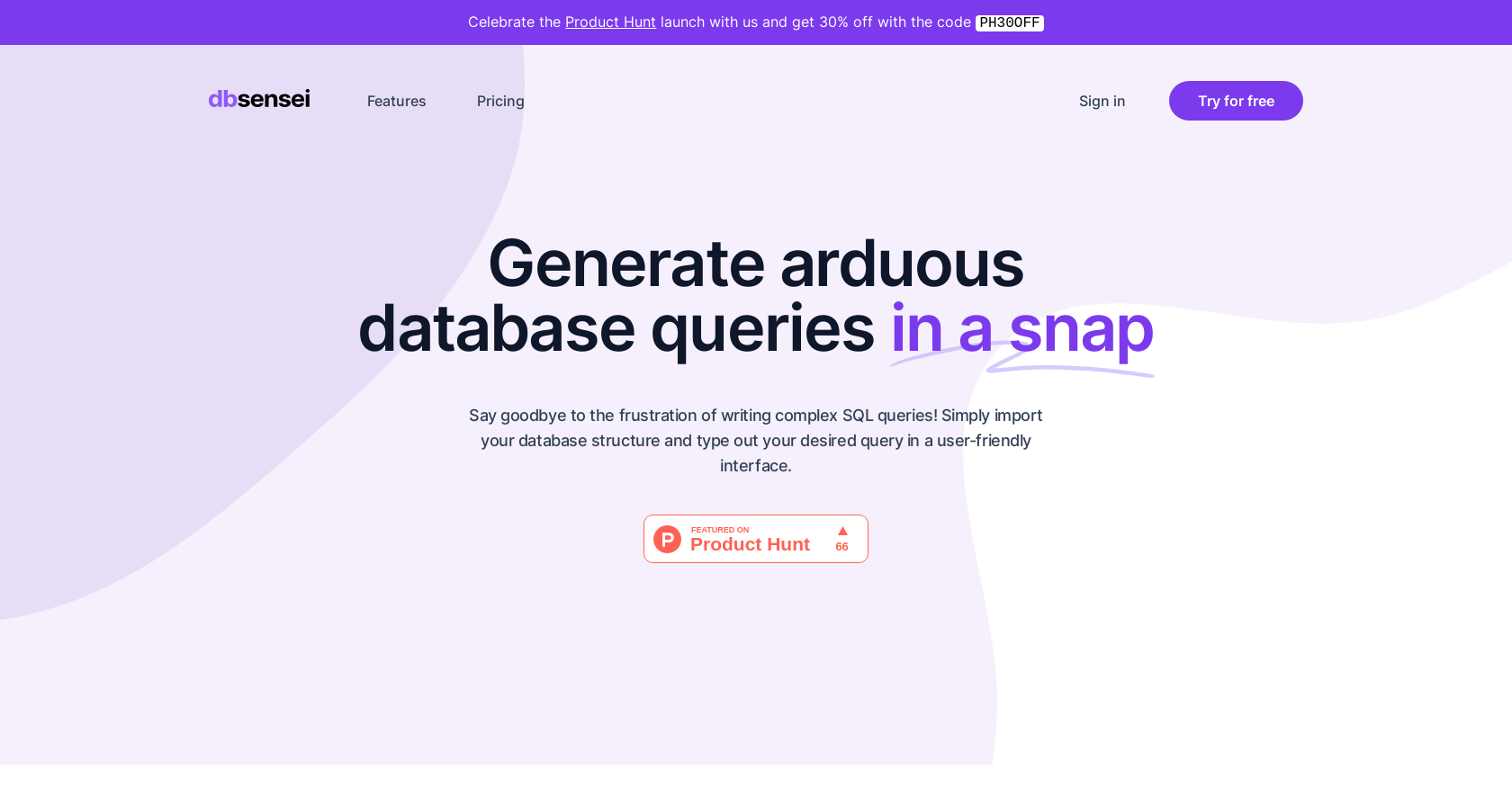
DB Sensei is an AI-driven database query generator and optimizer designed for SQL. It aids database professionals, developers, and students with quicker SQL query outcomes and enhances their database skills. Users can import their database structure to craft intricate SQL queries through the platform's user-friendly UI.
DB Sensei aids with SQL query generation by using an AI-powered generator that simplifies the process of crafting the perfect query. It takes away the hassle of manual SQL coding and efficiently generates complex SQL queries.
The Query Fixer feature in DB Sensei is designed to identify and address errors in SQL queries. It eradicates the need for time-consuming debugging of SQL code by rectifying errors seamlessly.
The Query Explainer feature in DB Sensei enlightens users by providing in-depth explanations of SQL queries and their results. This feature helps users comprehend the logic behind each query and how it produces the intended results.
The purpose of the Query Formatter in DB Sensei is improving the readability and understandability of SQL queries. Automatic formatting keeps the SQL code clean, clear, and easy to read.
Users can access the query logs in DB Sensei from their platform. The log keeps a record of queries and results, which users can refer to at any time, even after their subscription ends.
DB Sensei offers top-tier support services to its users. If a user can't find an answer, they can reach out to the support team who promise prompt responses.
DB Sensei offers three plans: Starter at $9 per month allowing 100 queries, Pro at $19 per month allowing 300 queries, and the Ultimate plan at $29 per month, allowing 500 queries.
Yes, DB Sensei offers a 7-day free trial for anyone interested in trying out the product before committing to a payment plan.
Yes, DB Sensei offers a special discount for students. Students can avail themselves of a 40% discount with proof of eligibility.
On DB Sensei, users can import their database structure simply by using the provided user-friendly interface, enabling seamless generation of complex SQL queries.
DB Sensei is designed to handle intricate SQL scenarios that require a significant amount of context. It is particularly effective at practice queries and database indexes.
DB Sensei enhances the productivity of its users by simplifying and speeding up the SQL query generation process. User-friendly tools like Query Generator, Query Fixer, Query Explainer, and Query Formatter cut down on time spent on manual coding, allowing users to focus on more vital tasks.
The AI-driven generator in DB Sensei is a tool that effortlessly crafts complex SQL queries. It eliminates the hassle traditionally associated with crafting the perfect SQL query, making it a more efficient and user-friendly process.
DB Sensei boosts a user's database skills by facilitating a profound understanding of queries and their results, with the aid of tools such as the Query Explainer. Furthermore, it offers an opportunity to practice complex SQL scenarios and indexes.
DB Sensei stands out from other query generation tools for its AI-driven features. It incorporates the user's database context and utilizes specifically designed prompts to generate superior results compared to other tools which may not be optimized for complex SQL scenarios.
Yes, DB Sensei offers query optimization. The AI-driven generator is designed to not only craft SQL queries but also to optimize them for faster and more efficient results.
DB Sensei provides tools for generating, fixing, explaining and formatting SQL and Eloquent queries. The tools deliver the best results for MySQL and Eloquent (Laravel), but also work efficiently with other SQL databases such as PostgreSQL, SQL Server, etc.
The database index suggestions in DB Sensei work by analysing the user's data and the query performance. The tool then provides suggestions for database indexes to optimize query performance and make data retrieval more efficient.
The AI in DB Sensei simplifies the process of generating complex SQL queries. It incorporates the user's database context and uses custom-designed prompts to craft optimized queries, enhancing query performance and boosting user productivity.
Pricing
Pricing model
Free Trial
Paid options from
$9/month
Billing frequency
Monthly