

Overview
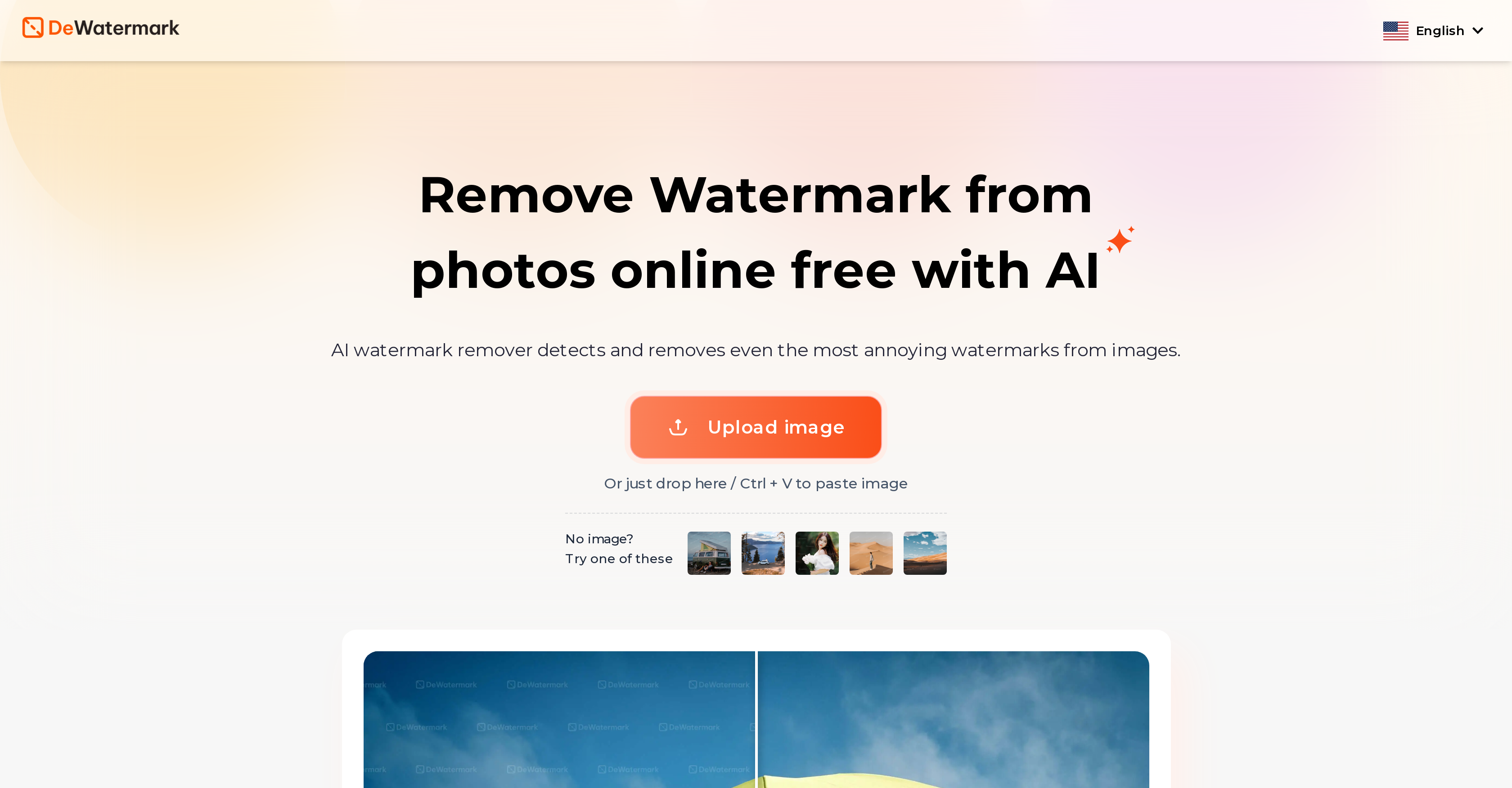
- Erase any watermark automatically in seconds using AI detection, even complex multi-layered or color-blended ones
- Maintain perfect image quality with zero detail loss or degradation after watermark removal
- Get flawless results with manual brush precision to remove any remaining watermark traces thoroughly
- Choose your final look with both original and AI-enhanced image versions available for download
- Use it completely free on any device without needing professional photo editing knowledge
Pros & Cons
Pros
- Free tool
- User-friendly interface
- Mobile compatible
- Desktop compatible
- Tablet compatible
- Quick processing
- Complex watermark removal
- Retains original image quality
- No loss in details
- Manual brush feature
- Choice of original or enhanced version
- Saves time
- Automatic functionality
- Multiple language support
- Quality image preservation
- Detail-dense watermark removal
- Color-blended watermark removal
- Multi-platform use
- Manual editing option
- Photo enhancement feature
- Removal of layered watermarks
- Simple download process
- Sophisticated watermarks capability
- Powerful recognition feature
- Retains image quality
- Flexible editing option
- Creates multiple final looks
- Fast and easy operation
- All devices compatibility
- Available on iOS & Android stores
- High user ratings
- Supports multiple images watermark removal
Cons
- No batch processing
- No API
- Limited file formats
- Limited editing tools
- Requires manual brush for perfection
- No offline version
- No built-in photo enhancement tools
- Doesn't support vector images
- No preview before download
Reviews
Rate this tool
Loading reviews...
❓ Frequently Asked Questions
Dewatermark.AI operates across multiple platforms including mobile, desktop, and tablet devices.
Dewatermark.AI uses AI technology to automatically detect watermarks on an image. This sophisticated technology allows it to recognize and separate watermarks from the background of the image, even in cases of complex and color-blended watermarks.
Yes, Dewatermark.AI can remove complex watermarks from images efficiently. It is proficient in handling even the most complicated watermarks that might have multiple layers, be densely detailed, or blended with image colors.
Indeed, Dewatermark.AI can manage watermarks with multiple layers. It uses its advanced AI algorithms to separate and remove these intricate watermarks efficiently from the images.
Yes, Dewatermark.AI is designed with a strong commitment to retain the original quality of the image. It employs conscientious effort to ensure there is no degradation in the quality of the image during the watermark removal process.
Dewatermark.AI is engineered to prevent loss of detail during the watermark removal process. Its AI technology preserves the fine details of the image, ensuring that details do not fade even after watermarks are removed.
Dewatermark.AI offers a manual brush feature designed for perfection. This feature allows users to thoroughly remove any remaining watermark traces from the image manually.
Yes, with Dewatermark.AI, users have the choice to select between the original and enhanced versions of their images once the watermark has been removed.
Yes, Dewatermark.AI is highly appreciated by its users for its quick speed in detecting and removing watermarks from images.
Dewatermark.AI saves time on manual editing by using AI technology to detect and remove watermarks automatically. Additionally, its manual brush feature enables users to remove leftover watermark traces thoroughly and quickly.
Users can use Dewatermark.AI to remove watermarks from their photos in four easy steps: Uploading the watermarked image, allowing the AI to automatically detect and remove the watermarks, using the manual brush for perfecting the edits, and finally, choosing between the original and enhanced versions of their now watermark-free photos to download.
Dewatermark.AI utilizes AI algorithms to automatically remove watermarks. The AI processes the image and detects watermarks within seconds, allowing for efficient and swift removal.
Dewatermark.AI's performance in recognizing watermarks is highly powerful. The AI technology it utilizes is capable of automatically detecting and separating watermark layers from the background images, ensuring a thorough watermark removal.
Yes, Dewatermark.AI offers flexibility in editing with its manual brush feature. This tool allows users to thoroughly remove any remaining traces of the watermark, providing an added dimension of control and precision to the editing process.
No, there is no fee attached to using Dewatermark.AI for watermark removal. The platform provides this service completely free of charge.
Dewatermark.AI auto enhances the images by automatically refining and upgrading the visual quality after the watermark has been removed. This results in providing users with multiple final looks to choose from.
Yes, Dewatermark.AI is compatible with all devices. It can be used seamlessly on mobile, desktop, and tablet devices.
Dewatermark.AI retains the image quality by committing significant effort to keep the original quality. The platform ensures that no quality or details are lost during the watermark removal process.
Yes, Dewatermark.AI is multilingual and supports a variety of languages including English, Español, Français, Deutsch, Italiano, Greek, and others.
No, the usage of Dewatermark.AI does not require any professional photo editing knowledge. It is designed to be user-friendly and straightforward, providing high-quality results regardless of the user's level of photo editing expertise.
Pricing
Pricing model
Freemium
Paid options from
$5/month
Billing frequency
Monthly
Refund policy
No Refunds
Related Videos
How to remove watermark from video with Dewatermark.AI
Dewatermark•17 views•Sep 12, 2025


