

Overview
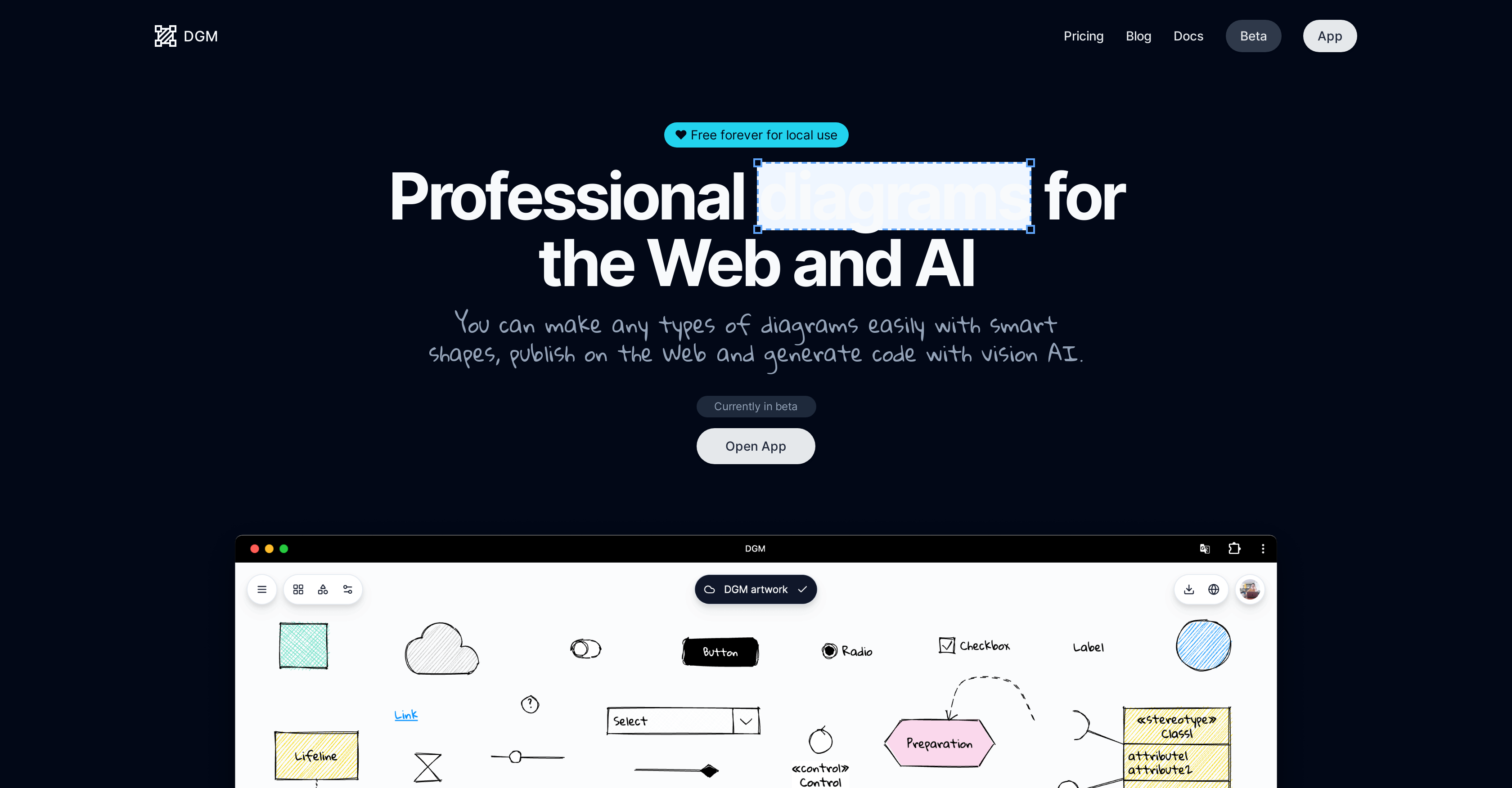
- Generate code directly from your diagrams automatically with the experimental Vision AI, bridging the gap between design and development
- Access and edit your diagrams from any device seamlessly with secure cloud storage, ensuring your work is always available
- Export professional diagrams as PNG or SVG files for presentations and documentation with high-quality image formats
- Restore any previous version of your work from the last 30 days with version history, preventing accidental loss of progress
- Publish and embed diagrams directly on websites or documentation for easy sharing and collaboration with web publishing
- Customize diagrams with hand-drawn styles, fonts, and light or dark themes to match your brand or presentation needs
- Build complex diagrams faster using smart shapes with custom constraints, properties, and scripts for precise control
Pros & Cons
Pros
- Comprehensive diagramming tool
- User-friendly interface
- Smart shapes for diagrams
- Well-crafted libraries
- Supports flowcharts, UML, ER diagrams
- UI Wireframe creation
- Cloud storage feature
- Export as PNG or SVG
- Aesthetic customization options
- Hand-drawn styles and fonts
- Shape libraries
- Light or dark theme adaptation
- Web publishing of diagrams
- Embed diagrams within sites
- 30-day history for diagrams
- Potential real-time collaboration
- Free for local use
Cons
- Real-time collaboration unavailable
- Limited history (30 days)
- No offline storage
- Limited export formats
- Possible feature overkill
- Limited aesthetic customization
- Local use restrictions
- Limited shape constraints
Reviews
Rate this tool
Loading reviews...
❓ Frequently Asked Questions
DGM allows the creation of various types of diagrams such as flowcharts, UML diagrams, ER diagrams, and UI Wireframes.
The smart shapes functionality in DGM is designed for ease of use. Shapes can be setup with specific constraints, properties and scripts enhancing the usability of diagrams.
Yes, the diagrams can be accessed from different devices. Thanks to DGM's cloud storage feature, users can save their diagrams to the cloud and access them from anywhere.
Diagrams created using DGM can be exported in PNG and SVG image formats.
DGM offers aesthetic customization features such as selection of hand-drawn styles and fonts, utilization of shape libraries, and adaptation of colors to suit light or dark themes.
The Vision AI feature in DGM is an experimental functionality that is capable of generating code from diagrams. It potentially uses future versions of OpenAI's GPT.
Yes, users can generate code from diagrams using DGM. This is enabled by the experimental Vision AI feature of the platform.
DGM's 30-day history feature allows users to restore their diagrams to any point within the last 30 days. This helps ensure work is not lost and provides a form of version control.
Yes, diagrams created in DGM can be published on the web. This enables wider reach and easier sharing of the diagrams.
Yes, in DGM, users can import and share shape libraries with the community. This fosters collaborative working and knowledge sharing.
DGM allows users to set specific constraints and properties for the smart shapes, enhancing the flexibility and usability of the tool.
The cloud storage feature in DGM enables users to save their diagrams on the cloud, ensuring data accessibility from anywhere.
DGM's experimental Vision AI is potentially capable of generating code from diagrams using future versions of OpenAI's GPT.
Yes, DGM diagrams are adaptable to both light and dark themes. This is a part of DGM's aesthetic customization options.
Yes, DGM offers options to adapt fonts and styles. It provides options to select hand-drawn styles and fonts for customizing the diagrams.
Yes, with DGM's 30-day history feature, you can restore your diagrams to any specific point within the last 30 days.
No, real-time collaboration is not currently available in DGM. It is expected to become available in the future as per the information provided on their website.
Yes, DGM allows diagrams to be embedded within other sites. This is particularly useful for improving the accessibility and visibility of your diagrams.
Pricing
Pricing model
Free
Paid options from
Free










