

Overview
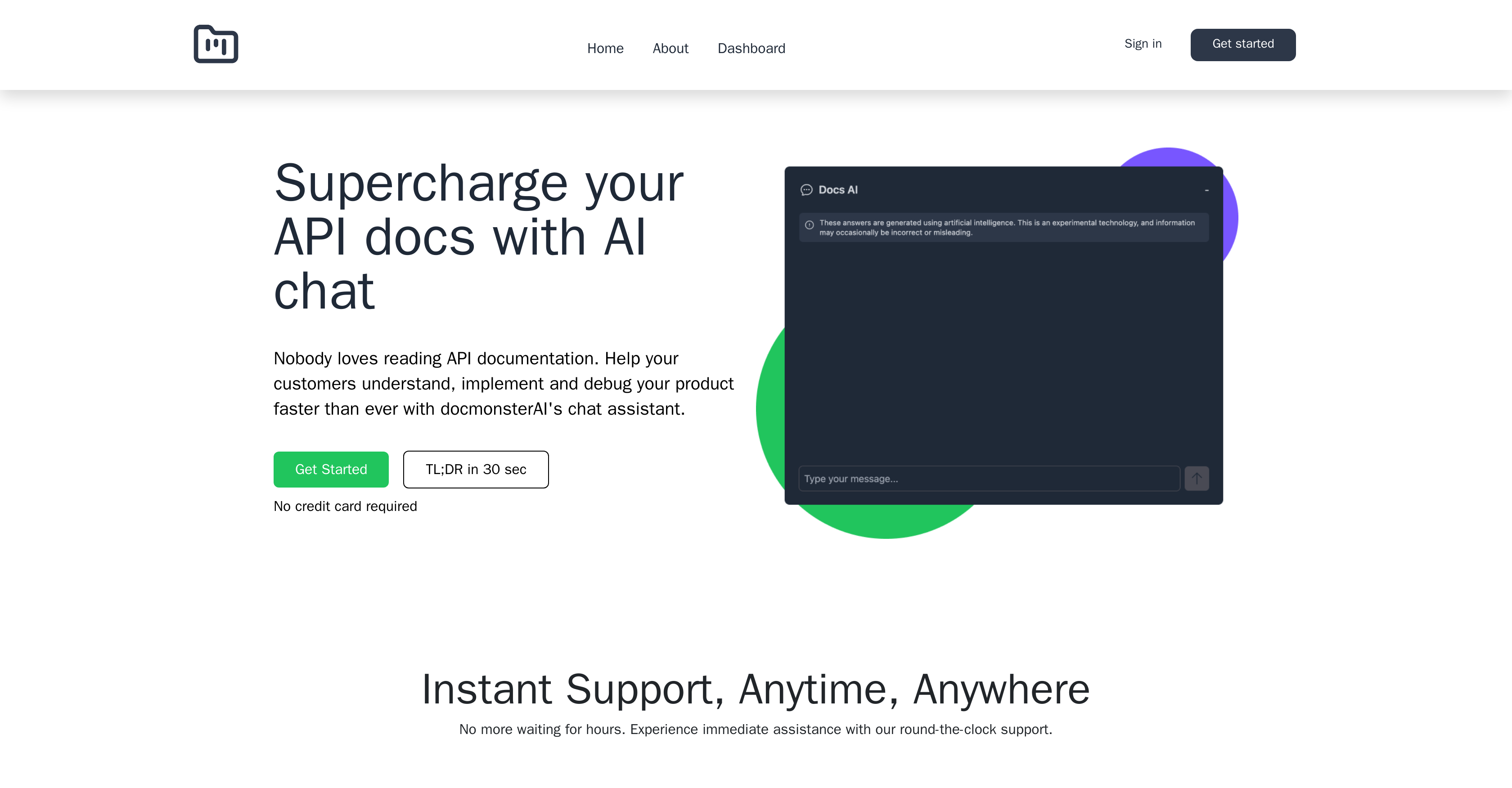
- Convert more API customers by letting them interact with your documentation through an intelligent chat interface before purchasing
- Accelerate developer integration with personalized, production-ready code examples tailored to their specific use case
- Resolve implementation issues instantly through in-platform debugging that identifies and troubleshoots problems directly
- Reduce pre-sales support workload by enabling potential customers to self-serve answers from your API documentation
- Embed interactive documentation anywhere using just three lines of code for seamless website integration
- Scale customer support without adding staff through unlimited AI message responses on higher-tier plans
Pros & Cons
Pros
- Supercharges API documentation
- Facilitates implementation and debugging
- Enables document uploads
- Website integration capability
- Aids in churn reduction
- Increases conversion rates
- Provides tailored code examples
- Simplifies API integration
- Allows on-platform debugging
- Fastens launch process
- Free initial use
- Subscription plans available
- Unlimited responses (based on plan)
- Unlimited file uploads (based on plan)
- Enhanced customer support
- Powerful user experience
- Custom code assistance
- Supports up to 20 files per agent
- Facilitates client-document interaction
- Reduces time to integrate API
- Speeds up product development
- Steers clients to conversion
- Aids developer in problem solving
- GPT-3.5 support
- GPT-4 Support (coming soon)
- Enterprise plan offers custom models
Cons
- Limited to 20 files/agent
- No multi-platform embedding specified
- Doesn't support immediate GPT-4
- Limited messages with GPT 3.5
- Subscription required for full integration
- Customisation options unspecified
- No supports for all document types
- No immediate customer support specified
Reviews
Rate this tool
Loading reviews...
❓ Frequently Asked Questions
Docmonster is an AI tool designed to enhance API documentation by incorporating an AI chat assistant. The aim of the tool is to enhance customers' comprehension, implementation, and debugging of products in a quick and efficient manner.
Docmonster enhances API documentation by allowing customers to interact with API documents via chat before purchasing products. It also accelerates API integration by delivering personalized code examples for developers to swiftly use in their development process.
The three steps to use Docmonster are: firstly, uploading documents, with a limit of up to 20 files per agent, then secondly, testing the AI agent rigorously, and finally, embedding it onto your website.
Docmonster contributes to churn reduction by allowing potential clients to interact with API documents using an AI chat before making a purchasing decision. This interaction increases conversions and reduces client turnover, leading to successful churn reduction.
Docmonster aids in API integration by providing developers with personalized code examples that can be instantly employed in their products. This tool dramatically minimizes the time to integrate and use the API, hence improving overall efficiency.
Debugging on Docmonster is facilitated directly on the platform, allowing developers to troubleshoot issues in their code and resolve problems swiftly, thereby facilitating a faster launch process.
Yes, Docmonster is free to use initially. You can use the tool without charge until you're ready to fully integrate it onto your website.
Docmonster offers Basic and Advanced subscription plans at $99/month and $199/month respectively. There's also an Enterprise option whose cost depends on the specific requirements. Each plan accommodates different needs and usages, with varying message and file upload limits, AI support, and chatbot availability.
On Docmonster, you can upload up to 20 files per agent, regardless of your chosen subscription plan.
Docmonster is supported by specific AI models, including GPT-3.5, with future support for GPT-4 planned.
Yes, Docmonster can provide tailored code examples to developers on demand, which helps in accelerating the API integration process.
Potential clients can interact with your API documents using Docmonster by chatting with the provided AI agent before finalizing a purchase. This interaction aids in decision-making and increases conversions.
Docmonster facilitates understanding, implementing, and debugging of products by permitting clients to interact with API documents through AI chat before making a purchase. It gives code examples specifically tailored for developers and provides a platform for quickly debugging issues - all to speed up the launch process.
To test the AI agent on Docmonster, you need to rigorously go through the functionalities of the agent after uploading your documents. This is the second step in the process of using Docmonster.
Under the chosen subscription plan, Docmonster's capabilities may include up to a certain amount of message responses and file uploads. For instance, the Basic plan includes up to 5000 messages with GPT 3.5 turbo and up to 20 files per bot. The Enterprise plan provides unlimited message responses and file uploads.
You can embed Docmonster onto your website through a simple coding process, as previewed by 'Embed it with three lines of code' on their website.
'Unlimited message responses' in Docmonster means that under certain subscription plans (like the Enterprise plan), you have no limit on the number of AI message responses you can receive.
Docmonster accelerates the product launch process by providing developers with custom code examples for quick application and making the debugging of issues possible right on the platform, resulting in a faster resolution of problems and quick launch.
Docmonster does offer customer support, but the specific details aren't available on their website.
Though it's not explicitly detailed on their website, most subscription-based services, including Docmonster, commonly allow users to cancel their subscriptions at any point. For certainty, it would be best to refer to the terms and conditions or directly reach out to the customer service.
Pricing
Pricing model
Free Trial
Paid options from
$99/month
Billing frequency
Monthly








