

Doxis AI
Eliminate manual data entry and reduce processing turnaround times with AI-powered OCR and automated data extraction from invoices, forms, and IDs.
Listing not yet reviewed by our editors · How we check
Overview
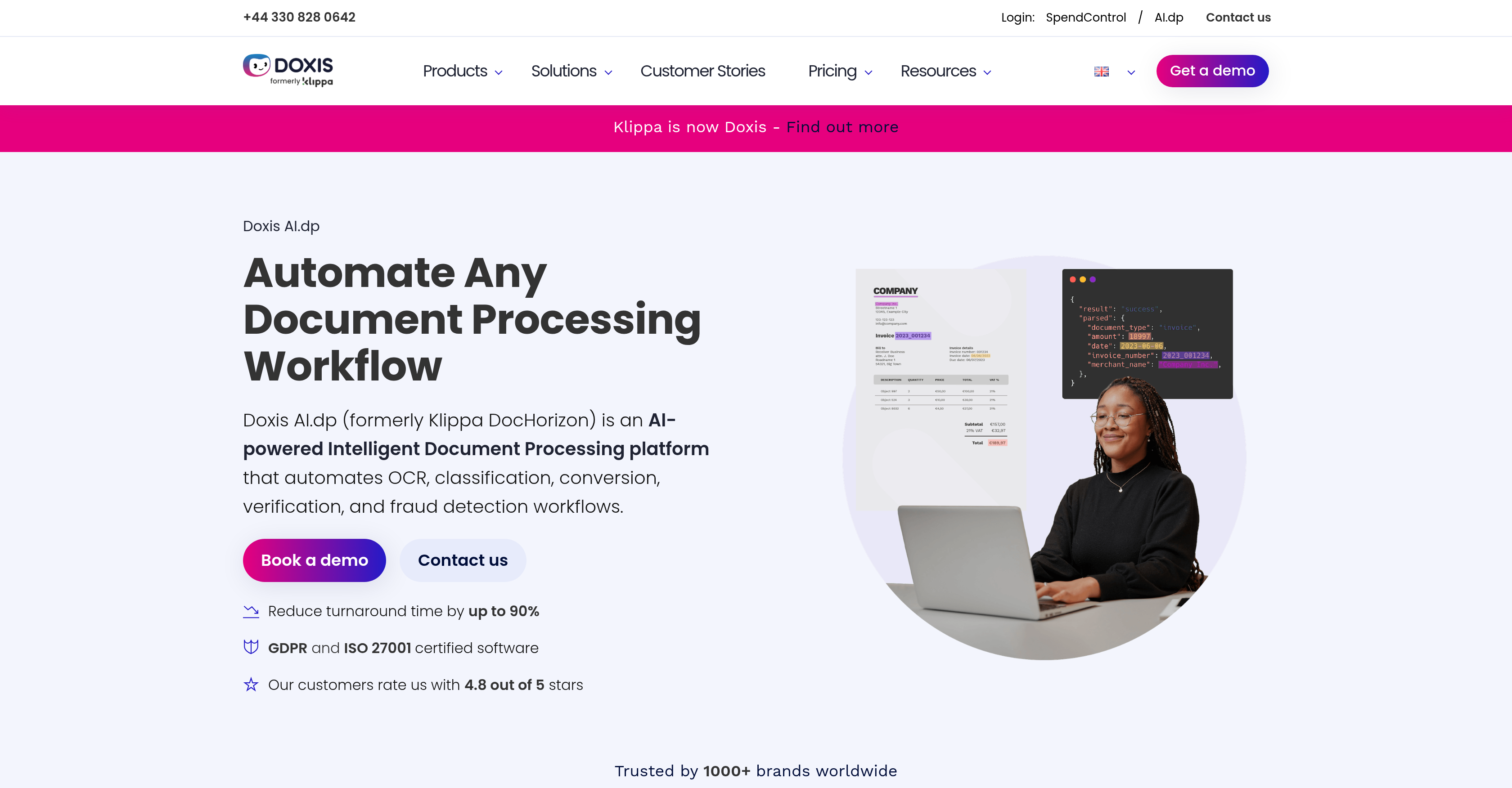
- Eliminate manual data entry and reduce processing turnaround times with AI-powered OCR and automated data extraction from invoices, forms, and IDs.
- Automate compliance-heavy processes like KYC and identity verification with specialized modules for proof of address, age verification, and document authenticity checks.
- Detect fraudulent patterns and inconsistencies in documents automatically, adding a layer of security to financial and onboarding workflows.
- Integrate processing directly into your existing software and approval workflows using flexible APIs, SDKs, and the Human-In-The-Loop Workflow Builder.
- Process sensitive customer and financial data with confidence, backed by GDPR compliance and ISO 27001 certification for enterprise-grade security.
Pros & Cons
From the listing; not yet checked by our editors.
Pros
- Streamlined document processing
- Automates OCR
- Document conversion
- Document classification
- Verification capabilities
- Fraud detection feature
- Potential for reduced turnaround times
- Variety of specialized functions
- Proof of Address module
- Identity Verification
- Fraud Detection functionality
- Age Verification capability
- API support
- SDK support
- Human-In-The-Loop Workflow Builder
- Prompt Builder Functionality
- Focus on data security
- GDPR compliance
- ISO 27001 certification
- Applicable in multiple industries
- Passport Processing
- Invoice Processing module
- Loyalty Programs
- Receipt Processing module
- Bank Statement Reconciliation
- Expires Management
- Two-Way Matching
- Back-Office Automation
- Document Archiving
- Human in the Loop Review
- KYC Automation
- Age Verification capabilities
- Customer Onboarding
- Identity Verification module
- Patient Onboarding
- Proof of Address Validation
- Proof of Income Validation
- Retail Data Collection
- Menu Data Capture
- Price Tag Data Capture
- Object Detection SDK
- Document Scanning SDK
- Utility Meter Scanning SDK
- Price Tag Scanning SDK
Cons
- Highly specialized functions
- Complex integration
- Overwhelming for occasional users
- Unknown error handling
- Needs Human-In-The-Loop workflow
- Unclear data anonymization
- Lack of transparency on pricing
- Unclear efficiency of fraud detection
- Potential over-complication of workflows
- Unclear documentation quality
Alternatives to Doxis AI
Tools that share the most tags with Doxis AI.
- Docsumo
Eliminate manual data entry and its errors by automating extraction from complex layouts like tables and forms with AI that achieves 99% accuracy
Not listed
Not listed
Not yet checked
- iScanner
Transform any paper into a crisp, professional PDF instantly with AI-powered automatic cropping, distortion correction, and background cleanup
Freemium · from $9.99/month
$9.99/month
Not yet checked
- SwiftScan
Create premium quality scans of documents, receipts, and whiteboards from anywhere using your phone's camera with automatic cropping and color optimization.
Freemium · from $4.99/month
$4.99/month
Not yet checked
- PromptLoop
Transform messy text into structured data instantly using a simple spreadsheet formula that works like SUM or VLOOKUP
Freemium · from $49/month
$49/month
Not yet checked
- SheetyAI
Create complex spreadsheet formulas instantly by describing your problem in plain English, eliminating the need to memorize syntax
Free
Not listed
Not yet checked
- SheetGod
Create complex Excel formulas and Google Sheets functions instantly by typing plain English instructions instead of memorizing syntax
Freemium · from $8/month
$8/month
Not yet checked
Related Videos

Invoice OCR with Doxis AI.dp, how does it work?
Klippa · Nov 29, 2021
Reviews
Rate this tool
Loading reviews...
Frequently asked questions
What is Doxis AI.dp?
Doxis AI.dp, formerly known as Klippa DocHorizon, is an AI-powered platform designed for intelligent document processing. It uses AI technology to automate various tasks relating to document processing, from Optical Character Recognition (OCR) and document conversion, to classification and verification.
What tasks can Doxis AI.dp handle?
Doxis AI.dp can handle a wide range of tasks associated with document processing. These include Optical Character Recognition (OCR), document conversion, classification, verification, and fraud detection. It has modules for data extraction and document verification, specialized functions for Proof of Address or Identity Verification, Fraud Detection, and Age Verification.
How does Optical Character Recognition (OCR) in Doxis AI.dp work?
The details on the specific mechanism of how Optical Character Recognition (OCR) operates in Doxis AI.dp aren't available on their website. However, OCR in general is a technology used to convert different types of documents, such as scanned paper documents, PDF files or images captured by a digital camera, into editable and searchable data.
Can Doxis AI.dp be used for document conversion?
Yes, document conversion is one of the tasks that Doxis AI.dp can handle. With this feature, users can change the format of their documents easily, improving accessibility and efficiency.
What industries effectively use Doxis AI.dp?
Doxis AI.dp can be effectively used across a wide range of industries. Financial services, healthcare, and retail are among the industries that have found great use for it. Its functionalities help simplify various business processes like invoice processing, Accounts Payable (AP) automation, and Know Your Customer (KYC) automation.
How secure is the data processed by Doxis AI.dp?
Data processed by Doxis AI.dp is indeed very secure. The AI pays considerable attention to data security and privacy, being compliant with General Data Protection Regulation (GDPR) and ISO 27001 certified. These certifications ensure that Doxis AI.dp adheres to globally recognized best practices regarding data security.
What is the 'Human-In-The-Loop Workflow Builder' in Doxis AI.dp?
'Human-In-The-Loop Workflow Builder' in Doxis AI.dp is a feature that facilitates seamless integration of its functionalities into existing workflows. The specific operation of this tool isn't provided on their website, but typically, a 'Human-In-The-Loop' system involves human intervention in automated processes, adding an extra layer of review or decision-making to ensure accuracy.
How to use the 'Prompt Builder' on Doxis AI.dp?
Details on how to use the 'Prompt Builder' on Doxis AI.dp aren't available on their website. Generally though, a 'Prompt Builder' could be a tool allowing users to create informational prompts, helping guide the use of the platform or assist in data entry tasks.