

Overview
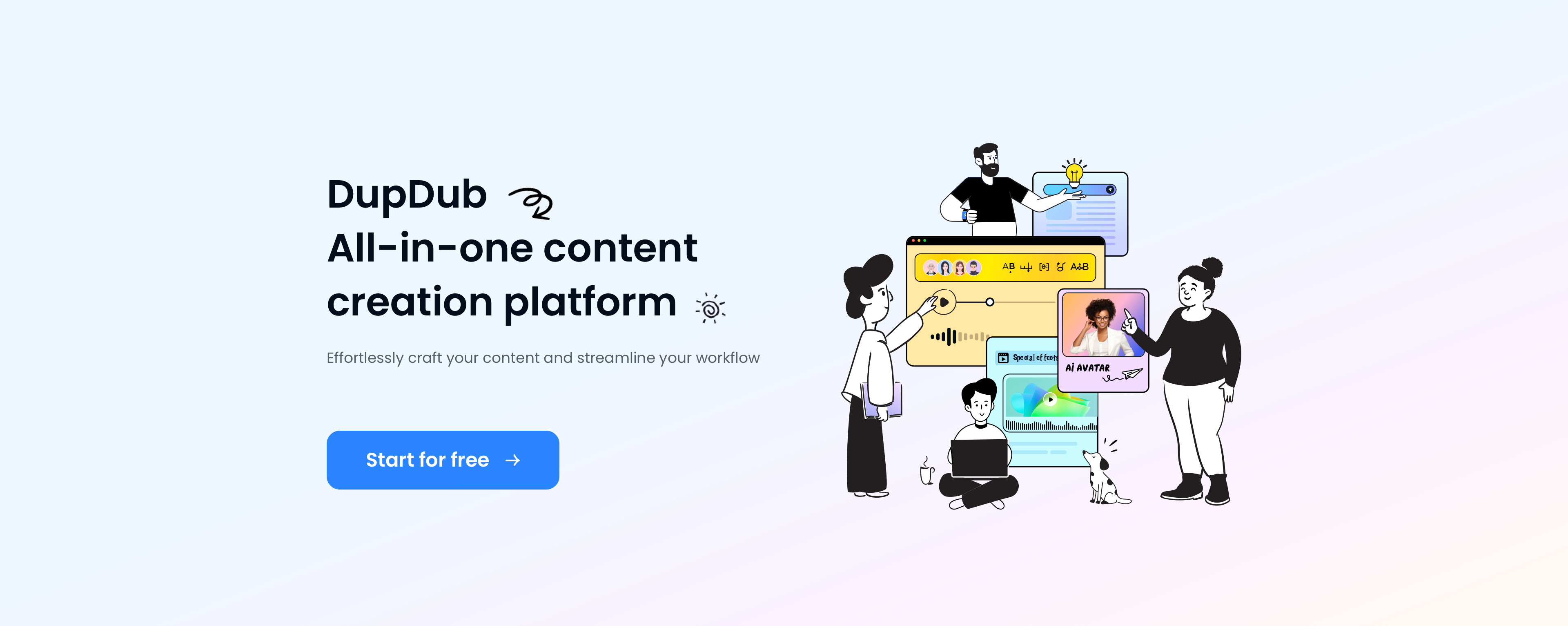
- Generate professional voiceovers in seconds with 500+ voices across 50+ languages using advanced text-to-speech technology
- Create engaging video content with multiple AI avatars in single scenes through industry-leading character generation
- Transform basic ideas into compelling narratives instantly using the AI writing assistant for faster content creation
- Produce perfectly synchronized videos with automatic subtitle alignment and transcription tools for professional results
- Download videos from any platform and convert them into editable content through the integrated video download tool
- Clone your own voice or family members' voices for personalized audio content using the voice cloning service
- Export content in multiple formats (MP3, WAV, MP4, SRT) for different platforms with commercial usage rights
Pros & Cons
Pros
- 300+ human-like voices
- 400+ voice styles
- Multiple languages and accents
- Advanced audio features
- Alias feature
- Phoneme feature
- Say As feature
- Emphasis feature
- Multiple Speakers feature
- Rhythm feature
- Pause feature
- Background music feature
- MP3 and WAV export
- MP4 export with/without subtitles
- Export with corresponding SRT files
- Transcription tool
- Translation tool
- Subtitle Alignment tool
- Video Download tool
- Engaging voiceovers creation
- 3-day free trial
- 14-day refund policy
- Superfast synthesis speed
- High quality voiceovers
- Supports a variety of emotions
- Real time text audio
- User-friendly interface
- Multiple editing features
- Integrations for video creators
- Supports commercial use
- Voice Cloning service
- Mobile and web compatibility
- Continued addition of voices
- Applicable in diverse industries
- Multiple productivity tools
- Effective for social media videos
- Popular for YouTube and TikTok
- Supports different global accents
- Instant cursor text to audio
- Quality voices and editing features
- Subscription-based models
- Excellent customer reviews
- Flexibility in voice selection
- User friendly interface for non-technicals
- Sound quality optimization
- Custom speed and pitch adjustment
- Multi-punctuation pause setting
- Batch mode editing
- Multi-functional text to speech service
Cons
- Requires Google Chrome
- Limited export formats
- May require subscription
- No mention of SDK
- Limited languages support
- No voice customization
- Limited speech styles
- No API for integration
- No offline usage
- Three-day trial period only
Reviews
Rate this tool
Loading reviews...
❓ Frequently Asked Questions
DupDub, pronounced /'dʌpdʌb/, is an AI dubbing master specifically designed for content creators. It's highly efficient at converting text to human-like speech in seconds. It provides over 300 realistic voices and more than 20 editing features, allowing the production of high-quality audio for various mediums such as podcasts, audiobooks and more.
DupDub supports a wide range of languages and accents including English, Spanish, French, German, Italian, Portuguese, Filipino, Indonesian, Russian, Korean, Japanese, and Chinese. More specifically, in English, it supports American, British, Australian, Canadian, Filipino, Hong Kong, Indian, Irish, Kenyan, New Zealander, Nigerian, Singaporean, South African, Tanzanian, and Welsh accents.
DupDub offers advanced audio features to ensure high-quality sound. These include the ability to change rate, adjust pitch, set rhythm levels, modify pronunciation, add musical effects and set background music. Other features include adding various aspects to audio like Alias, Phoneme, Say As, Emphasis, Multiple Speakers, Rhythm, Pause and Background Music.
DupDub offers over 300 human-like voiceovers to choose from.
DupDub provides multiple export formats such as MP3 and WAV (lossless) files for audio creators. For video creators, it offers MP4 files with or without subtitles, along with corresponding SRT files.
Yes, DupDub offers a three-day free trial and provides a 14-day refund policy.
For video creators, DupDub offers productivity tools such as Transcription, Translation, and Subtitle Alignment. It also has a Video Download tool that can copy links from various websites and apps.
DupDub stands out as the best online AI voice generator due to its strong technical strength, extensive voice options and high-quality editing features. It is also known for its speedy audio synthesis, diverse export formats, and an array of productivity tools.
Yes, DupDub is an excellent tool for creating content for platforms like TikTok and YouTube. The realistic and engaging AI voices it generates can significantly enhance video content and attract more viewers.
While DupDub should work on most browsers, the website suggests using Google Chrome for the best display and functionality. If pages do not display well on the user's current browser, they are encouraged to download and use Google Chrome.
DupDub offers a superfast synthesis speed, allowing you to listen to your text instantly wherever your cursor is positioned or selected. You do not need to wait for the whole paragraph to convert; you can listen to a word, sentence, paragraph or the full text in seconds.
DupDub can be used to create engaging voiceovers by simply entering or pasting text, choosing the desired language and voice, and exporting the audio. It caters to various fields, including learning and training, marketing, advertisement, YouTube/TikTok videos, audiobooks, podcasts, customer support/IVR and entertainment.
Yes, all voices available on DupDub can be used for commercial purposes.
The process to convert text to speech using DupDub is simple and done in three steps: 1. Paste or enter the text. 2. Choose the language and voices. 3. Export the audio, video or subtitle.
DupDub can be used across a variety of fields including learning and training, marketing, advertisement, YouTube/TikTok content creation, audiobooks, podcasts, customer support/IVR, and entertainment.
DupDub offers over 400 human-like styles to choose from, ensuring a broad range of voice types for various uses.
For video creators, DupDub provides additional features like Transcription to automatically transcribe video/audio to text, and Subtitle Alignment to automatically align speech in video/audio and paired scripts. It also lets you download videos by just copying links from the websites/apps.
Yes, DupDub offers a Voice Cloning service which enables you to generate audio with your own voice, or even the voices of your family members.
Yes, one of DupDub's productivity tools includes an Automatic Transcription feature. This allows you to transcribe video/audio to text accurately, helping in preparing scripts or subtitles.
Yes, with DupDub, you can download videos by simply copying links from the websites or apps.
Pricing
Pricing model
Freemium
Paid options from
$11/month
Billing frequency
Monthly
Related Videos
How to Create Amazing Content with Dupdub?
DupDub•183 views•May 29, 2025


