
EaseUS Online Video Repair
Overview
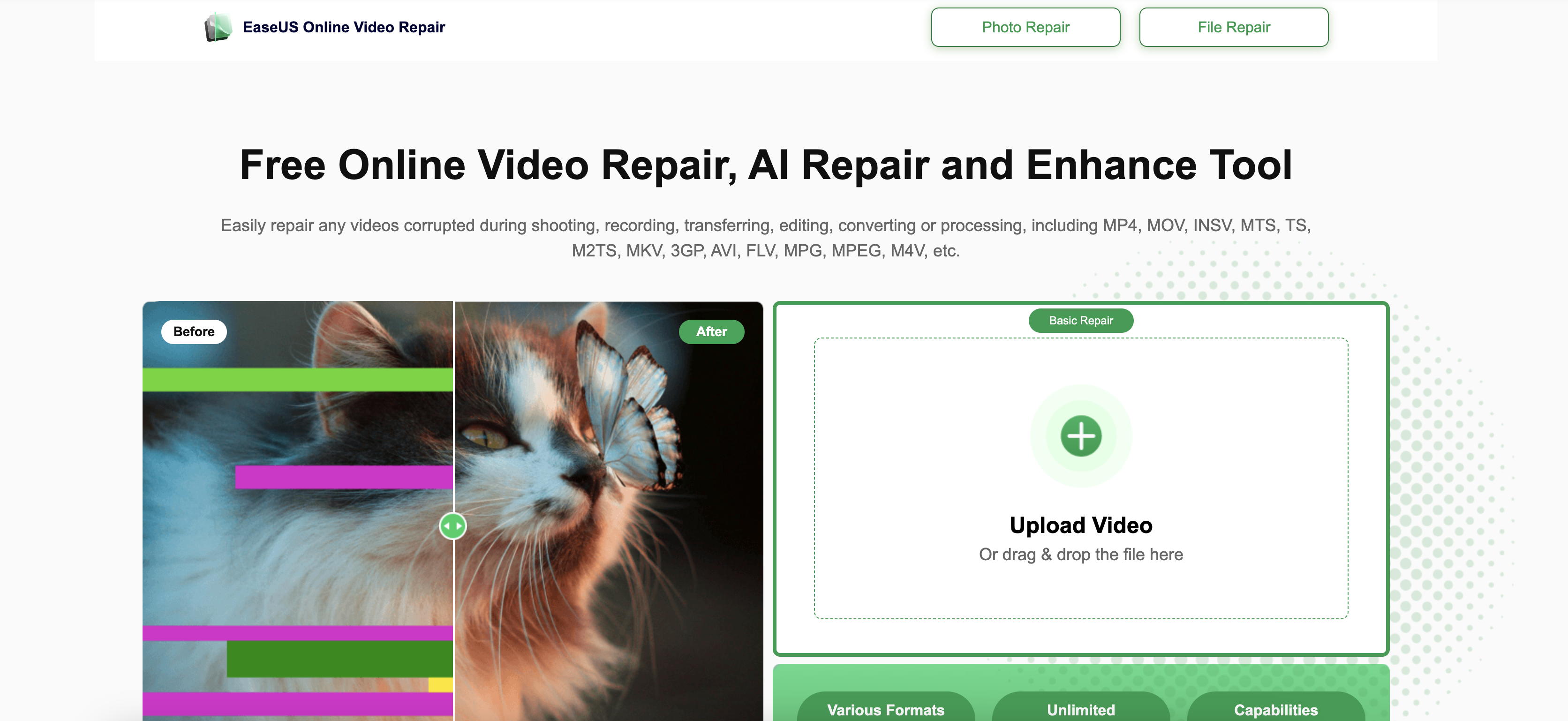
- Recover videos instantly without software installation using browser-based AI repair that works on any device
- Fix stuttering playback and audio-video sync errors through automated analysis of corrupted file structure
- Restore blurry visuals and missing audio with advanced sharpening filters that enhance video clarity
- Repair videos from cameras, smartphones, and SD cards with broad format support including MP4, MOV, AVI, MKV
- Preview repaired videos before downloading to ensure complete restoration of playback functionality
- Secure your privacy with automatic file deletion after each repair session, keeping content confidential
- Access unlimited repairs for large videos through Advanced Repair option that removes 500MB file size limit
Pros & Cons
Pros
- Free service
- MP4 support
- MOV support
- M2TS support
- Unlimited video size
- Unlimited videos
- Batch repair
- Fast repair
- Photo repair
- PDF repair
- Word repair
- Excel repair
- Advanced algorithms
- Video stabilization
- Error correction
- Content creation
- Faster repair
- Any size repair
- Multiple formats
- No watermarks
- Secure upload
- Preview before save
- Auto repair
- Easy interface
- No expertise required
Cons
- Only MP4 free
- Size limit 500MB
- One video per day
- No photo repair
- No PDF repair
- No office repair
- Limited formats
- No batch repair
- No technical assistance
- Upload required
Reviews
Rate this tool
Loading reviews...
❓ Frequently Asked Questions
EaseUS Online Video Repair is a free online tool that can fix and repair damaged, corrupt, broken, and unplayable video files.
EaseUS Online Video Repair works by uploading the corrupted video file to the website, and then the tool uses AI-powered algorithms to automatically repair the video.
EaseUS Online Video Repair supports various formats including MP4, MOV, M2TS, MKV, MTS, 3GP, AVI, FLV, and more.
Yes, EaseUS Online Video Repair can repair MP4 videos.
Yes, EaseUS Online Video Repair is free to use, but it has limitations on the number of videos that can be repaired per day and the maximum video size.
You can repair 1 video per day with EaseUS Online Video Repair.
The maximum video size that EaseUS Online Video Repair can handle is less than 500MB.
Yes, you can repair corrupted videos from your SD card with EaseUS Online Video Repair.
To fix a blurry video with EaseUS Online Video Repair, you can use the tool's advanced video sharpening filters.
No, EaseUS Online Video Repair does not support photo repair, but EaseUS has a separate tool called EaseUS Online Photo Repair.
No, EaseUS Online Video Repair does not support Word document repair, but EaseUS has a separate tool called EaseUS Online File Repair.
Yes, EaseUS Online Video Repair offers premium technical assistance with its Advanced Repair option.
You can upgrade to Advanced Repair in EaseUS Online Video Repair by downloading the Advanced Repair software from the EaseUS website.
The benefits of using Advanced Repair in EaseUS Online Video Repair include unlimited repair, faster repair, and the ability to repair videos of any size.
Yes, you can repair videos from any device with EaseUS Online Video Repair, including cameras, mobile phones, and other video devices.
No, EaseUS Online Video Repair does not support video stabilization.
To use EaseUS Online Video Repair to fix a corrupted video file, you need to upload the file to the website, start the auto repair process, and then preview and save the fixed video.
The difference between EaseUS Online Video Repair and Advanced Repair is that Advanced Repair offers more features, including unlimited repair, faster repair, and the ability to repair videos of any size.
No, you cannot use EaseUS Online Video Repair to repair videos larger than 500MB, but you can use the Advanced Repair option to repair videos of any size.
The time it takes to repair a video with EaseUS Online Video Repair varies depending on the size of the video and the speed of your internet connection.
Pricing
Pricing model
Free Trial
Paid options from
$8.90/month
Billing frequency
Monthly
Related Videos
How to Repair your Video Files for free with EaseUS RepairVideo Repair Video
MattLong6 - Gaming•2.3K views•May 6, 2023