

Overview
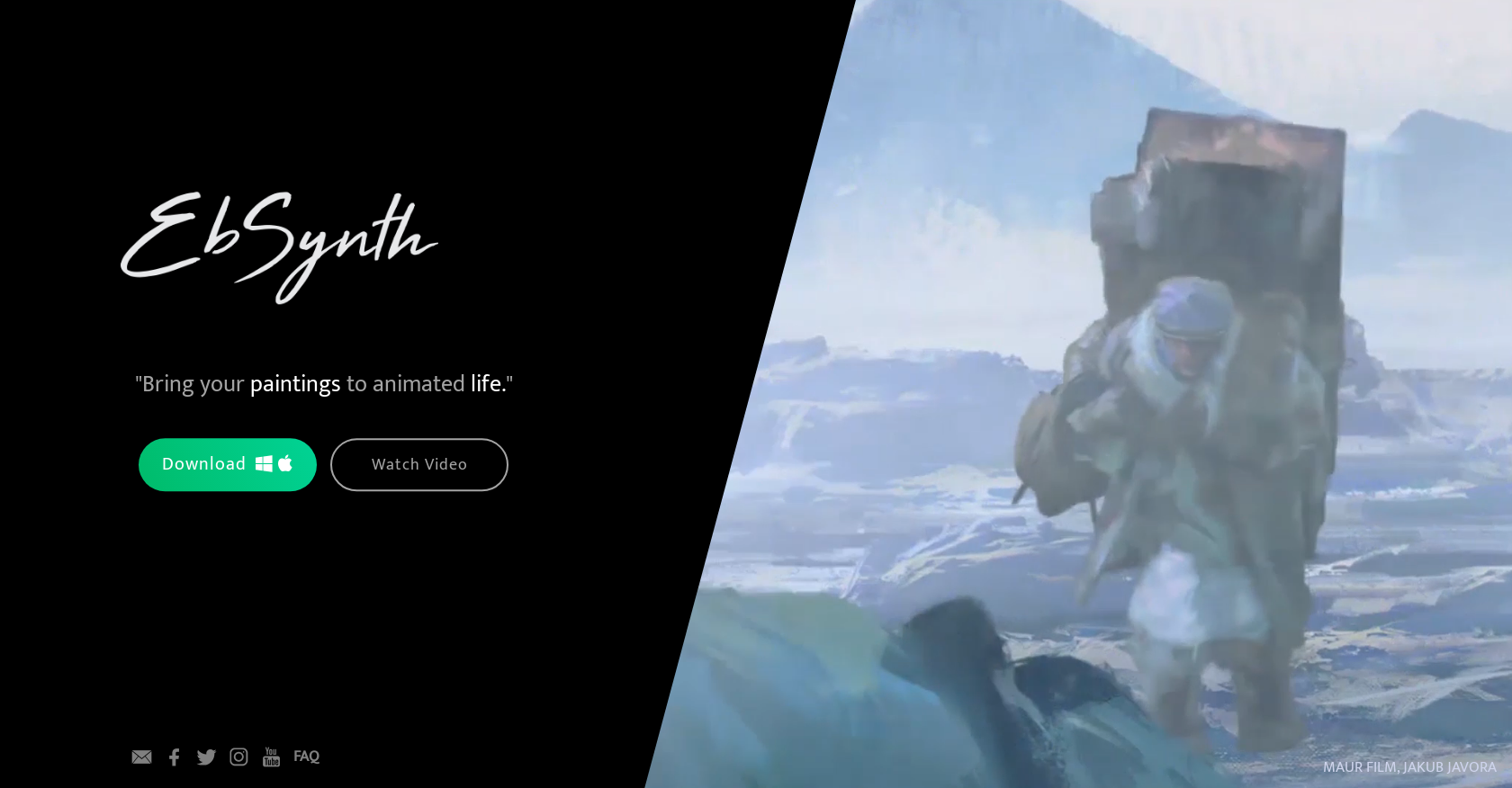
- Create complete animated videos from just one painted frame with automatic style propagation
- Transform any video length quickly without additional software or hardware requirements
- Turn static paintings into dynamic animations that bring your artwork to life
- Apply artistic styles to entire video footage using AI-powered transformation
- Download and use immediately for free on both Windows and MacOS systems
Pros & Cons
Pros
- Single frame transformation
- Artistic video editing
- Rapid propagation on videos
- Requires no additional hardware
- Easy to use
- Free download
- Regular update information
- Strong community engagement
- Allows artistic footage transformation
Cons
- No mobile version
- Lacks advanced editing features
- No API integration
- Only supports painting-based transformations
- Doesn't support real-time editing
- Limited social media engagement
- No collaboration tools
- Lacks multi-frame editing
- No one-on-one customer support
- In Beta stage (possible instability)
Reviews
Rate this tool
Loading reviews...
❓ Frequently Asked Questions
EbSynth is an AI-powered video editing tool that transforms video footage by painting over a single frame. The tool propagates the painted frame over the entire video, 'bringing your paintings to animated life'.
EbSynth works by using AI to apply the style of a single painted frame to the entirety of a video footage. This allows the user's painted artwork to be automatically propagated over any length of video content.
EbSynth differentiates itself from other video editing tools through its unique transformation mechanism - more specifically, its ability to propagate a painting over an entire video from just a single, user-painted frame. Also, it does not require any additional hardware or software to be used.
No, EbSynth does not need any additional hardware or software. The tool is standalone and self-sufficient.
EbSynth can transfer painted artwork to video footage quickly and easily, although the exact timeframe is not specified on their website.
There is no cost associated with using EbSynth. It is available as a free download.
EbSynth can be downloaded from their website.
You can connect with EbSynth on various social media platforms including Facebook, Twitter, Instagram, and YouTube.
Yes, EbSynth can transform any length of video footage. The user can quickly and easily transfer their painted artwork to any length of video footage.
Though their website primarily uses examples of painted artwork, it does not explicitly limit the transformations to painted formats only.
The video footage transformation process of EbSynth involves painting over a single frame of the video. The tool will then use this frame as a template to transform the rest of the video footage.
Yes, EbSynth has a FAQ section. It can be accessed directly from their website.
On their website, there is an option to submit your email to receive updates about EbSynth.
Yes, you can watch a video on how to use EbSynth on their website.
Yes, the current version of EbSynth available for download is a beta version.
'Bring your paintings to animated life' in the context of EbSynth refers to its unique feature of transforming static painted artwork into dynamic and animated videos.
Yes, EbSynth has a YouTube channel. You can connect to it via the link on their website.
Yes, EbSynth supports both Windows and MacOS. The download links for both platforms are available on their website.
'Transform Video by Painting Over a Single Frame' describes EbSynth's unique ability to transform an entire video by using the style of a single painted frame as a template for the entire footage.
Pricing
Pricing model
No Pricing
Related Videos
EBSYNTH V2 Just Launched! Let me show you how to use it
EbSynth•48.0K views•Sep 9, 2025


