
FaceFusion
Overview
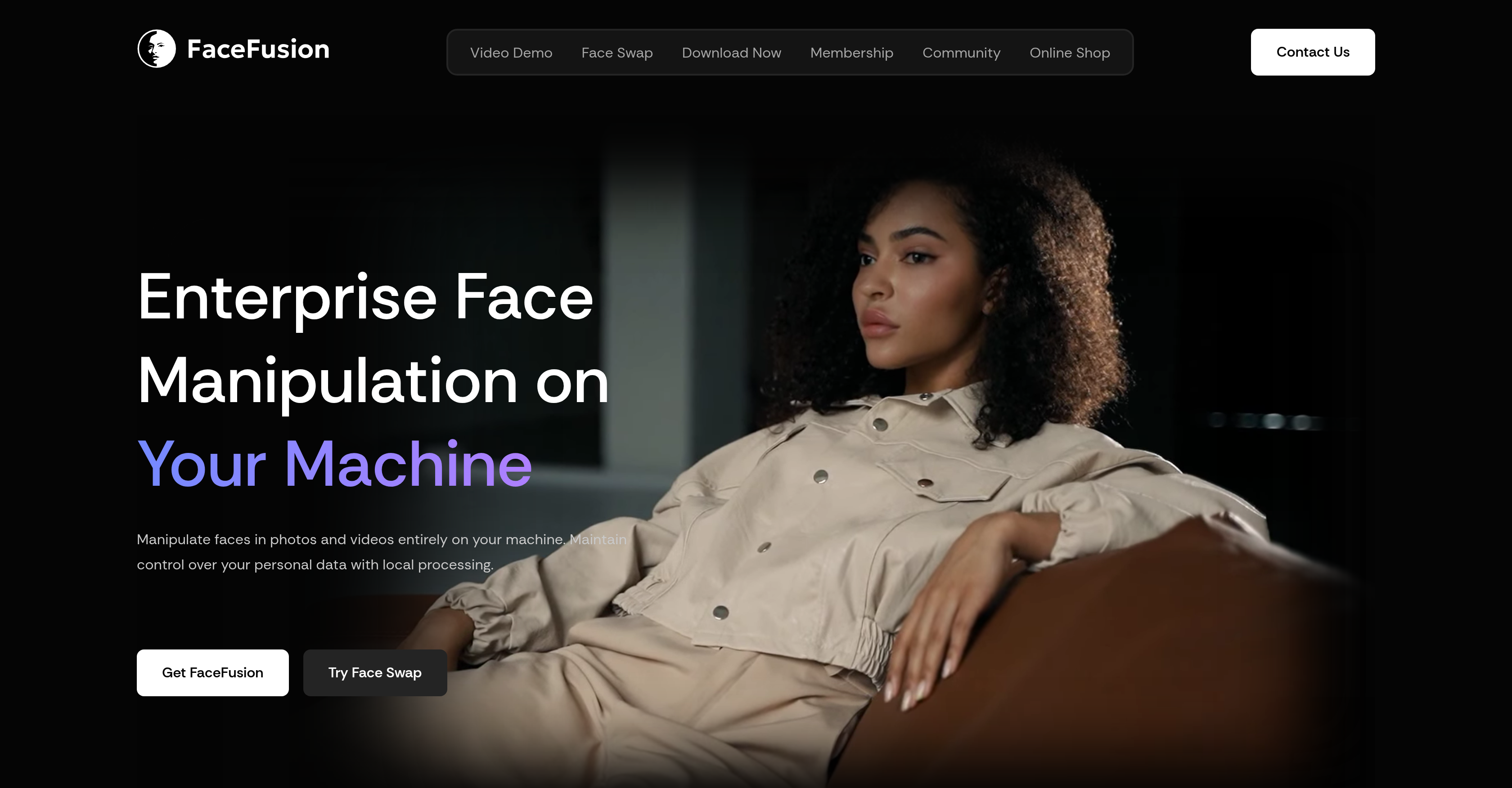
- Achieve professional-grade face swaps and transformations without cloud subscriptions using the open-source platform that runs entirely on your own hardware for complete privacy and control.
- Create realistic lip-syncing and age modifications in videos using advanced AI algorithms that analyze and manipulate facial features with high precision.
- Restore expressions and enhance facial details in any photo or video with ethnicity-inclusive and age-inclusive detection for reliable results across diverse subjects.
- Remove backgrounds and isolate faces for clean compositions using the built-in background removal feature that focuses attention on your manipulated subject.
- Access a streamlined interface with one-click installers for Windows and macOS, eliminating terminal complexity for non-technical users seeking powerful face manipulation.
Pros & Cons
Pros
- Local First
- Absolute Privacy
- Predictable Cost
- Top Performance
- Open Platform
Cons
- Requires decent hardware
- No mobile compatibility
- Manual installation is complex
- Step learning curve
- No commercial usage
Reviews
Rate this tool
Loading reviews...
❓ Frequently Asked Questions
FaceFusion is an industry-leading platform specializing in face manipulation technology. It utilizes advanced AI algorithms to modify and analyze facial images, offering users unique capabilities.
FaceFusion utilizes AI algorithms in order to modify and analyze facial images. The application of AI allows the platform to carry out complex processes such as facial synthesis, recognition, and morphing.
FaceFusion offers unique capabilities such as facial synthesis, recognition and morphing. This allows users to modify and analyze facial images effectively.
FaceFusion is commonly used in various fields, from entertainment to security solutions. It can be employed by filmmakers and special effects artists for film production, or by cybersecurity experts for identity verification or detection processes.
Yes, FaceFusion can be used for personal activities. Not limited to professional fields, the tool could be of interest to individuals needing to manipulate facial images for personal uses.
FaceFusion ensures accuracy in face manipulation through continuous improvements of their AI algorithms. It focuses on high accuracy and precision, making it an effective tool in the industry.
Yes, you can use FaceFusion for film production or special effects. It's commonly employed to generate modified images that can be highly beneficial within these contexts.
Yes, FaceFusion is effective for cybersecurity and identity verification. The technology can be leveraged by cybersecurity experts, allowing for a high level of security across various processes.
FaceFusion's interface is characterized by its streamlined design. This attribute makes the tool user-friendly and efficient for all types of users, from professionals to individuals.
The frequency of improvements to FaceFusion's AI algorithms is continuous. This ongoing enhancement process ensures ever-improving high accuracy and precision in face manipulation.
Yes, the accuracy of FaceFusion can alter as technology evolves. This continual evolution can lead to varying levels of accuracy and effectiveness.
FaceFusion sets itself apart from other face manipulation tools through its focus on maintaining high accuracy and precision in face manipulation, guided by consistent improvement of their AI algorithms. It's also unique due to its streamlined interface that is user-friendly and accessible.
Yes, FaceFusion can be used for face morphing. It offers morphing as one of its unique capabilities, showing its versatility in facial manipulation.
FaceFusion contributes to security solutions by offering features such as facial recognition which can be used for identity verification or detection processes, often utilized by cybersecurity experts.
FaceFusion plays a crucial role in facial recognition, offering this as part of its capabilities. It modifies and analyzes facial images, allowing the users to recognize distinct features or identities effectively.
Yes, you can use FaceFusion for image processing. The platform's advanced AI algorithms allow for the modification and analysis of facial images which is a form of image processing.
FaceFusion can be used for entertainment purposes in numerous ways. This could include facial manipulation for video game designs, film production, special effects, or simply individual's personal entertainment when manipulating their own images.
The benefits of using FaceFusion for face synthesis include the ability to create & modify facial images with high precision. As it uses advanced AI algorithms, the results it produces are of a higher quality compared to some other tools.
Facial analysis through FaceFusion involves the use of their AI algorithms to modify and analyze facial images. It is capable of recognizing and distinguishing specific features, which can be used in various applications.
Yes, FaceFusion can be used for both professional and personal use. It is applicable in various fields such as entertainment and security, and it can also be of interest to individuals who want to manipulate facial images for personal activities.
FaceFusion operates by using advanced algorithms and AI technologies to analyze and manipulate facial features. It has capacity for recognizing facial features, transforming and enhancing them. The platform runs locally on a user's hardware which ensures total privacy.
FaceFusion equips users with features such as face swapping, enhancing, transforming, lip-syncing, and age modification. It supports high precision and high accuracy in its operations, is ethnicity inclusive, age inclusive, and can remove backgrounds from images or videos.
FaceFusion's face recognition technology demonstrates high accuracy and precision. It leverages advanced algorithms and AI to ensure reliable recognition and manipulation of facial features.
Yes, FaceFusion can process both photos and videos. It allows users to swap, enhance, and transform faces in these media formats.
Numerous industries can benefit from using FaceFusion. Key sectors include the entertainment industry which can use it for creating realistic facial manipulations, social media for enhancing user profiles, security sector for face recognition, and biometrics for identity verification.
Yes, FaceFusion is compatible with both Windows and macOS. The platform provides dedicated installers to help users on these systems get started.
FaceFusion is not restricted to any specific age bracket. It can detect and recognize both adult and children's faces, demonstrating its broad inclusivity.
Indeed, FaceFusion is designed for professional-grade facial manipulations. It enables creators, filmmakers, and developers to achieve industry-leading results without relying on the cloud.
Yes, FaceFusion does support lip-syncing and age modifications. It allows users to manipulate these facial attributes using AI and advanced algorithms.
FaceFusion is inclusive of all ethnicities. It is designed with algorithms that can detect and recognize facial features across different races and ethnic groups.
FaceFusion upholds user privacy by operating locally on the user's own hardware. All face manipulation tasks are conducted on the user’s device, precluding the need for cloud dependencies.
The user interface of FaceFusion is designed to be user-friendly. Even users not comfortable with using a terminal can set up and operate the platform effectively.
FaceFusion runs locally on your hardware – it does not rely on cloud-based storage. This ensures user privacy, as the platform does not require data to be shared or stored on external servers.
The FaceFusion community is dynamic and active with over 43,000+ Discord members. On GitHub, it has received more than 25,500 stars, indicating its popularity amongst users and developers.
AI and machine learning play an integral role in FaceFusion. The platform utilizes these technologies for facial recognition, image processing, and the manipulation and enhancement of facial features.
No, you do not need to be comfortable using a terminal to operate FaceFusion. The platform provides Windows and macOS installers that simplify the setup and operation process.
Yes, FaceFusion has a background removal feature. It allows users to remove the background from images or videos enhancing focus on the manipulated facial features.
FaceFusion is the preferred choice for developers and creators thanks to its advanced face manipulation capabilities, high-precision results, local-run privacy feature and inclusive design. It's versatile, offering a range of features like lip-syncing, age modification, and background removal.
FaceFusion provides high precision and accuracy in facial feature detection and manipulation. By using artificial intelligence and machine learning, it delivers reliable and professional-grade results.
Pricing
Pricing model
Free
Paid options from
Free
Related Videos
FaceFusion 3.5.0 Is Finally Here! Easy GPU Installation + Powerful New Features
Social&Apps•13.5K views•Nov 5, 2025