FastGantt
Overview
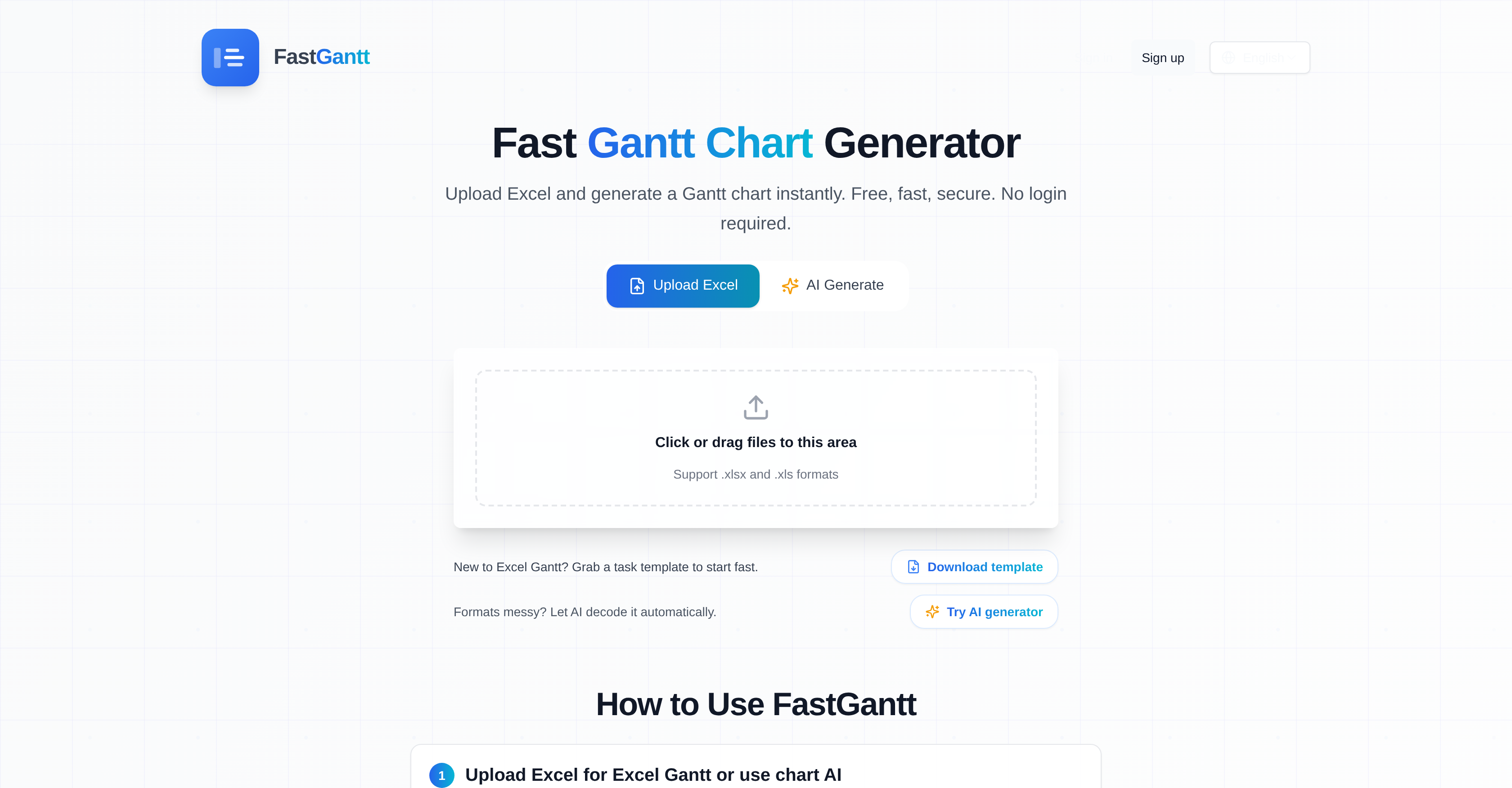
- Transform messy Excel files into clear project timelines instantly with AI-powered header recognition and date format adaptation
- Convert plain text instructions into professional Gantt charts automatically using the AI Text-to-Chart feature
- Share progress visually with stakeholders by exporting customized charts as PNG images or editable Excel files
- Adjust project views for different reporting needs with Day, Week, and Month view mode switching
- Create professional charts without design skills through customizable color schemes and label adjustments
- Start charting immediately without account creation using the free tier with substantial functionality
Pros & Cons
Pros
- Excel spreadsheet upload
- Instant Gantt chart visualization
- Supports .xlsx and .xls
- Recognizes header synonyms
- Customizable charts
- Day, week, month views
- Exportable as Excel or PNG
- Excel templates available
- Decodes messy file formats
- No sign-up required
- Both free and paid tiers
- Understands various date formats
- One task per row
- Color and label adjustments
- Team communication facilitation
- Fast chart generation
- Online-based tool
- Handles text instructions
- Protects data privacy
- Email support available
Cons
- Only supports .xlsx, .xls
- Limited color and label customization
- No sign-up feature, data security
- No direct team communication integration
- Only Gantt chart visualization
- No text-to-Gantt for messy formats
- No support for other date formats
- Single task per row required
- No support for other chart exports
- Free version limits to 10 rows
Reviews
Rate this tool
Loading reviews...
❓ Frequently Asked Questions
You can upload .xlsx and .xls files to FastGantt.
FastGantt offers AI features that convert plain text into a Gantt chart, and also decode and correct messy file formats.
Yes, FastGantt allows you to customize the colors and labels in your Gantt charts.
FastGantt does support a variety of date formats, ensuring a wide range of file formats can be accommodated.
Yes, once a Gantt chart is completed on FastGantt, you can download it as an Excel file for easy sharing.
FastGantt supports day, week, and month views, giving users multiple options to choose from based on their preference.
The Text-to-Chart feature in FastGantt works by taking plain text input from the user and converting it into a Gantt chart using AI technology.
Yes, FastGantt has the capability to decode and correct messy file formats using its AI feature.
FastGantt does offer Excel templates. These templates provide a ready format to initiate the creation process of Gantt charts, especially helpful for those new to Gantt charts.
FastGantt recognizes various synonyms for column headers such as Task/Name, Start/Begin, End/Due, and Progress/%.
FastGantt does offer options for automated Gantt chart creation. Its AI feature allows for the conversion of plain text into a Gantt chart, aiding users who prefer more automated processes.
FastGantt offers data visualization capabilities through its Gantt chart generation. Users can see their tasks organized into clear, customizable Gantt charts based on the data imported.
Yes, FastGantt does offer the option to export your Gantt chart as a PNG image for easy sharing.
FastGantt can interpret data from your Excel sheets, recognizing synonyms for column headers and a variety of date formats.
FastGantt supports .xlsx and .xls file formats for import.
The AI feature of FastGantt provides users with the ability to convert plain text into a Gantt chart, and decode and correct messy file formats, facilitating a smoother, more efficient chart creation process.
While FastGantt does provide an Excel template for easy chart creation, it also recognizes various synonyms for column headers such as Task/Name, Start/Begin, End/Due, and Progress/%, meaning a specific format is not strictly necessary.
FastGantt's AI feature can help with task scheduling by decoding and interpreting data from uploaded Excel files and transforming it into visually accessible Gantt charts.
Yes, FastGantt can make Excel to Gantt conversions, swiftly creating Gantt charts from .xlsx and .xls files uploaded by users.
FastGantt provides several types of support for new users. It offers Excel templates for those who are new to Gantt charts. In addition, the platform's AI capabilities can decode and correct messy file formats making it easier for users to start creating their charts.
FastGantt is a user-friendly online tool that enables users to swiftly create Gantt charts from Excel files. Its unique selling point is its AI feature which can convert plain text into a Gantt chart and decipher complex, messy file formats.
Users upload an Excel file in either .xlsx or .xls format to FastGantt. The tool then automatically recognizes header synonyms and data to generate a Gantt chart. Users can customize their charts and then switch between day, week, and month view modes. Once the chart is ready, users can export the chart in either Excel or PNG format for easy sharing.
FastGantt supports .xlsx and.xls Excel file formats.
FastGantt offers unique features like the ability to convert plain text into a Gantt chart using AI, decoding and correction of messy file formats, customizable labels and color schemes for Gantt charts, and adjustable views for day, week, and month modes. It also allows for easy export of the created Gantt charts in Excel or PNG formats.
FastGantt's AI feature uses advanced algorithms to translate plain text into a Gantt chart. It also deciphers complex or disordered file formats, and can interpret messy files correctly.
FastGantt supports different date formats and automatically adapts to whatever format the user's data may be in.
Yes, users can adjust the color scheme and labels of the Gantt charts created by FastGantt.
The Gantt charts created in FastGantt can be exported either as an Excel file or a PNG image, offering an easy way to share and communicate task schedules.
FastGantt offers day, week, and month view modes of the Gantt charts, depending on user preference, to help track progress over time.
The AI-assisted file interpretation feature in FastGantt is a unique function that allows it to interpret and correct messy or complex file formats. It uses artificial intelligence to decode the files, making it easier to convert text instructions into an organized Gantt chart.
No, FastGantt does not require a user signup. Its functionality can be accessed freely without requiring an account.
Plain text can be converted into Gantt charts by using FastGantt's AI feature. Users simply switch to AI mode and upload the text. The AI then interprets the content, combining it with user instructions to build a clean Gantt chart.
Yes, FastGantt provides an Excel template for users to grab and initiate their Gantt chart creation process swiftly.
Yes, FastGantt offers a Free tier that allows users to create Gantt charts, adjust labels, and download PNGs or export Excel files for the first 10 rows of data.
FastGantt offers paid tiers as well. The Pro tier, priced at $7.9/month, includes features like high-definition PNG downloads, extended row limit up to 100, and unlimited AI text-to-Gantt conversions. They also offer a '30 Credits' plan for $4.9 where you pay per use.
Changing the color scheme and labels in FastGantt is straightforward. Users have the freedom to adjust colors and labels when previewing their Gantt chart online to suit their preferences.
FastGantt uses its AI features to automatically recognize and match synonyms for header titles such as 'Task' as 'Name', 'Start' as 'Begin', 'End' as 'Due', and 'Progress' as '%'.
FastGantt's AI capability is equipped to interpret and clean up messy file formats. By switching to AI mode and uploading the file, the AI processes the file, understanding and organizing the content into a neat Gantt chart.
FastGantt can facilitate team communication by allowing users to download and share their generated Gantt charts in PNG or Excel formats, making progress updates accessible and understandable for all team members.
FastGantt offers advanced features like AI-assisted file interpretation, adjustable labels and color schemes, view mode switching between day, week, and month, and the ability to export charts in both Excel and PNG modes. It also provides a template for beginners, supports header synonym recognition, and can accommodate messy file formats.
Pricing
Pricing model
Free Trial
Paid options from
$7.90/month
Billing frequency
Monthly
Refund policy
No Refunds