Online Gantt
Overview
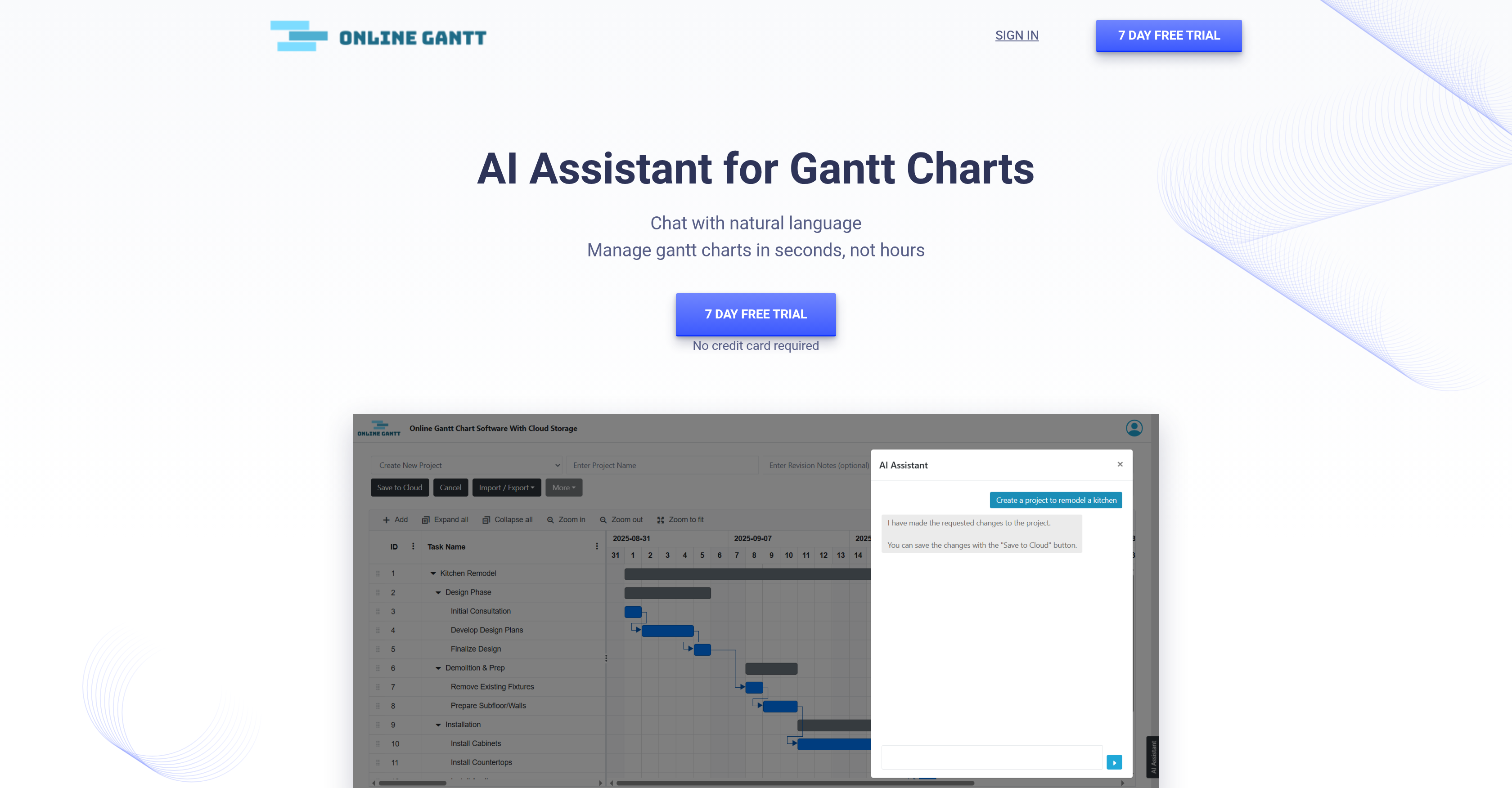
- Instantly update project timelines and dependencies by typing requests in plain language, eliminating manual drag-and-drop adjustments
- Create complete Gantt charts from scratch using prompts or meeting notes, accelerating project setup from a blank slate
- Receive real-time answers about blocking tasks and risk dependencies, providing immediate clarity on project health
- Optimize team capacity by asking about workload distribution, ensuring balanced assignments and preventing burnout
- Shift deadlines and mark progress with simple commands, keeping your project schedule dynamically accurate without complexity
Pros & Cons
Pros
- Manage Gantt charts with natural language
- Quickly create templates from ideas or notes
- Bulk edit tasks in seconds
- Instant revisions for timelines and dependencies
- Get answers to blockers, risks, and workloads
- 7-day free trial with no credit card required
- Affordable $8/month pricing per user
- Beginner-friendly, no prompt expertise needed
Cons
- Focused only on Gantt chart workflows
- Limited to features provided in Online Gantt cloud
- Not as flexible as full project management suites
- Requires subscription for full functionality
Reviews
Rate this tool
Loading reviews...
❓ Frequently Asked Questions
No, your data will never be used for AI training.
No, you can simply type in natural language. The AI understands and applies changes directly.
The tool costs $8 per user per month and includes Online Gantt Cloud plus the AI assistant.
Yes, there’s a 7-day free trial with no credit card required.
The assistant can answer questions about blocking tasks, potential risks, workload distribution, and other project health indicators.
Pricing
Pricing model
Free Trial
Paid options from
$8/month
Billing frequency
Monthly